Best AI Tools for School in 2026
reviewed by Jo-ann Caballes
Updated on August 14, 2026
Key points
Ignoring AI today is like ignoring digital photography in the analog world. But as parents are still responsible for budgeting the child’s time near technology, picking the right AI tools for education is key. This guide compares 15 platforms (both free and paid) — from AI assistants to hands-on support like an online math tutor — to help you make a solid choice.
Best AI Tools for School: Comparison
| Free tier | Human tutor | Best for | Starting price | |
| Brighterly | ✅ Demo lesson, worksheets, diagnostic tests | ✅ | Human-first tutoring (math, reading, writing), reinforced with AI | From $17.70/lesson (12-mo plan, 2 lessons/week, 20% discount applied) |
| Khanmigo | ✅ Free for teachers and via Khan Academy | ❌ | Support in problem-solving | From $4/month |
| Synthesis Tutor | ✅ 7-day free trial only | ❌ | Gamified, AI-only math practice for younger kids | From $9.92/month (annual plan) |
| ChatPDF | ✅ 2 documents per day | ❌ | Summarizing content from PDFs | From $6.99/month |
| ChatGPT | ✅ Limited chats | ❌ | Generating instant answers | From $8/month |
| Perplexity AI | ✅ Basic research | ❌ | Deep research with cited sources | From $20/month |
| Gemini | ✅ Free month for students | ❌ | Test prep and Google tools integration | From $19.99/month |
| Microsoft Copilot | ✅ Basic features only | ❌ | Analyzing content in Microsoft files | From $9.99/month |
| ReadAlong | ✅ 100% free | ❌ | AI reading tutoring | Free |
| Quillbot | ✅ Basic editing | ❌ | Paraphrasing and grammar check | From $19.95/month |
| Photomath | ✅ Basic solutions | ❌ | Step-by-step math solutions | From $9.99/month |
|
Wolfram| Alpha |
✅ Basic calculations | ❌ | Advanced math computations | From $9.99/month |
| NotebookLM | ✅ 30-day trial | ❌ | Getting answers from your own files | From $9.99/month |
| Canva | ✅ Limited for students, full package for schools | ❌ | Designs and presentations | From $15/month |
| Wixie | ✅ 30-day trial | ❌ | Creative collaborative projects | From $1.65/month (billed annually) |
Explore Brighterly Learning Experience
Learn exactly how Brighterly helps students thrive through expert sessions, online tools, and proven feedback from thousands of satisfied parents
How to choose the right AI tool
- Treat your learning strategically: Don’t try to find the best AI app to free you from learning. Identify the most problematic steps in the process and choose the tool to support them — there are plenty of creative ways to use AI for learning beyond just getting answers.
- Check age requirements: Go to the Privacy Policy or Terms of Service of the chosen tool and see their age restrictions. For example, ChatGPT and Perplexity are 13+, while ReadAlong is designed for everyone)
- Try free version: Each tool in this list (including the paid ones) offers ways to try their service for free. If it’s a free trial, test AI with different tasks to see its potential and accuracy.
- Check if the school allows it: Before deciding to incorporate it into the learning process, double-check if your school is OK with that. More and more teachers are now skeptical about ChatGPT, while some educational institutions purchase access to this Edtech and other machine learning tools.
- Don’t delegate completely: Remember that AI is for support. It’s not yet reliable to take over the complete learning process or replace a human mentor in it.
Exploring alternatives?

Brighterly
Best for: parents seeking a learning platform that combines human and AI-powered tutoring for kids
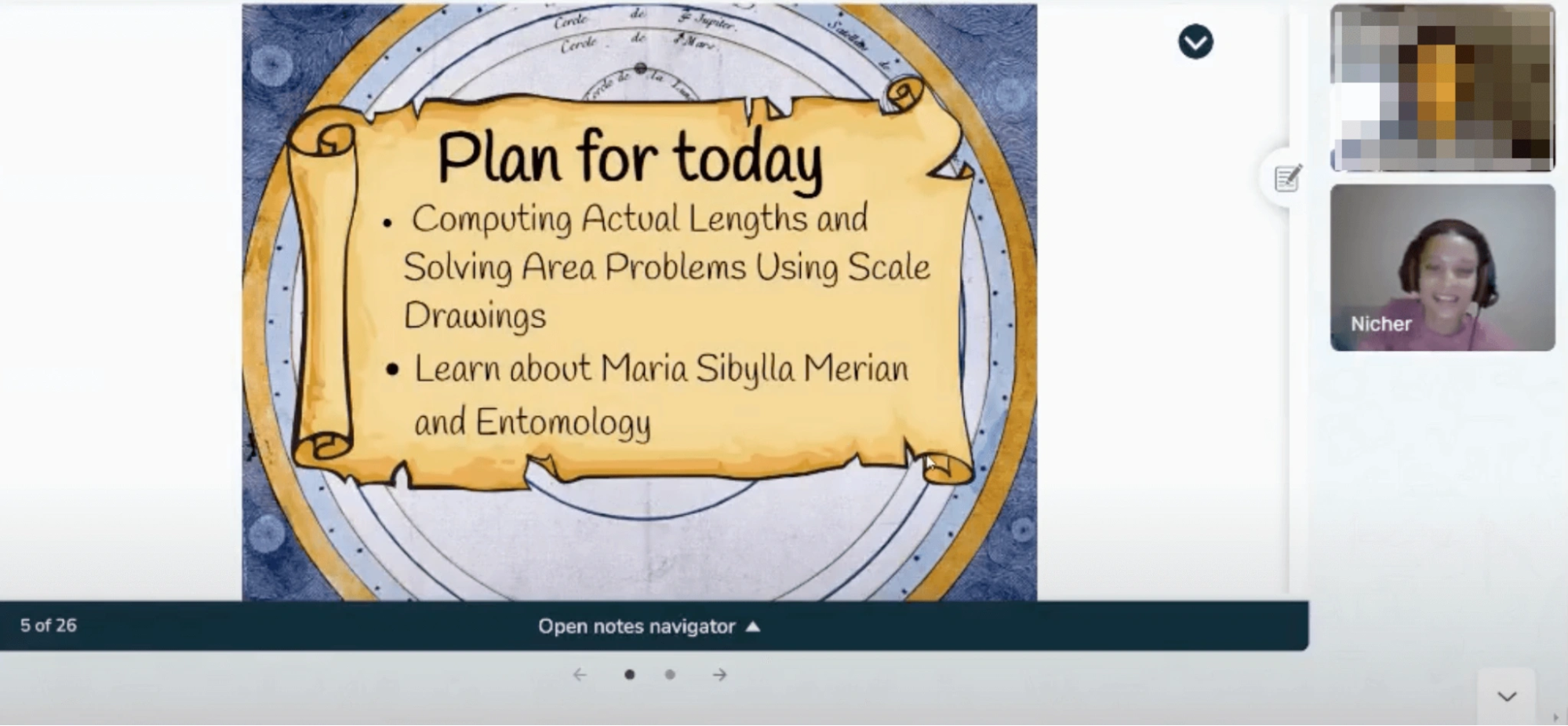
Brighterly is a school-supplemental K-12 online math and reading program for kids built on a foundation-first approach — mastering skills through personalized 1:1 teaching, fully aligned with U.S. state standards, and reinforced by AI.
Key features
- AI Lesson Summaries after online writing classes and math/reading lessons
- Personalized learning plans adjusted to your kids’ learning style and needs
- Plenty of free materials for reading and math homework help (worksheets, diagnostic tests, Knowledge Base, etc.)
AI Lesson Summaries: a rewind button for learning
According to research on the Ebbinghaus forgetting curve, children can lose up to 70% of recently covered material if they don’t revisit it shortly after learning it. Brighterly’s AI Lesson Summaries, currently in beta, are built to address that gap.
After each lesson, the tool analyzes the session and generates a short, kid-friendly recap: the key math or reading concepts covered, the milestones reached, and a simple at-home activity tied to what was learned.
The full version is expected to roll out by the end of 2026, with plans to add self-practice tools shaped by each student’s summary — surfacing specific areas to review and directing kids to matching at-home practice material.
Price
After a free demo lesson, Brighterly offers subscription plans priced per lesson, based on plan length and lessons per week. With a 20% discount applied, prices range from $17.70 to $21.90 per lesson — the lowest rate applies to a 12-month plan with 2 lessons per week.

Try AI-powered human math and reading tutoring
Brighterly platform gives new students a free lesson to try the service
Khamingo
Best for: parents looking for an AI tool to support kids in learning, without giving them quick answers
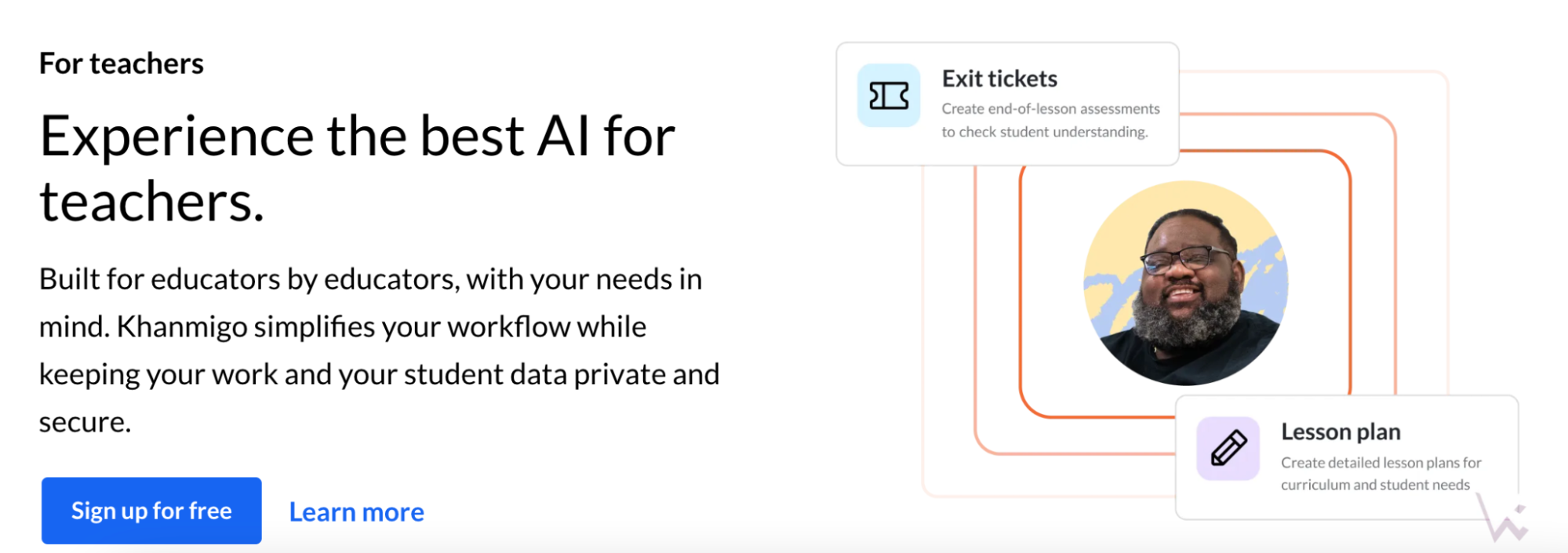
Khamingo is the AI tool for studying from Khan Academy, a platform with plenty of free courses. As a parental support platform, it uses the Khan Academy library to provide homework support for kids, which is especially useful for homeschooling.
Key features
- Instant academic help from Khan Academy course materials
- Focus on deep learning over providing quick answers, encouraging kids to apply their problem-solving skills
- 24/7 online virtual tutor (GPT-4 model)
- Parental support database with over 20 tools
Price
Khamingo Parent Subscription costs $4 per month or $44 per year.
QuillBot
Best for: essay help and quick editing of the written text
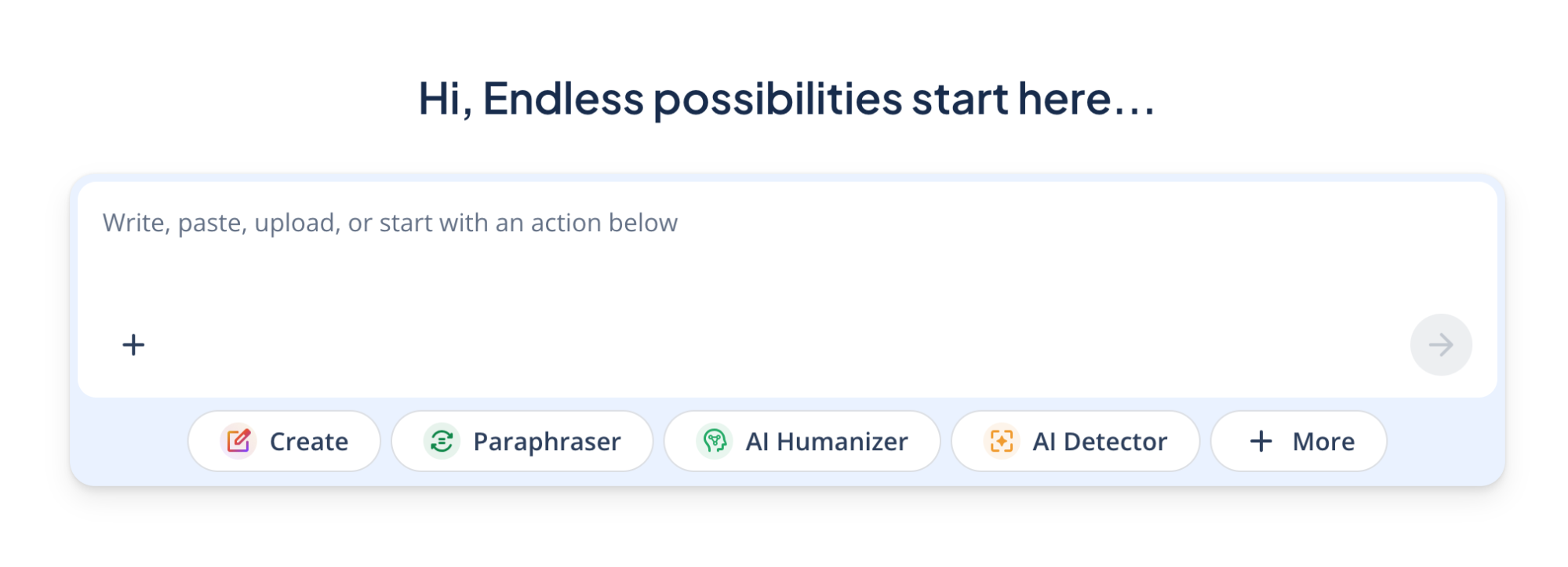
QuillBot is the best free AI tool for improving written or AI-generated text, with a focus on paraphrasing odd and non-natural phrases. Other uses of this AI writing assistant include text humanizer, grammar, and spelling check.
Key features
- Paraphrasing suggestions in the written text
- Plagiarism detector
- Grammar checker AI detector and Humanize AI
- Limited writing creation tools
Price
QuillBot offers a free plan, or you can upgrade to Premium for $19.95/month, $39.95 every three months (~$13.32/month), or $99.95/year (~$8.33/month).
Synthesis Tutor
Best for: parents of younger kids (roughly ages 5–10) who need math practice to feel like a game rather than a worksheet
Synthesis Tutor is an AI-powered math practice app built around adaptive, voice-guided lessons and interactive, game-like problem-solving. Unlike Brighterly, it has no live instructor — the entire session is AI-only. For a closer look at how it performs, see our full Synthesis Tutor review.
Key features
- Adaptive AI sequencing that adjusts to a child’s pace and surfaces gaps automatically
- Multi-sensory, game-like lessons focused on visual and interactive models over drills
- Progress reports for parents
- 7-day free trial before committing to a paid plan
- No human tutor — instruction and feedback come entirely from AI
Price
Synthesis Tutor covers up to 7 kids per plan. For a full pricing breakdown and how it compares to alternatives, see our Synthesis Tutor cost guide.
ChatPDF
Best for: students who need to read multiple research papers in PDF fast
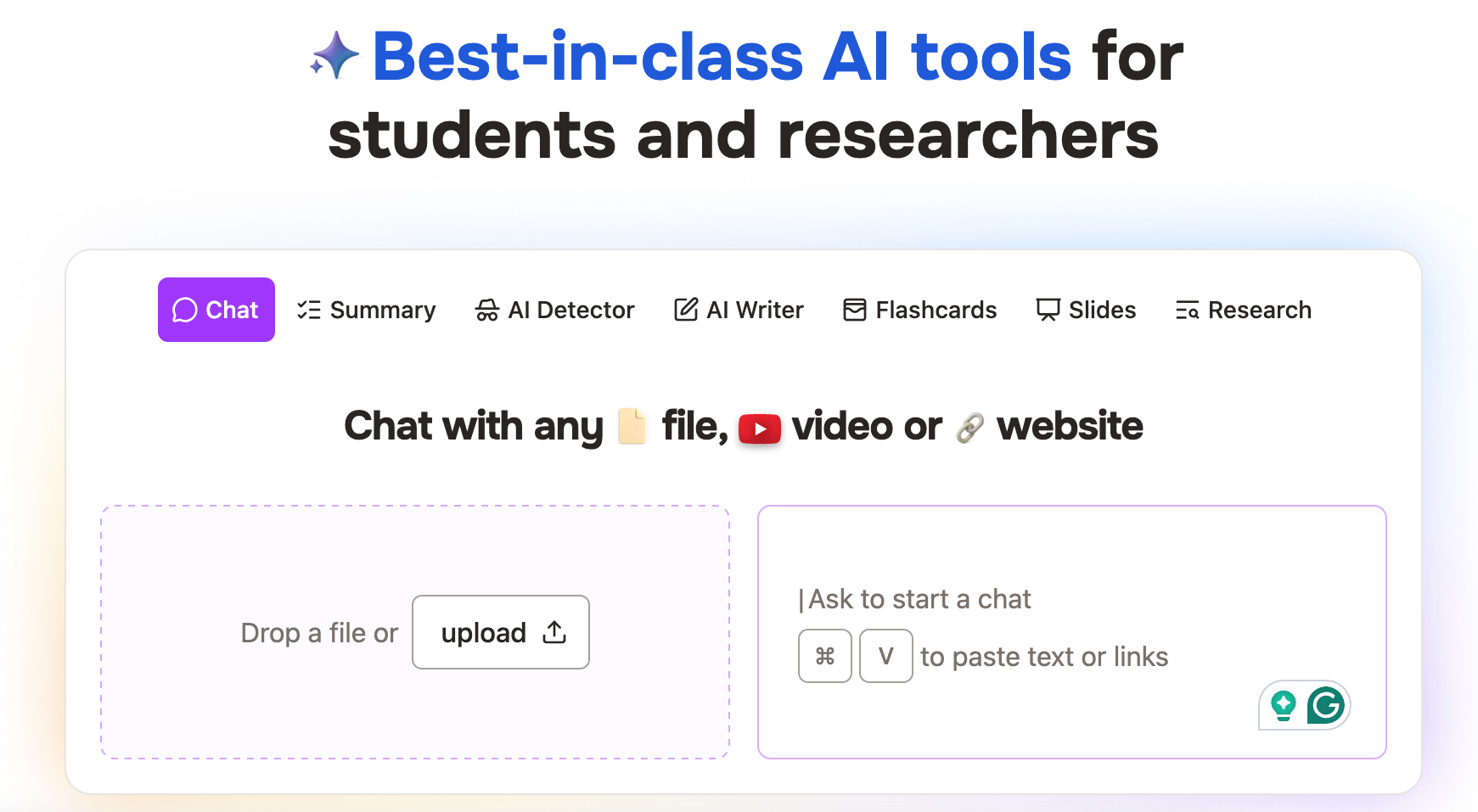
ChatPDF AI was designed to make reading long texts faster. In addition to getting a summary, this tool lets learners ask questions about the PDF content from different files uploaded. In addition to PDFs, this tool supports video and website content.
Key features
- Summaries for PDF files
- Language translator
- Additional support for Word (.doc, .docx), PowerPoint (.ppt, .pptx), Markdown (.md), and Text files (.txt) formats
- AI writer and detector
- Flashcards and slides creator
Price
ChatPDF lets you analyze two documents per day for free. To unlock more features, you can get the Plus plan starting from $6.99 per month.
ChatGPT
Best for: instant AI support for different learning goals, from initial research to how to write an essay requests
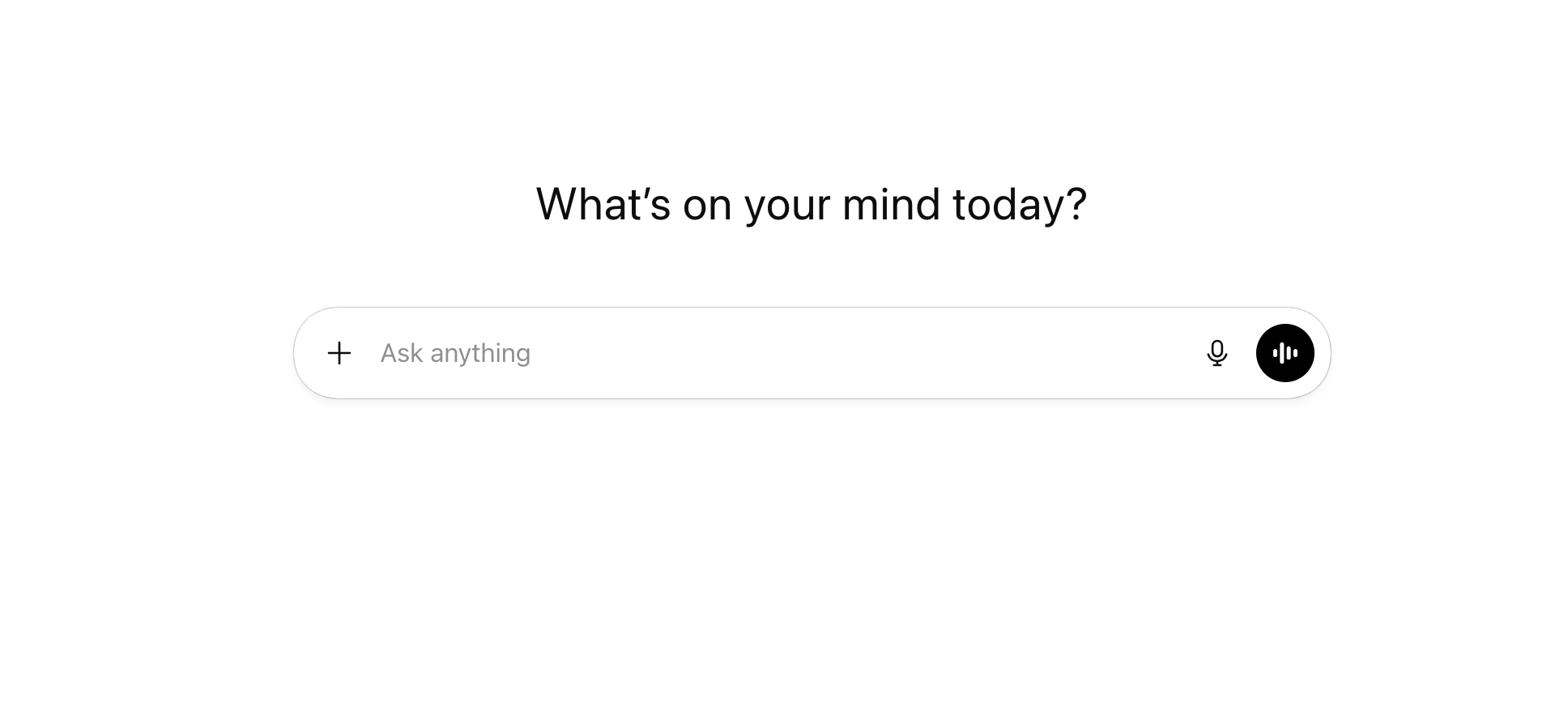
ChatGPT is one of the most used AI tools for studying these days, and its universal applicability is the reason behind its popularity. Notwithstanding frequent discussions on Reddit regarding its ethical use, ChatGPT remains a great study assistant with multiple helpful features.
Key features
- A generative AI chatbot providing quick answers to anything
- Instant writing and research help study tools
- Language translator
- Ideas generator
- Grammar checker tool
- Virtual tutor
- Needs checking as it may hallucinate and offer misleading information
Price
ChatGPT is among the best free AI tools as of March 2026. Still, if you plan on using it frequently and get access to more models, features, and a personal agent, you can go for the paid subscription starting from $8 per month.
Perplexity AI
Best for: deep research and citing sources for thesis papers
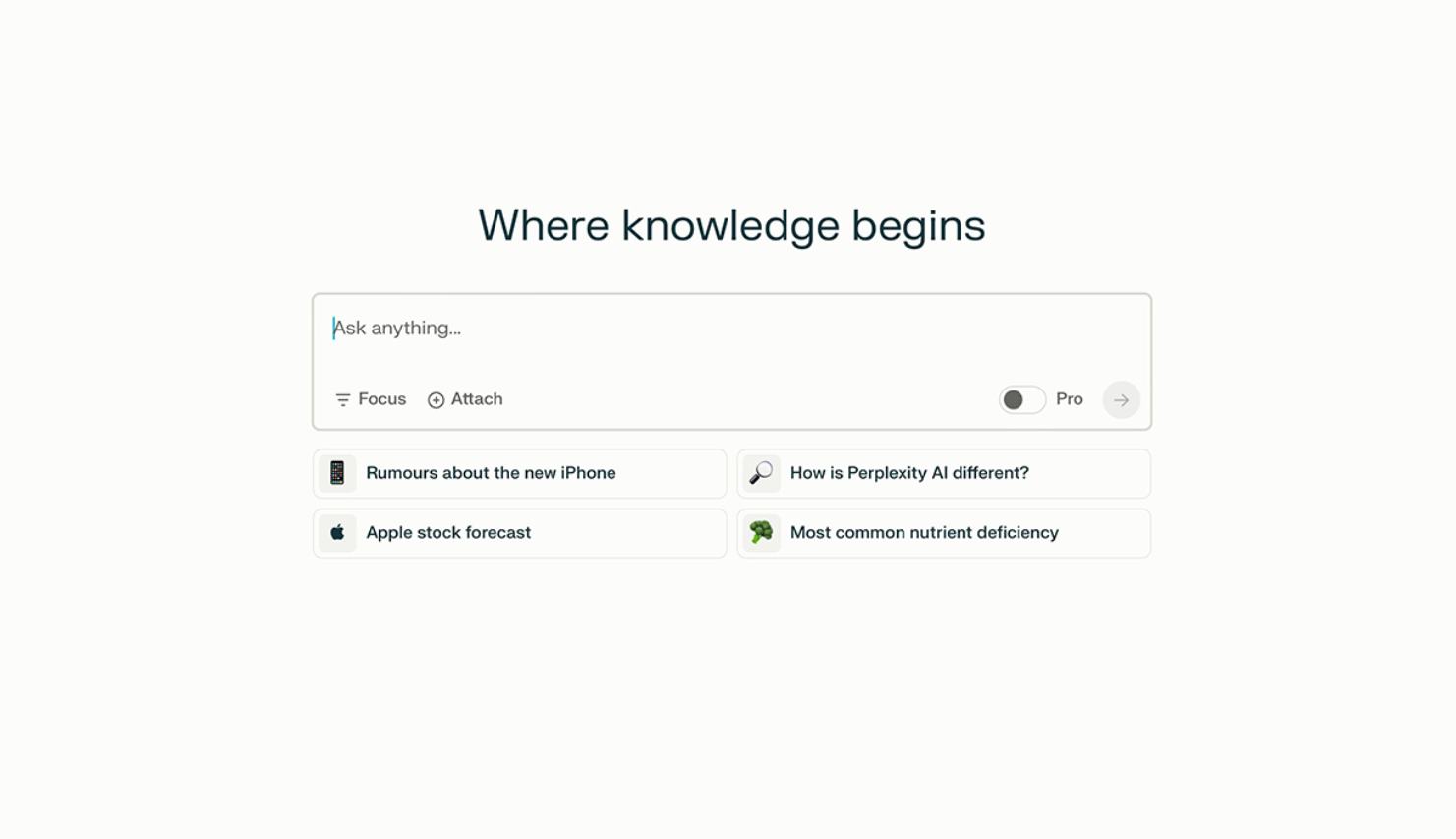
Perplexity AI specializes in generating deep research answers to any questions for school, studying, and academic purposes. This research assistant is good at summarizing articles and assisting in the research stage of writing any academic paper.
Key features
- Deep research answers with cited sources
- My Spaces feature for collaborative projects and study groups
- Article summaries
- Report generation
- May hallucinate, thus requires manual double-checking
For students ready to go beyond search, agentic AI tools can take the research a step further — not just finding answers, but executing tasks across multiple steps on the student’s behalf.
Price
Students can access Perplexity AI for free. With the paid subscription starting from $20 per month, you can access advanced AI models, generate files and images, and enhance data privacy.
Google Gemini
Best for: learners seeking an alternative to ChatGPT or a tool with similar functionality to cross-check it.
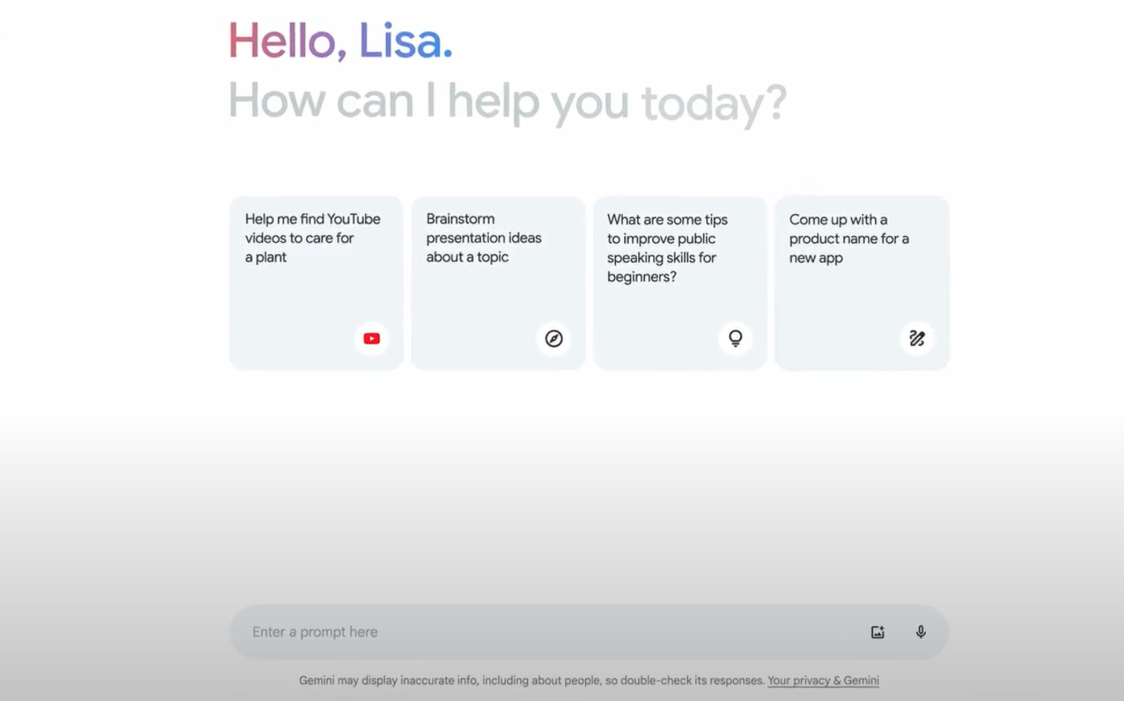
Gemini is a personal e-learning assistant from Google and one of the key competitors to ChatGPT. With this AI, you can configure your personal tutor, ask it to turn your notes into infographics, and prepare study materials like flashcards or exam notes.
Key features
- Transform handwriting into digital text, diagrams, or design posters
- Ask questions or update files to get instant explanations
- Test prep functionality (flashcards, study guides, and quiz maker)
- Deep Research reports
- Smooth integration with Google tools (Docs, Sheets, Calendar, etc.)
Price
Gemini is available as a free AI for students during a 30-day trial. After that, the subscription to its smart tools will cost from $19.99 per month.
Microsoft Copilot
Best for: active users of Microsoft products (Excel, Word, Teams)
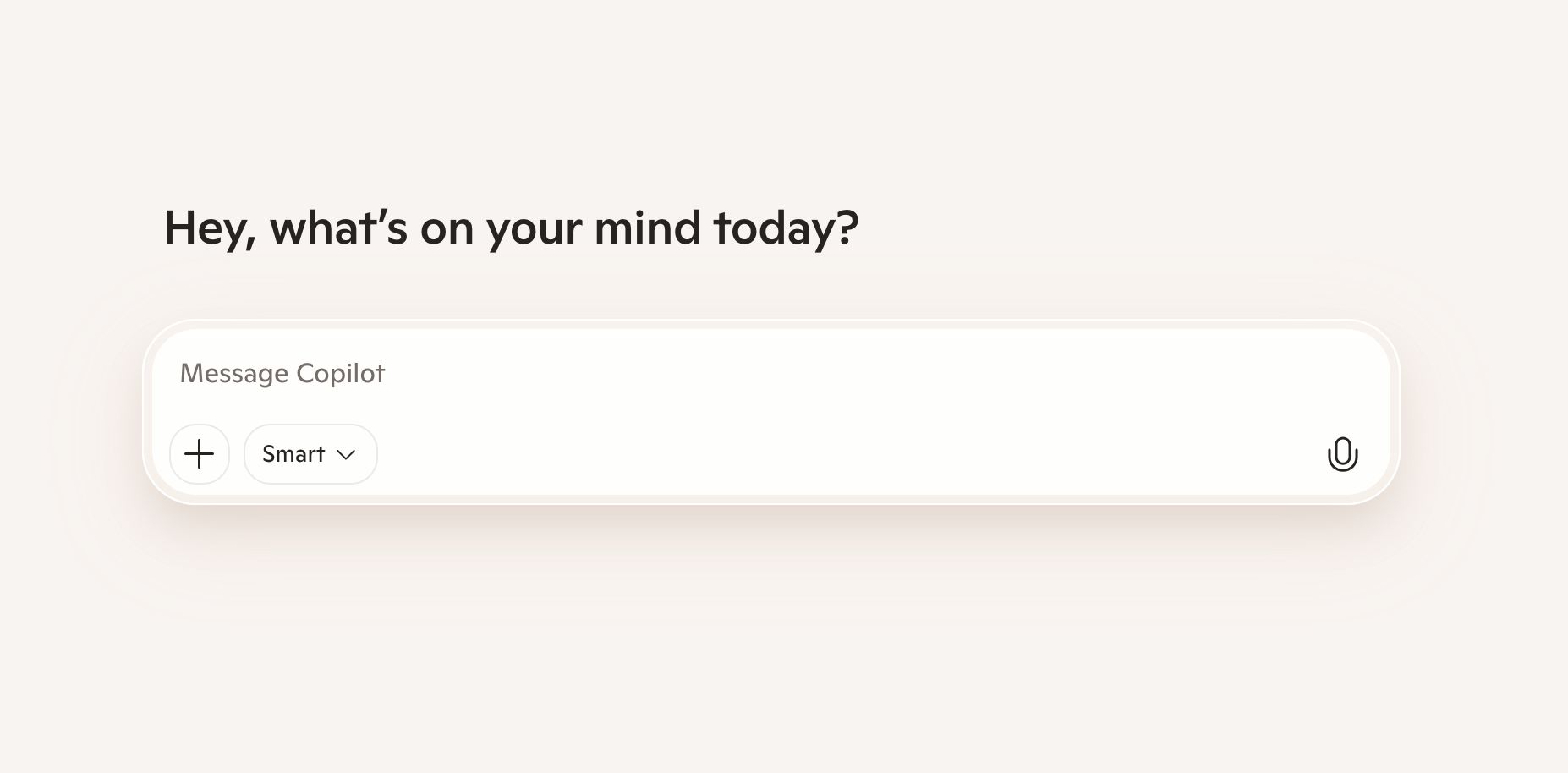
Microsoft Copilot is another key competitor to ChatGPT from Microsoft. Given its deep integration into the Microsoft ecosystem, it’s well-suited for users of the Microsoft 365 package and helpful for editing and analyzing facts in Word and Excel files.
Key features
- Text generation and summaries
- Create a PowerPoint presentation from a prompt
- Formulas and chart types suggestions
- Create designs based on ideas in Whiteboard
- High accuracy in analyzing data in Microsoft 365 productivity apps
Price
You can use Microsoft Copilot for free or get higher usage limits and Copilot in apps such as Word, Excel, PowerPoint, and Outlook with Microsoft 365 Personal for $9.99/month ($99.99/year) or Microsoft 365 Premium for $19.99/month ($199.99/year).
ReadAlong by Google
Best for: parents looking for AI support to reinforce the benefits of reading aloud for their pre-K and elementary school kids
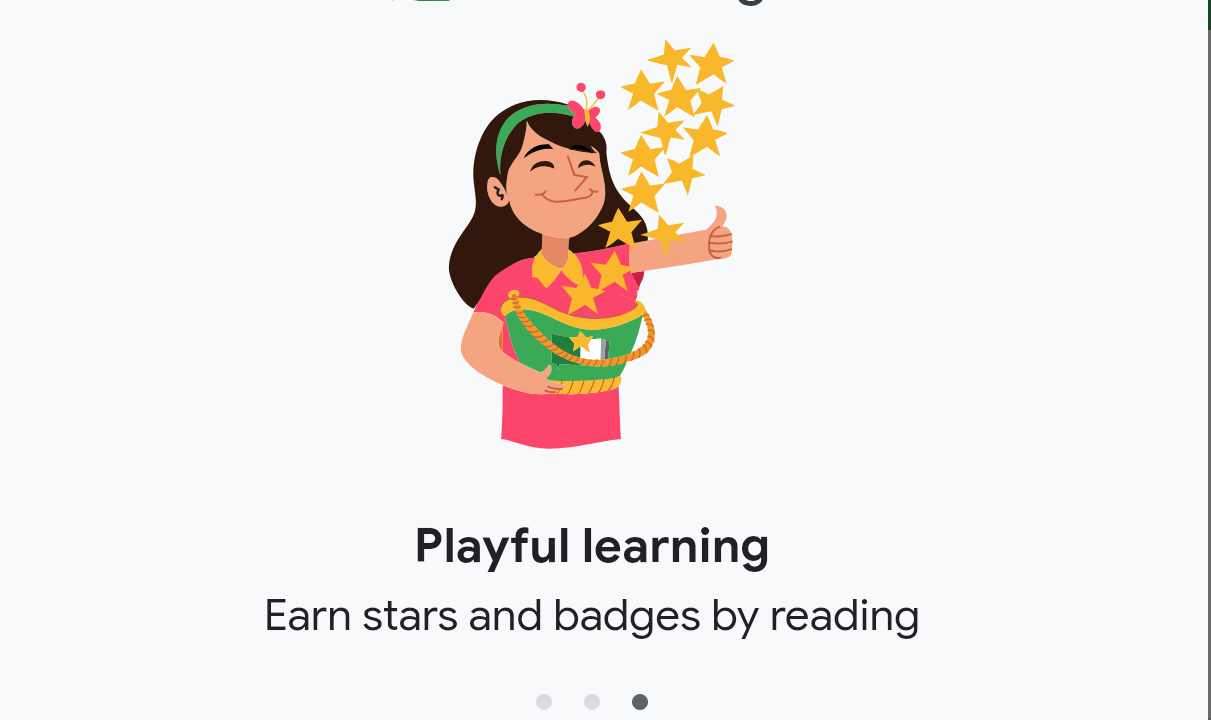
Read Along is an interactive speech-based AI tutoring app designed specifically for parents who want to help kids with spelling. This adaptive learning tool can listen to how they read and provide tips on how to improve on-the-go.
Key features
- Best free AI app for reading, with hundreds of stories to choose from
- Reward system and progress tracker
- Quick onboarding into the app
- Differentiated reading instruction from a positive virtual assistant
- Can work offline after an app download
Price
Read Along digital learning app is completely free.
Photomath
Best for: learners seeking an instant step-by-step math solver for homework help
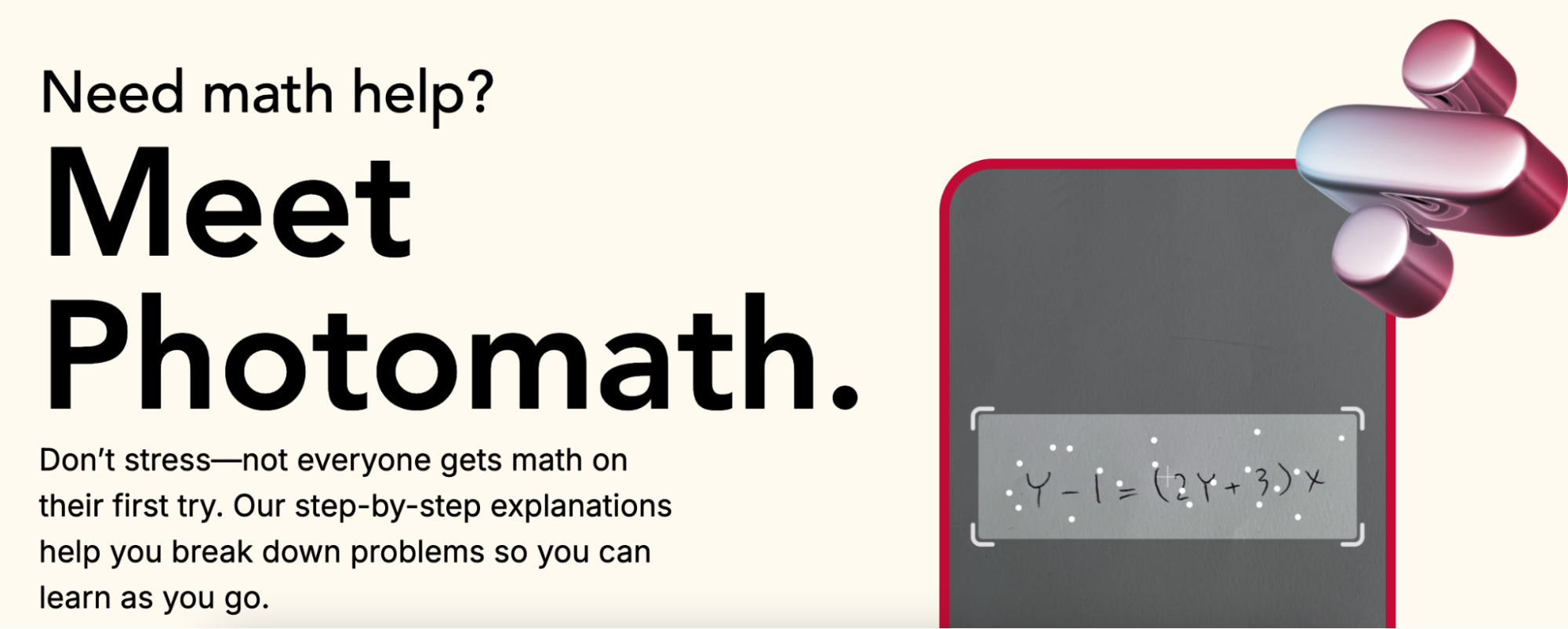
Photomath is a helpful AI for students struggling with math. Dividing complex math problems into easy-to-digest step-by-step guides, it helps parents get their kids to enjoy math and teachers boost overall student productivity in a classroom.
Key features
- Math problem scanner with instant solution pop-up
- Separate explanation of each step in the solution
- From elementary to advanced math
Price
Photomath is among the best AI apps you can use for free. Still, once you decide to pay $9.99 per month for the subscription, this app will provide you with more visual aids and extra explanations.
Wolfram|Alpha
Best for: advanced independent high school earners seeking expert-level advice on computations
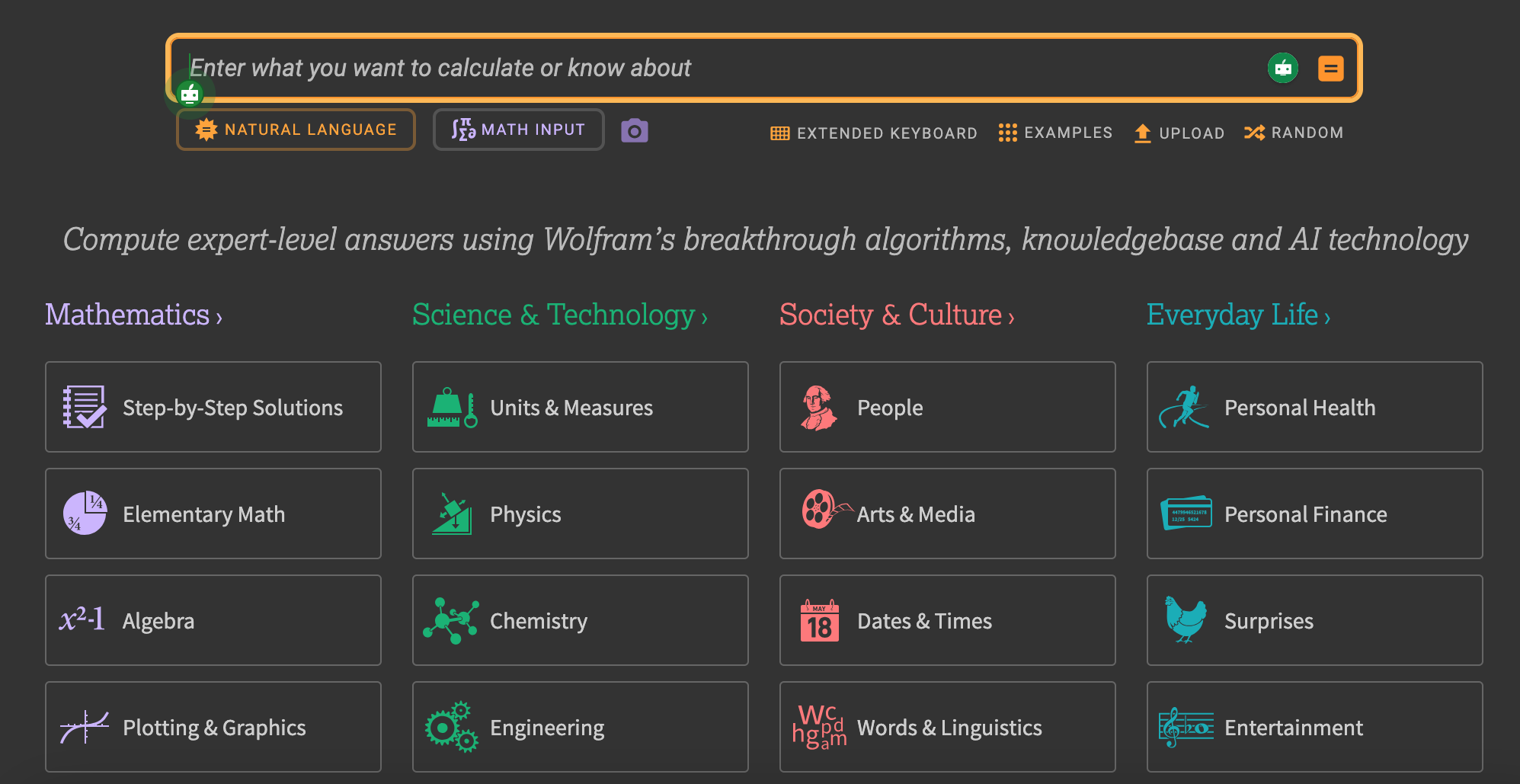
Wolfram|Alpha positions itself as a “computational knowledge engine” that applies symbolic AI (meaning curated data and algorithms) to assist complex calculations. It’s the best AI to use for school specializations like advanced math, science, and technology.
Key features
- A library of over 50,000 types of algorithms and equations
- Computed presentation in over 5,000 types
- Linguistic analysis for over 1,000 domains
- Applicable at school, work, home, and play
- Step-by-step solutions for math (from basic to advanced)
- Web Apps collection with custom form-based interfaces
Price
Wolfram|Alpha is a free website that provides instant computations. Still, once you get a Pro subscription starting from $9.99 per month, you get web learning apps for step-by-step solutions and access to a problem generator.
NotebookLM from Google
Best for: learners who want to get answers from generative AI based on their sources
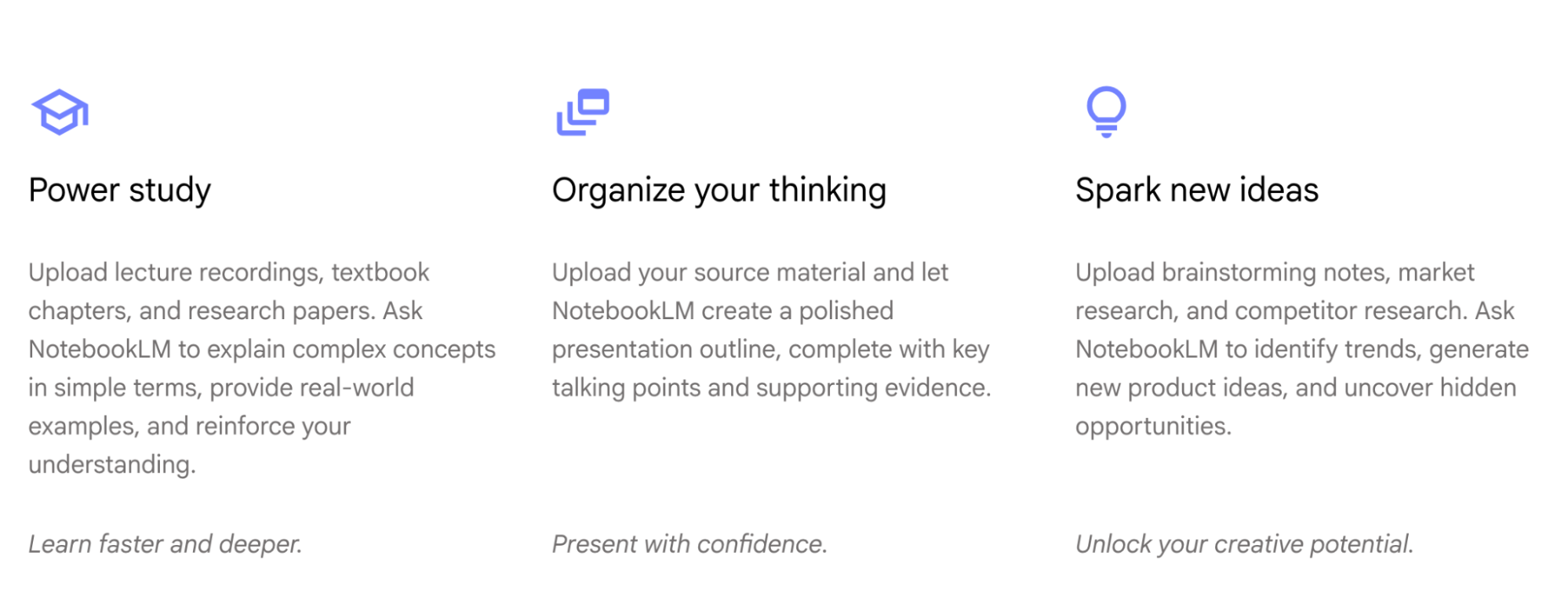
NotebookLM is an AI-powered note-taking app from Google. By using the Gemini model, it’s capable of drawing nuanced conclusions from the uploaded sources only, letting learners trust the AI outputs and personalize their learning.
Key features
- Supports Google Docs, Slides, PDFs, websites, YouTube videos, and audio files
- Summarizing and finding unexpected connections between sources
- Instant insights with citations to prevent hallucinations
- Audio Overview
Price
You can use NotebookLM, now called Gemini Notebook, for free or get higher usage limits with Google AI Plus for $9.99/month or Google AI Pro for $19.99/month.
Canva
Best for: visualizing ideas and preparing digital presentations
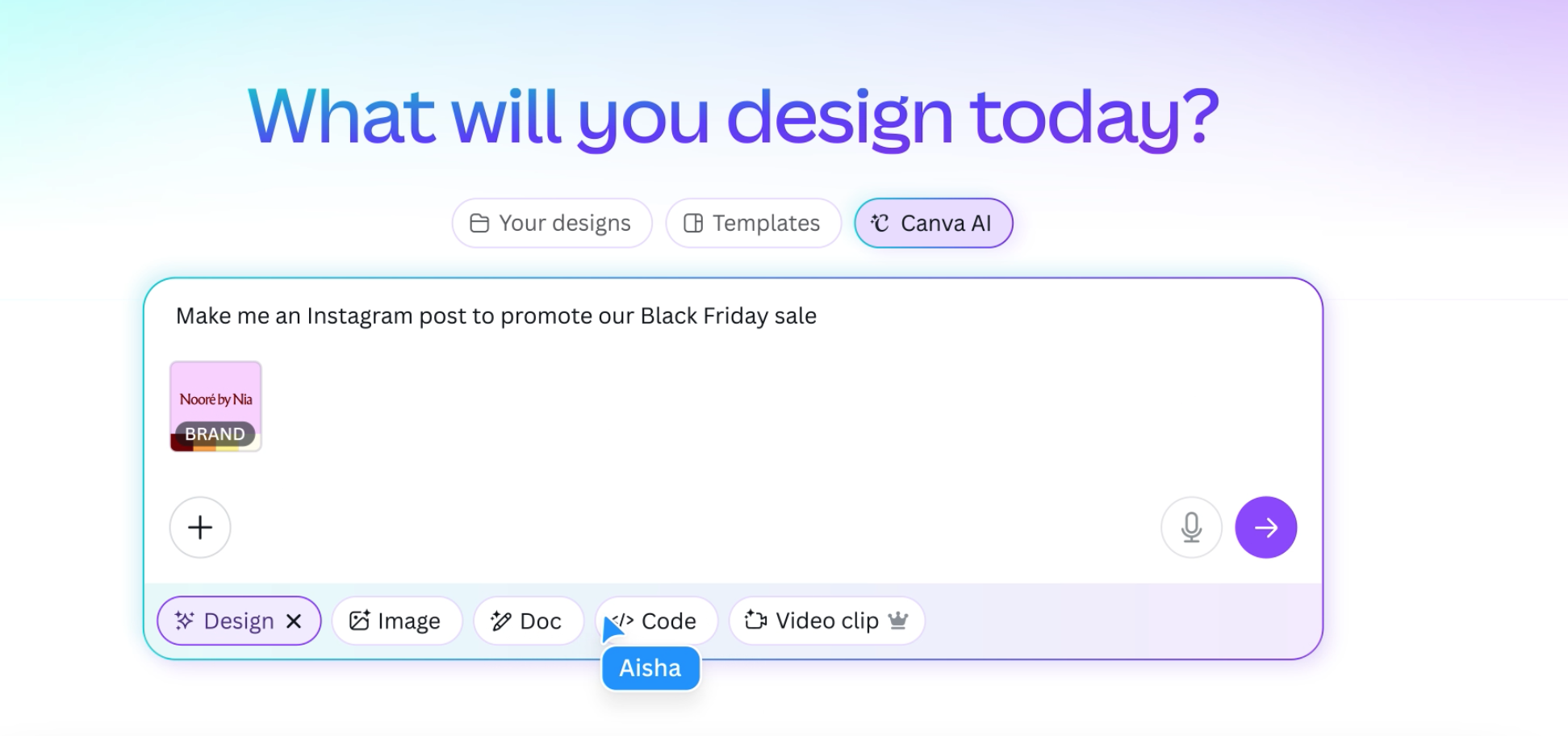
Canva is a well-known tool for designers, and its AI is a great support tool for schoolers to start working with the platform and use its rich functionality for creating visual materials, custom designs, and turning narrated ideas into smooth presentations.
Key features
- Using text and voice commands to create images and designs
- Refine AI designs with the Ask@Canva tool
- Ability to use the chat on the go in comments to co-create ideas
- Desktop and mobile access
Price
Canva offers students to sign up and start using the service for free, but subscribing as a school or university can give students access to advanced features. Otherwise, the pricing plans for Canva AI start from $15 per month.
Wixie
Best for: homeschooled online learning and completing creative middle school tasks
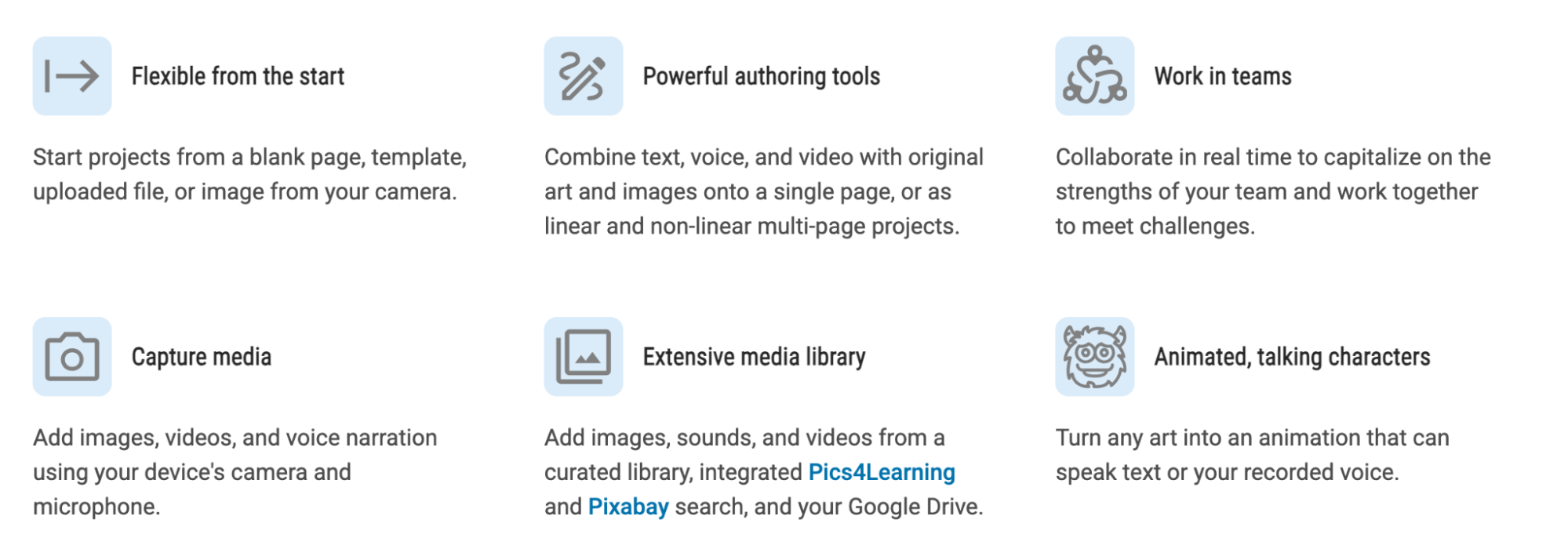
Wixie is an AI tool that combines learning and creating. It lets students create animated books, collaborate on projects, and add voiceovers to the files uploaded.
Key features
- Training center with hundreds of ready-made lesson plans
- AI writing assistant
- Collaborative student projects space
- “Magic” images and animations
- Sharing tools
Price
Wixie is a paid tool with a 30-day free trial and annual plans only. The price plans start from $20 per year, meaning that it’ll cost you around $1.65 per month.
Frequently Asked Questions
How AI supports learning in school?
While AI can harm studying when used to get ready-made answers, it can support certain learning challenges when used wisely. Given the variety of AI in education tools, struggling users can get help with research, brainstorming, drafting, editing, or presenting ideas.
Can I use AI to help me study?
Yes, AI is a highly helpful technology for studying when used wisely. To make it useful for learning, choose the tools that boost your critical thinking and problem-solving skills, not replace them. AI tools like ChatGPT and Gemini can be both helpful and harmful for studying, depending on what you ask them to do.
Which AI tools are best for beginners?
Beginners should choose an AI that is intuitive to use and directly addresses their tasks to see how it works. ChatGPT, Perplexity, and Gemini are the most popular tools, so they are a great start. However, parents of the kids learning to read will benefit more from ReadAlong, while college students struggling to read several articles at once for the essay will find NotebookLM and ChatPDF more helpful.
Which are the top 5 AI tools?
Based on the global unique monthly visits in 2026, the top 5 AI tools are ChatGPT, Gemini, Canva, Deepseek, and Grok. Still, this list is different for educational purposes, as the best AI tool depends on the study needs and can include:
- Wixie: Kid-friendly creative learning tools
- Khamingo: Deep learning without instant answers and based on the Khan Academy library
Which AI tools are completely free?
Most AI tools offer their basic or limited functionality for free, while only ReadAlong is 100% free.
What you can get for free from AI tools:
- ChatGPT: Instant answers, limited chats, limited file upload and memory
- Gemini: Instant answers, limited chats, limit on uploads and video analysis
- Quillbot: Limited paraphrasing tools, no access to creator features
- ChatPDF: Two docs per day limit
- Perplexity: No access to Deep Research functionality
Who is the most popular AI tool for K12?
K12 students now mostly use ChatGPT or its direct competitors (Gemini, Microsoft Copilot, or Claude) because they cover most of the learning tasks and provide ready-made answers to use.
Which AI is best for school assignments?
The school assignments can benefit from combining several tools into the process:
-
- Perplexity AI, ChatGPT, NotebookLM, and Microsoft Copilot: Finding sources, getting summaries from PDF files, drawing insights, and highlighting unexpected connections between notes.
- ChatGPT and Gemini: Brainstorming and generating essay drafts, getting flashcards and quizzes.
- Photomath, Khamingo, and Wolfram|Alpha: Getting help in calculations and the thinking process
- Quillbot: Refining the writing after editing
- Canva and Wixie: Getting help with visuals and animations



Summer learning loss is a decline in kids’ academic skills and knowledge that happens during summer break due to children going without regular learning practice. You can help your kid avoid this decline by using expert-backed strategies, ranging from simple daily reading and use of worksheets to taking trips and joining summer camps. How Much […]

Jun 30, 2024

Getting better or good grades in high school might take some effort. It can seem like a daunting task at first, but there is a lot you can do to meet your full potential. Ways to get good grades include doing homework, actively participating and taking good notes in class, and asking for extra help. […]
Jul 01, 2024
Math & reading from 1st to 12th grade
Exploring alternatives?
Take a short quiz!
Choose kid's grade