12 Best Spelling Apps for Kids 2026
reviewed by Florence Khitsane
Updated on January 23, 2026
Take my word for it: If spelling homework feels like a daily struggle, you’re not alone. But spelling apps can indeed offer short and fun practice that fits into busy days. That’s why I’ve gathered the 12 top spelling apps for kids that, based on my teaching experience, help them grow their skills (and give you some rest!).
Key points
- Word Club and Scholar: Spelling Bee Quiz provides the high-level vocabulary and a competitive atmosphere.
- ABC Spelling, Khan Academy Kids, and Sight Words & Spelling Reading are decent free resources that focus on early literacy and letter recognition.
- SpellBoard, Squeebles, and Word Wizard are the best spelling apps for kids online when you need to create custom lists that match your child’s weekly school homework.
- Spelling Shed and Mystery Word Town are fun and adventurous.
- Nessy Reading & Spelling and Simplex Spelling Phonics 1 are among the best apps for spelling, specializing in lessons for struggling readers.
- And Brighterly offers the ultimate human-led alternative.
What are the best spelling apps?
The best spelling apps focus on building confidence through interactive phonics and ‘little and often’ practice sessions. Look for apps that offer instant feedback and progress tracking to keep things stress-free.
However, remember that even the best app works better when a qualified tutor supports the kid with personalized encouragement.
Brighterly: The live tutor alternative to spelling apps
Age group: Grades 1-9
Best for: Families seeking a human-led alternative to self-guided apps.
Unlike spelling and reading apps for kids, the Brighterly math and reading platform offers a live and interactive experience that software alone can’t match. While apps provide drills, Brighterly helps students through personalized one-on-one lessons. They are led by expert spelling tutors who adapt to your child’s specific pace and needs.
Features
- Unlike static apps, Brighterly tutors provide instant feedback and encouragement
- This e-learning platform employs spelling worksheets as well as lessons aligned with the US educational state standards
- You have access to free diagnostic tests and a rich educational blog
Benefits
- Start with a 1st free demo lesson with a certified tutor
- Get a learning plan developed individually for your kid based on your child’s goals and learning style
- Enjoy flexible scheduling with pricing from $17.3/lesson
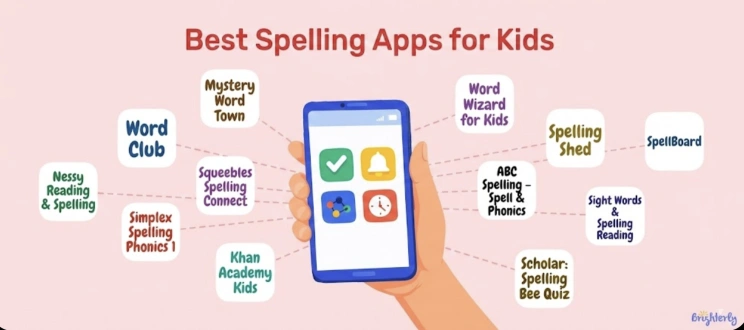
What are the top 12 spelling apps for kids?
- Spelling Shed
- Word Club
- Nessy Reading & Spelling
- Word Wizard for Kids
- Squeebles Spelling Connect
- ABC Spelling – Spell & Phonics
- Khan Academy Kids
- Scholar: Spelling Bee Quiz
- Simplex Spelling Phonics 1
- Mystery Word Town
- Sight Words & Spelling Reading
- SpellBoard
Paid apps to help with spelling: Comparison
| Age group | Features | Cost | |
Spelling Shed |
Grades K-8 |
– Fun weekly spelling goals and lessons – Live Hive Games to play with friends – AI-driven ‘mastery zone’ to track progress |
From $74.99 / year |
Nessy Reading & Spelling |
Grades 1-6 |
– 100 easy-to-follow lessons with funny videos – Tons of printable games and worksheets |
From $15.50 / month |
Word Wizard for Kids |
Grades PreK-5 |
– A ‘movable alphabet’ that talks back to your kid – Over 200 ready-to-go word lists – Easy setup to add your child’s specific school words |
From $7.99 |
Squeebles Spelling Connect |
Grades 1-6 |
– Voice recording – Over 8,500 pre-recorded words – Adorable Squeebles characters for kids to collect – A ‘tricky words’ area |
From $3.99 / month |
Simplex Spelling Phonics 1 |
Grades 1-2 |
– Over 450 of the most common everyday words – Instant feedback letter-by-letter – No ads or in-app purchases |
From $4.99 |
Mystery Word Town |
Grades 1-5 |
– A Wild West ‘detective’ world with outlaws to catch – Adding own voices and custom word lists – Builds critical thinking along with spelling skills |
From $3.99 |
SpellBoard |
Grades 1-12 |
– Lists transformed into fun puzzles and scrambles – Keeping track of multiple kids at once |
From $4.99 |
Free spelling apps for kids: Comparison
| Age group | Features | Best for | |
Word Club |
Grades 1-8 |
– Multiple study modes – Progress tracking – Audio pronunciations, definitions, and word origins |
Preparing for a school spelling bee or mastering ‘Words of the Champions’ |
ABC Spelling – Spell & Phonics |
Pre-K – Kindergarten |
– Colorful matching games that connect letters to pictures – Fill-in-the-blank and Jumbled Word puzzles – A ‘report card’ feature for parents to track progress |
Toddlers and preschoolers who are just starting to recognize letters |
Khan Academy Kids |
Pre-K – 2nd grade |
– Thousands of interactive lessons – Narrated storybooks from National Geographic – Creative tools for drawing and storytelling |
Free yet high-quality learning path covering more than spelling |
Scholar: Spelling Bee Quiz |
Grades 4-12 |
– Over 600 of the most commonly misspelled words – Spelling Bee-style quizzes with immediate feedback – A simple and clean interface without distractions |
Older kids and teens who want to stop making common spelling mistakes |
Sight Words & Spelling Reading |
Pre-K – 3rd grade |
– Focuses on ‘Dolch’ sight words – Game modes – Sentence Builder tools – Voice narration for clear pronunciation |
Early readers who need to memorize words that don’t always follow the rules of phonics |
#1 Spelling Shed apps to practice spelling words
Age group: Grades K-8
Best for: Families who want an all-in-one school program that feels more like a fun video game than homework.
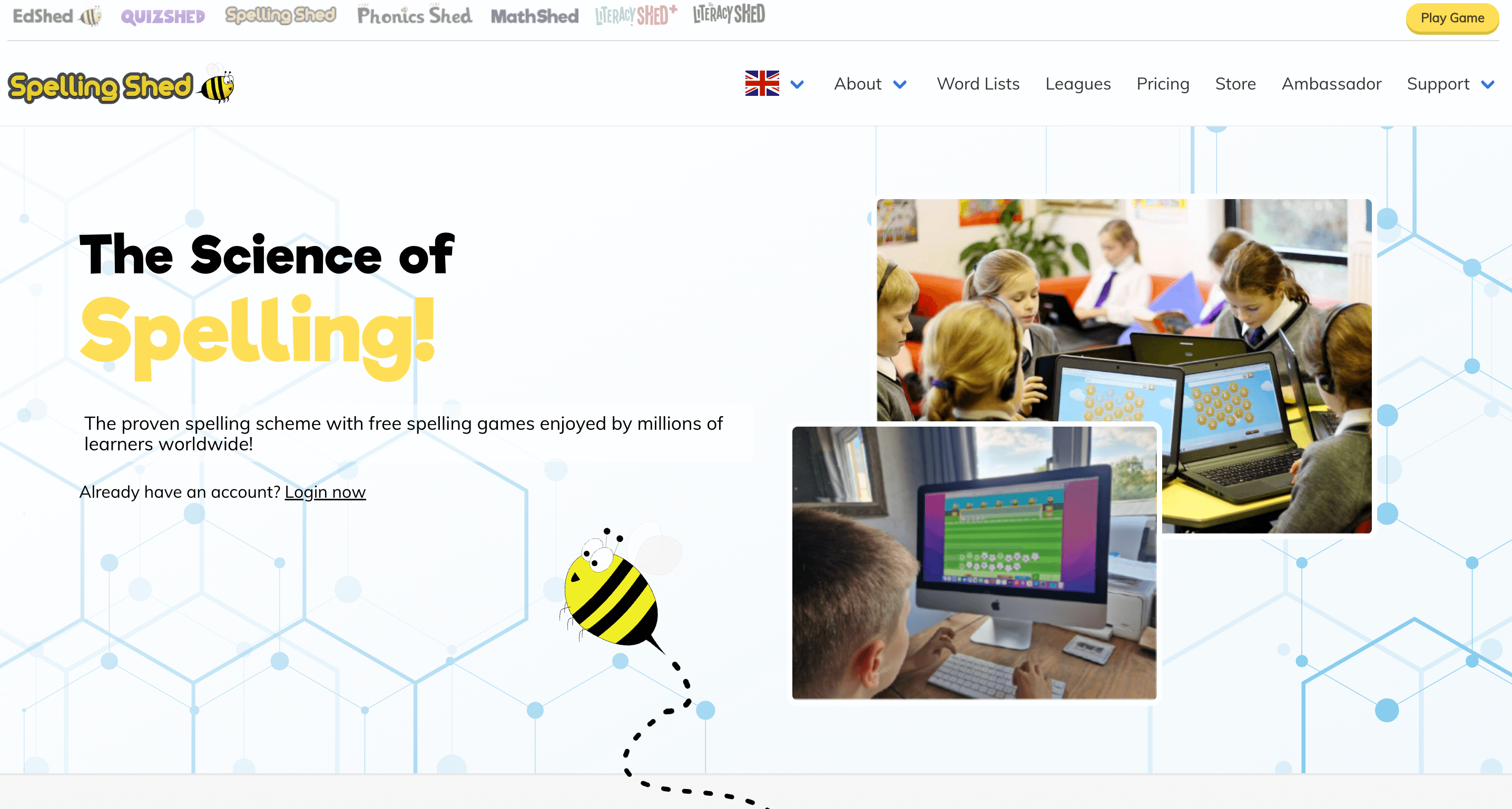
Spelling Shed is an award-winning platform built on the ‘Science of Reading’. It uses a clever ‘mastery zone’ where a little AI ‘Nano Bee’ tracks your kid’s progress. Be it on an Android tablet or an Apple iPad, they can play Hive games to compete with friends or practice solo. One con is that the screen can feel a bit busy and distracting for some younger children who might lose focus.
Features
- Uses AI-powered tools to target specific spelling gaps automatically
- It’s among good spelling apps for kids due to over one million pre-made word lists available
- Detailed parent reports to track weekly growth
Pricing
The full Parent/Home subscription is $74.99 per year for up to five children. Or, you can buy the standalone mobile app for $2.99.
Pros & cons
As shown by the reviews, the app is indeed affordable for large families.
Pros |
Cons |
| 🟢 Supports custom school lists | 🔴 Interface is somewhat cluttered |
| 🟢 Strong phonics-based curriculum | 🔴 Setup takes some parent time |
| 🔴 Can be over-stimulating |
Regarding drawbacks, keep in mind the sensitivity of competitive pressure (in games like World League and Shed Score).


#2 Word Club spelling apps for middle school
Age group: Grades 1-8
Best for: Students preparing for a school spelling bee or advanced spellers who want to master ‘Words of the Champions’.
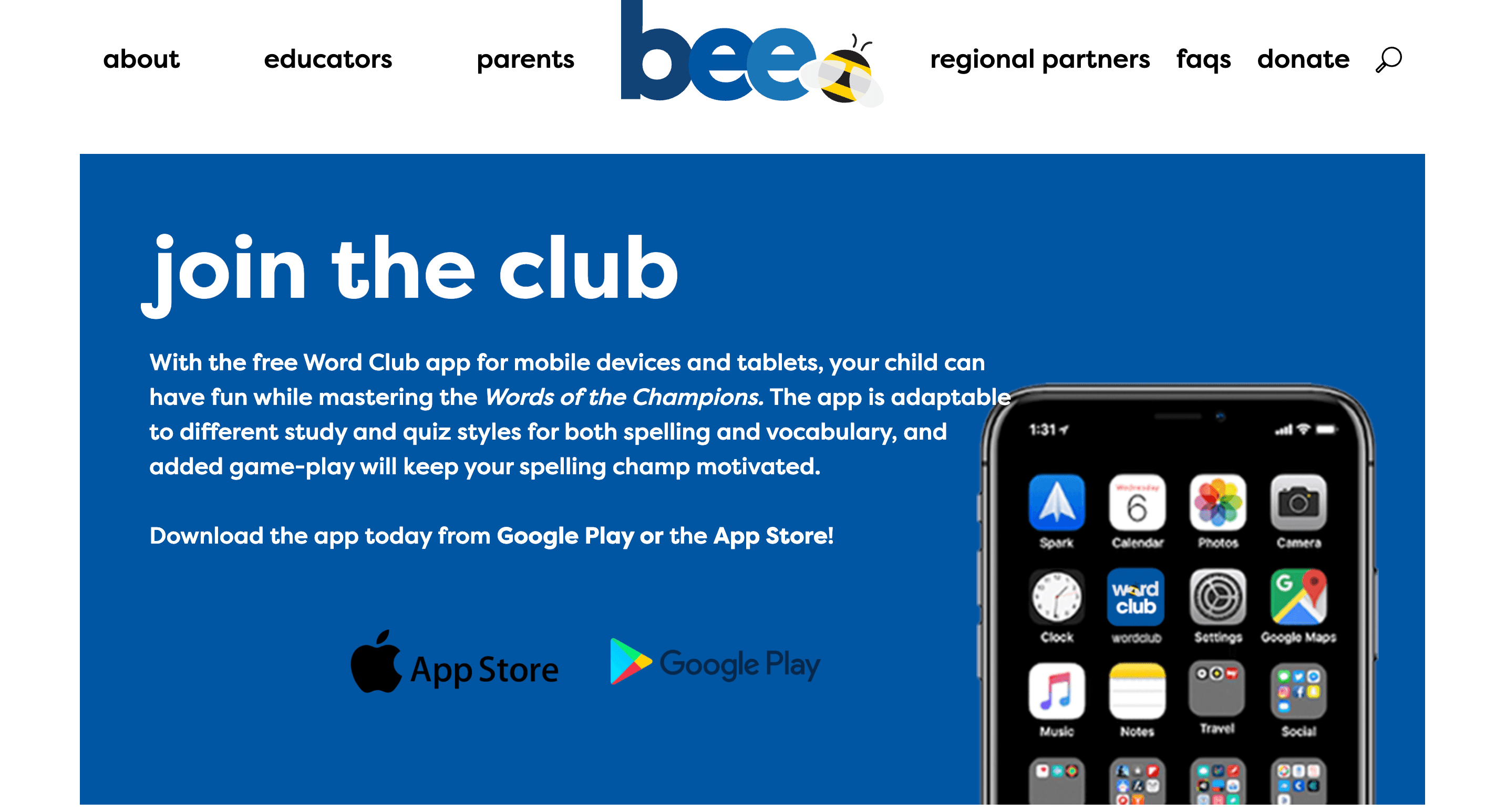
Word Club is the official study tool from the Scripps National Spelling Bee. It provides the actual ‘Words of the Champions’ list, so you know your kiddo is studying the right material. It also offers five different spelling play modes where kids can use tools like flashcards and fill-in-the-blank quizzes. Because it’s linked to Merriam-Webster, the pronunciations are perfect. But, I’d say it lacks the flashy animations of some other apps.
Features
- Official 4,000-word Scripps study library
- Totally ad-free and safe for all ages
Pricing
It’s among spelling apps for kids free options – recommended!
Pros & cons
Parents appreciate that it encourages independence in their kids, but for some beginners, it can still be too challenging.
Pros |
Cons |
| 🟢 Authentic pronunciations | 🔴 Too simple graphics |
| 🟢 Curated by experts | 🔴 No rewards-based ‘game’ world |
| 🔴 Doesn’t sync across devices |
#3 Nessy Reading & Spelling
Age group: Grades 1-6
Best for: Kids with dyslexia or any student who needs a gentle yet super-structured way to catch up.
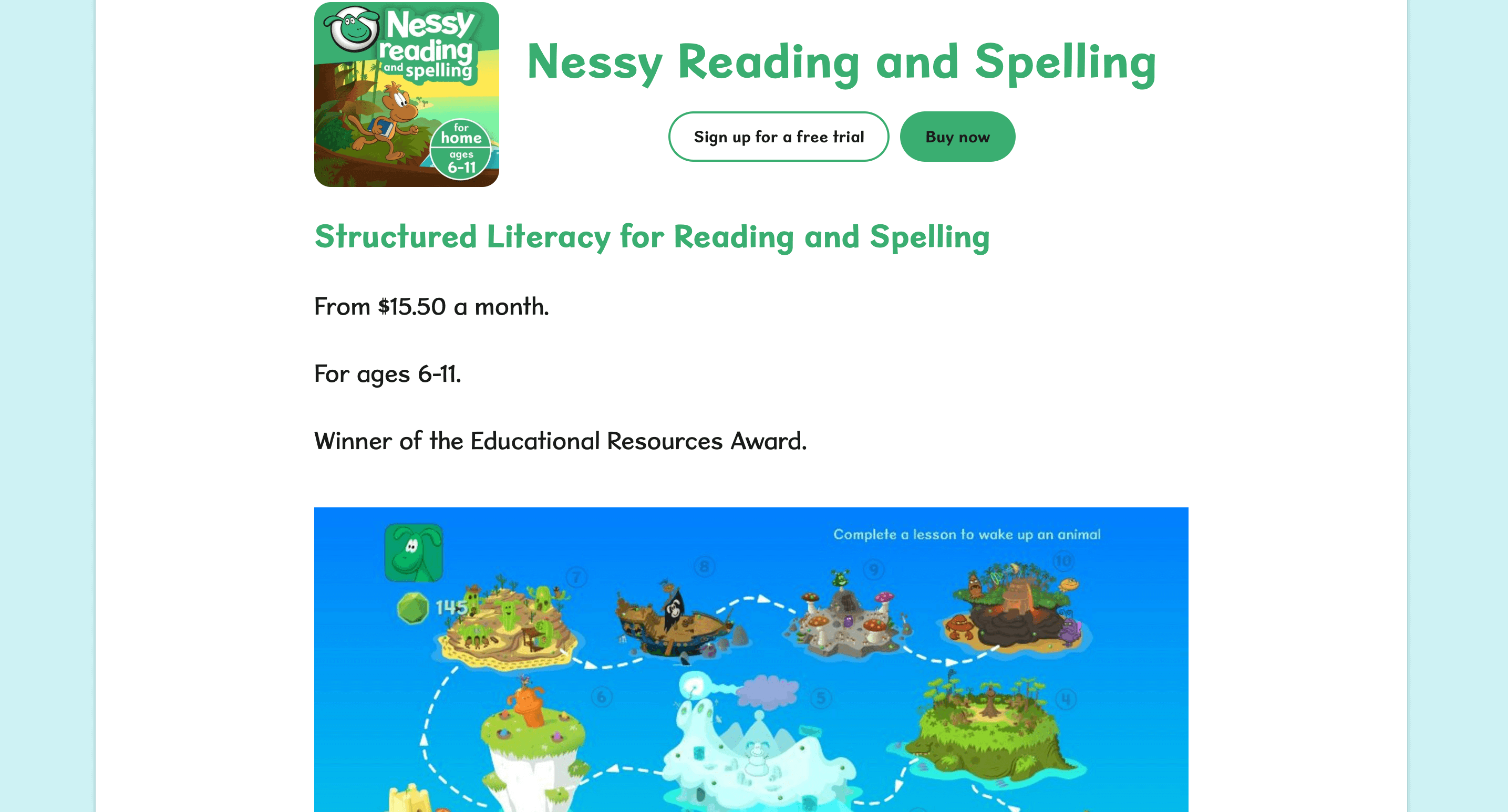
Nessy is probably the most heartwarming and effective among spelling apps for kids with dyslexia, but honestly, any child can benefit from its ‘Multisensory’ approach. It uses funny videos and quirky characters to explain confusing English rules. First, your kiddo starts with the ‘Nessy Challenge’ to find their level. And then, they proceed to earn ‘Nessy Nuggets’ for virtual trophies.
Features
- 100 structured lessons covering phonics, vocabulary, etc.
- Developed by world-leading dyslexia specialists
- 1,000s of printable worksheets and card games
Note: For children who struggle with the physical act of writing while learning to spell, you may also find my list of the best handwriting apps for kids useful.
Pricing
Nessy is within the most expensive spelling word apps for kids, with $15.50 per month for the Home subscription. And even if you pay for a full year upfront – $126 – saving about 30%, it’s still the most expensive on my list.
Pros & cons
On TrustPilot, users say that although it’s very good for struggling readers, it’s more accurate for younger elementary ages.
Pros |
Cons |
| 🟢 Very funny and memorable videos | 🔴 Graphics have a ‘retro’ look |
| 🟢 Logical and step-by-step progression | 🔴 Slower pace than arcade games |
#4 Word Wizard for Kids spelling apps for 4th graders
Age group: Grades PreK-5
Best for: Parents who want a creative and practical tool to help kids experiment with sounds.
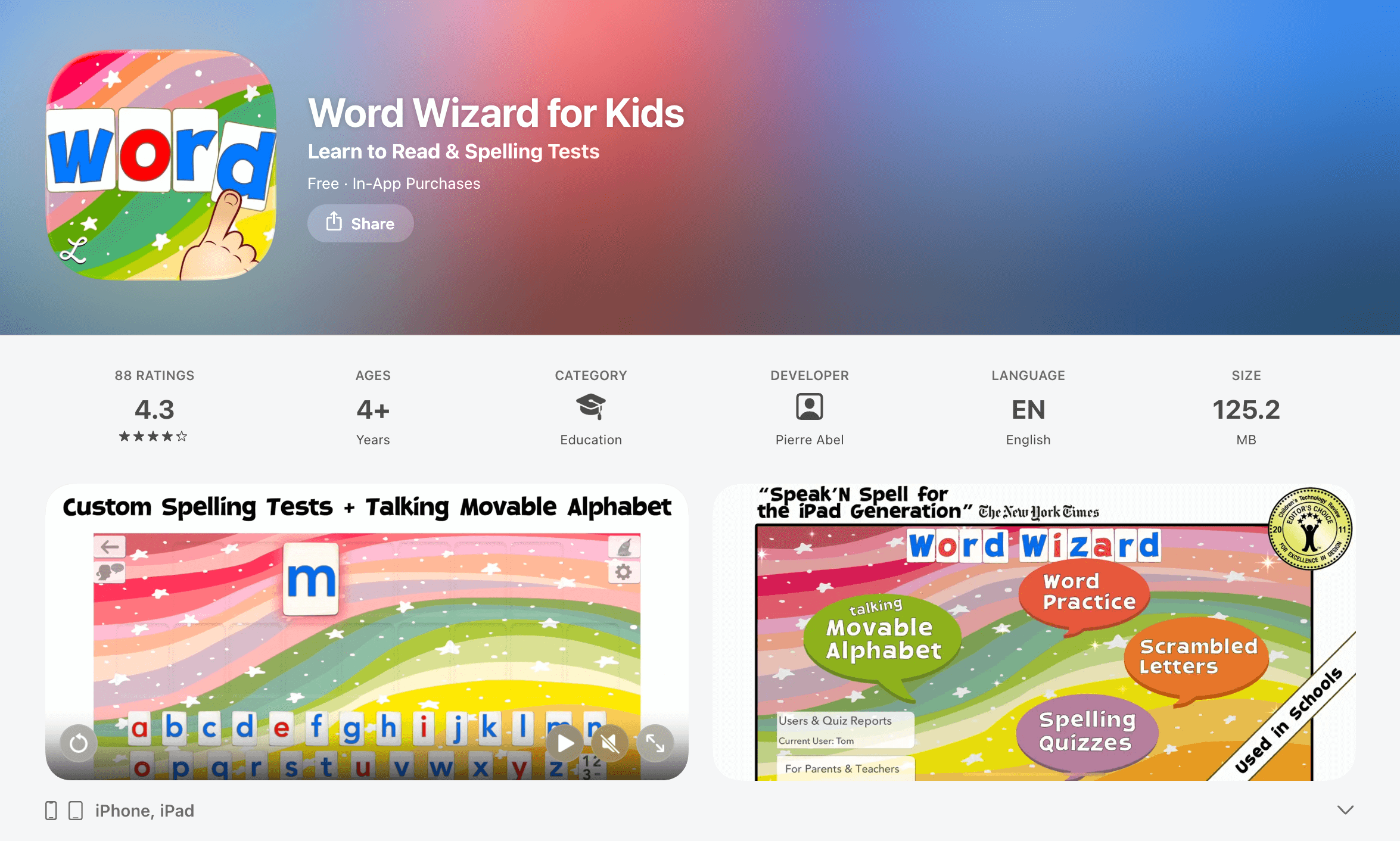
Word Wizard for Kids is good for youngsters because it uses an advanced text-to-speech engine to pronounce any word or sentence they build. Here, you can even create custom spelling tests with your own family photos! It’s a favorite in schools because it supports multiple accents and high-contrast modes for kids with vision needs. However, the robotic voice can occasionally mispronounce very unique names or slang.
Features
- 200 built-in word lists plus custom list creation
- 4 keyboard types, including QWERTY and alphabetical
- Although praised as fun spelling apps for kids, has detailed progress reports for multiple student profiles
Pricing
You can first download the app for free. To get full access forever, there is a one-time ‘Unlock Forever’ in-app purchase of $7.99. Or, you can choose a small $0.99 monthly subscription. ‘School Edition’, though, is usually available for a flat $9.99.
Pros & cons
Users like it for customizable letter sizes and high-contrast themes.
Pros |
Cons |
| 🟢 Multiple US and UK voices | 🔴 Requires manual setup for lists |
| 🟢 No ads or data collection | 🔴 Interface looks slightly dated |
As for drawbacks, some admit a lack of game-based motivation.
#5 Squeebles Spelling Connect
Age group: Grades 1-6
Best for: Early elementary kids who love collecting rewards.
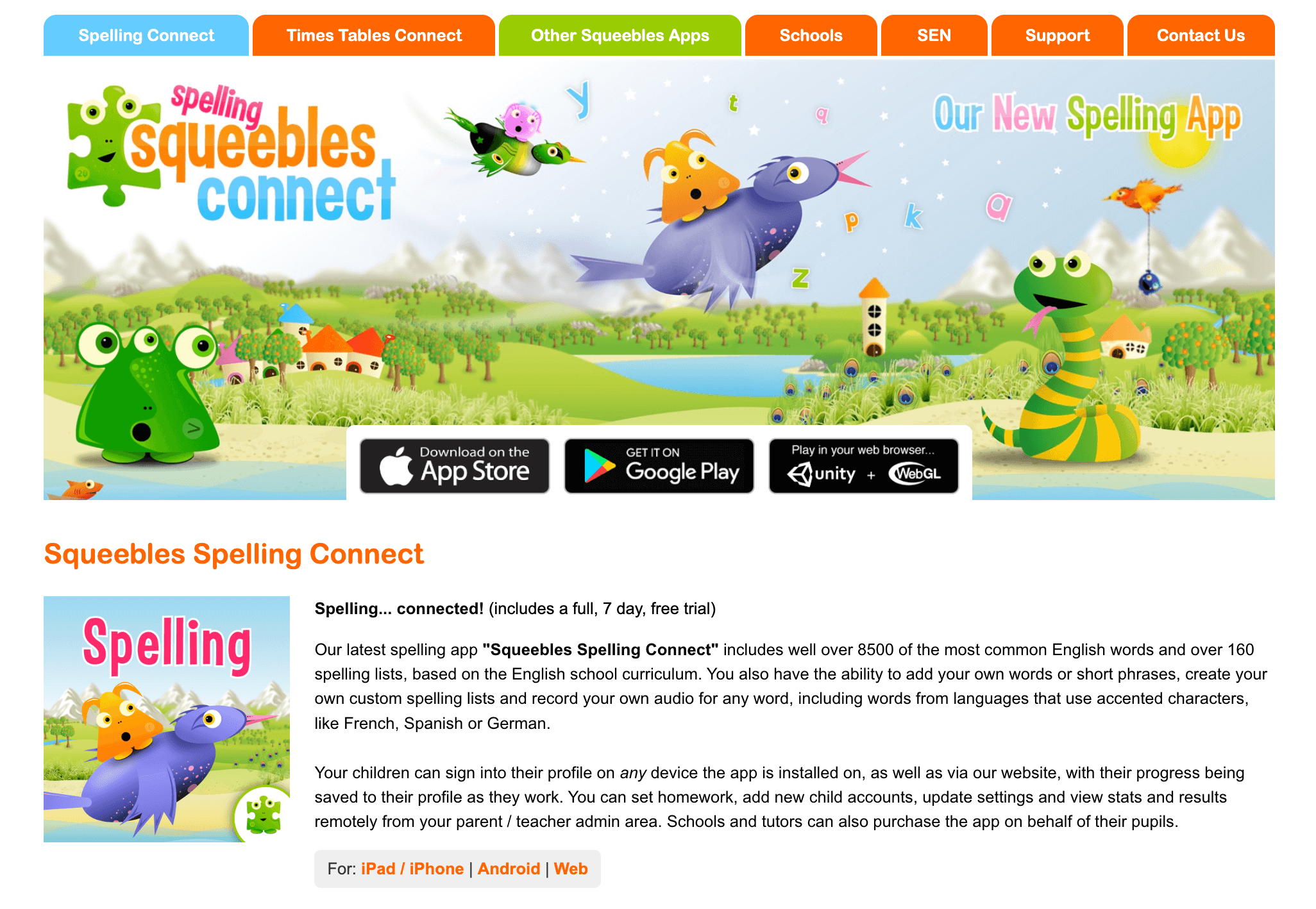
Squeebles Spelling Connect – the modern successor to the classic ‘Test’ app – remains a fav for elementary students. To motivate kids, this spelling app for 2nd graders, in particular, uses the famous Squeeble characters. As kids pass tests, they rescue these quirky creatures from such villains as the Spelling Snake or the Grammar Ghost.
Features
- Over 160 pre-made spelling lists and 8,500+ pre-recorded words
- ‘Tricky Words’ mode automatically tracks and re-tests missed words
- Personalized settings, including ‘OpenDyslexic’ font and semi-opaque colored overlays (for kids struggling with visual stress)
Pricing
This more updated version of spelling practice apps for kids offers a 7-day free trial for new families. After the trial, a subscription for up to four children costs $3.99 per month.
Pros & cons
Reviews say it’s good that it has no third-party ads or pop-ups, but the interface is still not user-friendly enough.
Pros |
Cons |
| 🟢 Progress syncs across all devices | 🔴 Audio recording not available on the web |
| 🟢 Motivates with cute Squeeble rewards | 🔴 Some words follow British spelling |
#6 ABC Spelling – Spell & Phonics
Age group: Pre-K – Kindergarten
Best for: Toddlers and preschoolers who are just starting to recognize letters and need a bright and ad-free space to play and learn.
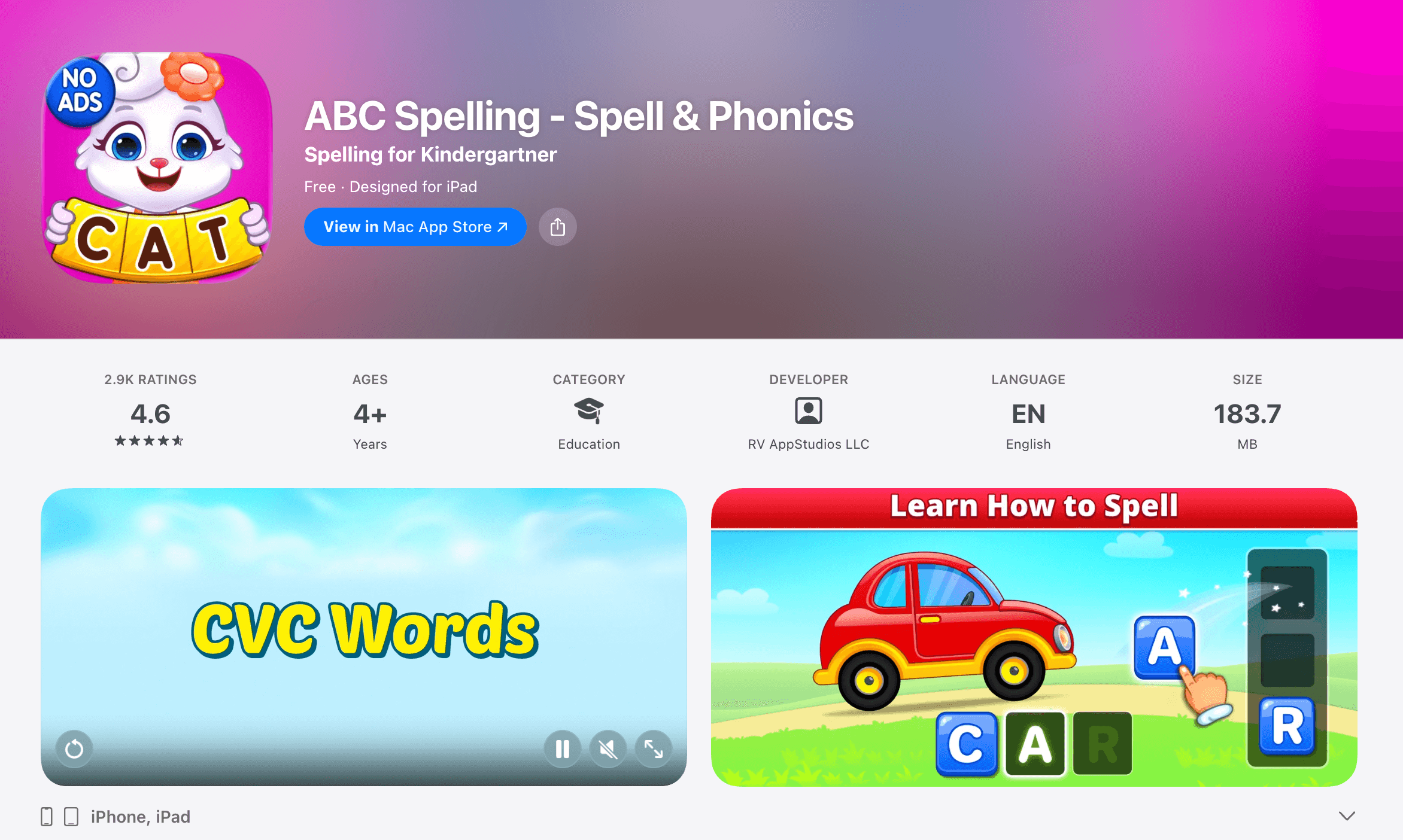
ABC Spelling is a gift to both parents and kids. For parents, it’s completely free. For kids, it’s filled with bright animations and friendly characters like Lucas and Ruby. It’s one of the best spelling apps for kids iOS, featuring three main modes: simple word building, jumbled letters, and a ‘blank’ mode for advanced practice. But I’d say it mostly focuses on short and simple words, so older elementary kids might outgrow the content quite quickly.
Features
- Colorful stickers and rewards to celebrate success
- Parent-only settings to customize the word difficulty
Pricing
ABC Spelling is among the best free spelling apps for kids.
Pros & cons
Adorable and kid-friendly animations are decent, parents report, but phonetic blending can sometimes be inconsistent.
Pros |
Cons |
| 🟢 Very simple and easy to use | 🔴 Too easy for older kids |
| 🟢 Good for very young beginners | 🔴 No custom word list feature |
#7 Khan Academy Kids best apps for spelling practice
Age group: Pre-K – 2nd grade
Best for: Parents who want a completely free yet high-quality learning program that covers much more than just spelling.
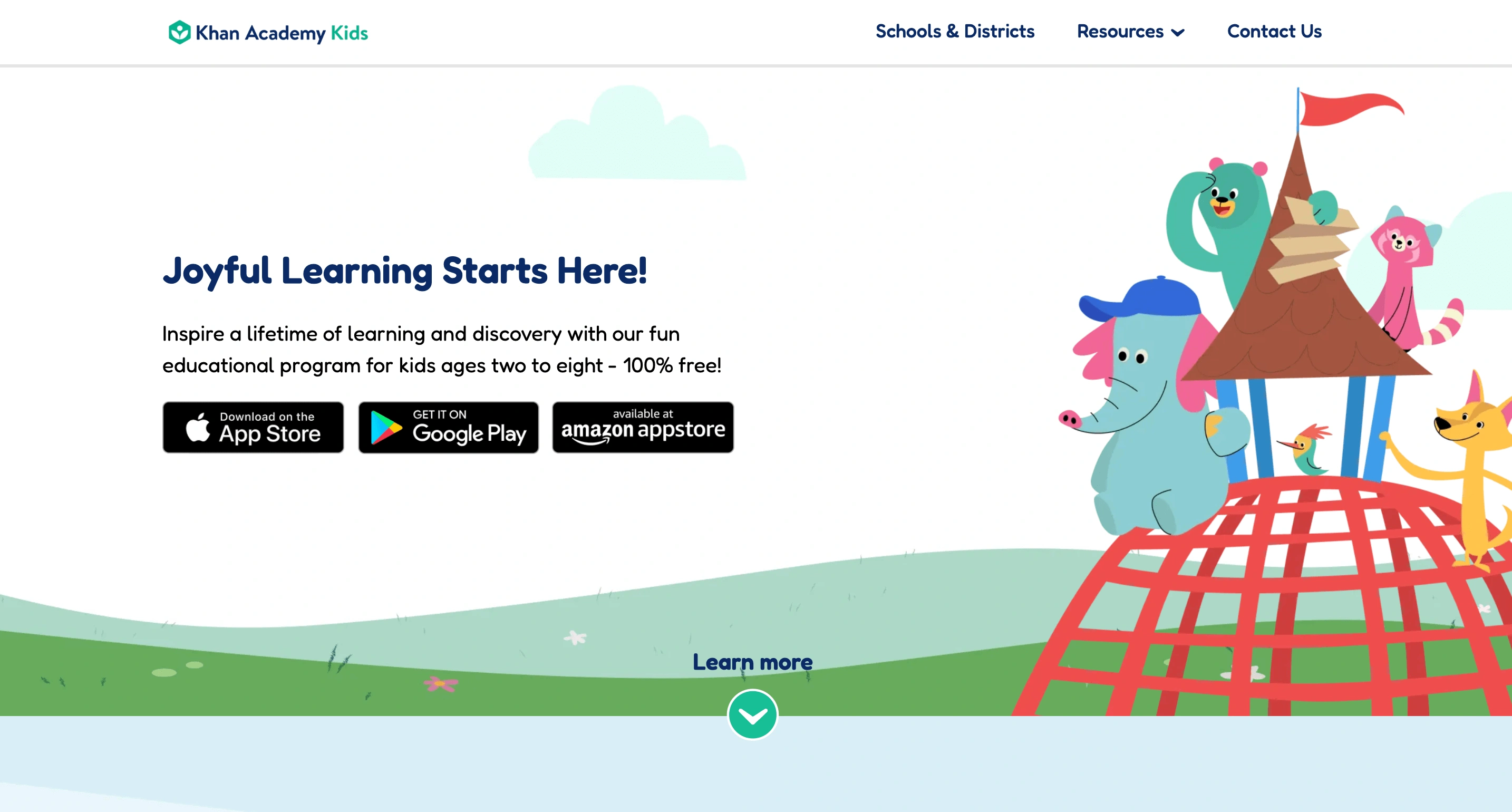
Khan Academy Kids is developed by experts at Stanford. It features a cast of five adorable animal friends who lead children through thousands of interactive activities. In the spelling and phonics section, you’ll find catchy songs and tracing games. However, it doesn’t offer specialized spelling drills for older elementary students.
Features
- A decent library of books and creative drawing tools
- Parent tools to track progress and assign specific lessons
Pricing
The program is within the best spelling apps for kids free access both online and offline.
Pros & cons
On TrustPilot, parents of kids aged 2 to 8 compliment it, while parents of older children find it insufficient.
Pros |
Cons |
| 🟢 High-quality animation | 🔴 Not spelling-exclusive |
| 🟢 Trusted by teachers | 🔴 No custom lists |
| 🔴 Needs storage space |
#8 Scholar: Spelling Bee Quiz
Age group: Grades 4-12
Best for: Older kids and teens who want to stop making common spelling mistakes and improve their writing for school.
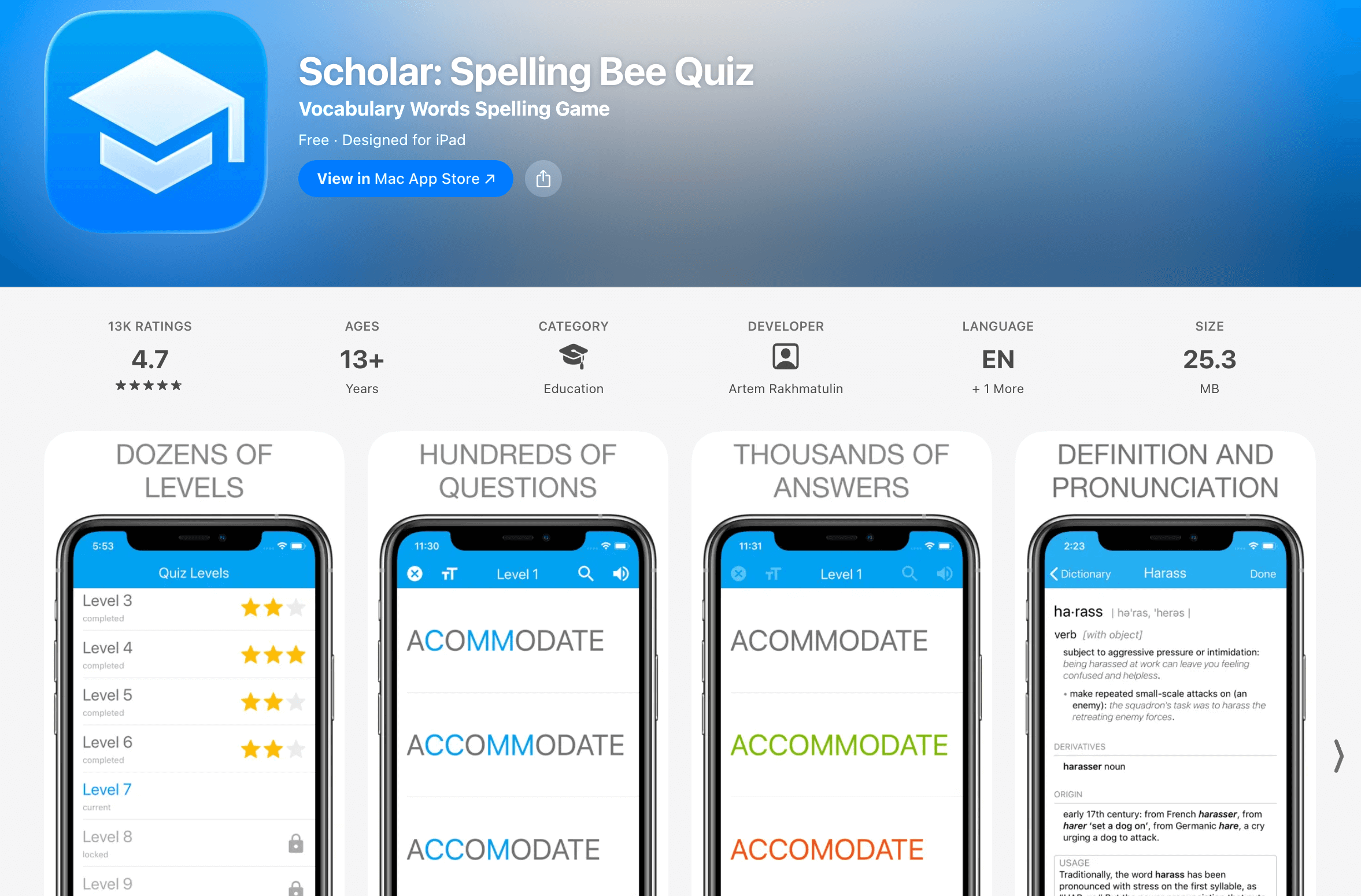
Scholar: Spelling Bee Quiz is on my list of the best spelling apps for middle schoolers due to its competitive vibe of playing against friends in multiplayer mode. It’s indeed better for older kids who love a good challenge and want to test their mettle. It also skips the ‘babyish’ cartoons to focus on academic success and vocabulary building. But mind that the free version includes ads.
Features
- Realistic spelling bee game mode with clear audio
- Built-in dictionary to check definitions and word origins
- Covers over 1,000 words across multiple difficulty levels
Note: To help older students master more complex academic vocabulary, I recommend combining digital quizzes with these high-level techniques on how to help kids with spelling for long-term retention. Check out my review!
Pricing
This program continues my list of the best free spelling apps.
Pros & cons
User reviews indeed highlight a global leaderboard for friendly competition, but find phonics lessons incomplete.
Pros |
Cons |
| 🟢 Good for competition | 🔴 Minimalist design |
| 🟢 Global rankings | 🔴 No ‘fun’ characters |
#9 Simplex Spelling Phonics 1
Age group: Grades 1-2
Best for: Parents who want a budget-friendly ‘tutor’ in an app.
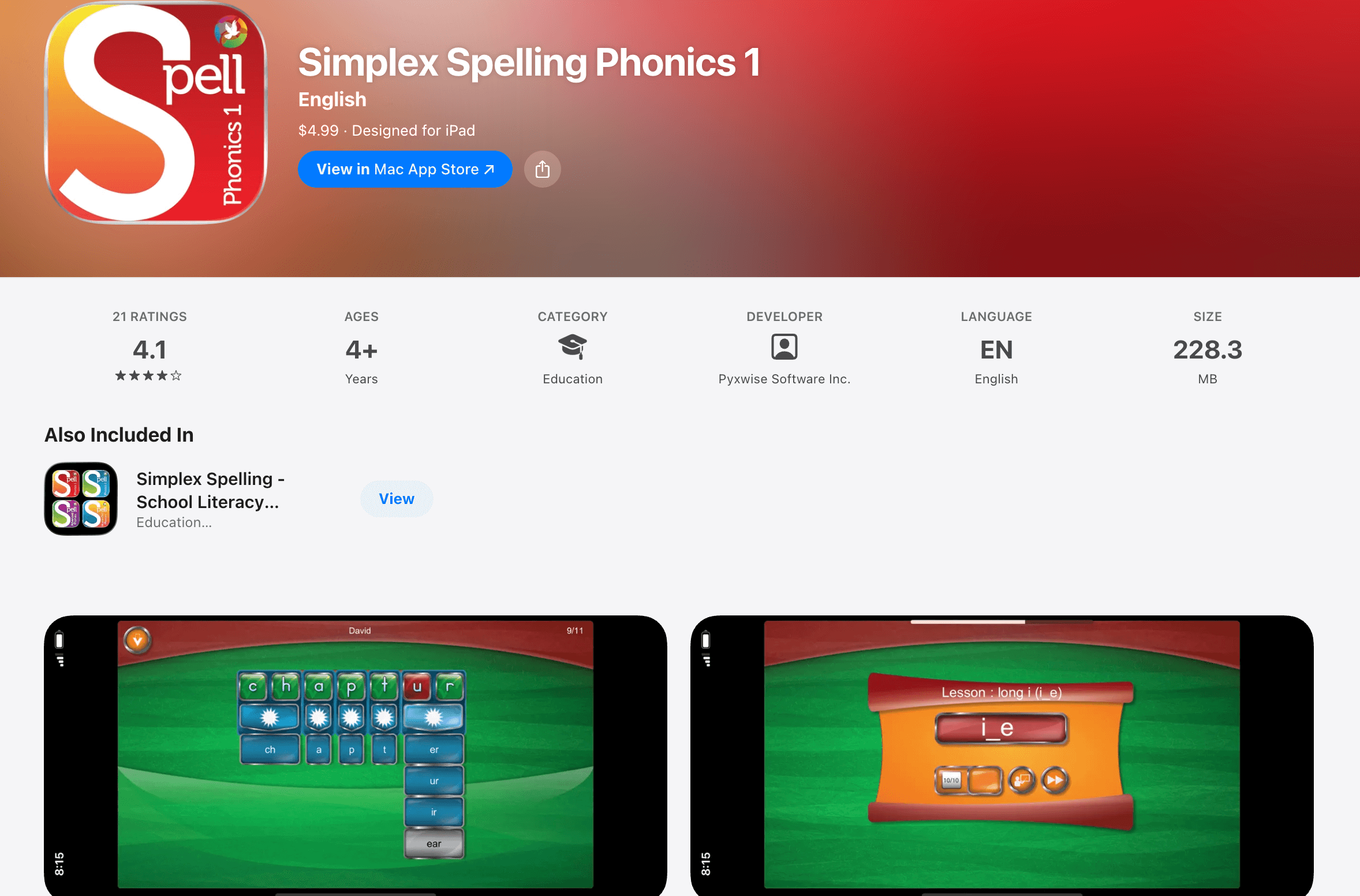
Simplex Spelling Phonics 1 uses a unique ‘reverse phonics’ approach. It means it teaches them how to build words sound by sound and, therefore, understand the logic behind English spelling rules. It’s one of the best spelling apps for kids because it covers a full year of curriculum and includes over 450 high-frequency words. However, its very plain interface might not hold the attention of kids who are more into flashy stuff.
Features
- 42 instructional lessons covering a full year of spelling
- Detailed progress reports you can export and review
Pricing
It’s a one-time purchase of $4.99 on the App Store.
Pros & cons
Large families appreciate the multi-user support (of up to 40!) but lack custom lists.
Pros |
Cons |
| 🟢 Strong phonics focus | 🔴 iPad/iPhone only |
| 🟢 Educational accuracy | 🔴 No ‘fun’ games |
#10 Mystery Word Town spelling app for kids
Age group: Grades 1-5
Best for: Unwilling learners who need their spelling practice ‘hidden’ inside an exciting adventure.
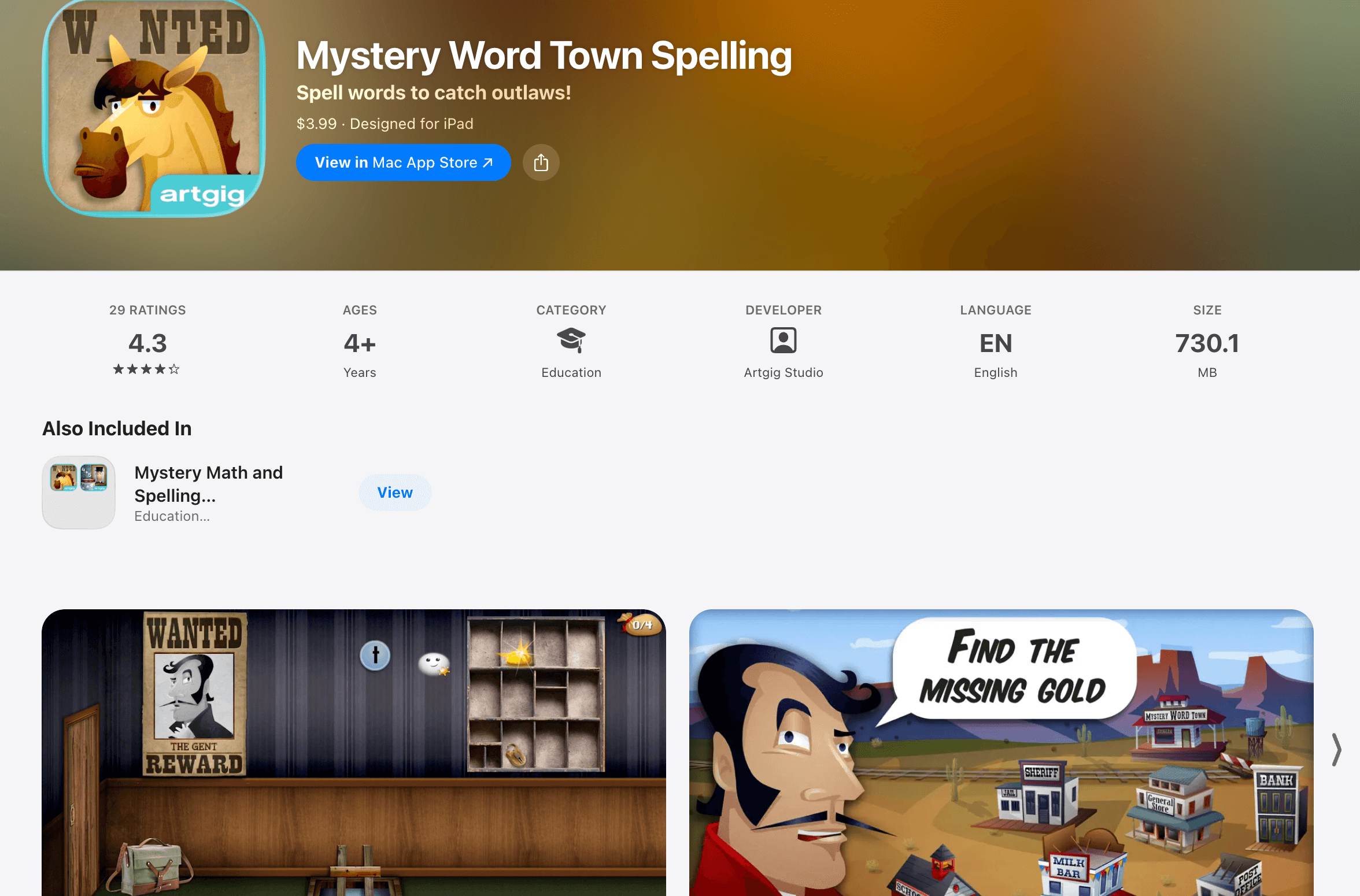
Mystery Word Town engages your child in a captivating Wild West adventure. There, they become deputy ghosts that help the sheriff capture outlaws. To solve puzzles and catch the bad guys, kids must use their spelling skills. Plus, you can use the teacher-approved word lists included or record your own voice for custom ones.
Features
- Among spelling game apps for kids, yet with three skill levels based on Fry and Dolch sight words
- Includes multiple user accounts for large families to track progress
Pricing
One-time purchase – just $3.99.
Pros & cons
User reviews mention learning with visual and audio hints for complex words as a major pro, and a slower gameplay pace on the other hand.
Pros |
Cons |
| 🟢 Very immersive | 🔴 Older graphics style |
| 🟢 Good for sight words | 🔴 Interface takes learning |
#11 Sight Words & Spelling Reading
Age group: Pre-K – 3rd grade
Best for: Early readers who need to memorize those tough words that don’t always follow the rules of phonics (like, the, said, could, etc.)
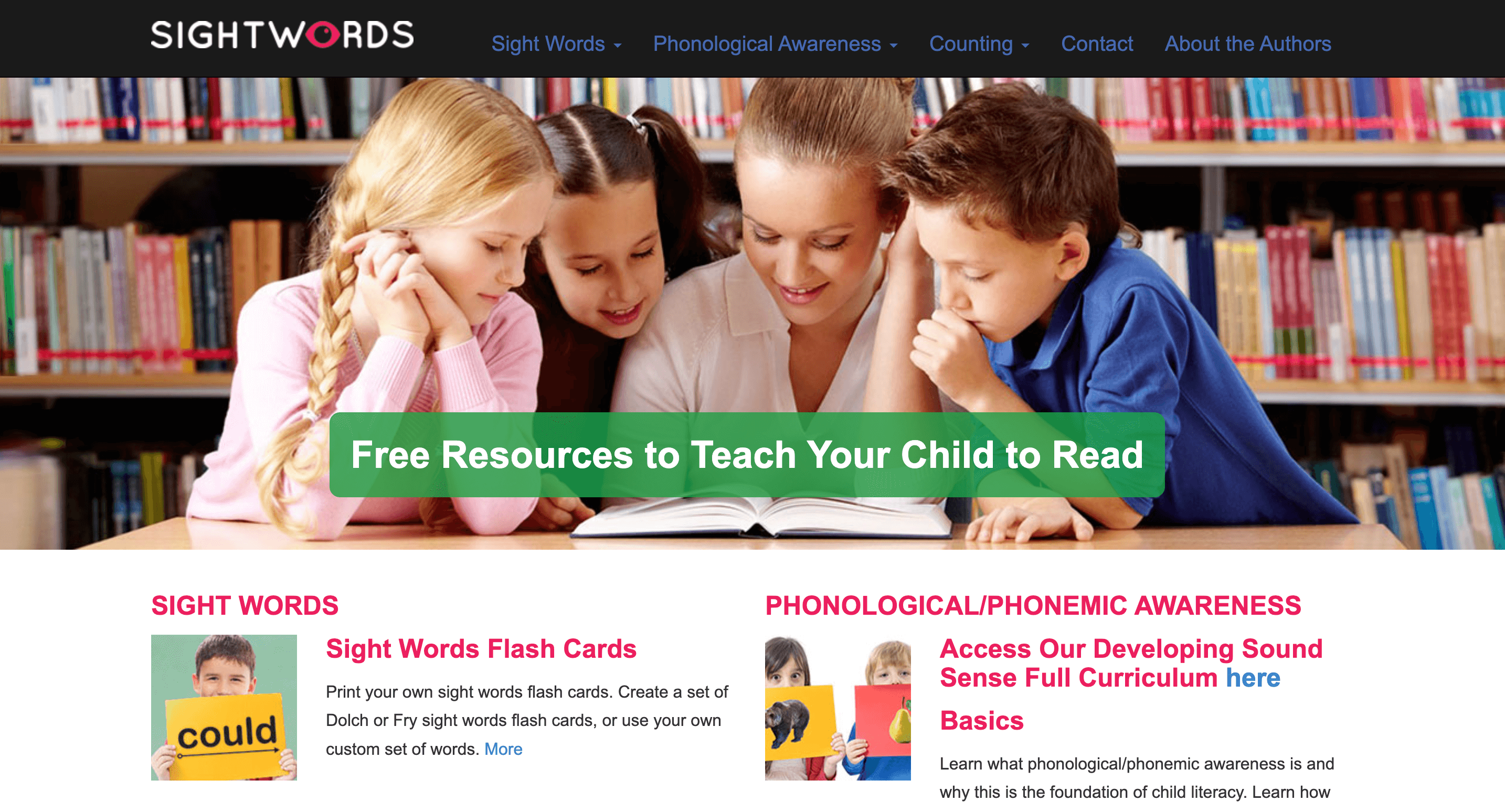
With Sight Words & Spelling Reading (by RV AppStudios), kids follow the adventures of Lucas and his friends through various mini-games like Word Bingo and Memory Match. These reading and spelling apps for kids use colorful visuals and encouraging sounds to celebrate every win. However, the already widely used feature of adding your own custom school spelling lists to the games isn’t available here.
Features
- Offers eight unique game modes like Bingo and Sentence Maker
- Regularly updated with fun seasonal themes like Winter or Halloween
Pricing
This app closes my list of the best spelling apps for kids free download.
Pros & cons
Although it indeed focuses on fluency, parents say, occasional ‘negativity’ in sentences might still appear here and there.
Pros |
Cons |
| 🟢 No ads or data collection | 🔴 Simplistic graphics |
| 🟢 Educational animations | 🔴 High-frequency words only |
#12 SpellBoard best reading and spelling apps for kids
Age group: Grades 1-12
Best for: Busy parents who need a quick and reliable way to help their kids get prepared for that big Friday test.
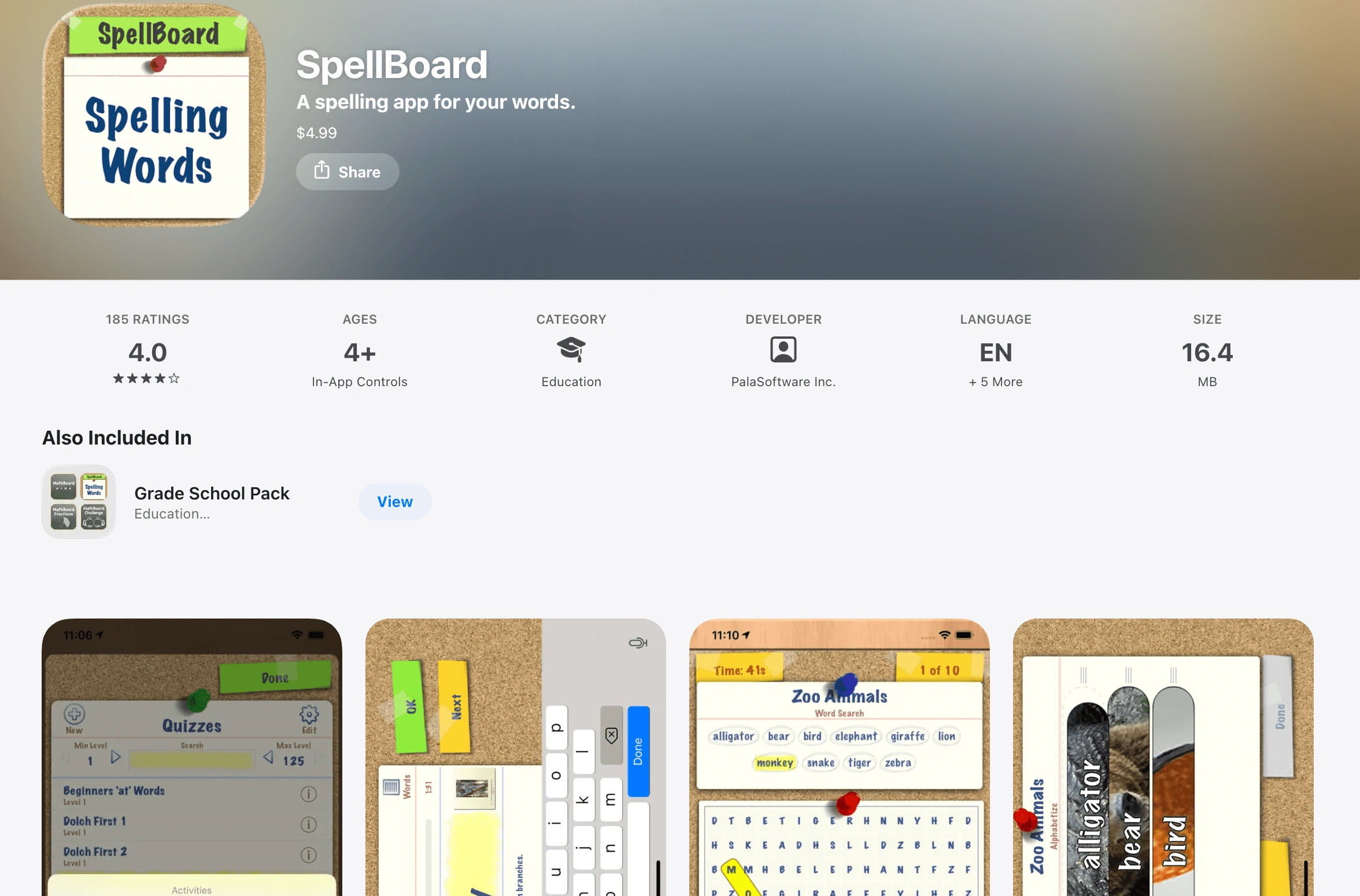
SpellBoard allows you to create your own quizzes. Then, it automatically generates fun activities. Those may include word searches and crosswords. The app maintains a rather high rating among parents, particularly due to the scrambles with your custom words. You can even use an Apple Pencil to practice handwriting directly on the screen. But the interface is quite plain and lacks the exciting animations found in other apps.
Features
- Reported among the best spelling apps for kids Reddit reviews say
- Includes a built-in dictionary for word meanings and synonyms
Pricing
The app is a flat $4.99 one-time purchase.
Pros & cons
Even though manual entry is required, as users report, games still generate really fast.
Pros |
Cons |
| 🟢 Multilingual support | 🔴 No ‘fun’ characters |
| 🟢 Very practical | 🔴 No automated curriculum |
Conclusion: Which best spelling apps to choose for your child?
Choose the right tool according to your family’s needs. If you want a ‘buy-once’ classic, Squeebles is a great pick. If you need a completely cost-free option, then Khan Academy Kids should be good. For those preparing for a big competition, Word Club is among the best spelling practice apps available.
But if you’re looking for more than just digital drills, Brighterly is the ideal choice. It provides a human touch that software lacks, and helps your child master literacy through:
- Personalized 1-to-1 attention from expert tutors
- A curriculum adjusted to your child’s specific goals
- Engaging and teacher-led phonics and decoding practice
Book free lesson and try a Brighterly reading class for free!



I know handwriting might seem like an archaic practice in today’s tech-filled world. The thing is, the human brain is still the same as it was decades ago – it still needs fine motor skills for proper development. That is why the question “How to help a child with dysgraphia?” remains relevant for parents. As […]

Jan 16, 2026
When it comes to finding the best math tutoring platform fit for a child, many parents finish comparing options like Sylvan vs Huntington vs Brighterly. If these three are on your radar, I have good news — I will be reviewing them to help you make an informed decision. There are lots of factors that […]

Jan 19, 2026
Math & reading from 1st to 9th grade
Exploring alternatives?
Take a short quiz!
Choose kid's grade