10 ADHD Writing Tools to Make Writing Easier (Apps, Programs & Hacks)
reviewed by Camille Ira B. Mendoza
Updated on January 23, 2026
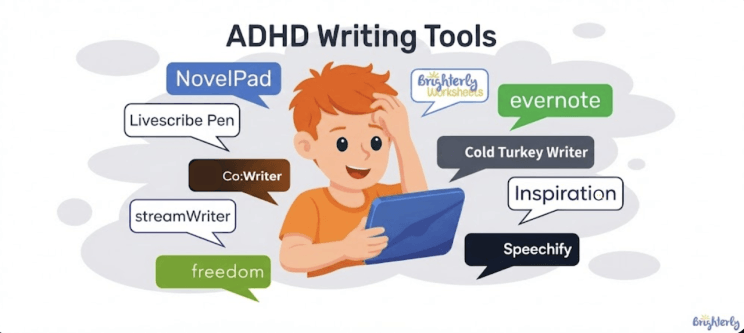
This article is dedicated to ADHD writing tools that help kids focus, organize ideas, and get words on the page, even when writing seems like herding cats. Let me share apps, programs, and simple hacks designed to make the learning process of your very special child easier.
Key points:
- ADHD writing tools separate planning, organizing, and writing into steps and thus reduce overload
- Children with ADHD write better when expectations match how their executive function develops
- Apps and assistive technology support writing mechanics, but cannot replace human guidance
- Consistent tutor support at platforms like Brighterly is a must for children to transfer ideas from their head to the page without writing becoming a daily source of rejection.
How to make writing easier with ADHD?
Writing becomes easier for children with ADHD when tasks are split into small steps. That’s because most kids with attention deficit hyperactivity disorder and writing difficulties feel extreme discomfort when they have to plan, organize ideas, and stay focused at the same time.
In fact, ADHD is more common than many parents realize. According to data from the Centers for Disease Control and Prevention (CDC), 1 in 9 K-12 children in the United States has been diagnosed with ADHD. It means that in a typical classroom, there are two or more students with an ADHD brain, so, no surprise that written tasks can be such a widespread challenge for teachers and families.
That said, it’s great that we have special apps and assistive technology for ADHD today, which are really helpful in reducing overload. ADHD writing tools help address common challenges like messy handwriting, lost ideas, poor organization, the frustration that comes with writing assignments, and the gap between what a child knows and what shows up on paper.
Writing practice becomes more manageable thanks to ADHD writing tools, and you’ll be surprised when children complete tasks without constant reminders.
However, you’ll notice much better results when you support your child with both an ADHD writing app (or several) and personal guidance. The latter is the most important and can not be replaced by any tools.
Brighterly: Individual writing support with professional tutors
Parents and caregivers sometimes chaotically look for writing tools for students with ADHD to help neurodivergent kids tackle writing challenges. However, fancy AI-powered resources often with an eye-watering price tag still won’t explain to your child the difference between “affect” and “effect” (as just an example). But human support of a professional teacher who meets each child where they are, truly can!
Brighterly offers a personalized writing and reading program designed to help children who are writing with ADHD build English language skills and excel in school.
At the heart of Brighterly’s support are professional tutors who work with each child during online writing classes for kids and teens. Experienced teachers are well aware of the problems ADHD children face and use a scientific approach to teaching them. They listen, guide, and propose various writing hacks for ADHD to help children make sense of ideas before words go on the page. An individualized approach and a trusted partner in learning are things of prime importance for such kids.
Brighterly tutors use proven methods to help students who struggle with attention and executive function make steady progress. In this way, the Brighterly reading platform works alongside the best ADHD writing tools, not replacing them, and brings professional guidance into the mix.


What tools help improve ADHD handwriting?
From my own teaching experience, handwriting becomes a significant challenge for neurodivergent students. The point is that writing by hand asks for too many things all at once: focus, memory, hand–eye coordination, fine motor control, and, crucially, organization. Even simple tasks may result in slow writing, shaky or uneven letters, poor spacing, tired hands, and many more troubles.
Writing tools for authors with ADHD don’t fix or cure these learning disabilities. Unfortunately, there is no known cure for this so far. But these different kinds of ADHD assistive software help children show what they know without handwriting standing in the way. Moreover, if combined with occupational therapy, family support, and patient teaching, these tools are heaven for kids who want others to see their talents.
Worksheets
Jumping straight into long writing tasks is a tall order for many children with ADHD. That’s why writing worksheets for kids are often a good choice as a starting point. Brighterly creates colourful worksheets for K-12 students, including those who are writing with ADHD and need extra motivation.
For example, Brighterly’s printable cursive writing worksheets for kids guide them through forming letters, spacing words, and keeping writing steady. Everything is bright and visual, so children can focus on one small task at a time. Parents often use printable resources like these for short, stress-free practice at home.
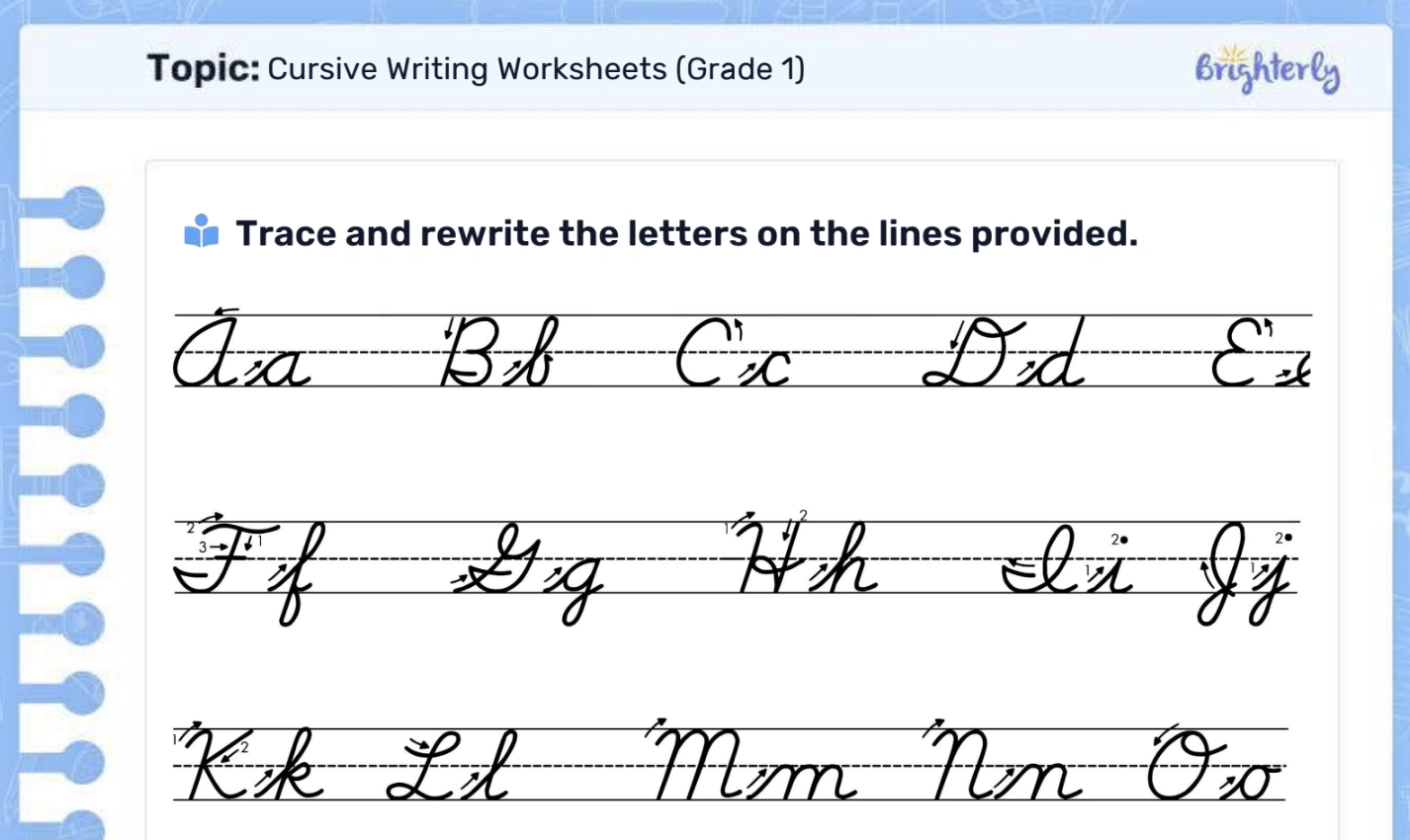
When combined with an ADHD writing program or app and support from a tutor, worksheets are highly effective for building daily habits and steady progress.
Note: Looking for other ways on how to get better at writing? Check this writing for the best working clues.
Livescribe
The Livescribe supports students with note-taking difficulties and who struggle to keep up during class discussions. This ADHD writing program records classroom audio while they write, and later, kids can tap their notes and hear what the teacher said at that moment. This tool also streams, saves every note, sketch, and messy handwriting, and converts it all with AI-powered transcription. Helpful for students who miss key points during lessons and keep important information from slipping through the cracks.
Inspiration
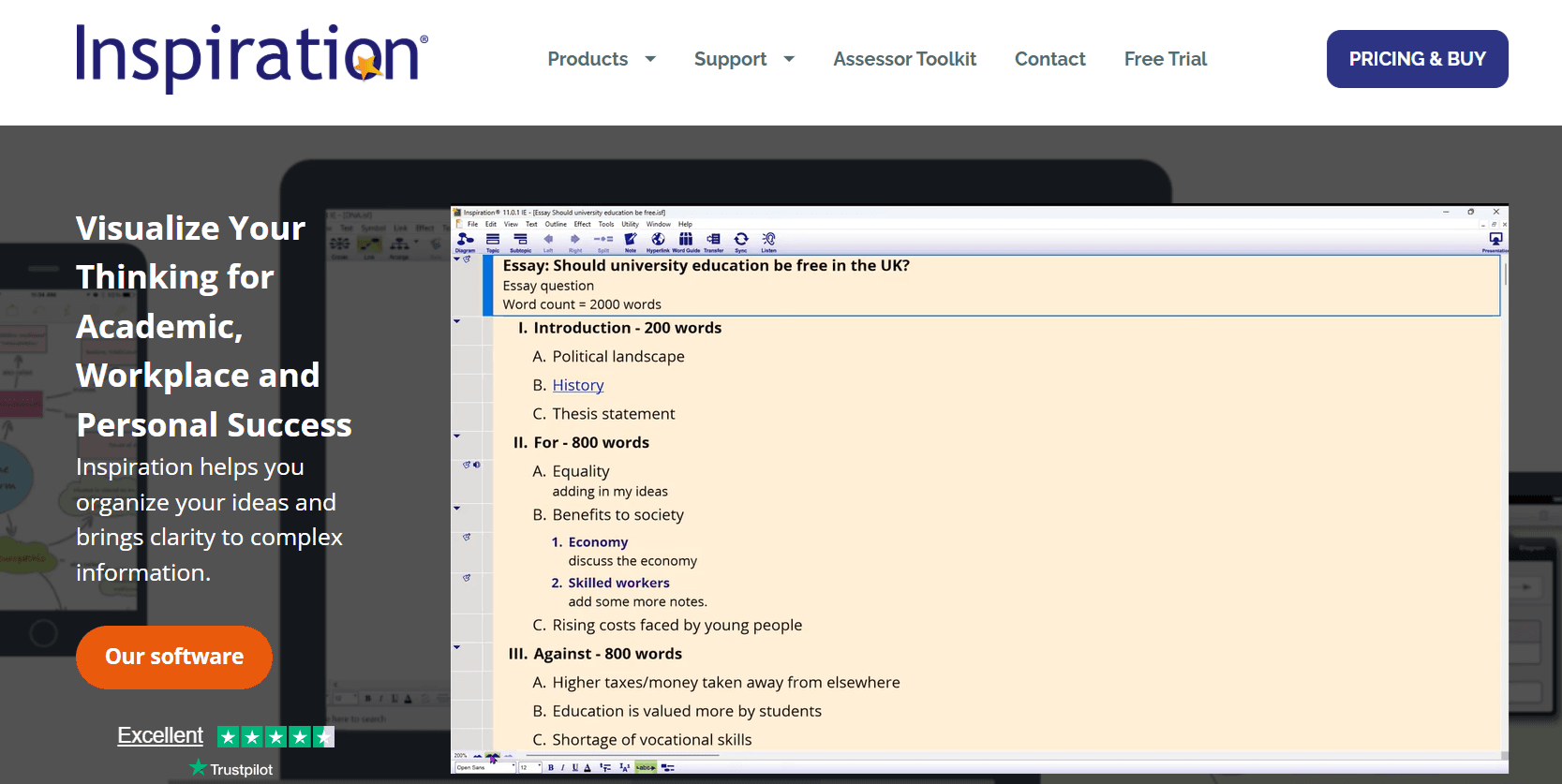
Inspiration uses visual organizers, graphic diagrams, and outlines as additional support for children to plan their writing. This is one of the most efficient ADHD writing tools, bringing order to busy ideas and making it easier to see how thoughts connect. Students can arrange notes, ideas, and sentences visually, with zero rejection of writing tasks, because they can manage everything.
Teachers and parents, in their turn, can link Inspiration to interactive whiteboards or tablets for educational demonstrations, and in a moment, a big, overwhelming assignment turns into something simple to tackle one by one.
Speechify (Dictation & Text-to-speech)

Speechify is also known as speech-to-text, voice-to-text, voice recognition, or speech recognition technology, assists people who have difficulty writing by reading text aloud, and, magically, spoken words become written text. Dictation tools like this one are popular among ADHD writing program users as they help write, edit, and revise without relying on handwriting alone.
Evernote
Evernote allows students to photograph worksheets and type answers into the blanks instead of writing by hand. This ADHD writing tool helps kids with handwriting difficulties keep everything in one place, so you’ll see no more wild goose chase for lost papers. Just imagine: notes sync across devices, so schoolwork stays organized at home and in class!
Best ADHD writing tools
Moms of elementary and middle school children with ADHD handwriting difficulties or dysgraphia shared with me that their child understands the lesson, knows the rules, yet the pencil work tells a different story. This is a classic case of knowing the answer but being helpless to write it down on paper. Here are the ADHD writing tools that will help improve the situation.
NovelPad
NovelPad is a well-organized ADHD writing program designed for longer writing tasks. It helps students break stories or essays into small parts and keep notes in one place. This structure supports kids who struggle with planning and executive function, especially during school writing assignments.
StreamWriter
StreamWriter can be used as an ADHD writing app with a minimal layout that reduces distractions. Its gentle visual changes help keep attention steady during writing time. For children who get overwhelmed by the noise of busy screens, this tool is an awesome quieter space to focus and write.
Freedom
Freedom blocks distracting websites and apps during writing sessions. This ADHD writing app protects the writing time of people who lose focus easily, and this is its main function. Parents often use it as part of simple writing hacks for ADHD during homework hours.
Cold Turkey Writer
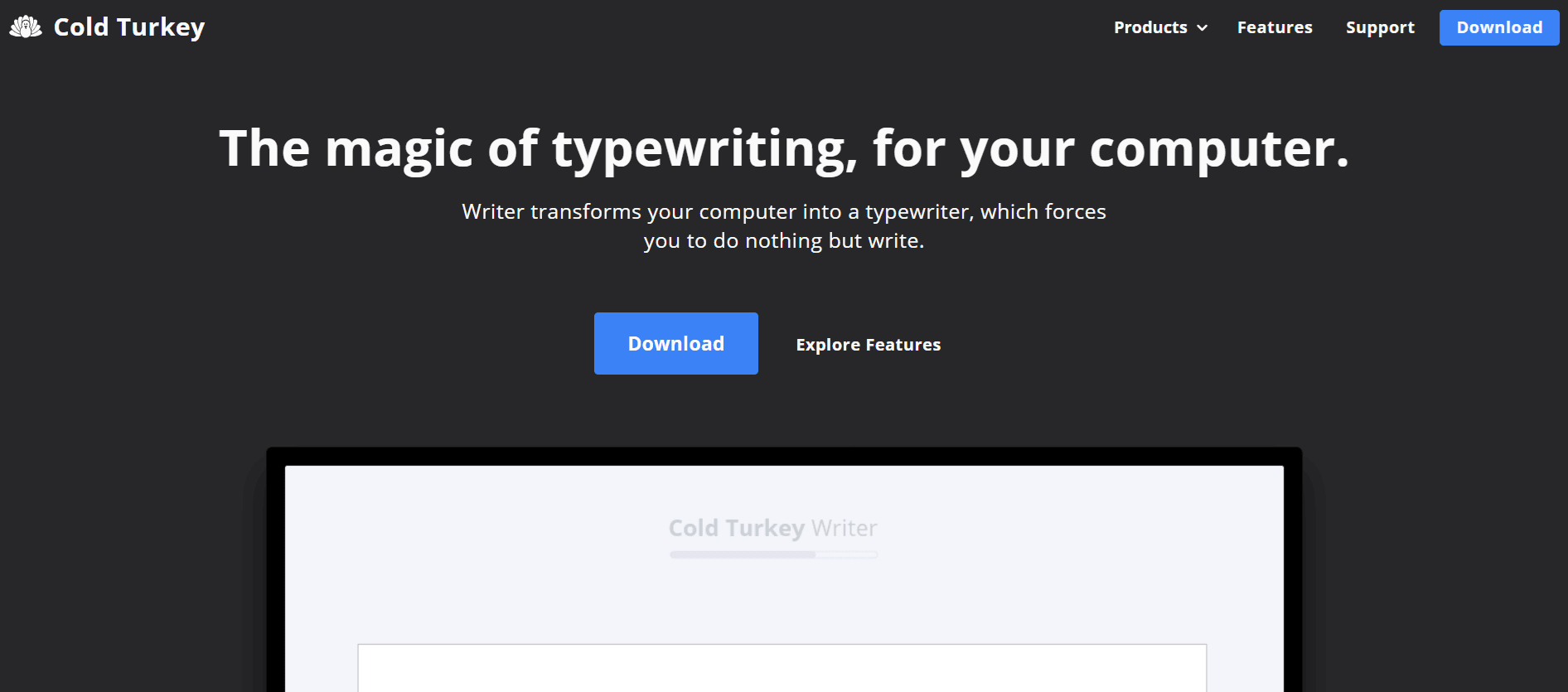
Cold Turkey Writer creates a locked writing environment that removes all distractions. Students can’t switch to games, videos, or social media until the writing task is finished. This clear boundary can be surprisingly calming, because there’s no constant decision-making about whether to stay on task or not. It’s great for short assignments such as a paragraph, a short response, or a timed writing exercise.
Parents who prefer firm structure find this ADHD writing program helpful. That’s because it removes the need for repeated reminders, negotiations, and even quarrelling sometimes.
Co:Writer
Co:Writer supports spelling, sentence building, and proofreading with word prediction and speech-to-text features. This ADHD writing app allows ideas to flow without getting stuck on every word, which is a miraculous help for children with dysgraphia or weak spelling skills.
Best ADHD writing tools Reddit: What users say
Many parents don’t start with experts or glossy ads, but with real stories. On Reddit, one topic keeps coming up. People ask what is the 30% rule in ADHD? Simply put, this idea suggests that children with ADHD may show skills and self-control that are about 30% behind their age level. It happens because of delayed executive function development.
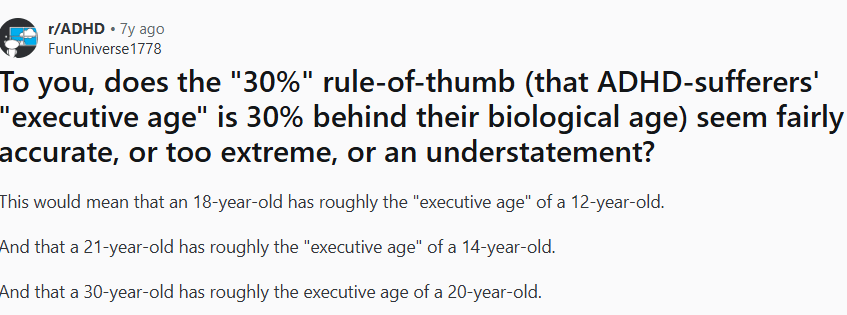
A child may understand complex ideas but can’t do the written tasks as expected. Reddit users point out that expecting “age-appropriate” writing output without support sets kids up for rejection and disappointment. So, they recommend adjusting expectations and using ADHD writing tools.
Additionally, many families ask about ADHD writing tools free, especially when trying out tools for the first time. Among others, Reddit reviewers name such free tools they use:
- Distraction-free writing mode plugins for Google Docs
- Boox
- Novelist app
- Freewrite Traveler
Some people even recommend using a vintage typewriter or just a pen and paper 😉 to limit distractions or eliminate them for good. But seriously, they usually start with free trials, printable worksheets, built-in speech and text features on devices, or basic note-taking apps before investing in any paid ADHD writing program.
Among other writing hacks for ADHD come through loud across Reddit discussions:
- Have enough sleep
- Go for a walk with your dog
- Set a short writing timer (10–15 minutes) and stop before frustration kicks in
- Change the writing position, as some kids focus better standing at a counter, sitting on the floor, or using a wobble cushion instead of a desk chair
- Lower the bar on first drafts by allowing messy, imperfect writing or dictation.
Finally, one of the most valuable hacks people offer is to find a patient tutor you can trust to support your ADHD child when needed.
Conclusion
Writing is one of the hardest school tasks for children with ADHD, not because they lack intelligence, but because the process itself is overwhelming. The right ADHD writing tools can reduce pressure, improve focus, and help kids disclose their creative ideas. Still, no app works in isolation. The strongest progress happens with patient guidance, realistic expectations, and human support.
Book free lesson at Brighterly and see how their tutors can cherish your kid’s curiosity and longing towards education.



Many parents don’t get what is close reading and what their kids need to do to improve it, no matter how often teachers and educators point out its importance. As a tutor myself, I’ll explain it to you. In this guide, you’ll find why it matters and what exactly you need to do to help […]

Jan 14, 2026

Writing a short story is one of the most exciting ways kids can strengthen their reading and writing skills. Creating their own world with characters and plot points allows your child to be imaginative. It also teaches a lot of important academic skills, like structuring their writing effectively and using new vocabulary. To help your […]

Jan 15, 2026
Math & reading from 1st to 9th grade
Looking for homework support for your child?

Choose kid's grade

Math & Reading for Grades 1–9
Build real confidence for your child with a Brighterly math or reading tutor.