10 Best Tools for Kids’ Creative Writing: Discover the Best Option
reviewed by Jessica Kaminski
Updated on January 23, 2026
I’ve worked with many kids who love stories yet struggle to put ideas on paper. That’s why today I’ll review the best tools for kids’ creative writing. Get ready to learn about apps and platforms that balance creativity and structure.
Key points
- Brighterly helps master the ‘Art’ of English through 1:1 mentorship and personalized paths to grammar and perfect storytelling.
- Outschool and Varsity Tutors offer high-tech AI tools for interactive and interest-based learning.
- Toontastic 3D and Storybird help overcome the ‘blank page’ and spark imagination using 3D animation and professional artwork.
- StoryJumper, Book Creator, and Storyboard That provide multimedia workspaces to design and publish books and digital comics.
- ReadWorks and Storyline Online strengthen literacy through research-backed nonfiction and celebrity-narrated stories.
Exploring alternatives?

What are the best tools for creative writing?
The best creative writing apps for kids combine freedom and guidance. They should spark ideas with prompts and support storytelling. They should also gently improve grammar and clarity. Hence, prioritize tools that adapt to a kid’s level. However, real progress happens faster when a qualified tutor supports the kid alongside.
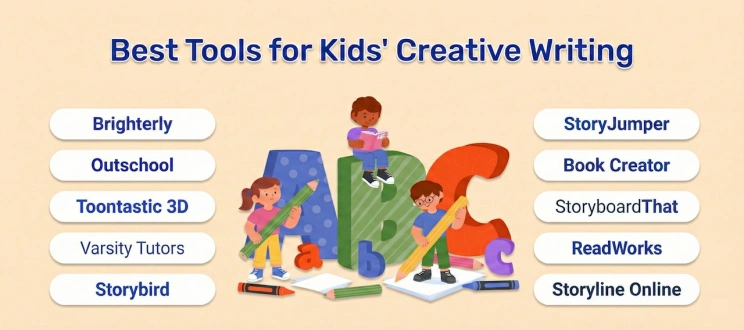
10 tools for creative writing to try
- Brighterly
- Outschool
- Toontastic 3D
- Varsity Tutors
- Storybird
- StoryJumper
- Book Creator
- Storyboard That
- ReadWorks
- Storyline Online
Paid creative writing tools for kids: Comparison
Age group |
Features |
Cost |
|
| Brighterly | Grades 1-9 |
– Custom-made learning plans from certified tutors – Family-friendly scheduling and progress tracking – Free reading |
$17.30/lesson (with 3 lessons/week and billed annually) |
| Outschool | Pre-K – grade 12 |
– Live video classes – Interest-based curriculum |
From $70/mo |
| Varsity Tutors | K – grade 12+ |
– AI tools – Free resources |
$87.25 per hour |
| Storybird | Grades 1-12 |
– Creating stories around professional artwork – 700 lessons for improving writing craft |
$4.99 per month |
| StoryJumper | Grades K-8 |
– Creating customizable books – Multiple options to illustrate own books |
From $2.99 for a PDF eBook to $27.99 for a hardcover book |
| Book Creator | Grades K-12 |
– AI-powered ‘AutoDraw’ tool – Reading back to kids |
$14 per month |
| Storyboard That | Grades K-12 |
– Layout flexibility – Diversity and intuitive use |
$9.99 per month |
Free creative writing apps for students in K-12: Comparison
Age group |
Features |
Best for |
|
| Toontastic 3D | Grades 1-7 |
– Simple drag-and-drop interface – Voice recording |
Creating animated cartoons |
| ReadWorks | Grades K-12 |
– 10-minute daily routine – A ‘stepped-down’ version |
Building vocabulary and developing a knowledge base |
| Storyline Online | Grades K-5 | – Celebrity narrators | Overall literacy improvement |
#1 Brighterly: The best resources for creative writing
Age group: grades 1-9
Best for: aspiring writers who strive to learn the ‘Art’ of the English language, which is grammar, spelling, and – most importantly – writing.
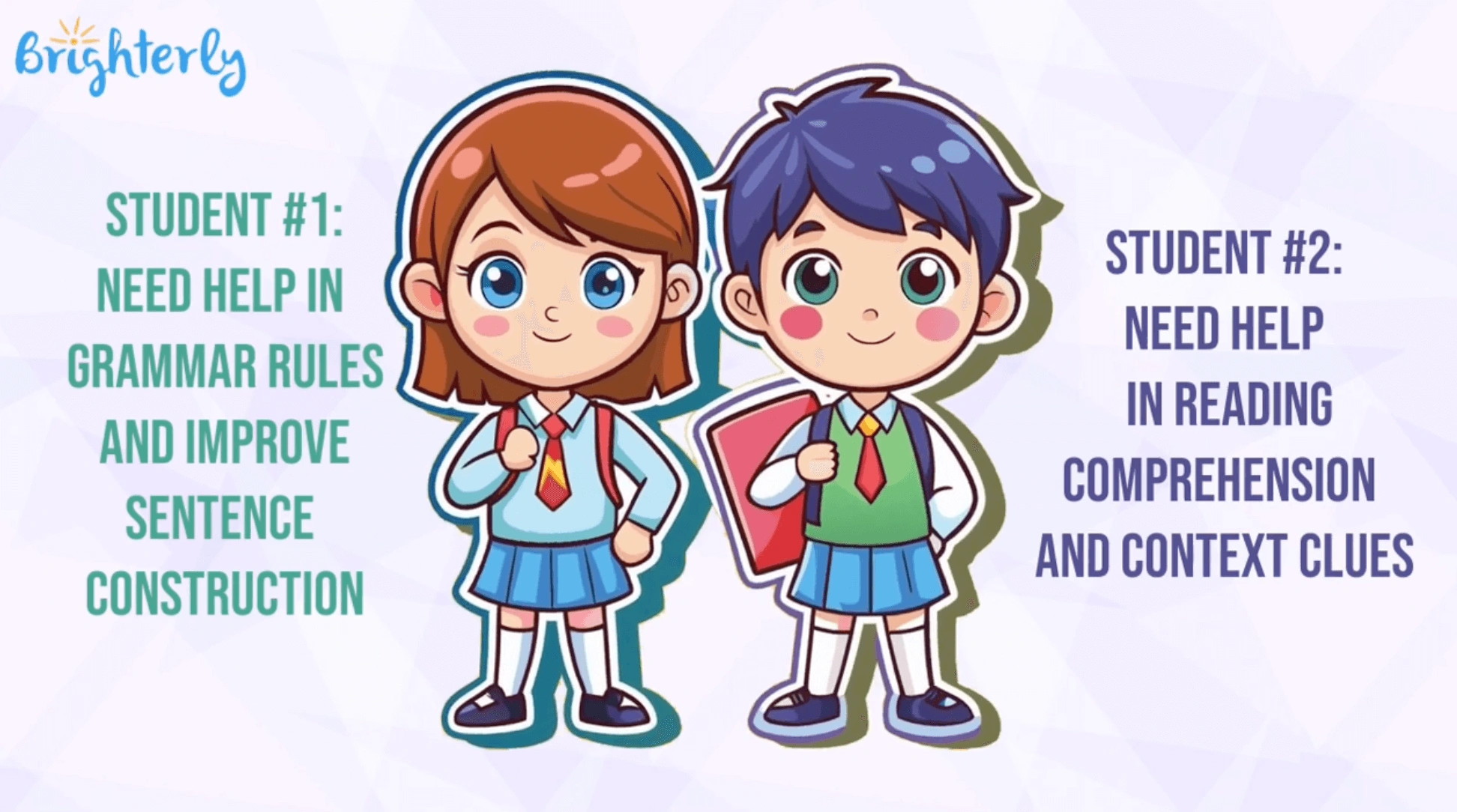
Benefits of Brighterly resources for teaching creative writing
Learning to read at Brighterly gives your child the ideas and vocabulary. Proceeding with ELA further is where they actually create something entirely new through writing. Your kid starts at their current skills level and moves forward 1:1 with certified tutors. They use a personalized learning plan developed specifically for them and end up mastering creative writing.
Brighterly features
The ‘dream team’ of writing mentors
The real magic of Brighterly is its people. Writing and reading tutors here are total pros who know how to handle ‘writing jitters.’ They are trained to understand how a child’s mind works. Moreover, they manage to support kids who might have ADHD or just a general fear of the blank page.
Hence, in addition to teaching Brighterly writing and reading program, these tutors act as a ‘creative coach’. They really help kids feel safe enough to share their big ideas and build stories around them, which they’ll be further proud of.
A ‘just-for-you’ roadmap to better stories
Expert teachers at Brighterly math and reading platform first start by getting to know your child’s specific reading and writing level through a fun diagnostic ‘test-drive.’
From there, they build a custom plan that focuses on exactly what your kid needs. That might be, say, learning how to describe a character better or figuring out how to organize a plot from start to finish. Or, they might start from the basics altogether, like studying what is narrative writing.
Furthermore, the lessons are designed to be interactive and fun. It really feels more like a game than extra schoolwork. Plus, since everything stays in line with what they are learning in class, you’ll likely see those school grades and that confidence start to climb at the same time!
Brighterly: Key pros and cons
According to TrustPilot reviews, Brighterly is quite justifiably considered No. 1 among the best tools for kids’ creative writing with its personalized 1:1 lessons and customized learning plans.
| Pros | Cons |
| 🟢Free practice resources | 🔴No group classes |
| 🟢Gamified platform (digital games, puzzles, ‘brain breaks,’ etc.) | 🔴Limited subjects |
| 🟢Common Core aligned, so it helps directly with their classroom grades. | |
| 🟢Much cheaper than hiring a local private tutor | |
| 🟢 Parents get detailed updates after lessons |
Brighterly cost
Hiring a tutor frequently feels like a luxury, doesn’t it? Yet Brighterly keeps things realistic for parents. Private lessons here start at $17.30. Plus, it also offers a variety of free resources:
- Free first lesson
- Free reading worksheets
- Free reading tests (for grades 1-9)
- Educational blog posts
#2 Outschool tools for creative writing
Age group: Pre-K – grade 12
Best for: kids who find traditional workbooks a bit ‘blah.’
Outschool declares that learning should be fun and social. Plus, it should be led by a child’s own interests in the first place. Outschool is a massive online community that connects passion-led teachers with young explorers. It’s a place where a kid can join a club of fellow young authors to build worlds together. However, it’s important to keep an eye on your inbox. Since classes require a minimum number of students to run, a session might be canceled last minute if the group is too small.
Outschool: Features
- Interest-based curriculum
- Live video classes in small groups
Outschool: Pricing
All plans – from $70/mo for 2 classes/week to $600/mo for 10 classes/week – include free member library access. It also has a free plan but with very limited features.
Outschool: Pros and cons
According to TrustPilot reviews, many parents consider this platform among the best tools for creative writing, praising variety and flexibility.
| Pros | Cons |
| 🟢 Small group interaction in a safe and moderated environment | 🔴 Varying teacher quality since teachers are independent |
| 🟢 Specialized ‘niche’ mentors who offer a ‘mistake-friendly’ zone and flexible feedback styles |
🔴 Relatively high prices and strict refund policies |
|
🔴 Possible communication lags |

#3 Toontastic 3D app for creative writing
Age group: grades 1-7
Best for: aspiring animators, visual thinkers, and all who are fond of animated cartoons.
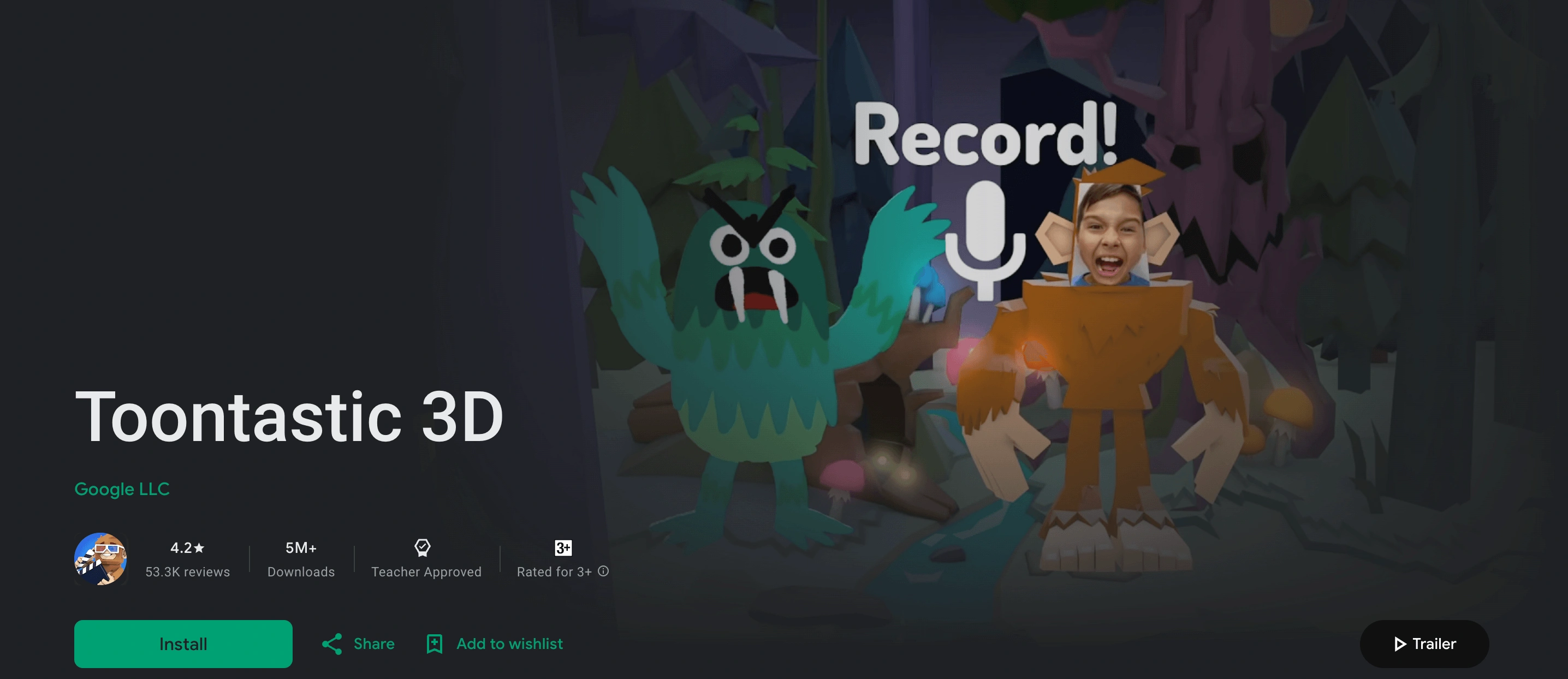
Toontastic 3D is sort of a ‘digital puppet theater’ that can turn your kid into a movie director. This free app is meant to spark a love for storytelling without the pressure of a blank page. Kids build 3D worlds and move characters around like real puppets.
They can also record their own voices to tell the story! It’s pretty helpful for kids who have big imaginations yet might struggle to sit still with a notebook. Result? Since this software focuses entirely on oral narration, it doesn’t actually involve any typing or handwriting.
Note: For kids who are ready to move from speaking to writing, simple exercises like first grade writing prompts can help bridge that gap.
Toontastic 3D: Features
- Helps children structure their stories using a beginning-middle-end framework
- Voice recording as a fun way to practice clear speaking
Toontastic 3D: Pricing
It’s totally free.
Toontastic 3D: Pros and cons
It definitely could’ve been highlighted as the best app for creative writing a few years ago, even though now it already requires an update.
| Pros | Cons |
| 🟢 Total creative freedom for free | 🔴 Solo adventure (there’s no way for two kids on two different tablets to work on the same movie together) |
| 🟢 Can be used offline |
🔴 It can’t be downloaded on brand-new phones or tablets due to no app updates since 2017 |
|
🔴 Risk of losing work since it doesn’t ‘cloud’ save |
#4 Varsity Tutors AI tool for creative writing
Age group: K – grade 12+
Best for: kids who have amazing stories in their heads yet need a patient adult to help them organize those thoughts onto a page.
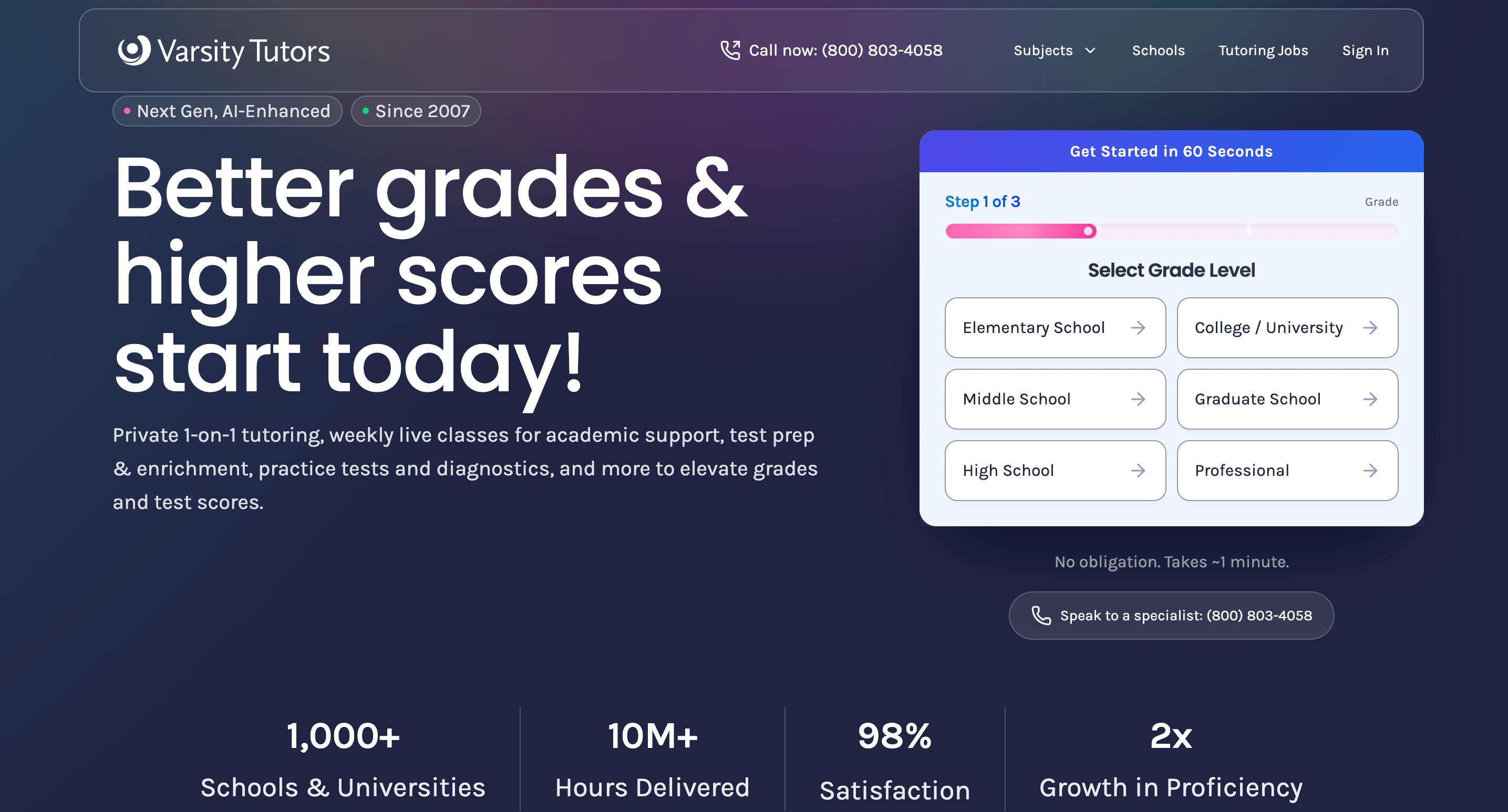
Founded in 2007, Varsity Tutors occupies a worthy place in the ‘Next Gen’ education space, although not without frequent tech glitches. They recently launched Live+AI. It’s an AI-enhanced platform that uses smart technology to summarize lessons and provide instant 24/7 homework help. It can also create custom practice problems based on exactly what your child struggled with during their session. Therefore, for your child, it’s sort of a mix between human mentorship and high-tech tools. However, it’s one of the top AI tools for creative writing nowadays.
Note: Be aware that the platform can be quite ‘buggy.’ A common complaint among users is that technical glitches frequently eat into paid time.
Varsity Tutors: Features
- Free tests, problems, flashcards, and test prep books
- Multiple AI tools for time-saving
Varsity Tutors: Pricing
Here, you can’t know how much you’ll have to pay until you talk to Varsity Tutors via phone. That’s the rule, unfortunately. Every parent is expected to first answer multiple questions about their kid’s academics, and only afterward get the price calculation. However, the average price is about $87.25 per hour.
Varsity Tutors: Pros and cons
Although these tools for grammar suggestions in creative writing are of quite a decent quality, far too many user reviews report multiple issues with prices, billing, heavy marketing, and cancellation.
| Pros | Cons |
| 🟢 Every private lesson is recorded | 🔴 Much more expensive than using a self-paced app or a group class |
| 🟢 There are also math, science, and fun ‘enrichment’ classes (like Minecraft coding) |
🔴 Initial sign-up process feels like a sales pitch, with a push to buy larger ‘packages’ of hours upfront |
|
🔴 Dealing with billing questions or canceling a plan can be a bit of a headache |
#5 Storybird creative writing tools for kids
Age group: grades 1-12
Best for: artistic kids who get inspired by beautiful illustrations and want to build a story around them.
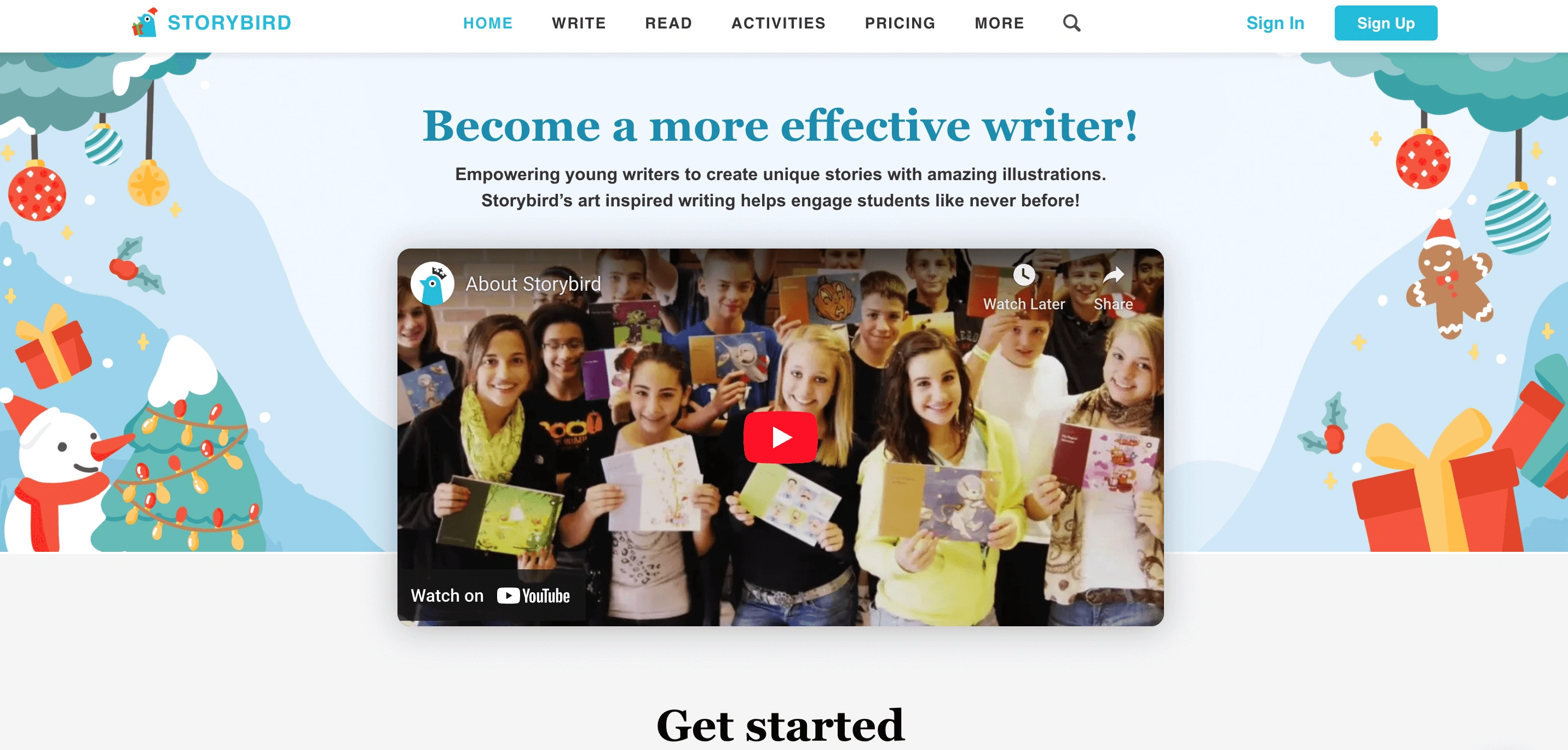
The ‘secret sauce’ of Storybird is their library of thousands of professional illustrations from artists all over the world, around which kids create their stories. This library is like a ‘story starter.’ On one hand, this helps kids overcome writer’s block. On the other hand, kids might spend hours just looking at the pretty pictures and forget to actually do the writing part.
Storybird: Features
- Kids choose a set of artwork and then drag and drop images to inspire their plot and characters.
- 700 ‘challenges’ and lessons to help kids improve their writing craft during play.
Storybird tools for creative writing: Pricing
An individual plan costs $4.99 per month and will be 50% cheaper if billed annually.
Storybird: Pros and cons
It’s the first platform among the best tools for kids’ creative writing that offers a free basic plan, even though it’s far too limited.
| Pros | Cons |
| 🟢 A safe place for kids to share their stories due to strict moderation | 🔴 Lacks a robust built-in grammar or spell-check system |
| 🟢 Variety of formats (a picture book, ‘longform’, a single-image ‘poetry’ poem, etc.) |
🔴 Far too many buttons and menus on the website might feel overwhelming |
|
🔴 Very feature-limited free basic plan |
#6 StoryJumper creative writing tools for students
Age group: grades K-8
Best for: kids who want to feel like a real author with a physical book to show for it.
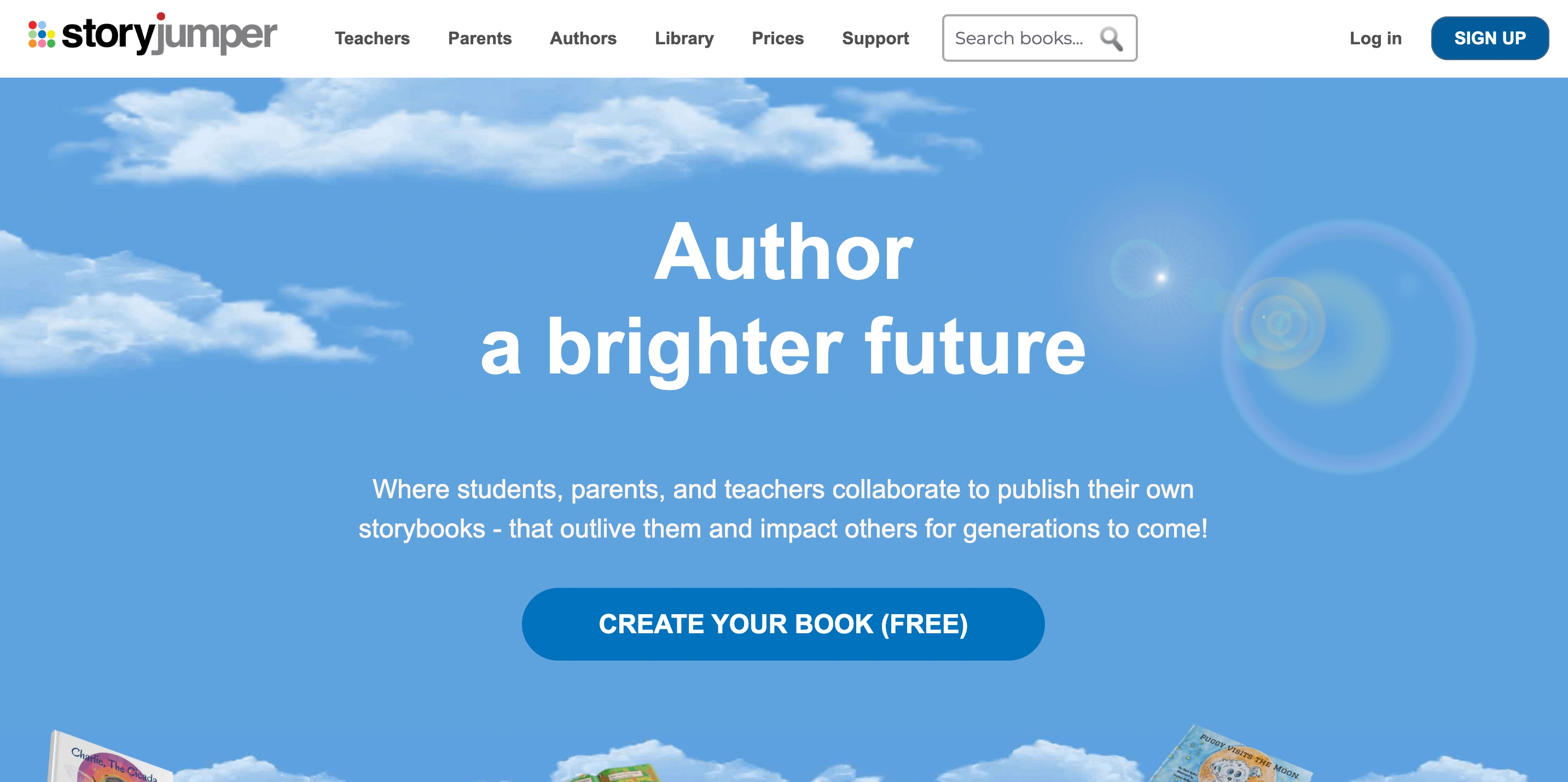
StoryJumper is a creative workspace where kids can design their own characters and pick out beautiful backgrounds. They write their own stories and can have their work professionally printed into a real hardcover book. However, mind that those published books may contain mistakes because StoryJumper doesn’t have a built-in red underline for typos like Word or Google Docs does.
StoryJumper: Features
- Creating customizable books
- The library of ready illustrations and the option to upload the preferred ones
StoryJumper: Pricing
- Free to use online
- $27.99 for a hardcover book
- $14.99 for a paperback book
- $7.99 for a video book
- $2.99 for a PDF eBook
StoryJumper: Pros and cons
These probably aren’t the best grammar tools for creative writing, yet still pretty interesting, collaborative, and contribute to self-confidence.
| Pros | Cons |
| 🟢 An option to invite friends to work on the same book at the same time | 🔴 Although creating a book is free, you have to pay for almost everything else |
|
🔴 No free-hand drawing and limited prop selection |
#7 Book Creator apps for creative writing
Age group: grades K-12
Best for: kids who are into a ‘multimedia’ style and would love adding photos, videos, and voice recordings to their books.
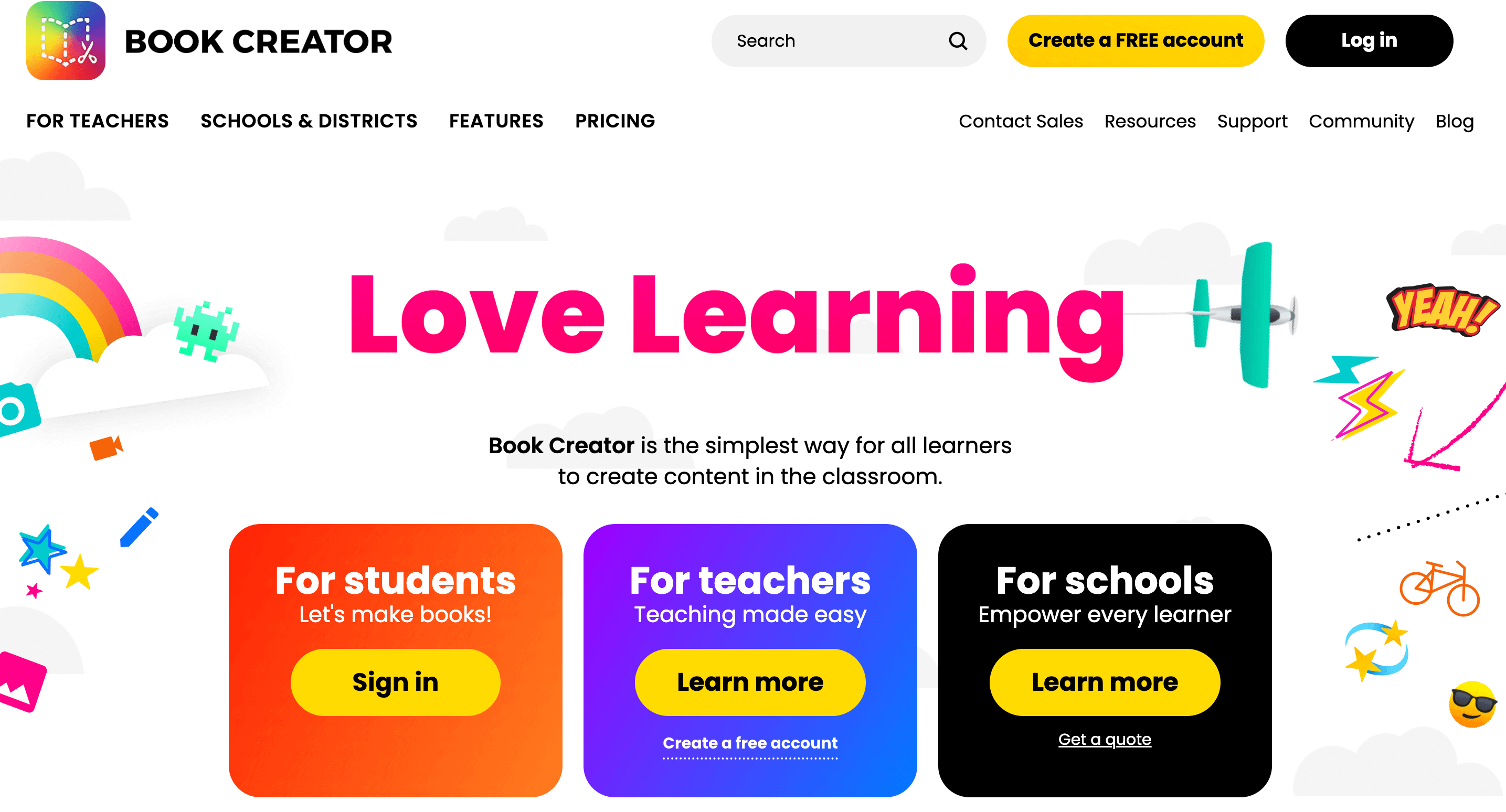
Book Creator was started in 2011 by a dad, Dan Amos, who wanted to help his son with dyslexia enjoy reading and writing. Today, it’s among the top creative writing apps for kids because of the ability to drag and drop text, photos, and even kids’ own voices to build beautiful ebooks. It’s a wonderful tool for imagination, even though the free version limits the flight of fancy to 40 books only.
Book Creator: Features
- The AI-powered ‘AutoDraw’ tool guesses what kids are trying to draw and offers professional icons for replacement
- The app can read books back to your child in multiple languages with word-highlighting
Book Creator: Pricing
A premium plan costs $14 on a monthly basis and $11.25 if billed annually.
Book Creator: Pros and cons
Another AI tool for creative writing that could be more structured.
| Pros | Cons |
| 🟢 Sufficient free plan | 🔴 Collaboration with other fellows is paid |
| 🟢 Built-in tools for kids with dyslexia or visual impairments |
🔴 Because you can move items anywhere, younger kids can sometimes accidentally overlap text and images |
| 🔴 Limited offline use |
#8 Storyboard That creative writing tool
Age group: grades K-12 (although best for ages 8-18, while younger kids will need a ‘co-pilot’)
Best for: kids who find it much easier to describe a scene once they’ve already seen it in their head.
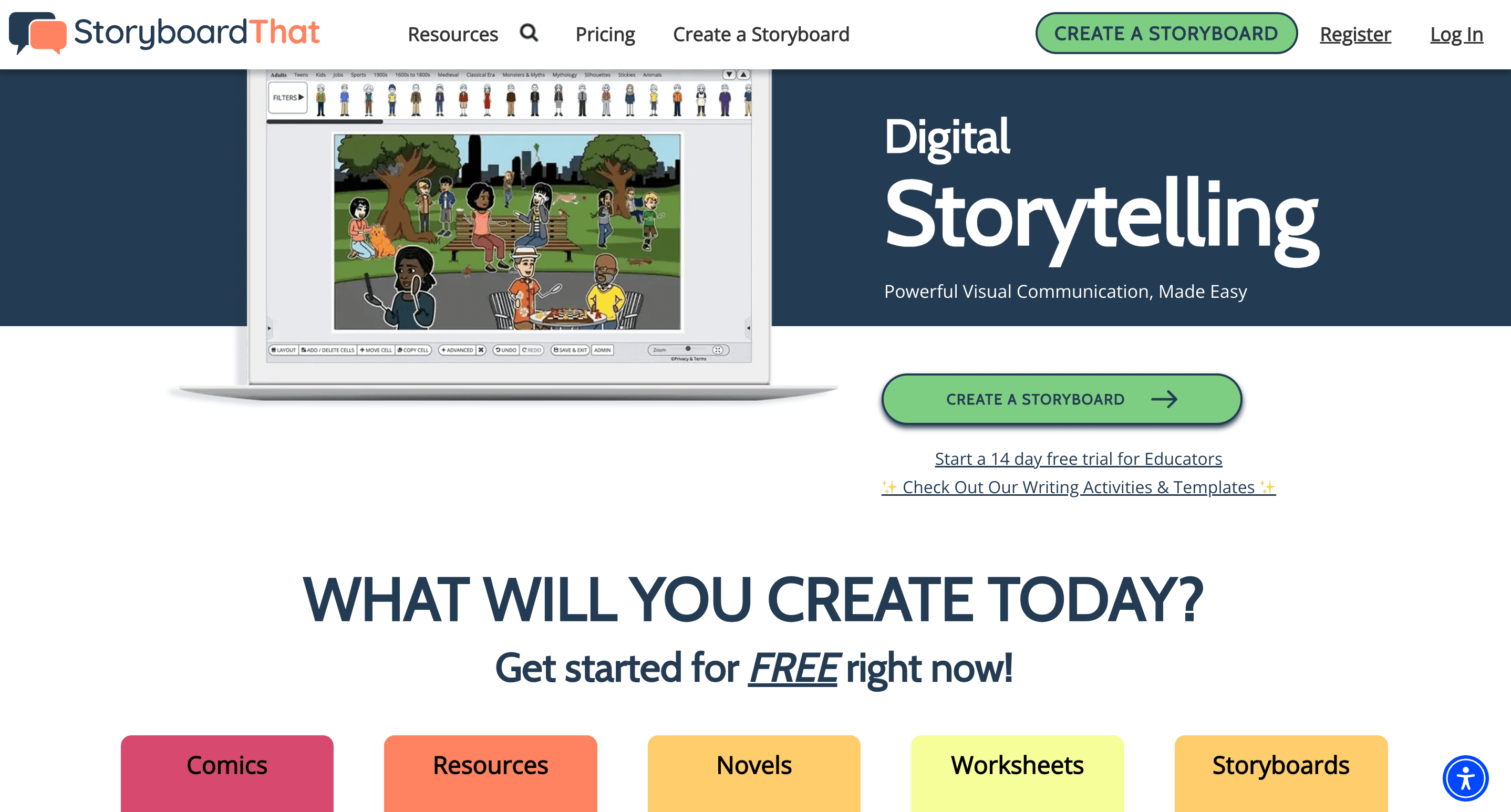
Storyboard That is a web-based tool that lets children drag and drop characters and scenes to create professional-looking comics and storyboards. It’s specifically designed to help students organize their thoughts and communicate visually before they dive into heavy writing.
Note: Even though Storyboard That declares that it targets grades K-12, mind that the sheer number of different buttons in the editor can feel overwhelming for younger kids.
Storyboard That: Features
- Layout flexibility includes classic comic cells, spider maps, timelines, and more
- Easy to add speech bubbles, thought clouds, and thousands of other items to make the story come alive
Storyboard That: Pricing
$9.99 per month for unlimited storyboards.
Storyboard That: Pros and cons
Not many user reviews on TrustPilot yet, but these writing tools for creative writing are worth trying.
| Pros | Cons |
| 🟢 It’s designed with school-level privacy in mind | 🔴 Restricted free version and too much paid stuff |
|
🔴 Steep learning curve |
#9 ReadWorks app for creative writing
Age group: grades K-12
Best for: kids who love learning real-world facts about science, history, and the world around them.
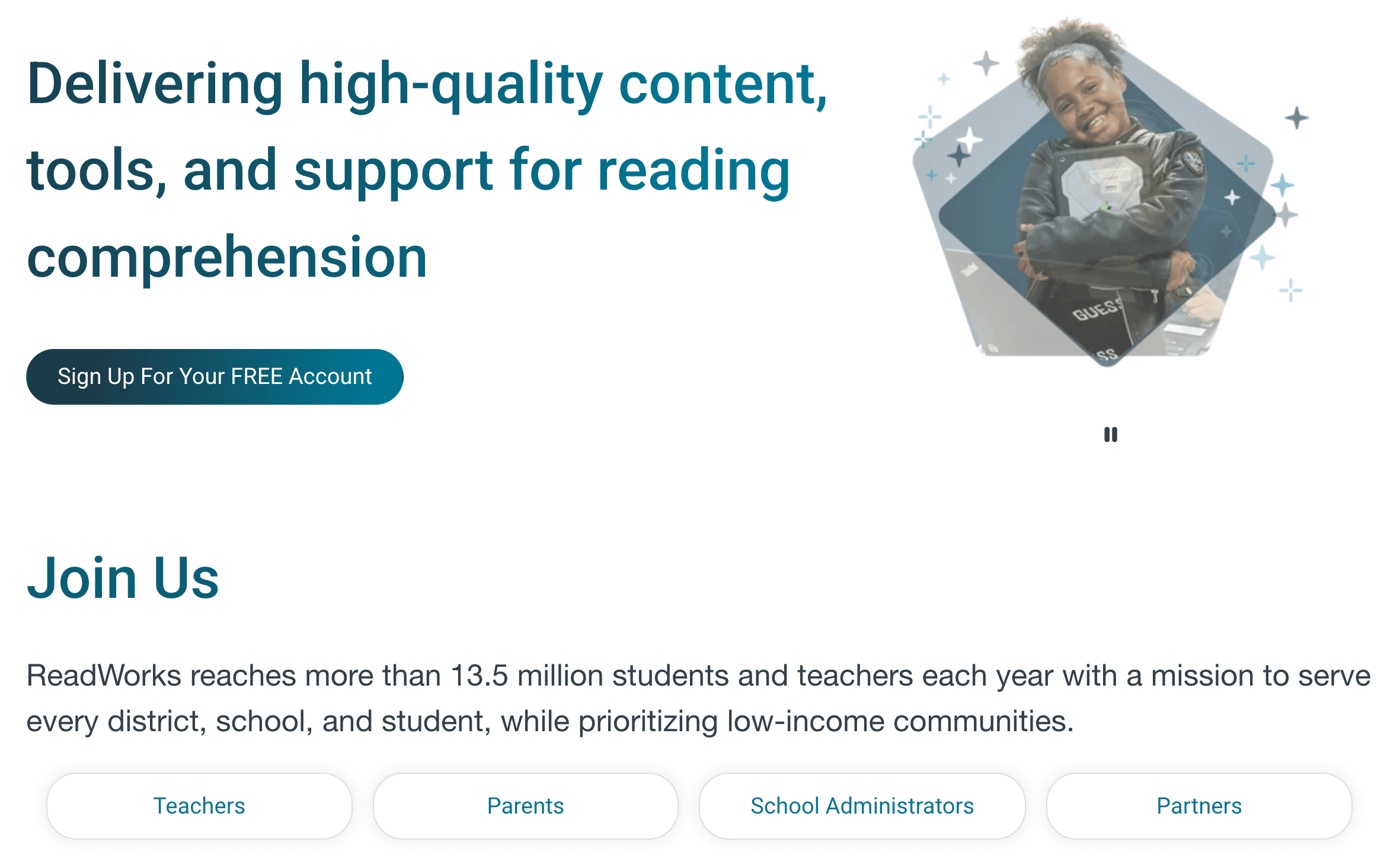
ReadWorks is a non-profit organization on a mission to provide every child with the best possible reading materials for free. It’s built on ‘the science of reading’. It means everything on the site is research-backed to actually work. And although it does help teachers and parents build vocabulary and background knowledge in kids, that’s probably the reason why kids feel it’s pretty ‘schooly’.
ReadWorks: Features
- 10-minute routine where kids read one short and fascinating nonfiction article a day
- A ‘stepped-down’ version of a difficult article for kids who are struggling
ReadWorks: Pricing
All resources and science-backed content are totally free.
ReadWorks: Pros and cons
It’s among the top creative writing tools due to its AI-powered ‘Reading Coach’ and the ‘smart’ recommendation engine. However, it does lack some fun and creativity.
| Pros | Cons |
| 🟢 Built-in quizzes | 🔴 A too-simple interface might feel boring for kids |
|
🔴 Most writing prompts are ‘text-dependent’, which limits creativity |
#10 Storyline Online app for creative writing
Age group: grades K-5
Best for: families who want a cozy and high-quality reading experience without any ads or ‘too-gamey’ distractions.
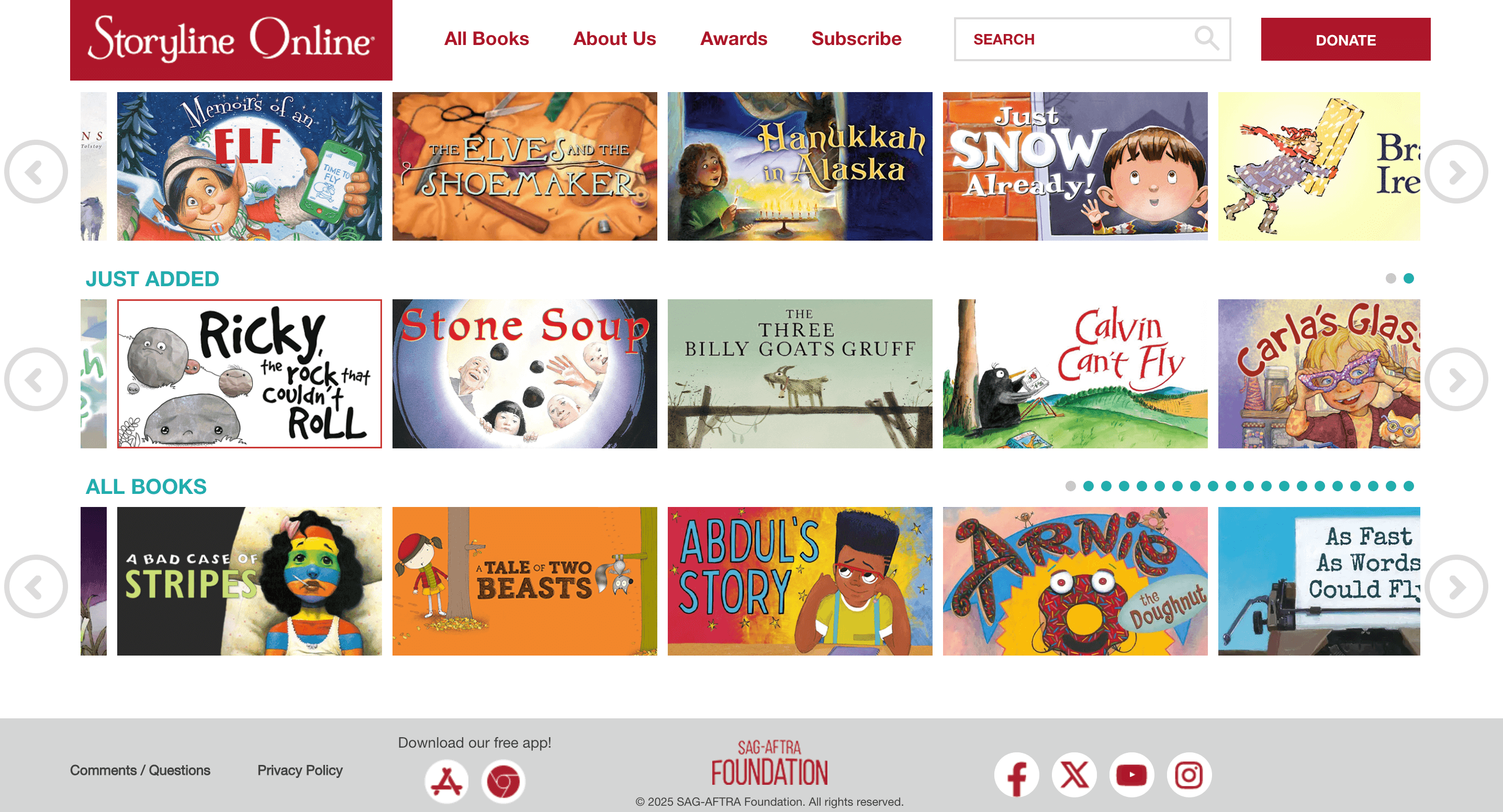
The mission of Storyline Online is to inspire a lifelong love of reading and writing. Because the readers in videos that kids watch are professional actors, they use amazing voices and emotions that bring the stories to life. And even though it’s an Emmy-nominated resource used in classrooms and hospitals worldwide to make literacy feel like magic, no interactive games or places for kids to write their own stories directly on the site compose a rather passive overall experience.
Storyline Online: Features
- Celebrity narrators
- Every book comes with a free and downloadable PDF filled with conversation starters, craft ideas, and science projects that link back to the story.
Storyline Online: Pricing
Free of charge.
Storyline Online: Pros and cons
If we relate quality to quantity of the materials in this best app for creative writing, we’ll conclude that its motto could be ‘Enough is enough.’
| Pros | Cons |
| 🟢 High-quality performances due to top-tier acting | 🔴 Only around 100 books in the library |
|
🔴 No tracking features |
Which tool is better for creative writing? Final thoughts
If you want to give your child total creative freedom, StoryJumper is the ideal choice. Striving to spark imagination through art? Storybird fits pretty well. And if you want visual, comic-style storytelling, Storyboard That should work just as great. However, tools alone aren’t enough.
How do I improve my child’s creative writing? The answer is professional guidance. Or, in other words, Brighterly helps you do that.
How? You get (bend your fingers):
- A personalized roadmap
- 1-on-1 lessons with a certified & friendly tutor
- US state standards alignment
- Unlimited free resources.
And that’s just to name a few. Book free lesson and see if that’s what your kiddo has been dreaming of lately!


Eye Level is one of the most well-known educational franchises in the world, with a learning approach that goes beyond regular tutoring. If in 2026 you’re looking for something different from classic tutoring lessons, Eye Level is worth considering. To help you avoid any surprises, I’ve collected real Eye Level learning center reviews from parents […]

Dec 30, 2025
On one hand, you want your kids to explore and learn independently, don’t you? On the other hand, though, safety and accuracy still matter most. In this guide, I’ve gathered research websites for elementary students that are kid-friendly and age-appropriate. Besides, they are all trusted by educators. Key Points Brighterly builds the core logic and […]
Jan 01, 2026
Math & reading from 1st to 9th grade
Exploring alternatives?
Take a short quiz!
Choose kid's grade