22 Coding Apps for Kids in 2026: Top Picks
reviewed by Laila A. Lico
Updated on September 24, 2026
Key points
In 2026, the top coding apps for kids focus on block-based coding, introducing concepts via puzzles and games, learning programming languages, and developing apps or games. Drag-and-drop coding apps make learning interactive for younger kids, while block coding and early language programming apps can support their interest. The middle and high schoolers need more complex apps with room for practice or focus on specific languages.
Exploring alternatives?
What Are the Best Apps for Kids to Learn Coding?
The best kindergarten coding apps, ScratchJr or Code Karts, have great visuals or even storytelling, but would teach basic principles. A great middle school app, like Scratch or Kodable, would offer logic and a bigger challenge. The excellent high schooler apps, like Hopscoth, Mimo, or Unity, are the ones that are closer to real programming and practice.
The list below, grouped by grade level, can help you find an age-appropriate solution.
Explore Brighterly Learning Experience
Learn exactly how Brighterly helps students thrive through expert sessions, online tools, and proven feedback from thousands of satisfied parents
Coding Apps for Kindergarten-2nd Grade
Note: These coding games for kids are a great first step, especially as 70% of children aren’t taught coding at school, due to a 2025 ComputerWeekly article.
Yet, if a kid struggles with the logic behind games, it’s a sign of foundational gaps in their math thinking. Besides, a structured 1:1 math program can support problem-solving and develop number sense. It can help coding concepts click better.
Our Brighterly learning platform focuses on kids’ needs, interests, and goals, while a personalized approach and customized lesson plans developed by tutors can help target specific foundational gaps.
Ensure your kid doesn’t get stuck
Close foundational gaps in math with Brighterly tutoring

#1 ScratchJr
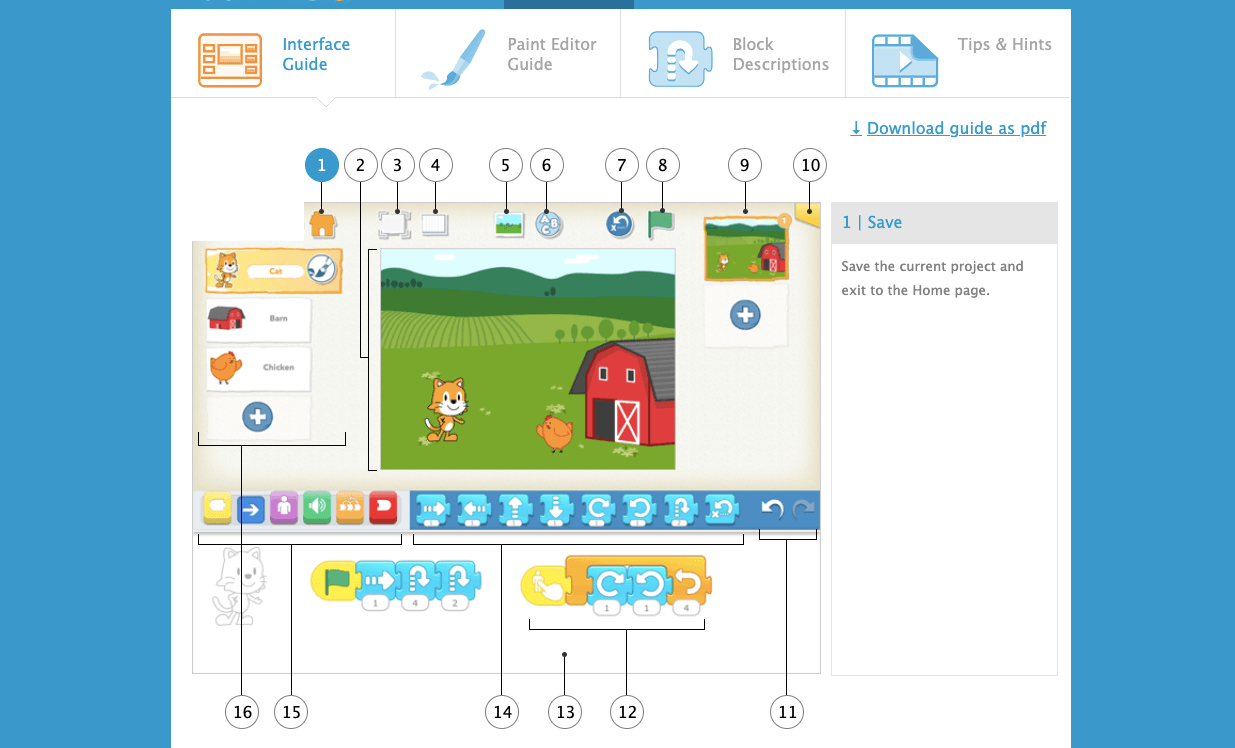
ScratchJr is the best coding app for kids aged 5 to 7 that originated under MIT and Tufts University collaboration. It’s a great starting point for kids to program. With it, they can use colorful and interactive blocks to build stories, animations, and games. It teaches important math concepts and offers problem-solving strategies. It’s completely free and is available on iOS, Android, and Chromebook.
#2 Daisy the Dinosaur
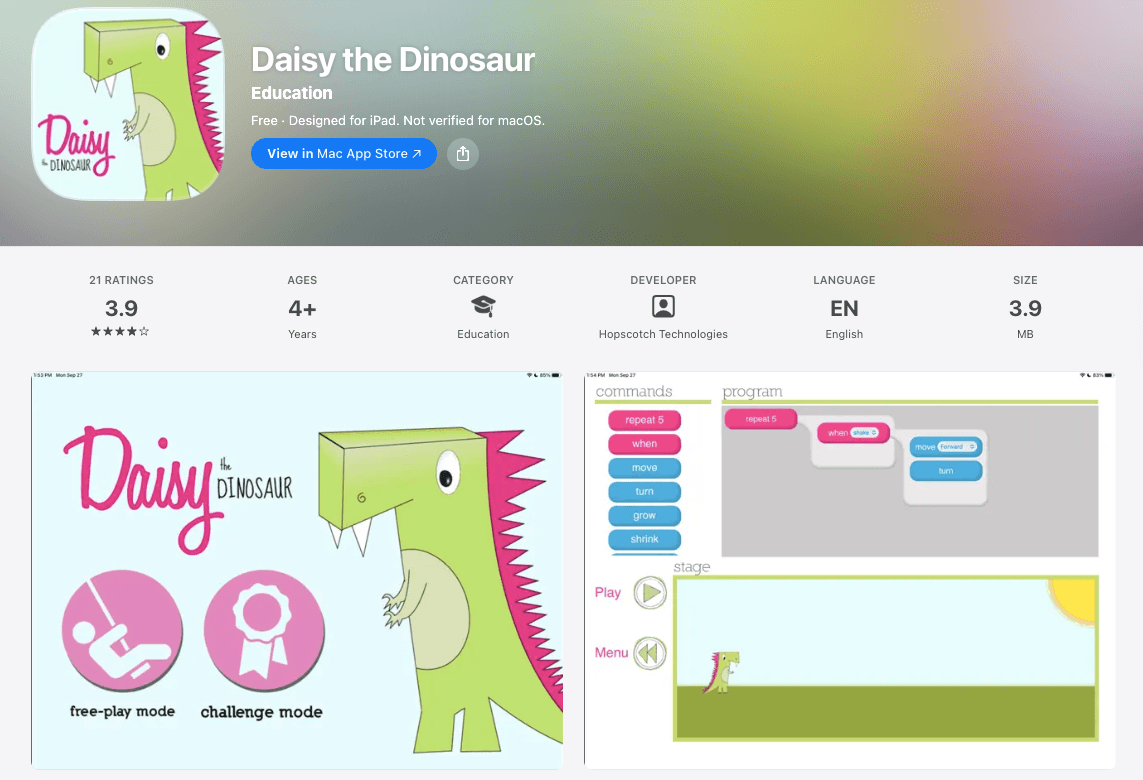
Daisy the Dinosaur is another excellent app for younger kids to introduce sequencing, loops, and commands for kids. It’s rather short but visually appealing and cute. The app offers several commands, like “move” or “grow,” for kids to try, and takes a drag-and-drop approach for the main character to perform instructions. It’s also free, but it works mainly on iPad only.
#3 Code Karts
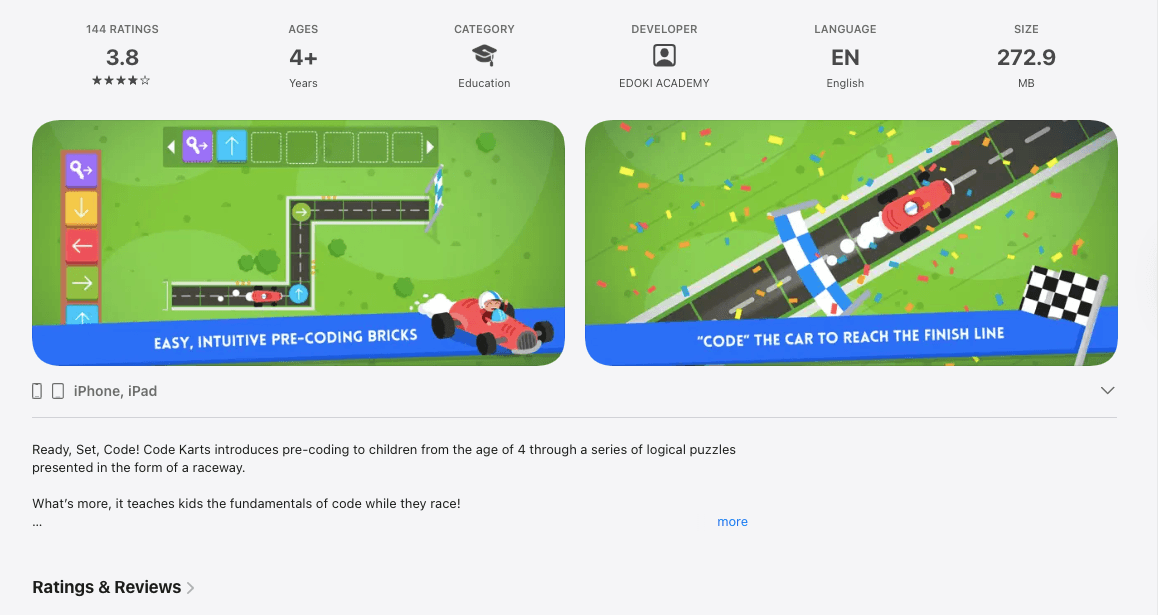
Code Karts is one of the best coding games for kids, ideal for learning programming logic via racing-related puzzles. Kids use instructions to guide a kart through tracks. As they solve puzzles, they develop sequential thinking and get to know what the algorithmic logic is.
Price (as of April 2026): The first 10 levels are free; full-access costs $2.99 or $3.99, depending on the region.
Available for iOS and Android users.
#4 Lightbot Jr
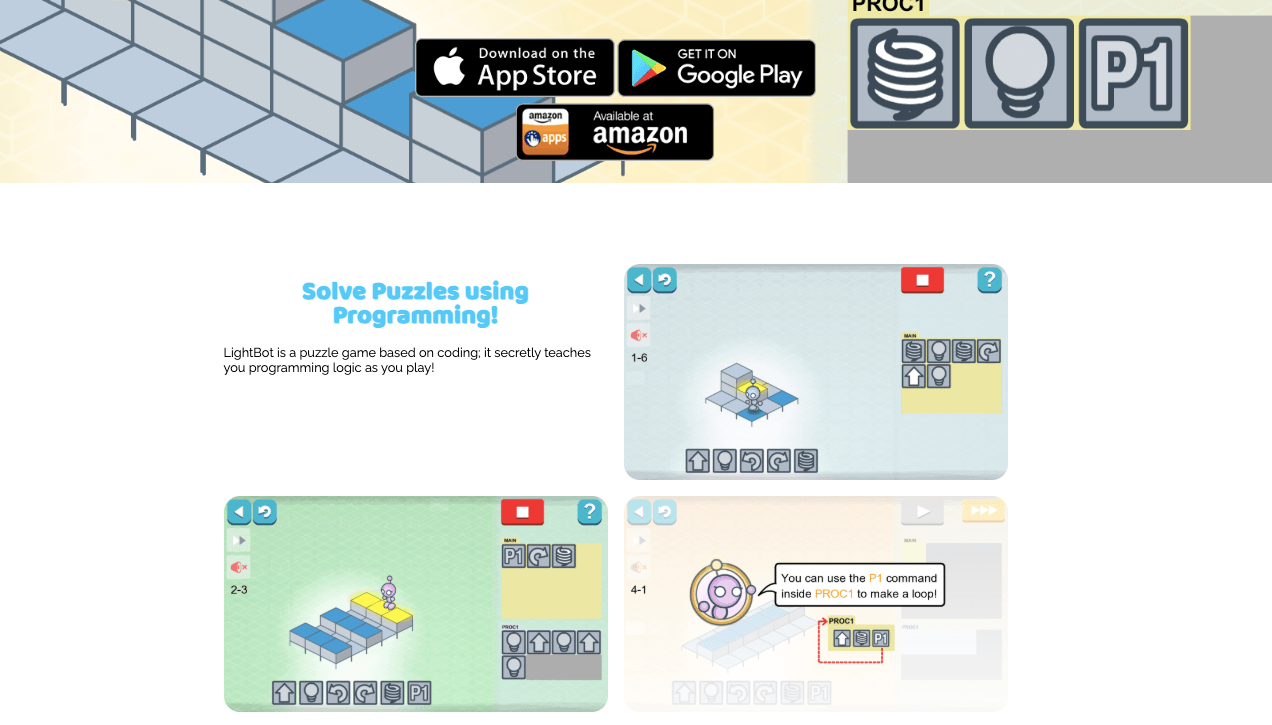
Lightbot Jr is one of the logic games for kids that focuses on programming, having a robot as a main character. As a small robot goes through a grid, a kid navigates it by issuing commands. With “walk” or “jump” commands, you learn coding for kids using functions and loops. So, it offers an interactive way to mirror the real structure programmers use.
Price (as of April 2026): it offers a free Lite version, while full access is a $2.99 one-time purchase.
It’s available for iOS and Android users.
#5 Osmo Coding Awbie
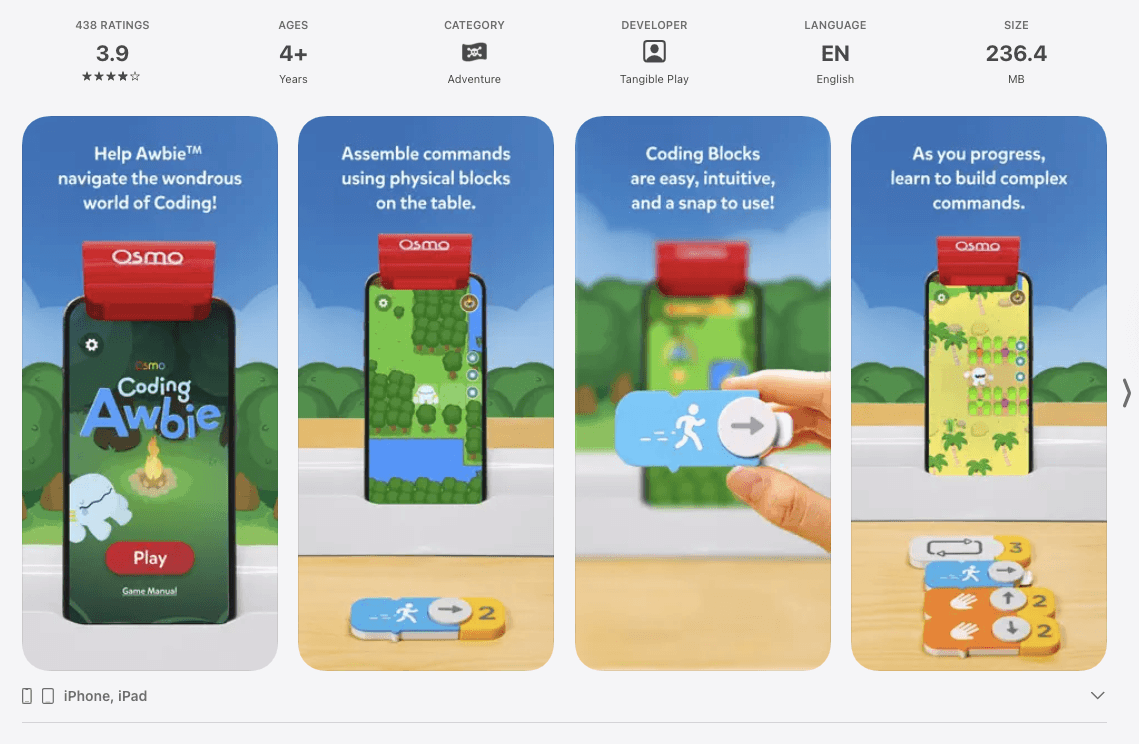
Osmo Coding Awbie is an exciting coding app that combines physical coding blocks with an iPad screen. Similar to other apps for learning sequencing, it has a character to guide. In the case of Osmo, it’s Awbie who kids move through the adventure with hands-on blocks. As the app scans the table, kids learn through a physical-digital format.
Price (as of April 2026): parents need a Coding Start Kit, $59.00 (reduced from $109), with an Osmo base included in the kit.
The apps are free and compatible with iPad and Fire Tablets.
Note: Its operation is suspended for several years, but as of February 2026, it has returned to operation.
Coding Apps for 3rd–6th Grade
Note: In the 3rd to 6th grade, kids can switch to more challenging games, with loops, conditionals, and variables, yet the focus of such apps should remain on block coding.
#6 Scratch
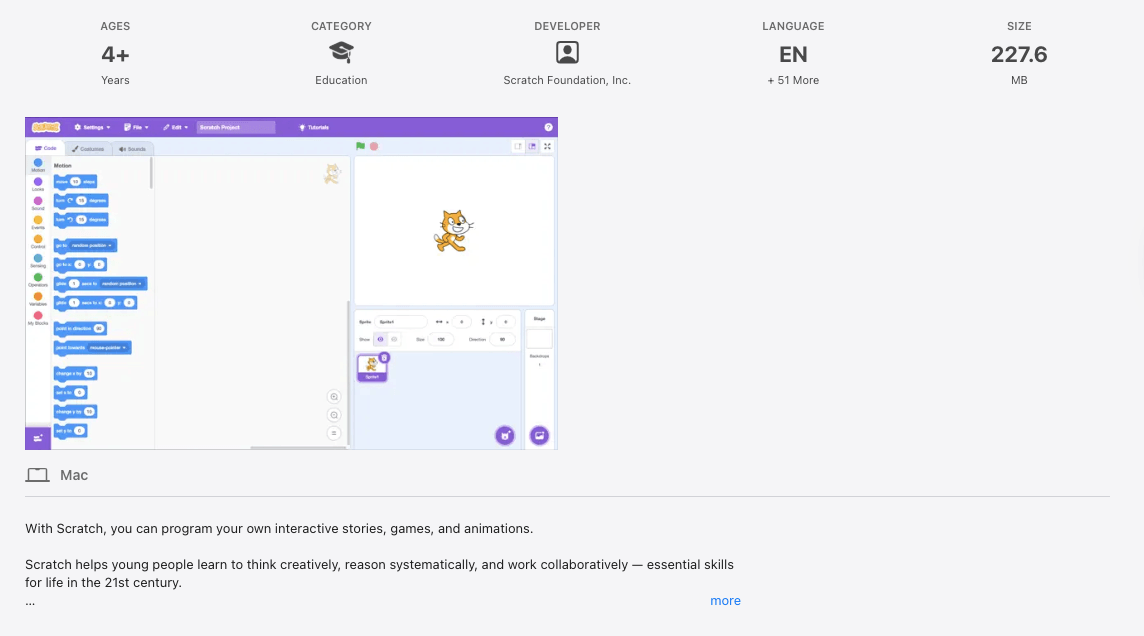
Scratch is a standalone platform by MIT Media Lab for kids to learn concepts and set the mindset right with block coding. Compared to ScratchJr, it’s far more advanced. Yet, it also allows children to create games, animations, and interactive stories. Via Scratch, they can develop prototypes, events, and experiment with them.
Price (as of April 2026): Offers free coding for kids with an online editor as a web-based app and an offline editor for Windows. Membership costs $50/year or $200 for lifetime access.
Scratch is available as a web-based app.
#7 Tynker
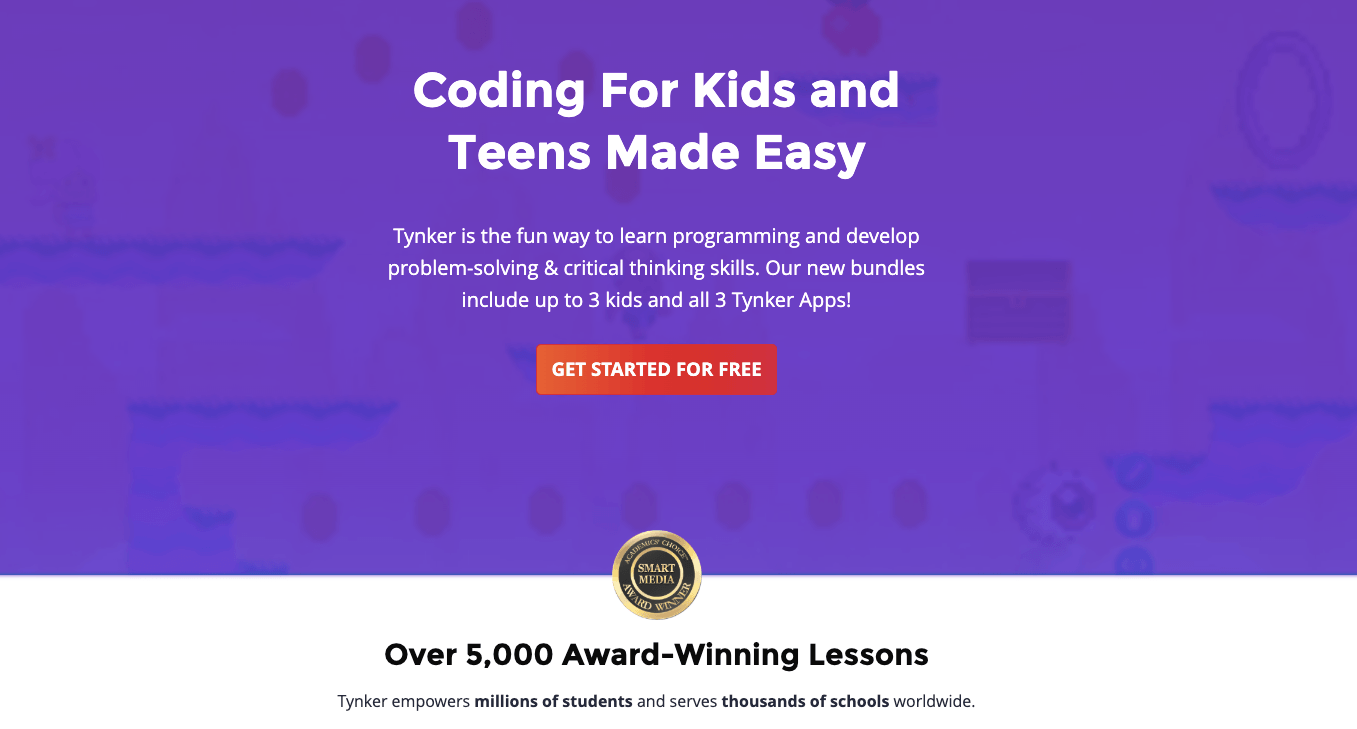
Tynker is an educational platform that teaches coding and offers a pool of interactive learning apps. It has a separate app that allows your children to build games, moving from using visual blocks to Java or Python. It uses storytelling and puzzles and offers opportunities to create mods for Minecraft or create their own characters.
Price (as of April 2026): Tynker offers free coding programs for kids, while full access to the Tynker app is $18/mo under the Quarterly plan, $15/mo under the Yearly plan, or $468/one time under the Lifetime plan, all with 40% discount applied.
The app is available for iOS and Android devices, web version of the platform is compatible with all browsers.
#8 Kodable
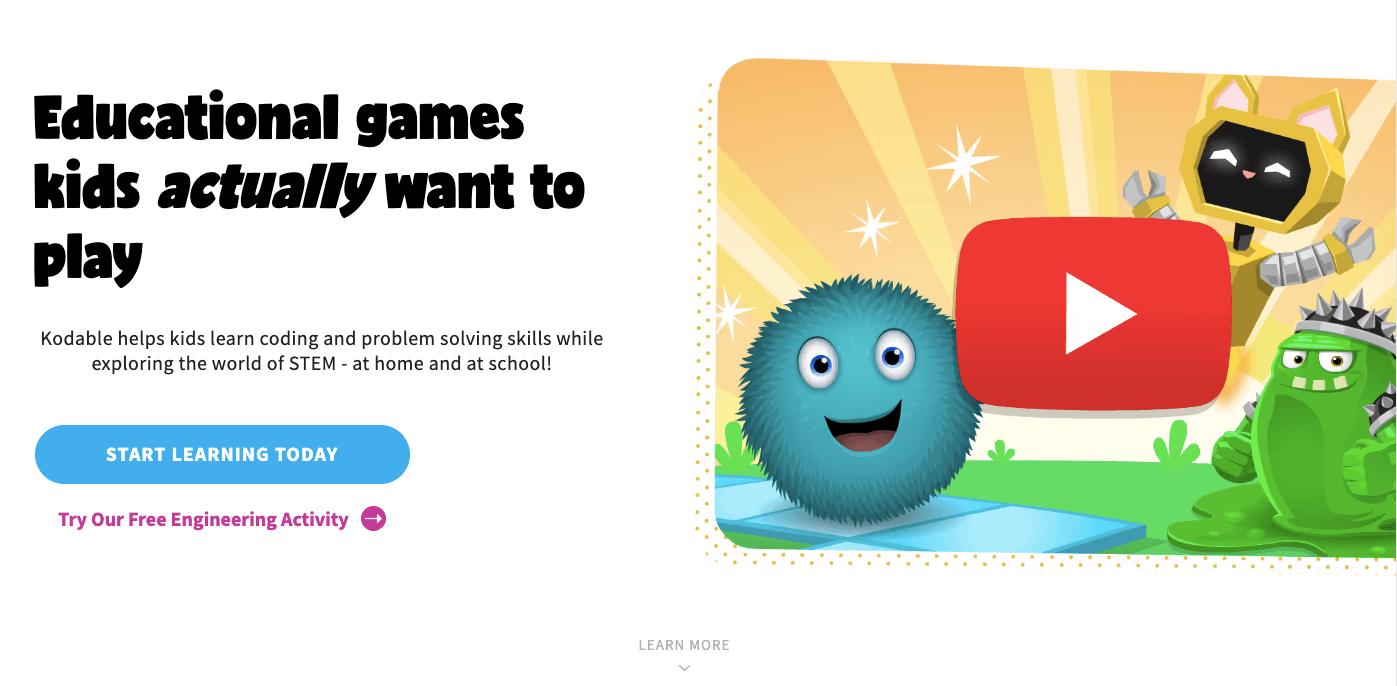
Kodable offers a set of different apps that teach kids coding via creating a character, customizing functions, creating games, coding activities, and maze-based games. The main focus of its apps is on covering sequencing, loops, conditionals, functions, and even JavaScript concepts. Moreover, the platform offers a dashboard for parents.
Price (as of April 2026): Kodable has a free trial and limited free access for schools. The Kodable platform has three plans: Yearly is $9.99/mo, billed $119.99/year with 60% off, Monthly is $24.99/mo; Lifetime plan is $199.99 billed once.
It’s accessible via a browser and iOS devices.
#9 codeSpark Academy
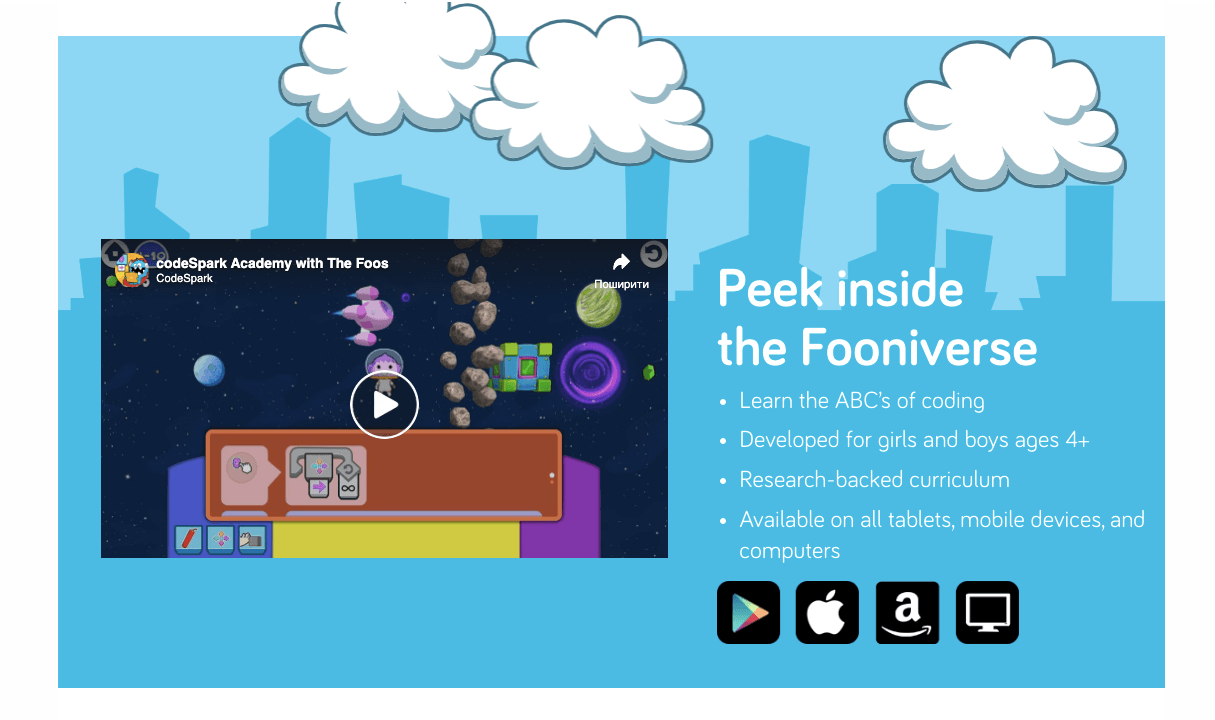
codeSpark Academy is an engaging coding app for kids that teaches block coding, functions, events, and computational thinking via its puzzle-based approach. It has a drag-and-drop functionality and challenges for kids to solve. codeSpark offers no in-app instructions, so the kids should use logic.
Price (as of April 2026): a 7-day free trial is available, the Annual Plan is $7.5/mo (with 50% discount applied if billed every 12 months), and the Monthly Plan is $15.00/mo.
codeSpark is available for Android and iOS devices.
#10 CodeMonkey
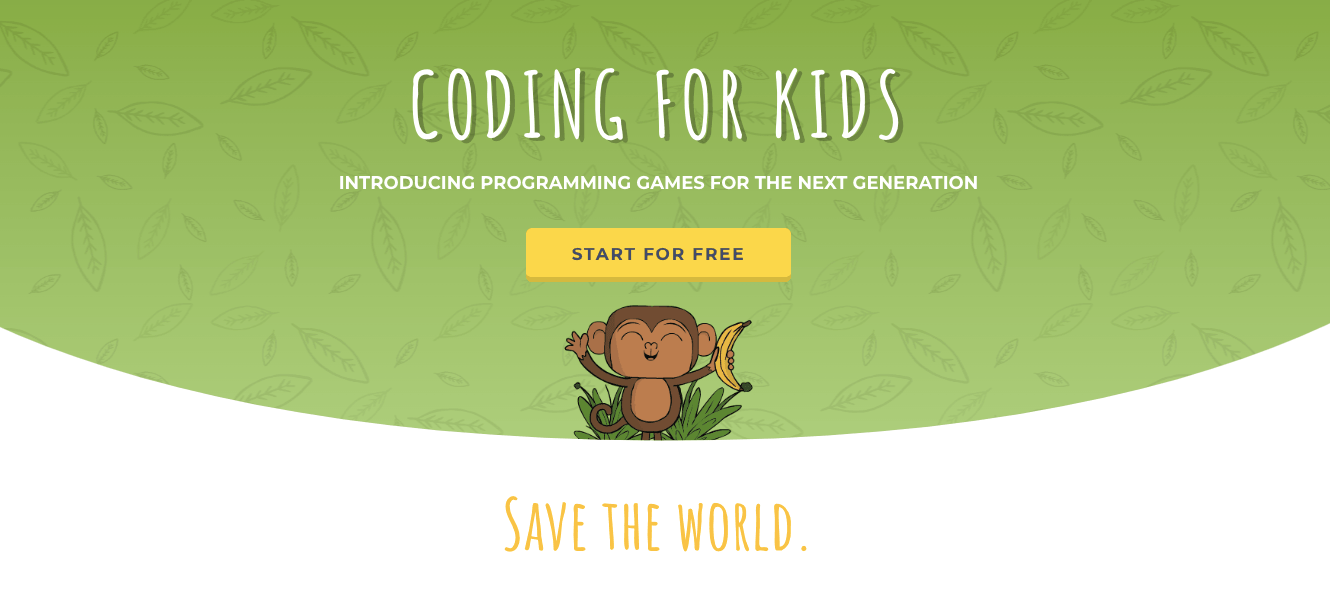
CodeMonkey is a coding platform for kids that provides learning and apps for learning. In terms of game-based learning, it brings an engaging environment. There, kids practice coding language and make a monkey, the main character, to do activities. The platform is quite effective for transitioning from block-coding to typed commands.
Price (as of April 2026): free trial; Individual Plan is $7/mo (1 child account), Family Plan is $12/mo (3 child accounts and 1 parent account); Homeschool Plan is $20/mo (5 student accounts and 2 teacher accounts)
CodeMonkey is web-based and not accessible via mobile. For iOS and Android, it offers a separate app.
Coding Apps for Middle and High School
- Coda Game
- CodeCombat
- Swift Playgrounds
- Hopscotch
- Cozmo Robot
- Human Resource Machine
- Roblox Studio
- Code.org
- Mimo
- Replit
- Unity
- Codea
Note: At this stage, older kids need more challenge and more advanced environments to learn and practice coding skills and game or app development.
#11 Coda Game
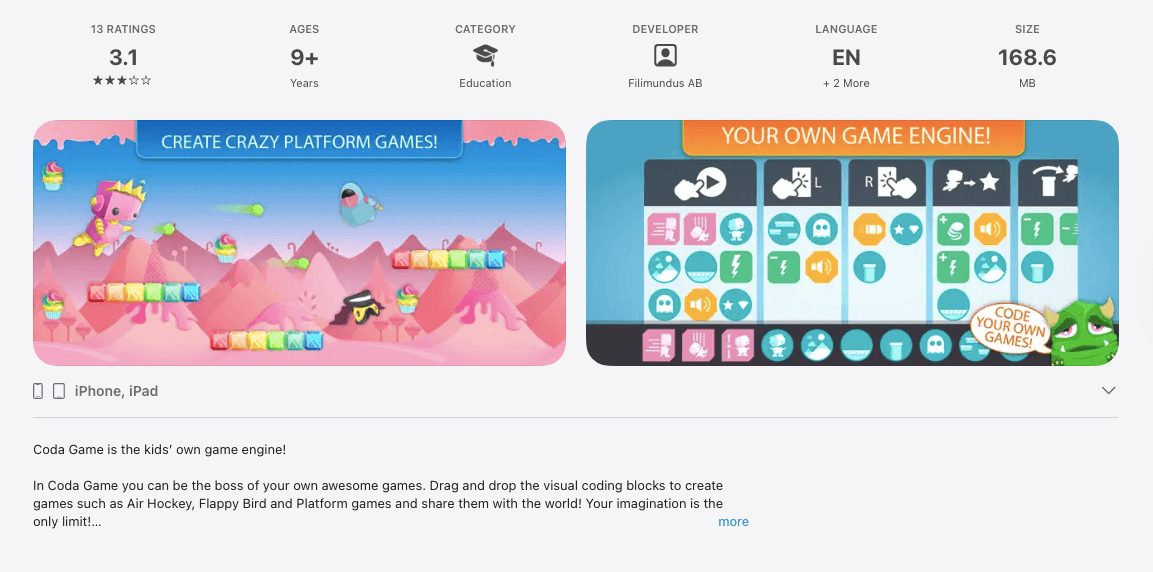
Coda Game is a coding app for kids with its own gaming engine. In it, children make their own rules and games, like Air Hockey or Flappy Birds, with visual code blocks. Even though it may look basic, it can be a good tool to shift from playing with coding to creating a coding game for kids.
Price (as of April 2026): $4.99 one-time purchase.
Coda Game is available for Android and iOS Users
#12 CodeCombat
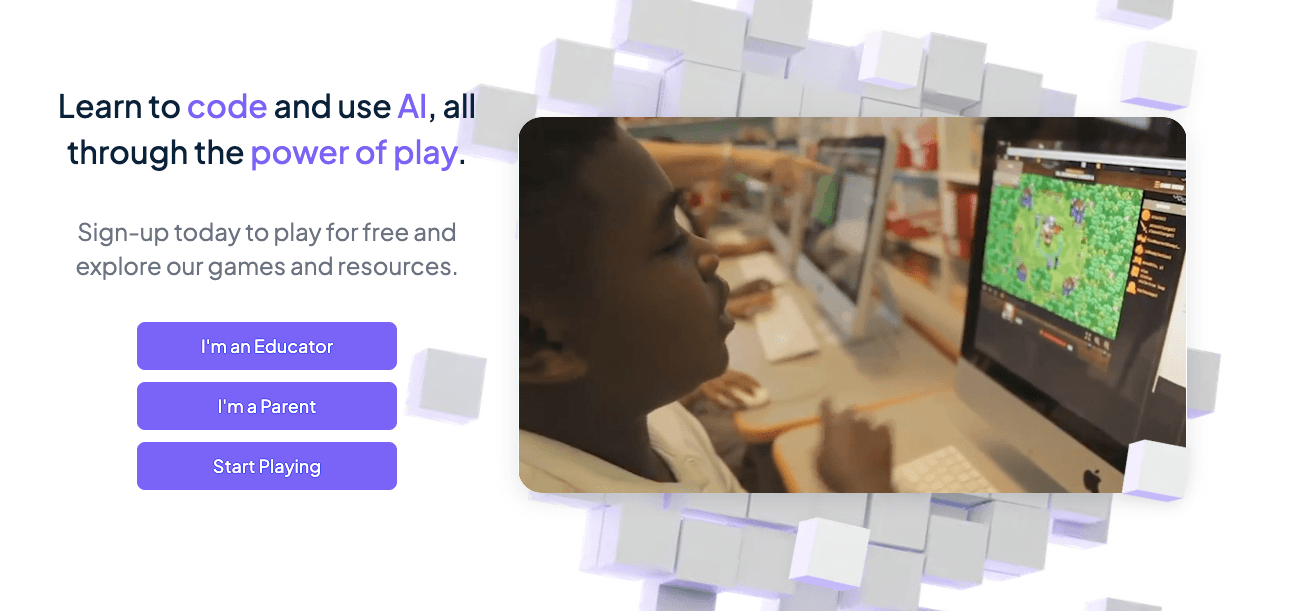
CodeCombat is a learning platform with coding games for kids that help them learn programming languages like Python, JavaScript, and C++. The main focus of this app is on the interactive RPG adventure. To proceed within levels, children need to write lines of code to battle the ogres in the game.
Price (as of April 2026): the core levels are free; the Premium plan is $9.99/mo (adding extra levels and bonus gems). Additional tutoring options are also available.
CodeCombat is available as a web app and accessible via browsers.
#13 Swift Playgrounds
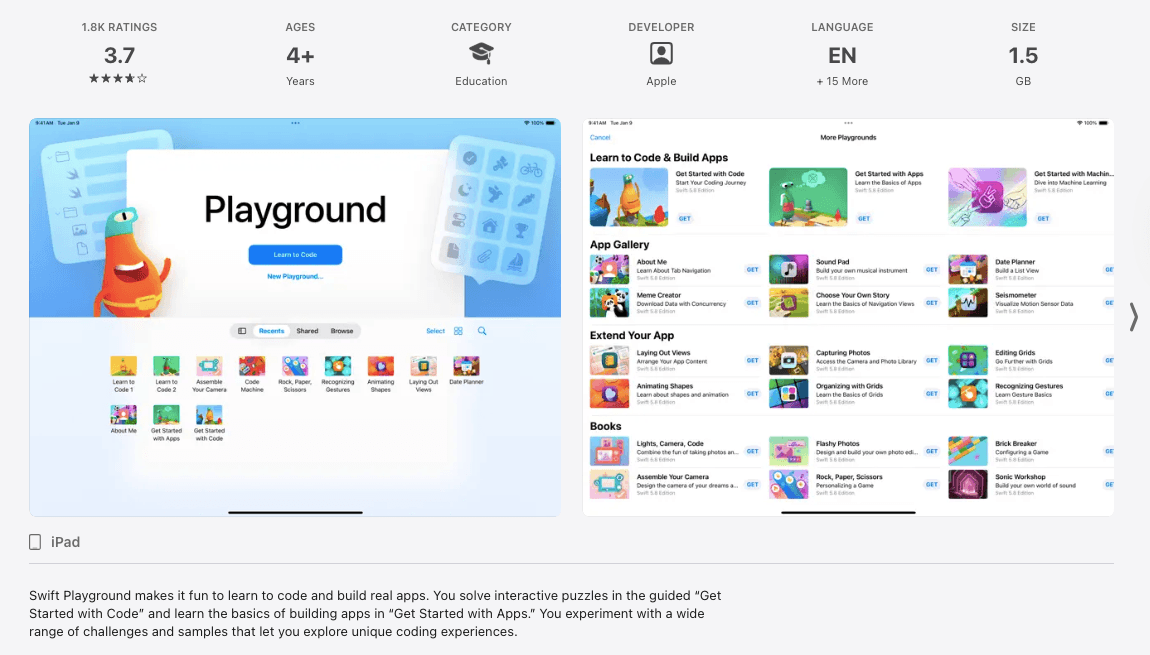
Swift Playgrounds is a coding app that uses a puzzle-project approach to offer the Swift programming language for kids. It’s the one that’s used to create iPhone and Mac apps.
Kids can easily learn programming concepts via walkthroughs and engaging lessons, while the app’s core editor mirrors the environment and activities that developers use while creating an app.
The app is completely free. Swift Playgrounds is available only for iPad and Mac.
#14 Hopscotch
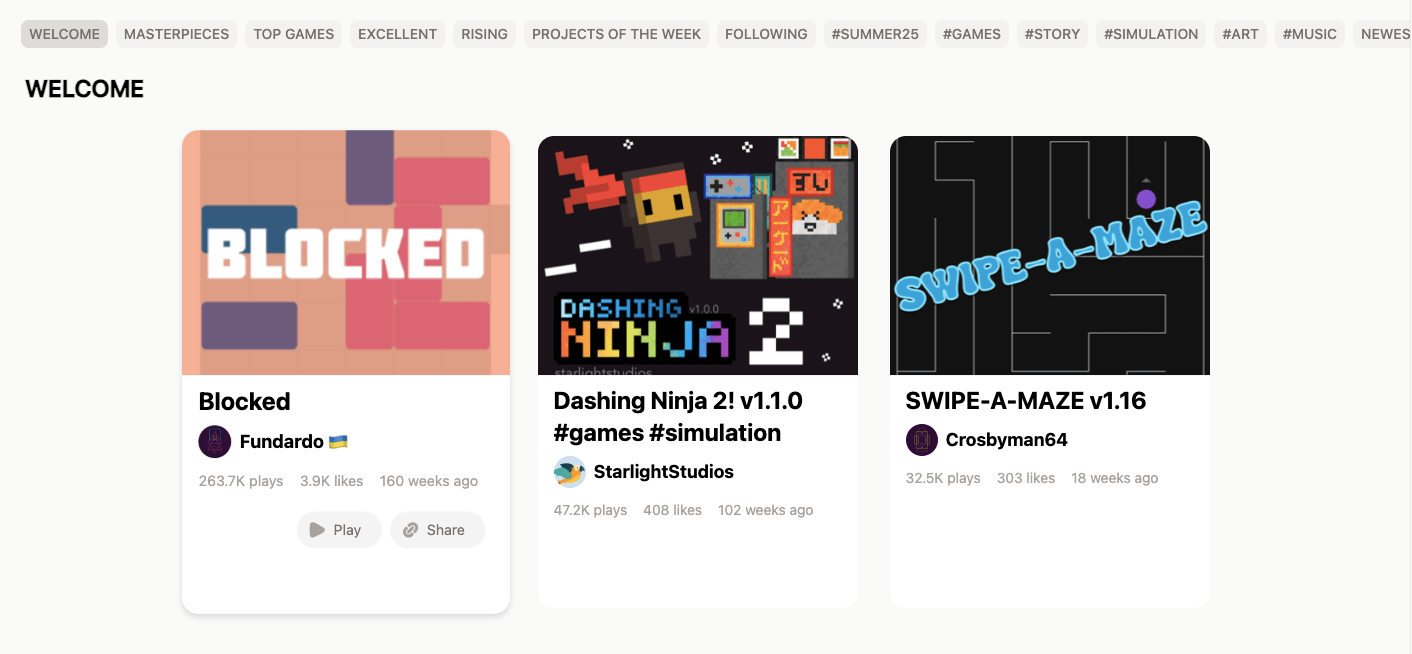
Hopscotch is a comprehensive programming app and website that allows kids to build games, art, stories, and apps via a block-based approach. It’s complex and structured. Hopscotch offers a solid library of community projects to edit, reuse, or inspire from. It supports custom characters, rules, and elements that offer room for older kids to be creative.
Price (as of April 2026): free plan includes browsing, Play pass is $1.99/mo or $19.99/year for unlimited gaming experience; Unlimited Plan is $9.99/mo or $79.9/year. Lifetime Plan is $98.4.
The web version of Hopscotch is accessible from any platform; a native app is available for iOS users.
#15 Cozmo Robot
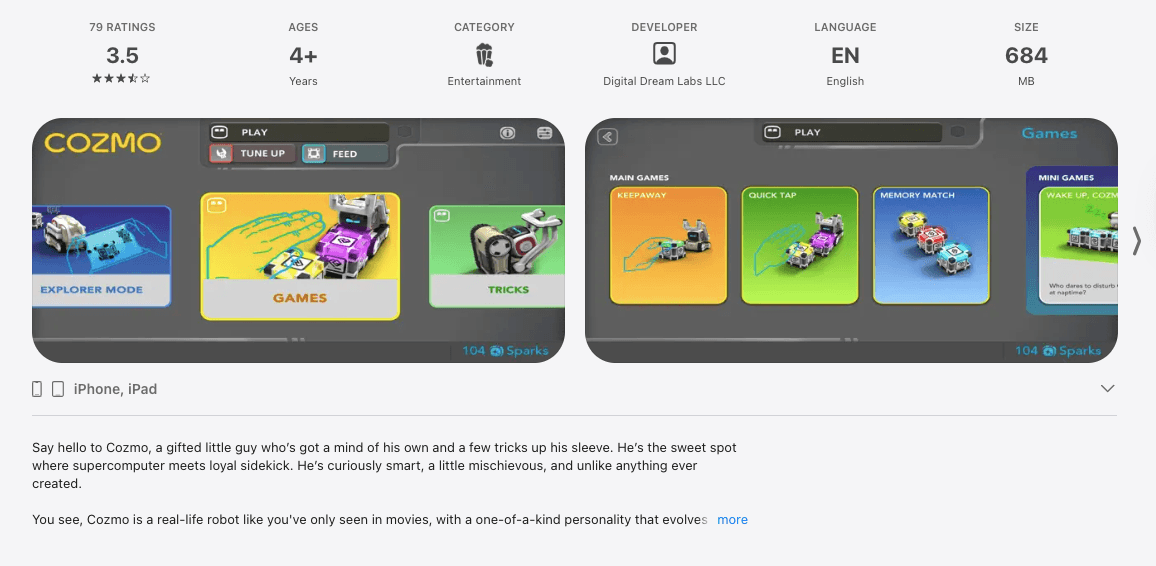
Cozmo Robot is one of the unusual STEM apps for kids as it allows using programming to control the real toy robot’s movements, emotions, and responses. Using both, they can start with block-based programming and progress to using Python. It’s a great way to link physical robotics and coding fundamentals.
Price (as of April 2026): the app is $3.99; $399.99 for a Cozmo robot; $19 for Coding Workbook.
The Cozmo Robot app is available for iOS and Android users.
#16 Human Resource Machine
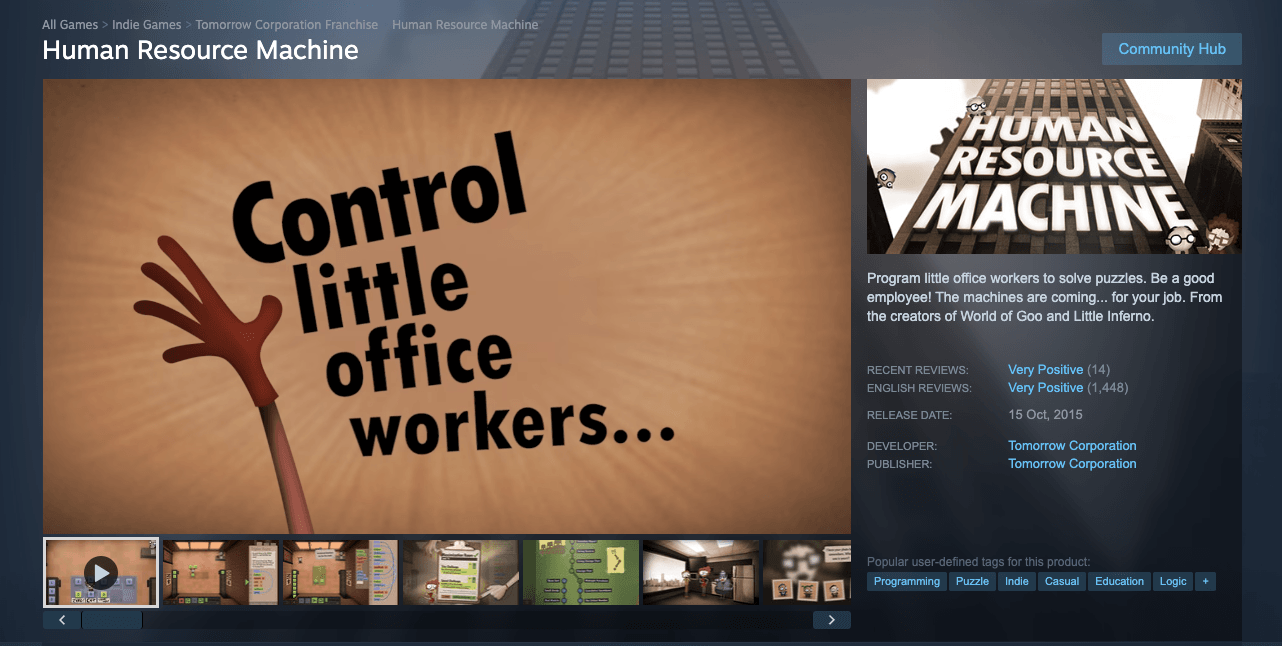
Human Resource Machine is one of the best coding games for kids that uses puzzle levels to learn and practice key programming concepts. Players program a character and start from just two instructions, and then gradually switch to loops, conditionals, and memory concepts. The humor at the core of the story makes it quite engaging.
Price (as of April 2026): $14.99 is a standard price; users can buy keys on various platforms.
Human Resource Machine is available for Windows, macOS, Linux, Nintendo Switch, iOS, and Android.
#17 Roblox Creator Hub
Roblox Creator Hub is the coding environment behind the Roblox gaming platform, offering the Lua language for kids to learn and practice text-based coding. With Lua, kids can build their own games and 3D worlds and publish them for others to see. So, it’s a fun way to start beginner coding for kids. Even though the learning curve may be steep, Roblox has enough tutorials and community support.
Roblox Creator Hub is free and available for Windows and macOS.
#18 Mimo
Mimo is a coding language app that suits older children thanks to its microlearning approach. It provides short activities and daily practice mixed with interactive challenges. Gamification makes learning Python, JavaScript, and HTML with tools like an online HTML viewer to test code instantly; really engaging for independent teens.
Price (as of April 2026): Basic Plan is free with 3 apps to build; Pro Plan is 14.99/mo or 9.99/mo if billed yearly (with 10 apps), Max Plan is $39.99/mo or 24.99/mo if billed yearly (with 50 apps to create and 10 to publish).
The Mimo app is available for iOS, Android, and desktop users.
#19 Code.org
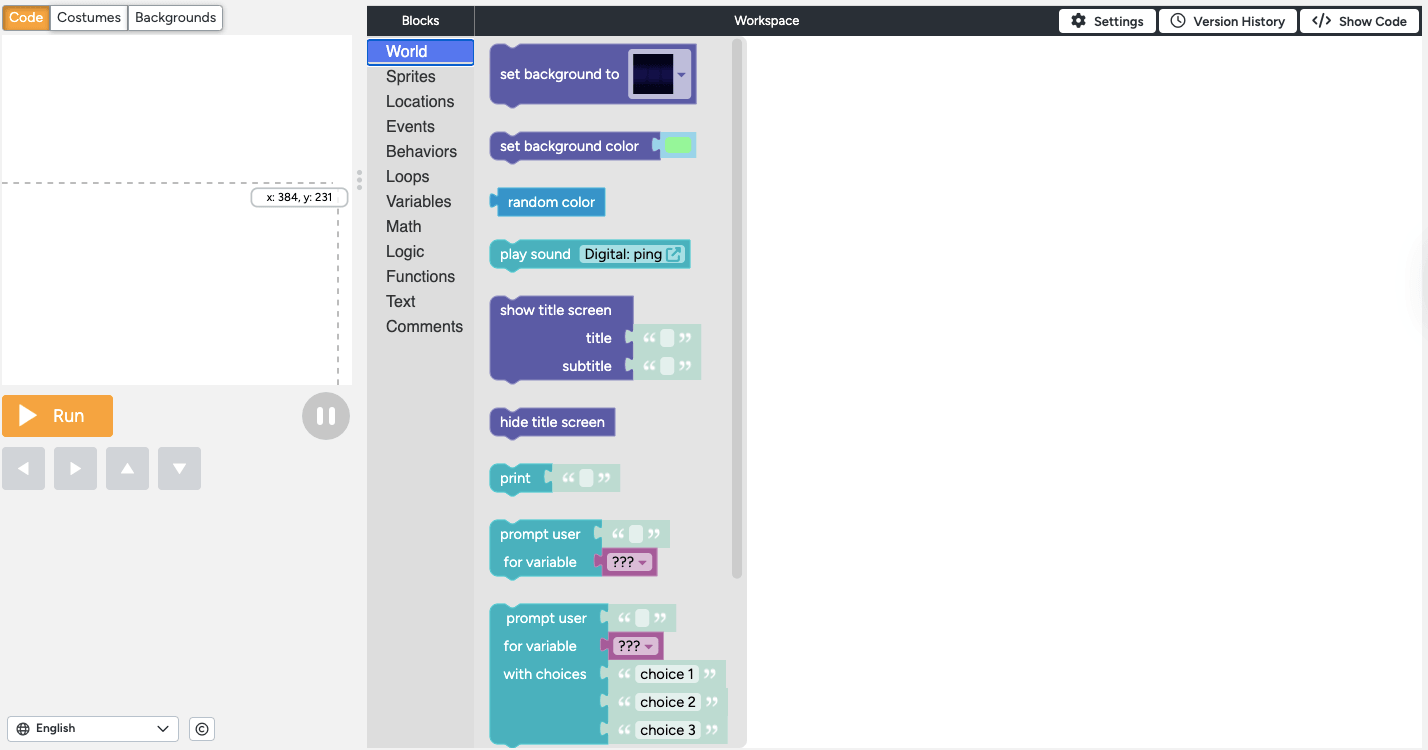
Code.org is a powerful coding app and environment for children to learn programming languages and practice coding skills. The platform provides structured courses for all ages. Also, it offers environments to practice block and text-based coding, including App, Game, Sprite, Python, and Music Labs. So, it’s a great way to offer computer science for kids.
Code.org is completely free. Moreover, it’s available on macOS, iOS, Windows, Android, and ChromeOS.
#20 Replit
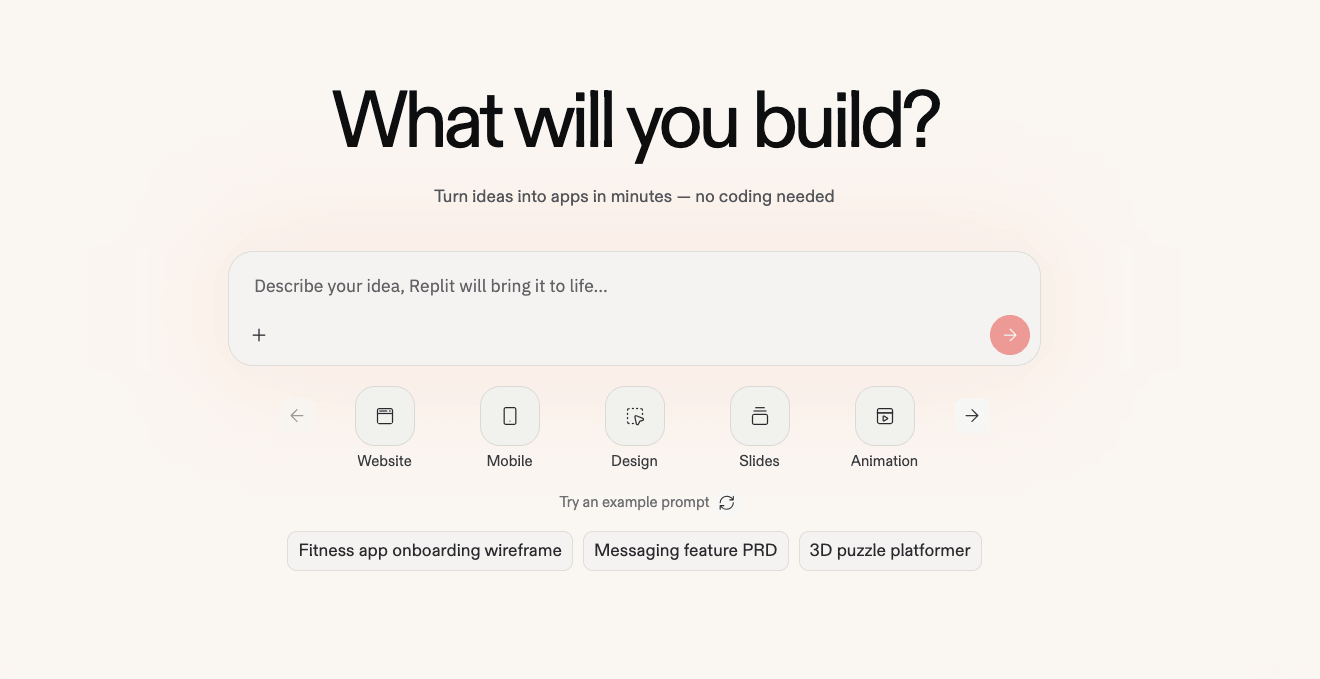
Replit is a coding platform that lets older teens write, run, and share code in more than 50 languages. Replit offers no courses but provides great real development tools for app and site creation. It has a coding AI agent for vibe coding and first drafts. Besides, Replit provides collaborative mode, meaning a teen can use it for projects.
Price (as of April 2026): it has a limited free version; Replit Core is $18/mo (with 10% discount), Replit Pro is $90/mo (with 10% discount).
Replit offers a web app and mobile app for iOS and Android users.
#21 Unity
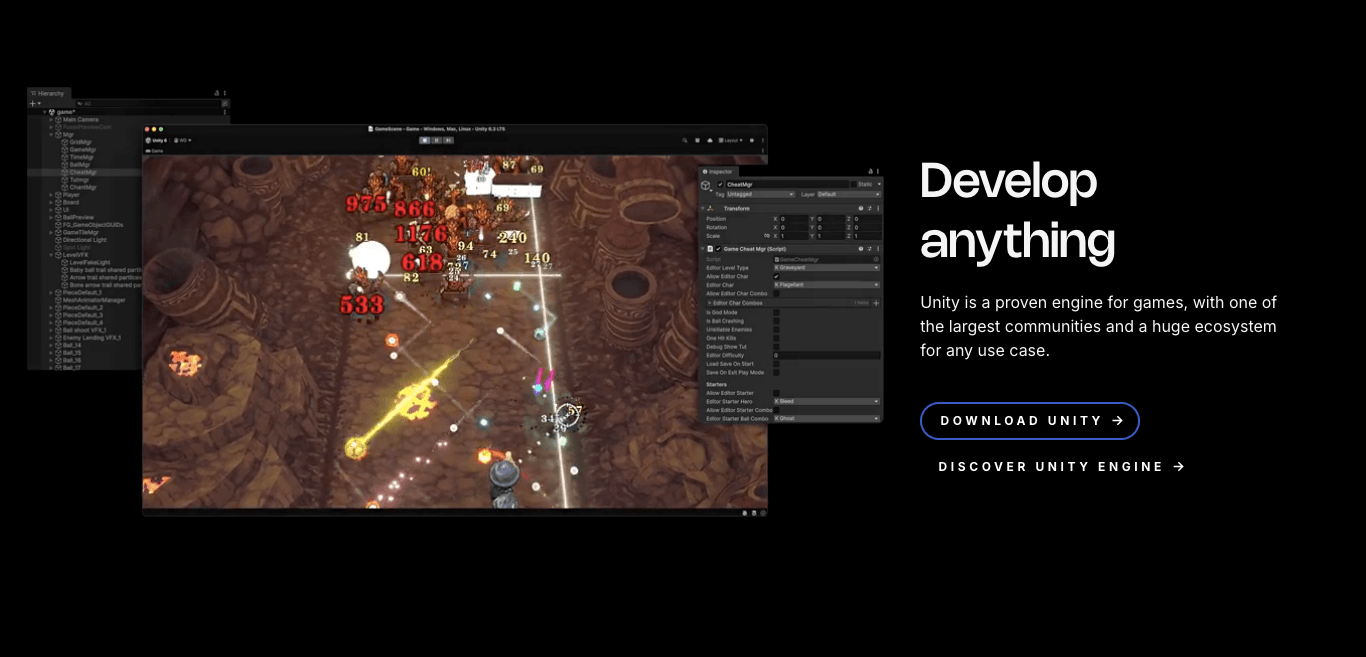
Unity is a well-known game development engine that parents may provide as an advanced coding app for kids. It’s more complex than mobile coding apps for kids due to syntax and interface. However, it still offers visual and drag-and-drop coding options. Kids can code to create 3D games or VR experiences and benefit from professional learning pathways.
Price (as of April 2026): Personal Plan is free; Student Plan for high school students is available (offering Unity Pro Editor, premium asset bundle, and access to ecosystem)
Unity is available for Windows and macOS users.
#22 Codea
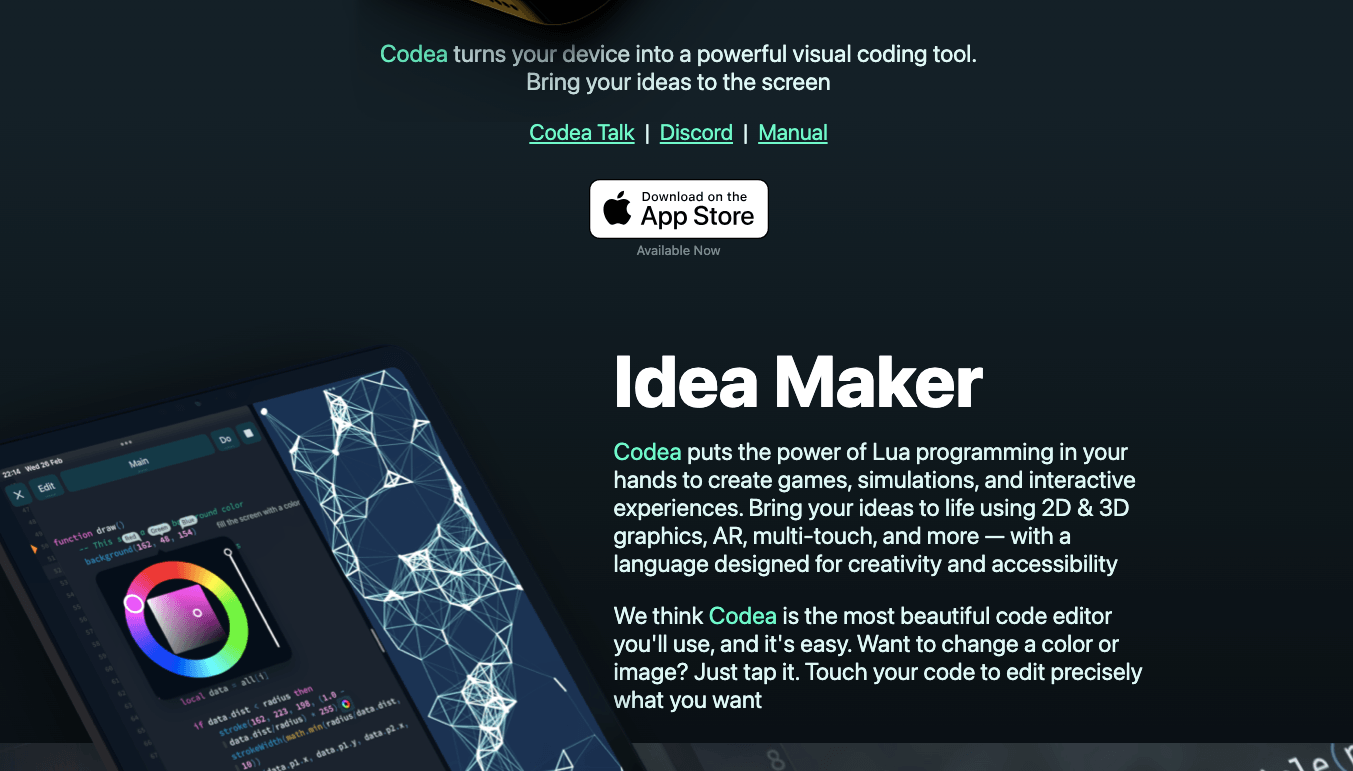
Codea is a coding app for savvy children who want to practice their coding skills. It’s more of an advanced visual coding tool that uses the Lua language to create games, simulations, interactive experiences, colorful graphics, and creative projects. It has lots of templates and features, like instant execution, air code, or note-taking, to learn or code live or from scratch.
Price (as of April 2026): it’s free, Pro Plan is $34.99year ($2.91/mo), offering editing without limits and Pro features.
It’s available for iOS and macOS users.
Note: If you’re looking to solidify your math knowledge before moving to coding practices, tailored tutoring for 10th, 11th, and 12th grades can come in handy.
Free vs Paid Coding Apps for Kids – What’s the Difference?
Free coding apps are often enough for the elementary school. For middle and high school students, the paid apps would be more substantial and effective. However, in the end, it all depends on the needs of the kids and family preferences.
What free apps deliver:
- Engaging experience and industry-backed concepts, especially if backed by large institutions like MIT.
- Solid entry point to hook up a kid into coding
- They have rich community libraries and shared projects.
- The basis to determine if your child is interested enough to invest further into coding apps.
What paid apps or options offer:
- Structured curriculum, clear progression, and detailed programs.
- Options, like dashboards and tracking, for parents to monitor their kids’ progress.
- Advanced levels, diversity of learning paths, richer content, engaging experiences, and project-based challenges
How to Choose the Right Coding App for Your Child
To offer effective online coding for kids, a parent should follow a step-by-step checklist that pays attention to age, complexity, devices used, learning needs, free trial options, and the possibility of combining the app with practice. The key steps are:
- Match an age to complexity. Middle schoolers may find ScratchJr boring, while younger kids won’t engage with text-based coding apps. So, match apps to kids’ level and age.
- Check device compatibility. Some apps are available only for iOS, so don’t commit unless you are sure.
- See the difference between games, curriculum, and editors. Coding games will help with introducing concepts, and a structured approach is possible with curriculum-based apps, while open-ended creation tools are ideal for practice.
- Try apps before committing. Free trials exist for a reason, so try one to check the app.
- See whether the gaps impede learning. When a kid is stuck on logic puzzles or sequencing, the reason may be a gap related to foundational math thinking. In that case, kids will struggle with coding. So, before pushing harder, look for math gaps.
Feel that your kids lack math skills?
Identify and close gaps with personalized sessions
Conclusion
To pick the right app for a kid, focus on matching the child’s age and complexity and consider how much structure they need.
At the same time, make sure students are ready to transition to text-based coding. If they are not, the reason may be foundation math gaps. That’s when Brighterly may help via personalized math courses. Book free session to try!
Frequently Asked Questions
What Age Should Kids Start Learning to Code?
Children can start to learn to code at the age of 4 or 5, using visual tools, apps, or concepts. A parent can start with the concepts of logic, sequencing, or patterns. Kindergarten is good for the introduction of concepts as they just begin to learn math or practice it via math apps.
Are Free Coding Apps Good for Beginners?
Yes, the free apps are good for beginners. They are often good enough to introduce key concepts and offer room to understand whether a kid is interested in further learning. Besides, some apps like Scratch or Code.org cover lots of features at no cost.
Do Kids Need a Computer to Use Coding Apps?
Yes, but not always, as a good number of coding apps are compatible with tablets and smartphones. Web coding platforms for kids may also work on any device, but are not optimized. Advanced tools are better to use on a desktop.
How Much Screen Time Is Appropriate for Coding Practice?
For younger kids, 30-45 minutes is an appropriate time, as kids’ attention span is lower, and they may be active if interested. For middle and high schoolers, it may be 1-2 hours, so that they can create something meaningful or apply concepts correctly. Yet, the priority should be learning goals.
Can Coding Apps Replace Structured Coding Classes?
Unlikely, as apps can be effective in building interest and foundational programming for kids. They won’t replace structured instruction for children who want to dive deeper into the subject. Coding apps often lack real-time feedback.

Social media in education shapes how students access information, communicate, and complete assignments. Schools now use platforms like YouTube, Google Classroom, and X (Twitter) as part of classroom technology. This guide covers 15 best practices for teachers and parents using social media in K–12 learning settings. What Is Social Media in Education? Social media in […]

Apr 28, 2026
Homework meltdowns, report cards that don’t add up, the classroom that doesn’t seem to work for a kid — all these issues are familiar to parents of school students. To understand the most common problems in schools, we conducted a two-phase research, involving 381 participants: our own community of 128 parents of Brighterly students and […]

May 01, 2026
Math & reading from 1st to 12th grade
Exploring alternatives?
Take a short quiz!
Choose kid's grade