Best Educational Apps for Kids Parents Can Trust in 2026
reviewed by Marjorie Alvarez Reaño
Updated on September 16, 2026
Key Points:
- Best for personalization, 1:1 math and reading classes, and covers all ages: Brighterly.
- Best for the youngest learners: Khan Academy Kids, Duolingo ABC, and ABCmouse.
- Best for adaptive game-style learning: SplashLearn, Prodigy, PBS Kids, and Epic!.
- Best for coding: ScratchJR.
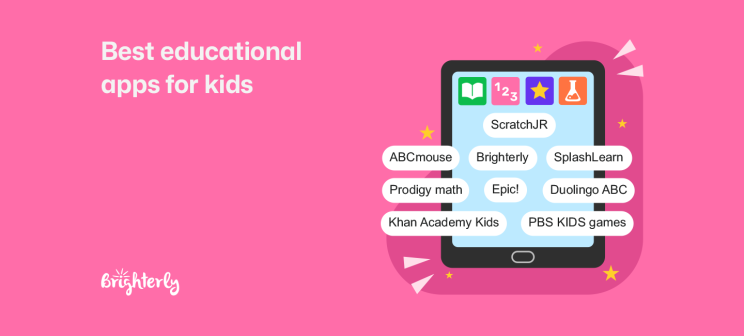
The best apps for learning keep kids engaged, are personalized to your child’s level, monitor progress, are safe to use, and help your child progress. This guide helps you to compare the 9 best apps in 2026, including apps for reading, math, and coding, so that you can find the best fit for your family.
Best Educational Apps for Kids Compared
| Best for | Main areas covered | Ages | Key strength | |
| Brighterly | Personalized learning and math support | Math, reading, writing | 6-18 | 1-on-1 personalized tutoring |
| Khan Academy Kids | Free early learning | Math, reading, writing, language, creativity | 2-8 | Completely free, comprehensive early learning |
| ABCmouse | Comprehensive early education | Math, reading, science, art, music | 2-8 | Broad curriculum covered |
| Duolingo ABC |
Learning to read |
Phonics, vocabulary, reading, writing |
3-8 | Short, interactive literacy lessons |
| Epic! | Reading | Reading, digital library | 4-12 | 40,000+ children’s books |
| Prodigy Math | Gamified math practice | Math | 6-14 | Immersive role-play math games |
| SplashLearn | Curriculum-based practice | Math, reading | 2-11 | Adaptive games |
| PBS KIDS games | Educational games | Math, reading, science, problem solving | 2-8 | Free games featuring PBS characters |
| ScratchJR | Early coding and creativity | Coding, problem-solving | 5-7 | Introduces early coding skills |
Explore Brighterly Learning Experience
Learn exactly how Brighterly helps students thrive through expert sessions, online tools, and proven feedback from thousands of satisfied parents
Brighterly — Best for Personalized 1:1 Tutoring
Age range: K-12
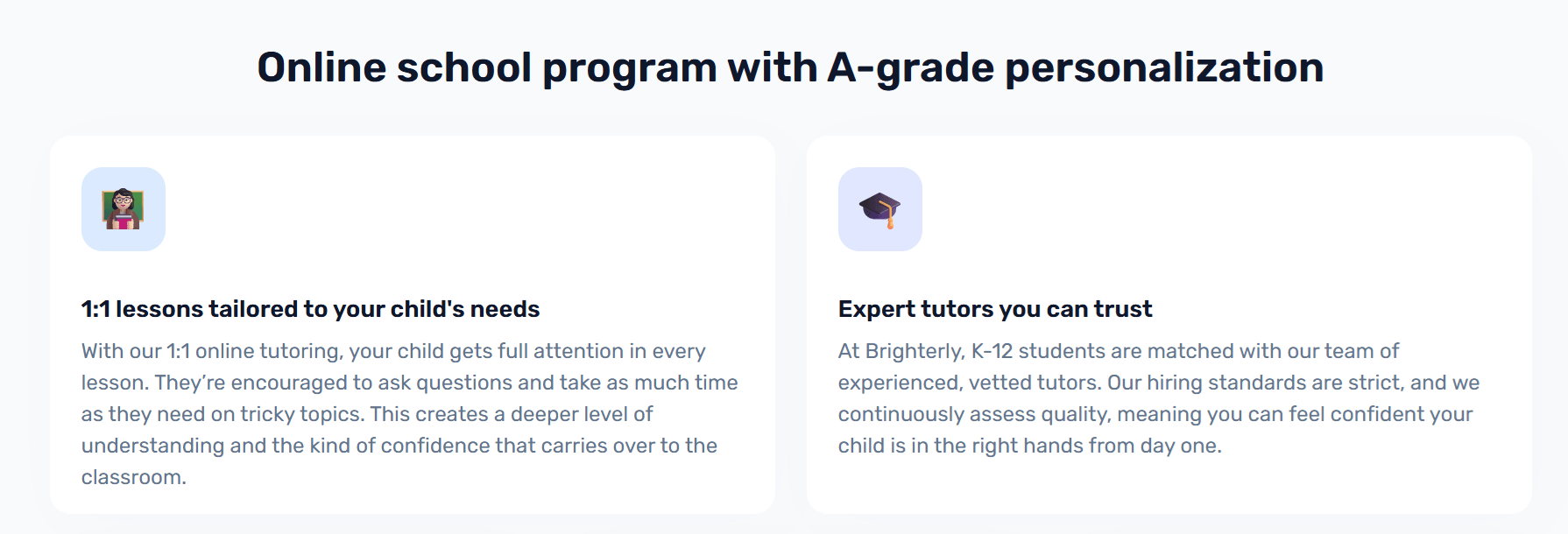
We are a web-based reading and math learning system for families looking for comprehensive and personalized support. We connect students to 1:1 reading and math tutors for live lessons, as well as offering progress reports and at-home activity guidelines. Our online math programs and reading programs help kids of all ages and abilities gain confidence, build foundations, and thrive academically.
Features:
✅1-to-1 tutoring in math and reading
✅US-aligned curriculum taught by experienced tutors
✅Personalized learning plans
✅Free online reading and math assessments
✅Regular progress reports
✅At-home practice recommendations for between sessions
✅Free math and reading worksheets and knowledge base
Why it’s great:
Completely personalized to your child’s level and need. You can use it as after-school support to fill gaps or help your child to get ahead, or as a homeschooling resource to support math and language learning.
Where it falls down:
Not a stand-alone app, requires parents to plan and book sessions.
Pricing:
The first 1:1 session is free and helps identify your child’s goals, learning styles, strengths, and gaps. Our pricing plans start from $17.70 per session based on a 12-month subscription of two lessons a week (includes 20% discount, as of August 2026).
Khan Academy Kids — Best Free All-Around App
Age range: Ages 2 – 8
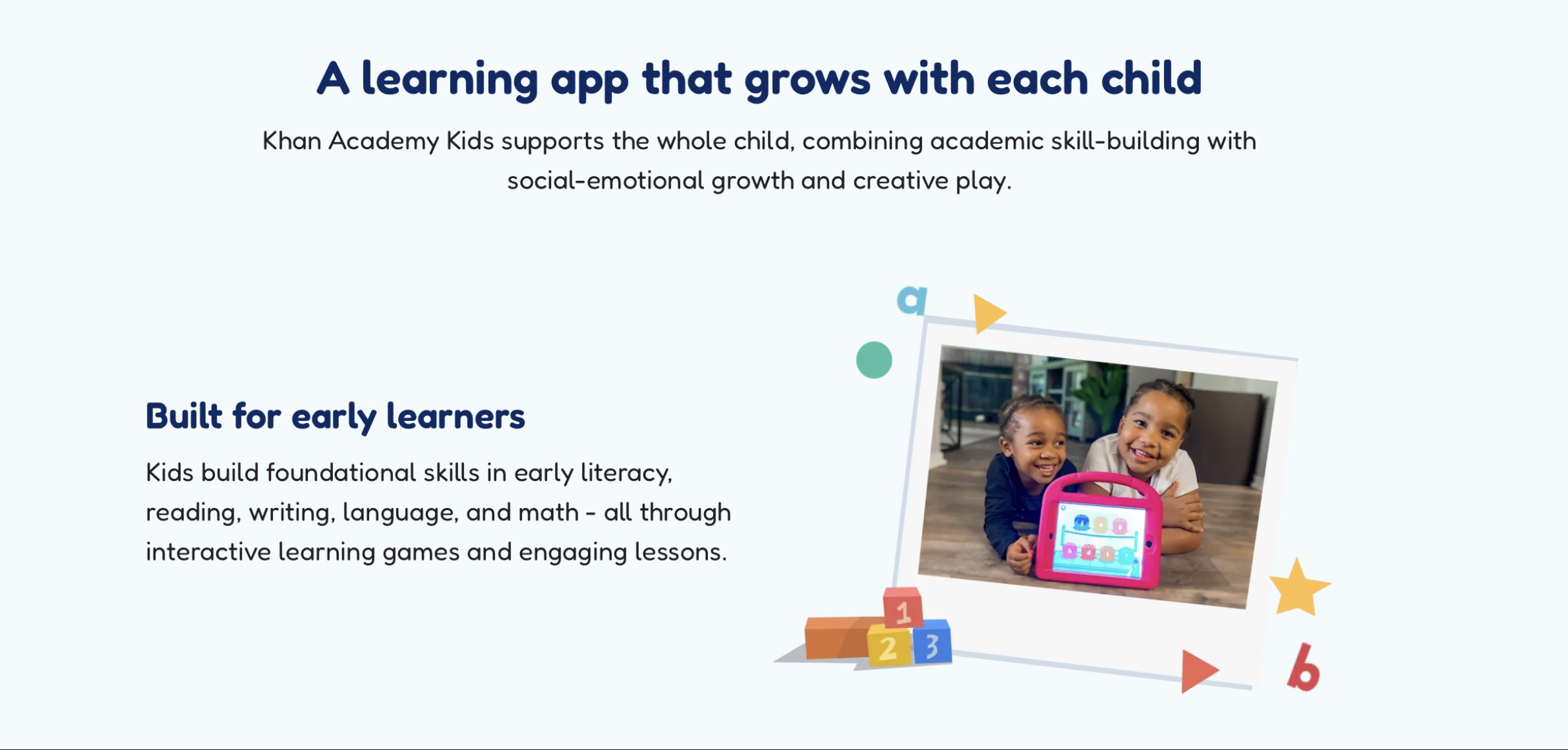
Khan Academy Kids is a free educational app that uses learning games and story-based lessons to build foundational math and reading skills. Its self-directed format allows children to learn at their own pace. There are two versions, one for parents to use at home and one for teachers to use in school.
Features:
✅ Free math, reading, writing, and language app
✅ Fun and interactive games keep kids engaged
✅ Self-paced and based on the child’s level
✅ Progress tracking for parents to follow learning
✅ Parents can adjust learning levels
Why it’s great:
Khan Academy Kids is one of the most well-known educational apps for kids. Its self-paced learning method allows each child to learn at their own pace, ensuring they master skills before moving on.
Where it falls down:
Requires relatively large storage capacity, which some older devices struggle to run. Khan Academy is also not truly personalized, which can discourage reluctant or struggling readers.
Pricing:
Khan Academy Kids is completely free.
Note: A 2024 study published in Child Development found that children who used high-quality learning apps at home for math or reading showed greater improvements in these skills than their peers who didn’t use learning apps, better preparing them for school.
ABCmouse — Best for Early Learning, Ages 2–8
Age range: Ages 2 – 8
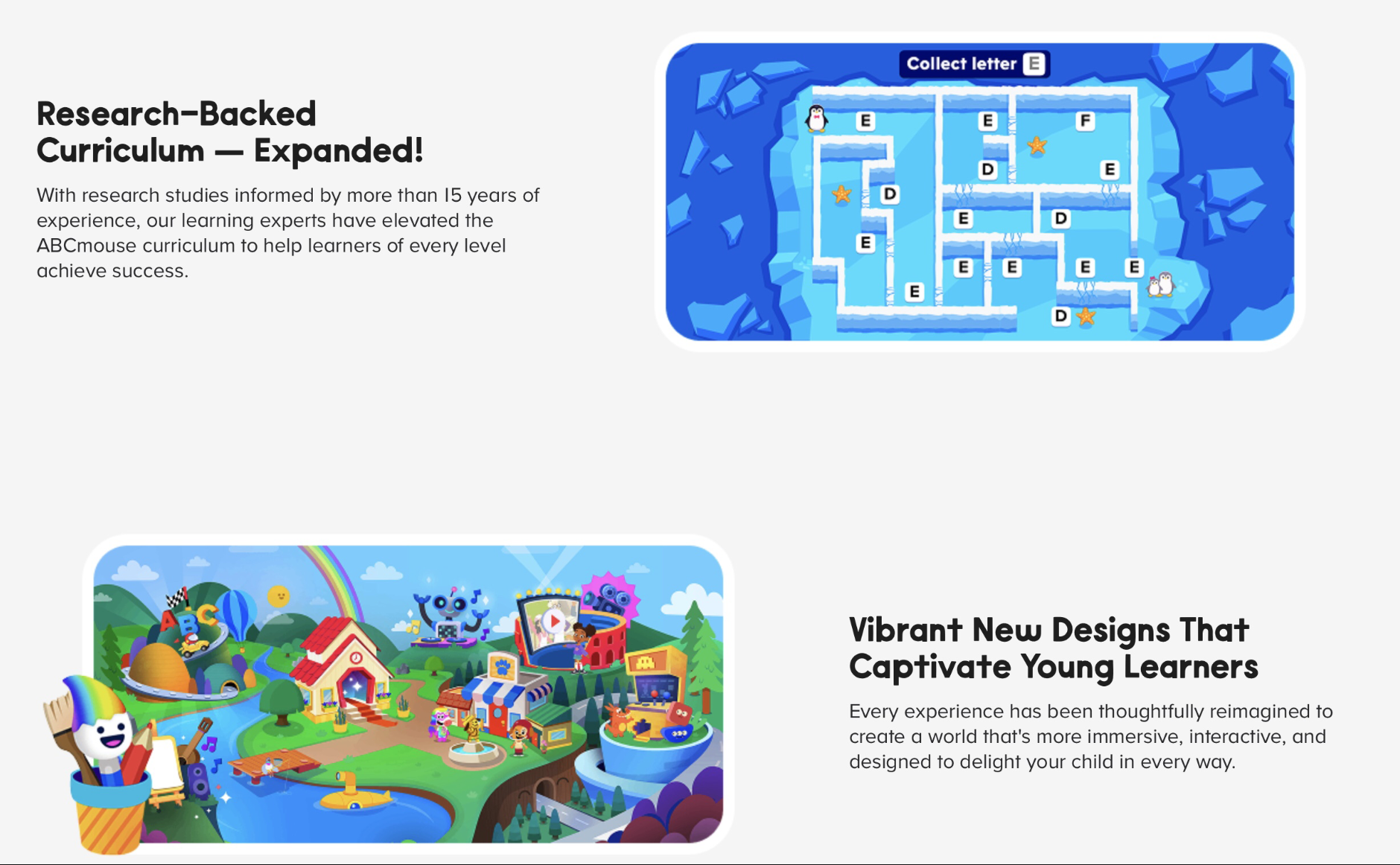
ABCmouse is one of the most comprehensive educational apps, covering reading, math, science, art, and music. The self-paced curriculum uses fun, engaging activities and videos, while offline learning materials help kids build foundations. ABCmouse consists of ten levels, starting with basic letter and number lessons and progressing through to more complicated concepts.
Features:
✅ Covers math, reading, science, music, and art
✅ Uses fun, interactive games and lessons to help kids build skills
✅ 10 learning levels for ages 2-8
✅ Access to an online library
✅ Free printable resources
Why it’s great:
ABCmouse compares favorably to other apps as one of the most vibrant education apps. Its colorful and gamified interface ensures engagement, and the reward system keeps kids coming back. Parents can use ABCmouse as additional learning support outside of school or as a part of a homeschool curriculum.
Where it falls down:
Highly gamified, and some children find the platform overwhelming. Some parents find that it requires active parental involvement.
Pricing:
ABCmouse pricing offers a free 30-day trial and then charges $14.99/month or $69.99/year (as of August 2026).
See Where Your Child’s Math Skills Stand
Book a free 1:1 lesson and get a personalized learning plan today.

Duolingo ABC — Best for Early Reading and Phonics
Age range: Ages 3-8
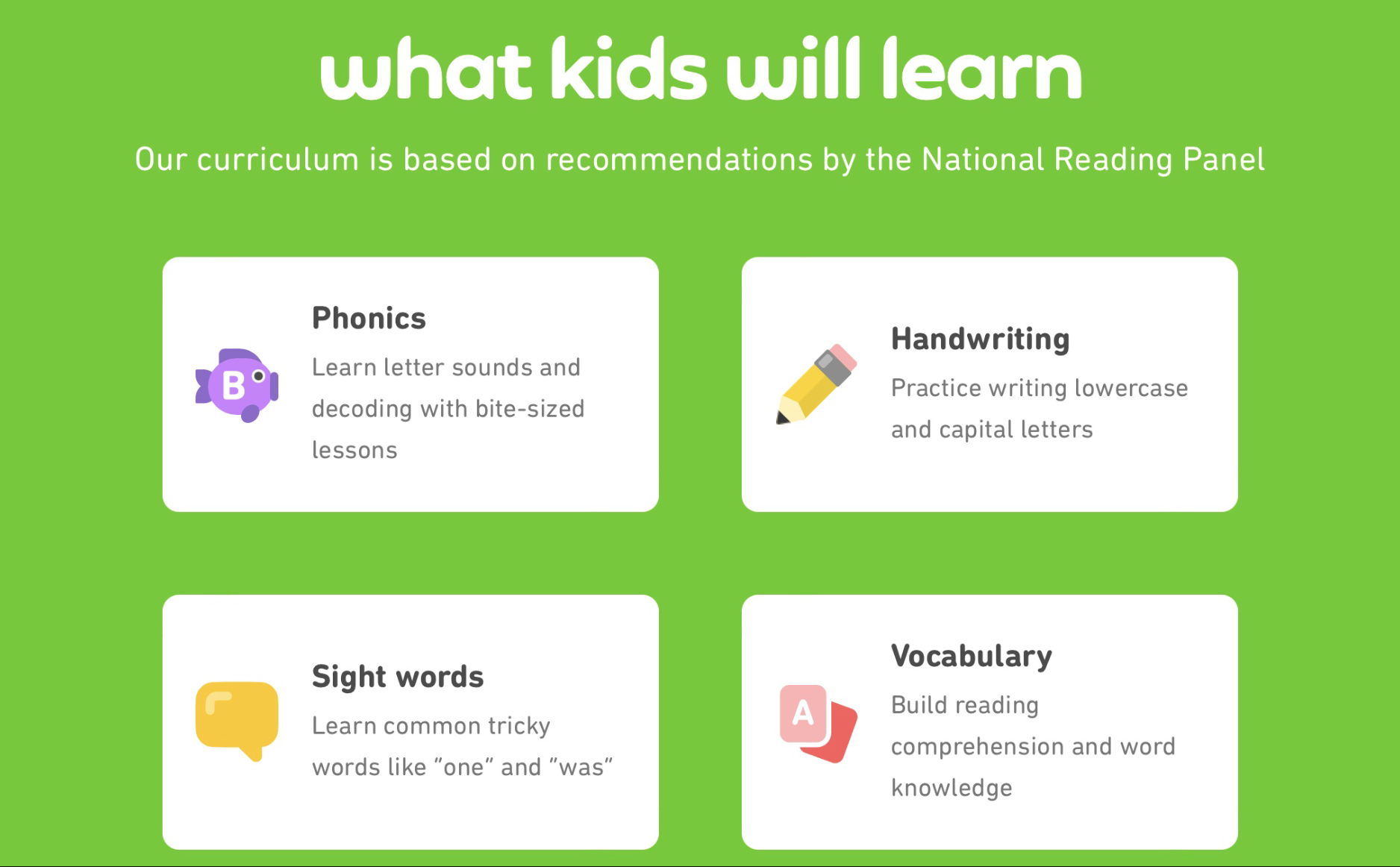
Duolingo ABC uses simple, interactive games and stories to teach phonics and early reading and writing skills. Children start down a self-directed learning path that contains over 700 bite-sized lessons, each building on the last. The comprehensive phonics curriculum is US-standards aligned, and the app utilizes the microphone function to allow kids to repeat letter sounds and phonics back.
Features:
✅ Completely free
✅ Teaches early reading skills, including phonics and sight words
✅ Self-directed learning allows kids to move at their own speed
✅ Introduces kids to writing, including handwriting practice and vocabulary building
✅ Lessons are fun, interactive, and feel like a game
✅ Aligned with the US Common Core Standards
Why it’s great:
One of the best reading apps for kids, Duolingo ABC, feels like a game rather than learning. The bite-sized lessons keep kids focused and engaged, and struggling or reluctant readers can progress through the comprehensive phonics curriculum at their own pace.
Where it falls down:
Duolingo ABC can’t replace a full English-language curriculum, but it’s a great additional free tool for parents to use at home.
Pricing:
Completely free with no advertisements or in-app purchasing.
Epic! — Best Unlimited Reading Library
Age range: 12 and under
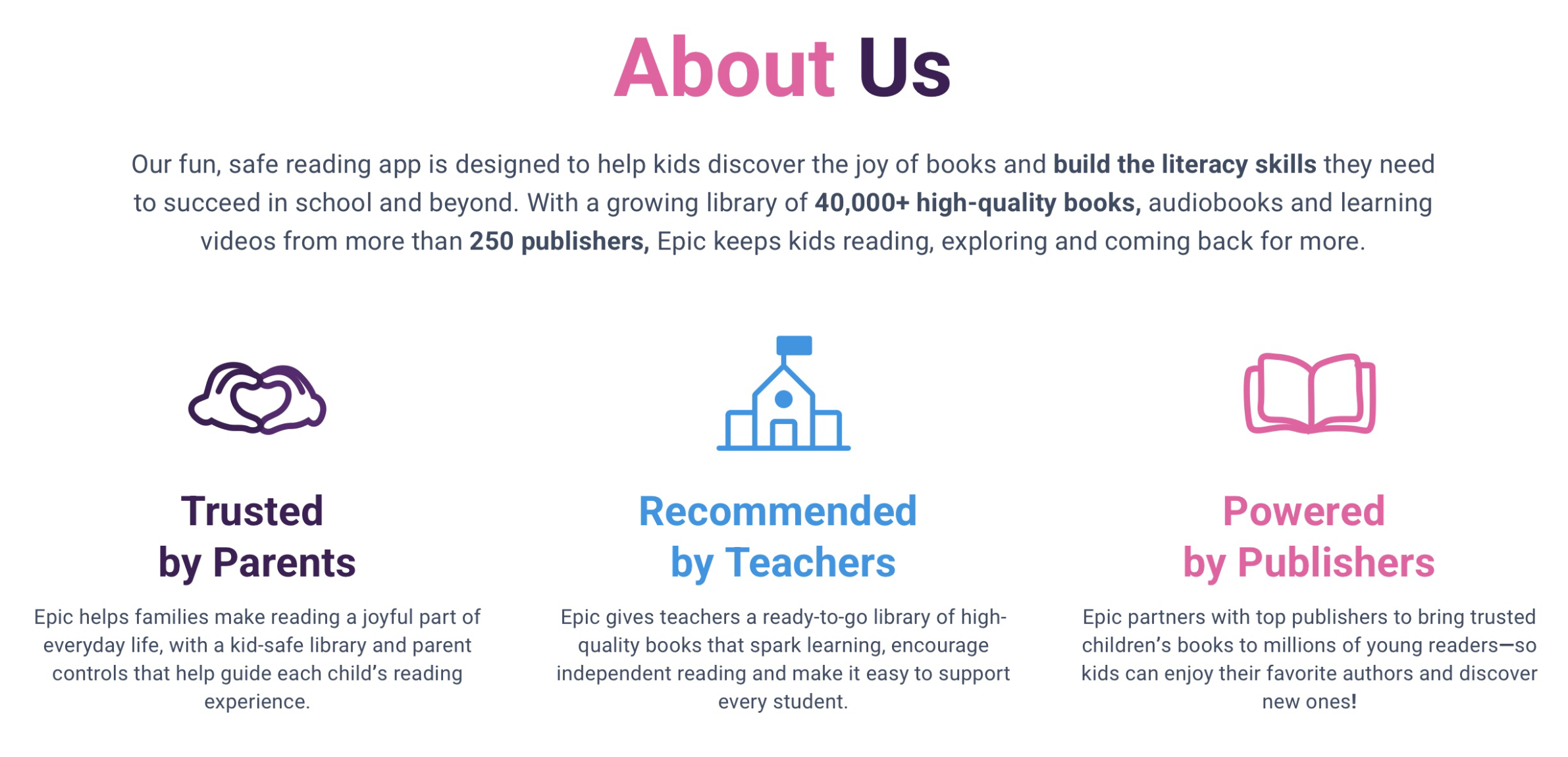
Epic! offers a huge digital library of books, audiobooks, and learning videos to help kids build literacy skills and fall in love with reading. It contains over 40,000 books, including well-known children’s books and original titles produced by Epic! The platform offers rewards and personalized recommendations to keep kids engaged, as well as progress boards allowing parents to track their child’s progress.
Features:
✅ Unlimited access to the large digital library of over 40,000 books
✅ Recommendations adapt to your child’s favorite books and genres
✅ Contains books, audiobooks, and learning videos
✅ Parents allow you to set the age and reading level your child can access
✅ Dictionary lookup feature allows kids to tap any word they don’t know and read the definition
✅ Quizzes at the end of books boost reading comprehension
Why it’s great:
Epic! provides families with a large digital library at their fingertips, and parental controls ensure that children can only access the books right for their age and ability.
Where it falls down:
The Epic! library is not fully comprehensive and is missing some popular kids’ books, especially those that have been newly released.
Pricing:
As of August 2026, you can purchase Epic! on either a monthly plan at $13.99/month or annually at $84.99/year ($62.99/year with a current active discount). They also offer a 7-day free trial.
Prodigy Math — Best Game-Based Math Practice
Age range: Age 6-14
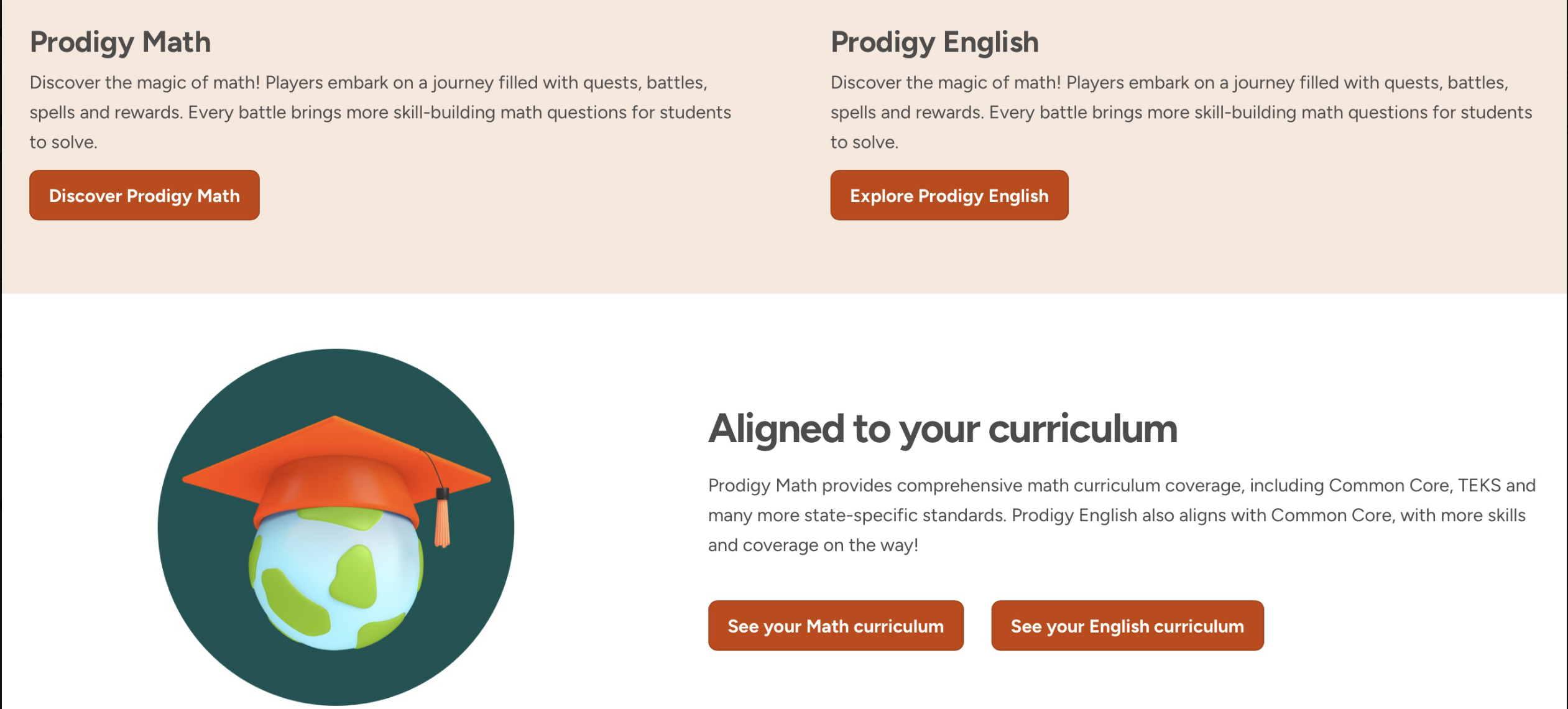
Prodigy Math is a math app aimed at elementary and middle school kids. It’s one of the learning apps for kids that can be used by both teachers in school and parents at home. Prodigy Math offers gamified, adaptive math practice that adapts to each child’s level and needs. Students embark on quests and win battles by using different math skills to earn rewards and progress through levels.
Features:
✅Fun, interactive, immersive games keep kids engaged
✅Aligned to the US curriculum
✅Provides report cards and progress reports
✅Adaptive practice keeps kids challenged and spots gaps in learning
Why it’s great:
This kids educational app is fun, adaptive, and makes kids forget they’re practicing math. Progress and report cards help parents and teachers to stay on top of learning and monitor the child’s progression. The adaptive nature means that each child is practicing what they need to and progressing at a level customized to them.
Where it falls down:
Prodigy Math helps children solidify concepts they know, not learn new ones. Some parents also find that too much time is spent navigating the virtual world or customizing characters rather than on actual math practice.
Pricing:
Prodigy Math membership options depend on the subject chosen and monthly vs annual subscriptions. As of August 2026, monthly membership options range from $9.95/month to $19.95/month, whereas an annual plan can work out cheaper than paying for 12 individual months.
Note: For the list of the top Prodigy Math alternatives, please check this guide.
SplashLearn — Best for Math and Reading Practice
Age range: Ages 2-11
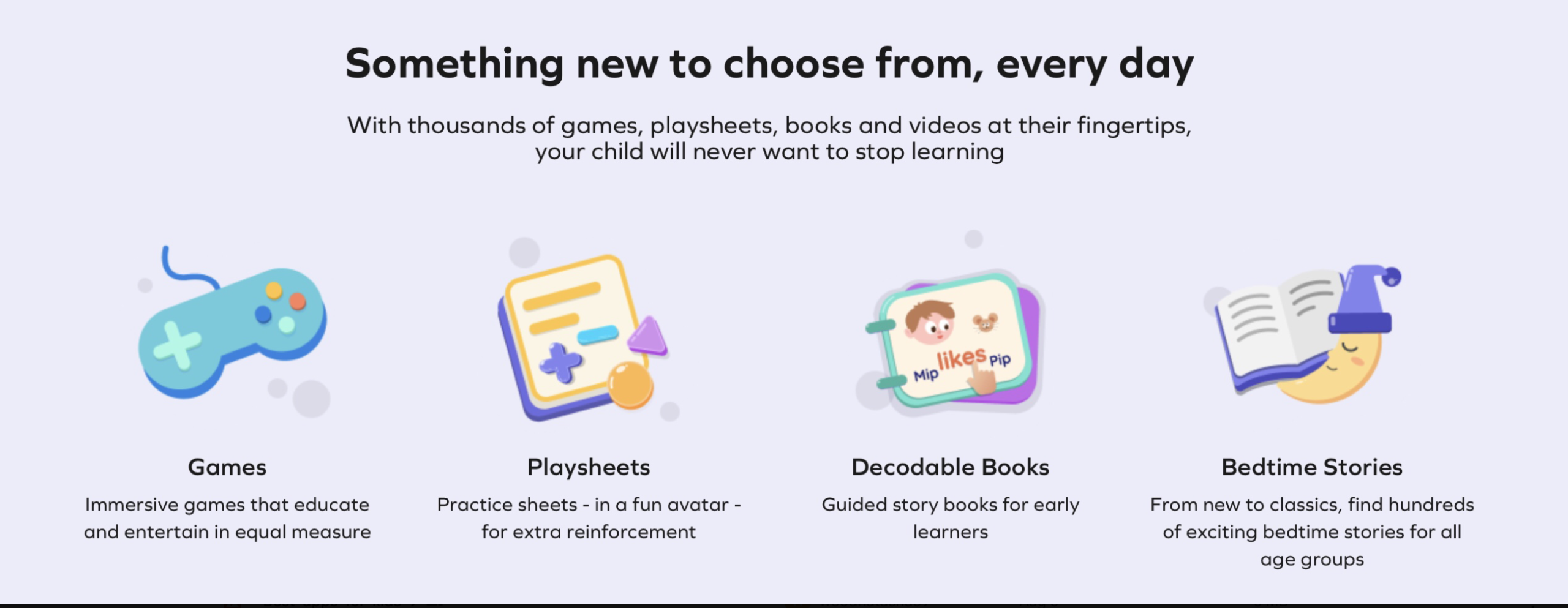
SplashLearn is an English and math app for kids that teaches through stories and games. It offers thousands of games, worksheets, books, and videos to help children learn. SplashLearn can be used at home as an additional learning tool or in schools by teachers to make learning more interactive and fun.
Features:
✅ Fun, game-based learning keeps kids engaged
✅ Adaptive learning path evaluates the child’s ability and adjusts accordingly
✅ Aligned with US Common Core Standards
✅ Reward system encourages kids to keep practicing
Why it’s great:
If you’re looking for one of the best online learning platforms for kids that your child will want to use, then SplashLearn is a great option. It also offers printable materials to allow kids to continue learning off-screen. The adaptive learning plan enables kids to move at their own pace, keeping them engaged and challenged while highlighting any learning gaps.
Where it falls down:
SplashLearn is an additional educational tool, not a standalone curriculum, and some parents may not like its gamified nature. Some SplashLearn reviews also highlight issues with pricing and payments, and exact subscription costs are difficult to find on their website.
Pricing:
SplashLearn’s subscription fees are monthly or yearly for access to the full app content. However, if your child is using SplashLearn through the school, limited access (set by their teacher) is available to each student for free from home.
Get More From Every Learning Minute
Live tutors build a plan around your child’s exact gaps, from $17.70/lesson.
PBS KIDS Games — Best Free App Based on Kids’ Shows
Age range: Ages 2-8
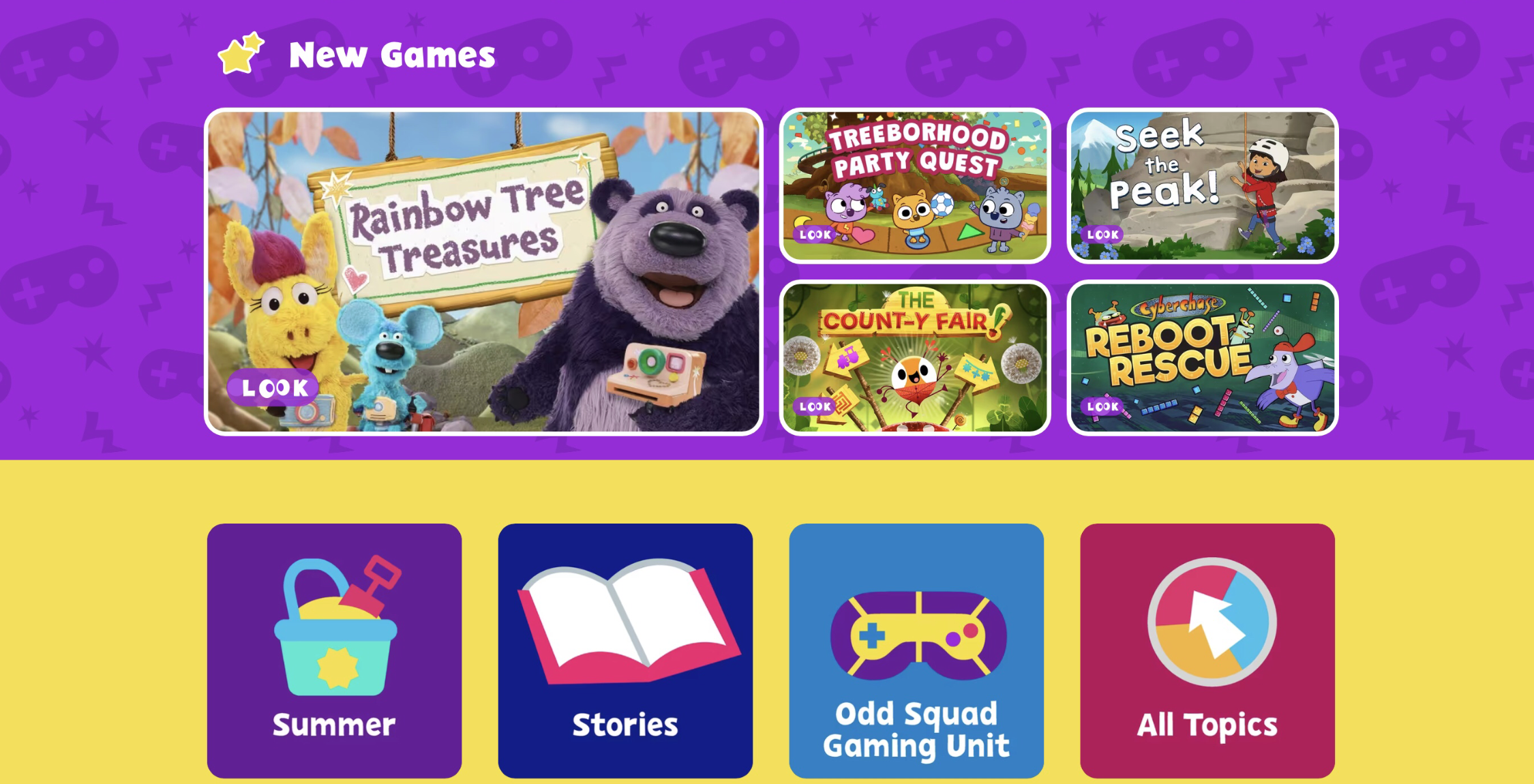
PBS KIDS games is an educational website that delivers fun and educational games based on the shows from PBS, like Sesame Street and Arthur. PBS KIDS offers a huge selection of free, educational games that help kids practice math, reading, science, Spanish, art, and more.
Features:
✅ Large collection of interactive games
✅ Fun, interactive, and kids enjoy playing them
✅ Games available for math, reading, science, Spanish, art, and engineering
✅ No signing up required
Why it’s great:
With so many games and subject matters to choose from, there is something for everyone. The games are interactive and feel like you’re playing a video game, meaning children often don’t even realize they’re learning at the same time.
Where it falls down:
PBS Games is an educational software for kids that helps them practice skills rather than learn new ones. The gamified nature may not be right for some families who prefer more traditional learning methods. Younger children may struggle to navigate the website without help from parents.
Pricing:
Completely free to use, no sign-up required.
ScratchJr — Best Free Coding App for Young Kids
Age range: Ages 5-7
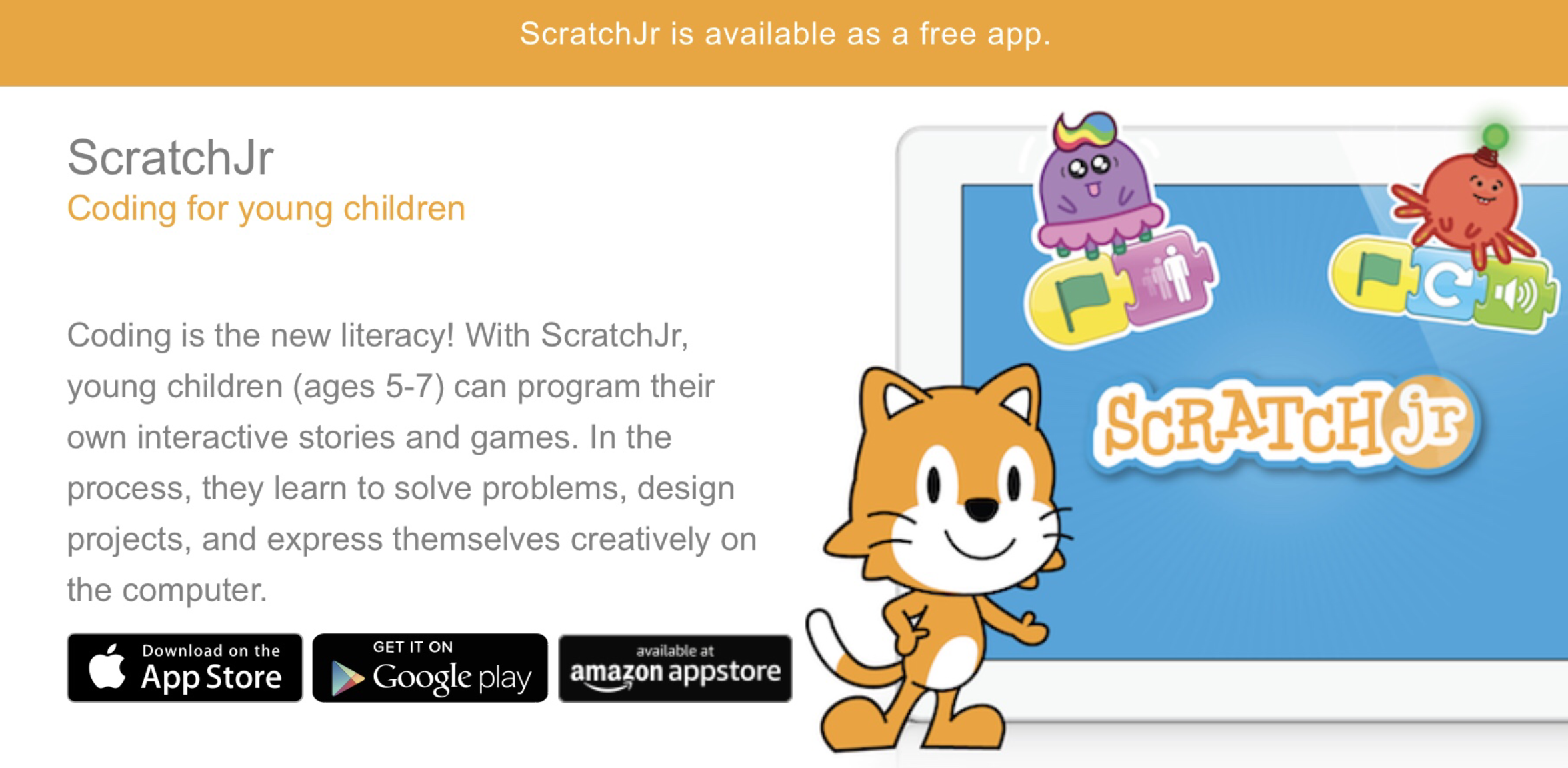
ScratchJr is a free coding app; it’s the junior version of the Scratch programming language, designed for younger children. It gives kids their first taste of what coding is and develops foundational skills. Kids put together programming blocks to make characters move, jump, dance, and sing, and learn how to problem solve, design projects, and develop computer literacy skills for later life.
Features:
✅ Appropriate for younger children
✅ An interactive and easy-to-use introduction to coding
✅ Develops sequencing, math, and problem-solving skills
✅ Completely free
Why it’s great:
ScratchJr is one of the best learning apps available for young kids to learn coding. Even parents with no prior coding knowledge can easily navigate the app and help their little one to start coding. Once your child has outgrown ScratchJr, they can start Scratch to continue their coding journey.
Where it falls down:
ScratchJr is an app rather than a coding toy. Some parents prefer their children to use a physical toy rather than screens to introduce coding to their children.
Pricing:
ScratchJr is free to download and use. Parents can purchase an additional book or coding cards to supplement the app.
How to Choose the Right Educational App for Your Child?
Use this checklist to help you choose the right educational app for your family:
- Matches your child’s age and developmental stage.
- Supports your child’s learning goals. (e.g., reading, math, coding)
- Engaging for your child but not overly distracting.
- Provides personalized or adaptive learning.
- Includes progress tracking for parents.
- Offers a safe, ad-free environment with strong privacy protections.
- Fits your budget.
- Works on your family’s devices.
- Matches your family’s screen time goals.
Conclusion
With so many learning apps for kids out there, it can be difficult to know which one is right for your family. Understanding your child’s learning goals, developmental level, and style of learning can help you to narrow down the options. Free trials can also be a good way to experiment with different styles to find the one that fits.
Frequently Asked Questions
Are These Educational Apps Safe for Kids to Use Without Supervision?
Before letting your child participate in any online activity, it’s always good to go through it yourself first, set any parental controls, and make sure your kid doesn’t have access to purchasing or chat features.
Can Any of These Apps be Used Offline?
Yes, some provide resources that can be used offline. For example, we offer free access to math and reading worksheets that parents can print out, as do Khan Academy Kids and SplashLearn. Khan Academy Kids and Epic! Also offer offline libraries, but books and activities need to be downloaded first.
Which of These Are Free Educational Apps for Kids?
PBS KIDS games, ScratchJR, Duolingo ABC, and Khan Academy Kids are free learning apps for kids. We offer free worksheets and math and reading tests, while SplashLearn also offers free printable worksheets, and Prodigy Math offers its core game and math worksheets for free.
What Age Range Do Most Educational Apps for Kids Cover?
Most of these teaching apps are aimed at pre-kindergarten and elementary school-aged kids. However, Brighterly is for up to 12th grade, Prodigy Math goes to 8th grade, and Epic is for 6th grade and below.
Can an App Replace a Tutor or Teacher?
No, in general, even the best apps for education are designed to support what a child is learning at school, with tutors, or as part of a home education curriculum. Many online learning apps are curriculum-aligned, but they can’t replicate a full curriculum.
How Much Do Parents Typically Spend on Kids’ Learning Apps?
How much parents spend depends on their budget, the value they believe it will add, and their child’s needs. Free trials to determine the best kids learning apps for your family can help you save money, and annual plans are typically most cost-effective.

Symbolism in poetry gives ordinary objects, colors, people, or actions a deeper meaning. A bird can represent freedom, a road can symbolize a life choice, and spring can suggest a new beginning. Here, you’ll explore common poetry symbols, famous examples, and simple ways to teach symbolism to kids. What Is Symbolism? Symbolism in poetry is […]

Aug 13, 2026
Tutoring in elementary grades is an opportunity to provide a struggling kid with professional study help in covering knowledge gaps and supporting the knowledge they already have, while learning even more. You can choose online, in-person, or free community-based tutoring, depending on your kid’s learning style, family budget, learning goals, and needs. What Is Tutoring […]

Aug 14, 2026
Math & reading from 1st to 12th grade
Looking for homework support for your child?

Choose kid's grade

Math & Reading for Grades 1–12
Build real confidence for your child with a Brighterly math or reading tutor.