Best LMS Platforms for Online Education
reviewed by Janice S. Armas
Updated on October 20, 2026
![10 Best LMS Platforms for Online Education [2025]](https://brighterly.com/wp-content/uploads/2025/08/Best-LMS-Platforms-744x336.png)
Key points
Learning management systems help teachers and organizations deliver lessons, track progress, and keep learners engaged with course material. They can support everyone from independent math tutors organizing lessons and assignments to schools and businesses managing large-scale learning programs. Originally built to provide interactive activities for learners, they still serve that core purpose today. This review compares top LMS platforms based on their features, pricing, and suitability for different educational and organizational needs.
Exploring alternatives?

Best LMS Platforms Compared
| Platform | Best For | Starting Price | Free Tier | AI-Powered |
|---|---|---|---|---|
| Nearpod | K-12 interactive lessons | Free (Silver) / $159/yr (Gold) | ✅ | ✅ |
| Blackboard Learn | K-University blended learning | Custom quote | ❌ | ❌ |
| EducateMe | Academies & corporate teams | From $239/mo (80 users) | ❌ | ✅ |
| Moodle | K-University, open-source flexibility | Free (self-hosted) / from $130/yr (cloud) | ✅ | ❌ |
| TalentLMS | Middle school to enterprise | From $119/mo (40 users) | ✅ | ❌ |
| SkyPrep | Universities & enterprise compliance | Custom quote | ❌ | ✅ |
| iSpring Learn | High school to business | From ~$2.29/user/mo | ❌ | ❌ |
| Docebo | Enterprise AI-driven training | Custom quote (~$70/user/yr at scale) | ❌ | ✅ |
| LearnUpon | Universities & multi-audience business | Custom quote | ❌ | ❌ |
| Canvas | K-Universities | Custom quote | ❌ | ❌ |
| Absorb LMS | K-Enterprise, mobile learning | Custom quote | ❌ | ✅ |
Explore Brighterly Learning Experience
Learn exactly how Brighterly helps students thrive through expert sessions, online tools, and proven feedback from thousands of satisfied parents
Nearpod
Best for: K-12
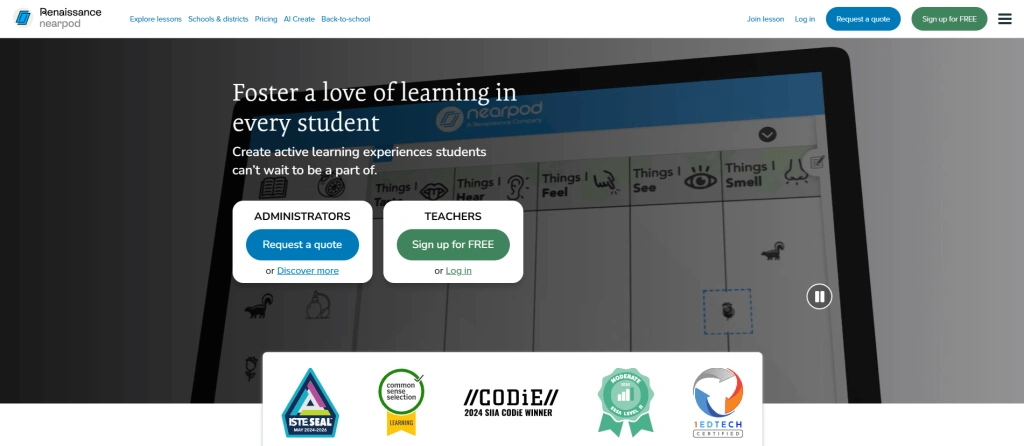
Nearpod is one of the best learning management systems for building interactivity-based lessons, due to built-in tools such as quizzes, polls, VR field trips, and formative assessments.
Features
- The best LMS platforms in 2026 offer real-time student-progress tracking, and Nearpod is no exception. When a child works on their task, the information is reflected on the teacher dashboard, so teachers can promptly react to who’s involved and who’s lagging on a specific topic.
- Nearpod integrates extended VR and 3D libraries. These features can bring theoretical concepts to life, from the Giza pyramids to the composition of the human body — learning becomes more tangible.
- The Gold plan adds an AI Question Generator, which can automatically draft multiple-choice questions and activities from existing lesson content.
Pricing
- Silver for $0 with a 300 MB storage space for a classroom of up to 40 students.
- Gold for $159/year with 1 GB storage for a classroom of up to 75 students and a range of extra features.
- Platinum for $397/year with 5 GB storage for a classroom of up to 90 students.
- Schools’ options are estimated individually.
Personalized Math for Every Learner
Brighterly 1:1 math tutoring is aligned with US state standards for grades 1-12 

Blackboard
Best for: K-University students
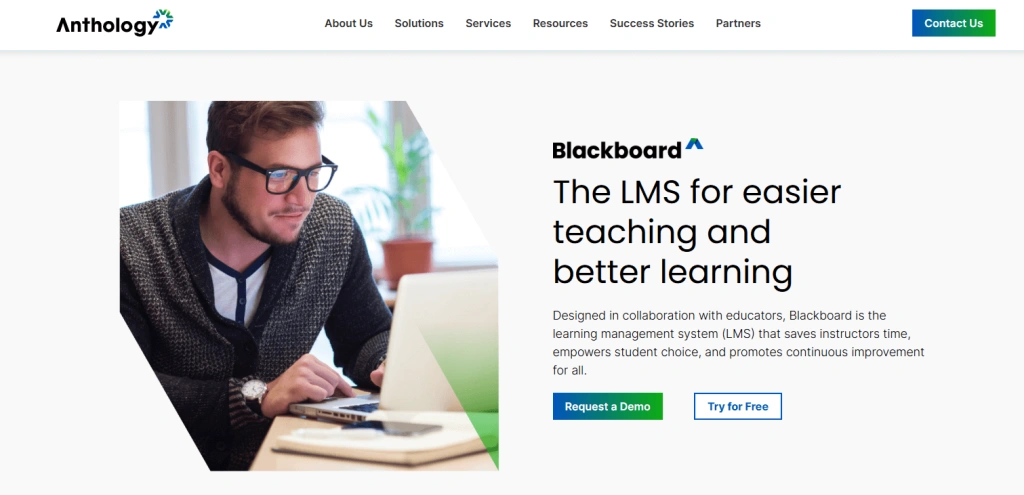
Blackboard Learn is a top LMS platform that combines functionality for schools, universities, and corporate training. It prioritizes blended learning and features extended functionality for uploading materials, implementing assignments, and managing discussion boards.
Features
- Blackboard Learn offers nearly comprehensive structural features. Instructors can control access conditions, embed multimedia directly in lessons, and create adaptive learning paths.
- It’s one of the learning management solutions that integrates with other tools, working with Zoom, Microsoft Teams, SafeAssign, Pearson, McGraw-Hill, and more.
Pricing
Blackboard’s pricing is estimated individually for each institution rather than published as a fixed list.
Here’s a general sense of what to expect:
EducateMe
Best for: modern academies and corporate actors
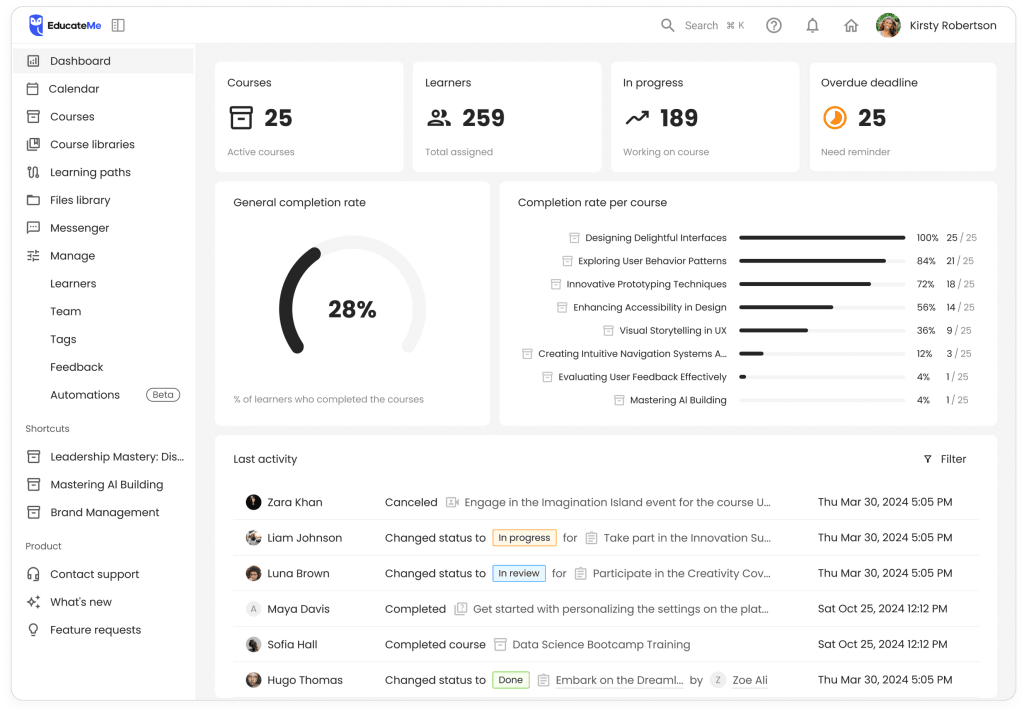
EducateMe stands out among education LMS systems for its intuitiveness, innovation, and learning customization. It serves as a centralized hub for accessing materials and live sessions, and for collaborating without confusion, making it well-suited for academies, learning providers, and corporate teams.
Features
Apart from a flexible course editor, EducateMe offers AI assistance in course and quiz generation, as well as data searching within courses. It also brings strong social learning features, including discussions, peer reviews, and feedback, which makes learning more interactive.
The platform is easy to manage, with customized learning paths, separate portals, and a tagging system that are well-designed and user-friendly. It also has strong automation and dashboards for setting and monitoring learning activities.
Pricing
EducateMe’s pricing runs on flat monthly tiers: Pro from $239/month for up to 80 users, Premium from $399/month for up to 100 users, and Scale from $999/month for up to 200 users, with custom Enterprise pricing above that. A 14-day free trial is available.
Moodle LMS
Best for: K-University
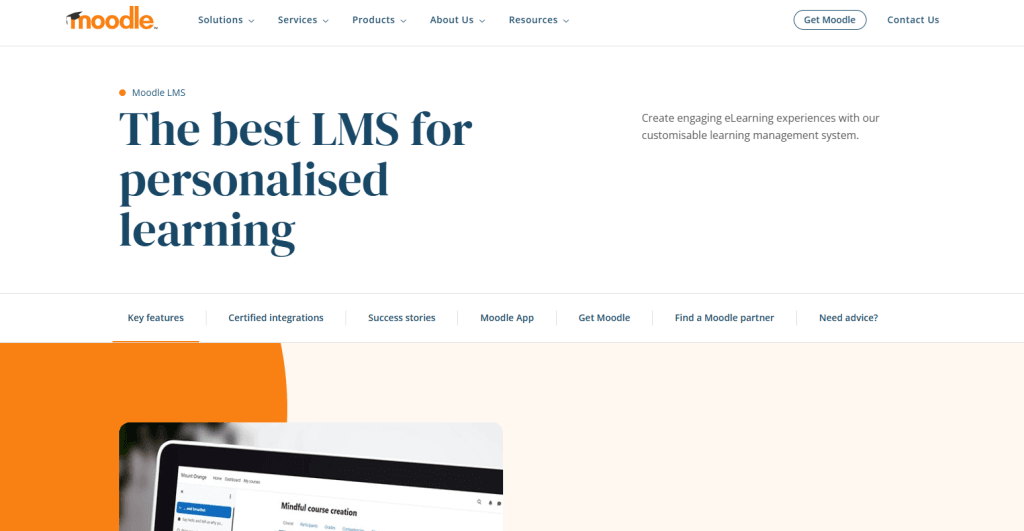
Moodle is designed to support both blended and fully online learning. Among its other functionalities, modular plugin support and strong community-driven development stand out.
Features
- Learning management system platforms like this one allow a modular approach: teachers can easily organize a wide range of content into weekly or topic-based sections.
- Among open-source learning management system solutions, Moodle offers unmatched flexibility. Institutions can fully customize the platform and extend its functionality through thousands of plugins — for gamification, analytics, plagiarism detection, attendance, H5P interactive content, and more.
Pricing
- $130/year for 50 users
- $230/year for 100 users
- $420/year for 200 users
- $950/year for 500 users
- $1800/year for 750 users
Moodle’s prices are among the most competitive in the market relative to the features included. Gamification, collaboration tools, and more are all available on this LMS platform.
Among personalized alternatives to a self-paced LMS, Brighterly stands out for its balance of quality and price. Every reading or math class here is built around a specific student’s needs, starting at $17.70 per lesson (12-month plan, 2 lessons/week, 20% discount applied).
Try 1:1 Reading — First Lesson Free
Brighterly reading tutors create a plan based on your child's exact level
TalentLMS
Best for: Middle school to enterprise level

Education LMS systems like this one are built for speed and scalability. TalentLMS aims to empower teams and learners through customizable courses, robust reporting, and seamless integrations.
Features
- TalentLMS offers a course editor for building content using videos, presentations, documents, quizzes, SCORM, xAPI, and cmi5 standards.
- The platform keeps students engaged with points, levels, leaderboards, and customizable certificates, supporting higher motivation.
Pricing
- $119/month for 40 users
- $229/month for 70 users
- $449/month for 100 users
Compared to Moodle, this educational software costs more, though its functionality is broader.
SkyPrep
Best for: universities & enterprises
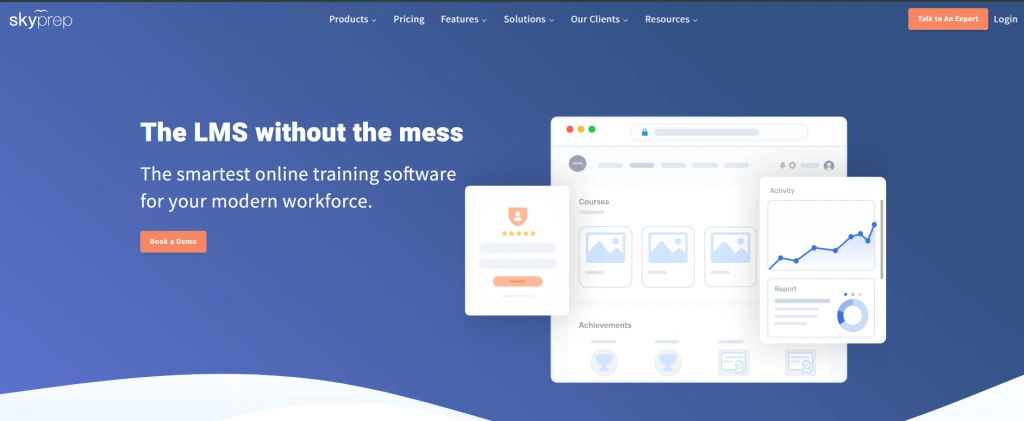
This top LMS helps organizations streamline training and compliance with minimal technical hassle. It offers intuitive course creation, automated workflows, and powerful analytics, among other features.
Features
- With SkyPrep’s Course Builder, courses can be created in minutes. Its AI-powered tools help produce visually engaging, content-packed training even without prior experience.
- Although this interactive LMS primarily targets the workforce, it still relies heavily on gamification. Badges, points, leaderboards, and customizable certificates are only a few of the gamified elements used to motivate learners.
Pricing
SkyPrep no longer publishes fixed pricing tiers — it runs a proposal-driven, sales-led process, and the final estimate depends on active-user count and selected features. Contact the SkyPrep team directly for a quote.
iSpring Learn
Best for: high school to business level
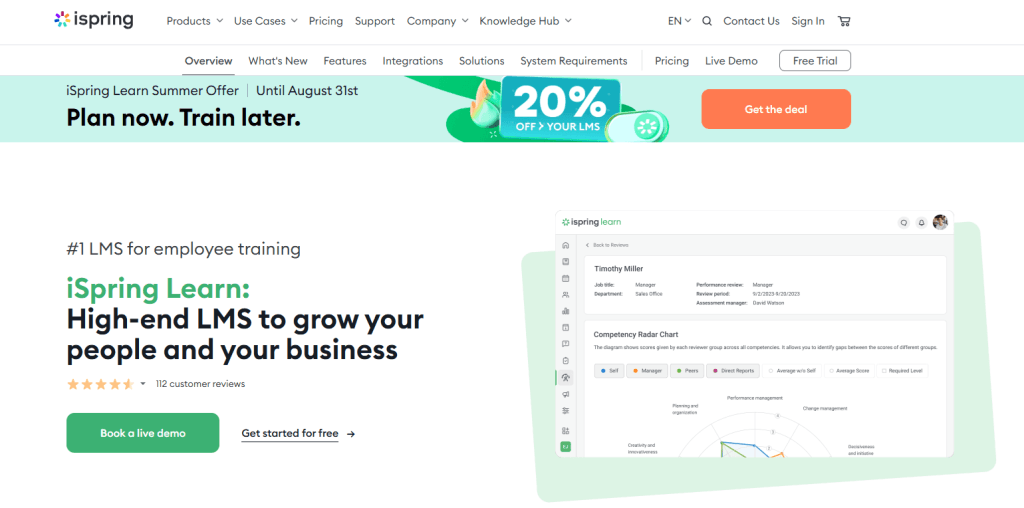
iSpring Learn is built for robust training programs with minimal setup, enhanced with automation, analytics, and native integration with the iSpring Suite authoring tool.
Features
- iSpring Learn supports a wide range of content formats: SCORM 1.2, SCORM 2004, and xAPI, along with presentations, video tutorials, flash clips, audio tracks, and documents.
- The platform is well-adjusted for mobile learning, with a native mobile app that supports offline access.
Pricing
iSpring Learn (the LMS itself) is billed per active user, from roughly $2.29 to $3.14 per user/month depending on volume and plan. Its companion authoring tool, iSpring Suite, is billed separately and annually, per author: around $720/year for the entry Cloud AI tier, $970/year for Suite, and $1,290/year for Suite AI.
Docebo
Best for: high school to business level

Docebo is a popular LMS AI-powered platform for enterprises, though some high schools and universities also use it. Among its features, advanced automation, seamless integrations, and powerful analytics stand out.
Features
- Learning management system types vary widely, but AI-powered ones stand out these days. Docebo can automatically generate lessons, assessments, translations, and even AI-powered video presenters.
- Docebo is also enhanced with learning intelligence and predictive insights to identify skill gaps and optimize educational paths.
Pricing
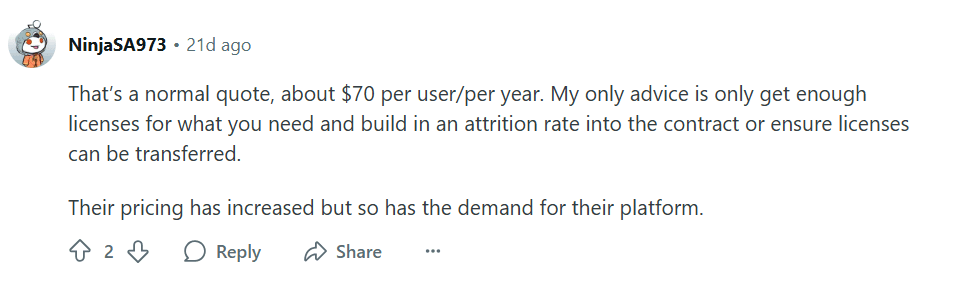
Docebo requires contacting its sales team for pricing estimates. A verified 2026 enterprise quote reported Docebo charging $70,000 per year for 1,000 users — about $70 per user annually, which lines up with typical mid-market Docebo pricing of roughly $7–$10 per user, per month.
LearnUpon
Best for: universities & businesses
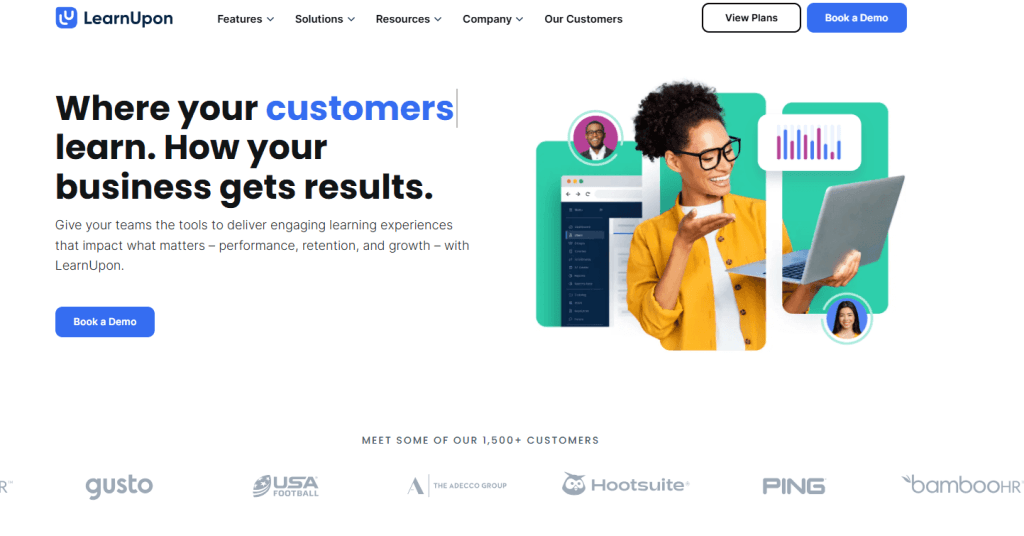
LearnUpon, one of the best online LMS platforms, targets training for businesses, providers, and extended enterprises at once. It’s known for its intuitive interface, automation tools, and support for multi-audience delivery.
Features
- LearnUpon is cloud-based and can be fully implemented within hours. Its course-creation tools are intuitive — elements can simply be dragged and dropped into place.
- Few education LMS systems feature a multi-tenant structure like LearnUpon’s. It allows the creation of multiple branded sub-portals under a single master account, matching the needs of diverse audiences such as employees, customers, or partners.
Pricing
LearnUpon doesn’t publish pricing on its official page — a demo can be booked to test the functionality directly. Third-party estimates put real annual contracts in the five-figure range, typically starting around $15,000–$25,000 per year and scaling with learner count and feature tier.

Canvas
Best for: K-Universities
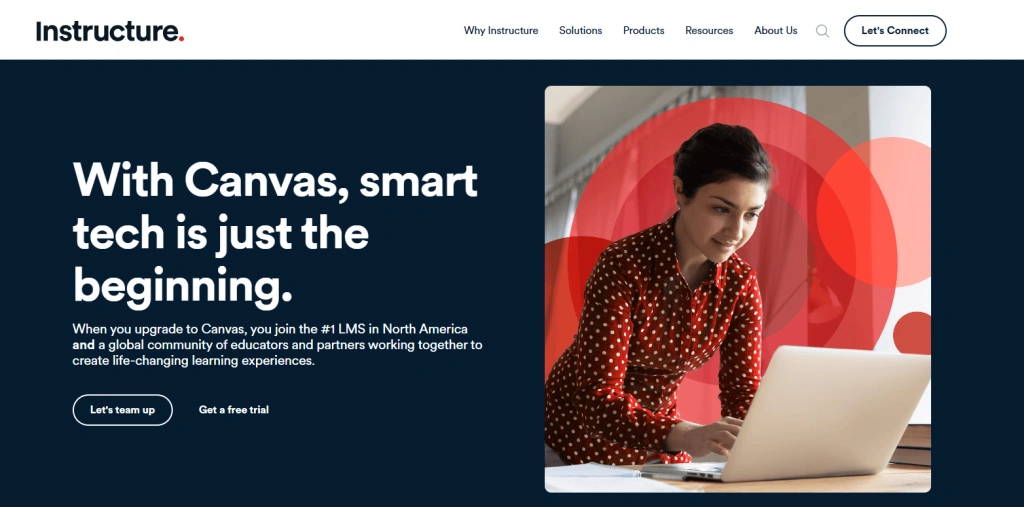
Canvas is one of the leading learning management systems for schools and universities. It’s known for its intuitive design, powerful integrations, and robust support for online, hybrid, and in-person learning, along with flexible mobile access.
Features
- Canvas LMS supports nearly every major third-party tool, including Google Workspace, Microsoft 365, Zoom, and Turnitin.
- The platform is also a notable benchmark for communication, including announcements, direct messaging, discussion boards, and video/audio comments.
Pricing
Institutional Canvas pricing isn’t published — Instructure negotiates per institution based on enrollment, contract length, and add-ons, with typical rates estimated around $5–$30 per student per year.
Canvas previously offered a Free-for-Teacher account for individual educators, but Instructure permanently discontinued that program in May 2026 following a security incident affecting the platform. Instructure has said an enhanced replacement product for former Free-for-Teacher users is planned; anyone evaluating Canvas as an individual educator should confirm current availability directly with Instructure before assuming a free option exists.
Absorb
Best for: K-Enterprise-level users
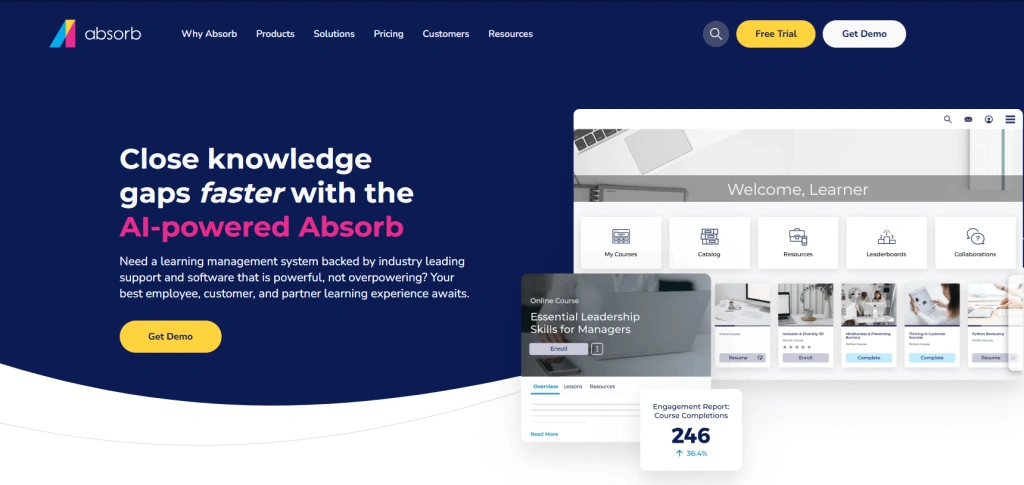
Absorb LMS stands among the best learning management systems, with a sleek interface, AI-powered automation, and deep analytics. Its mobile compatibility also makes it a strong choice for learning on the go.
Features
- Absorb integrates AI to deliver personalized schedules based on a student’s behavior, progress, and areas of interest.
- Organizations get an added benefit through built-in e-commerce tools: Absorb enables setting course pricing, offering discounts, managing tax configurations, and integrating with payment gateways like Stripe or PayPal.
Pricing
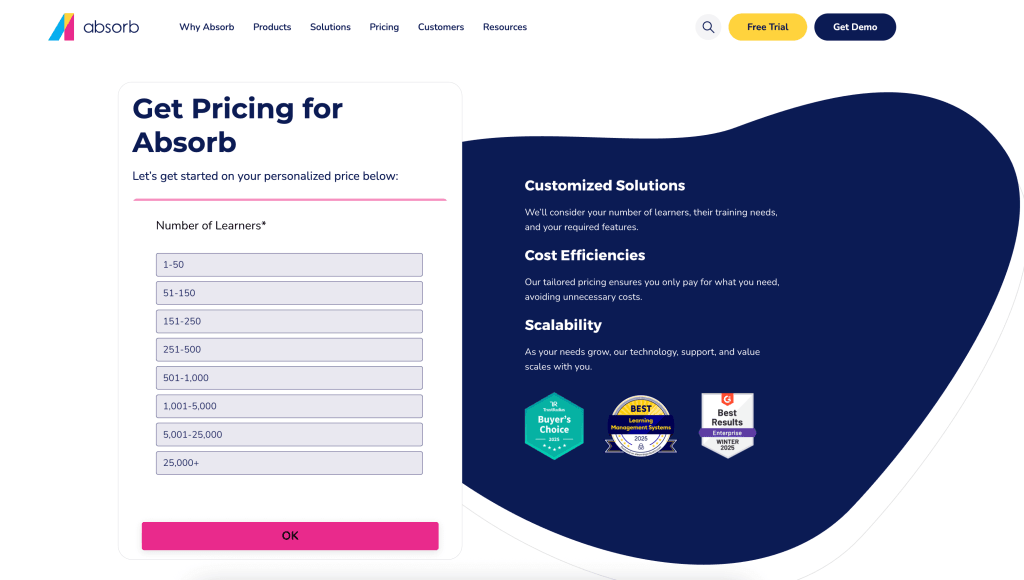
This online LMS platform doesn’t publish pricing details, and reviews don’t mention specific figures either. Absorb’s online calculator provides a useful approximate estimate before requesting a formal quote.
Choosing an LMS: A quick guide for educators and parents
1) Define your priorities
When scrolling through learning management systems, being clear about objectives matters most.
Questions worth asking:
- Are you looking for a supplementary resource or a comprehensive e-course?
- Should a learning management platform offer a teacher or parent panel?
- Would you prefer an LMS that works in an offline mode?
- Should the learning management system tools you consider include peer collaboration?
- Do you prefer a teacher-guided or independent learning platform?
Find out the answers to these questions before diving into specific learning management system examples. Here’s a closer look at the collaboration tools that matter most.
The best LMS will typically include these options:
- Chat or integration to a VoIP service
- Live classes with video and/or audio support
- Forums or conversation threads
- One-to-one communication sources
Here’s how these features align in practice, using the Brighterly reading & math tutoring platform as an example.
Brighterly’s platform provides:
- 1:1 lessons conducted by strong math and reading tutors in a video mode.
- Immediate feedback with an explanation provided in real-time.
- Regular progress reports compiled by Brighterly reading and math tutors for parents.
- Adaptive learning paths that closely follow individual needs.
- Math and reading program schedules that align with U.S. state standards.
- Customized lesson recording opportunity for better repetition.
Here’s a glimpse of how a lesson interaction looks at Brighterly:
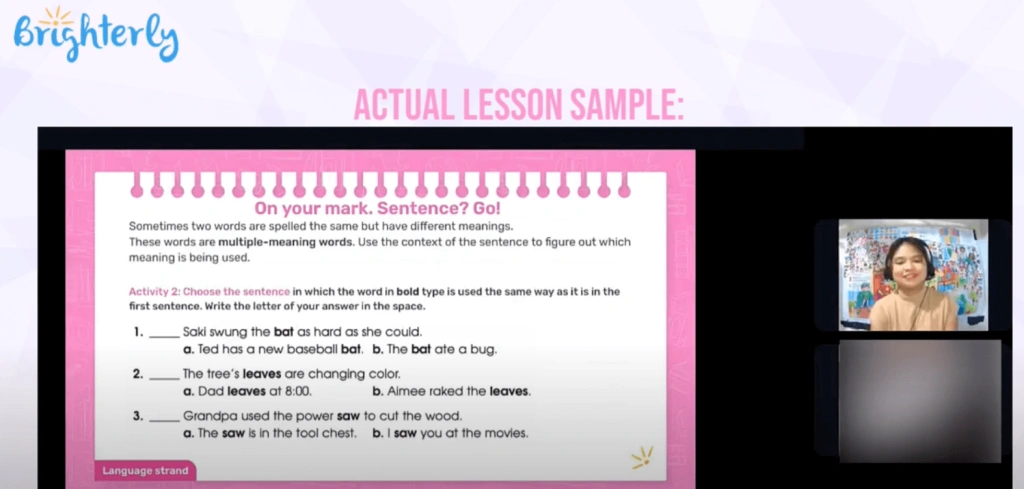
To sum it up quickly: even the best LMS for education should align with actual needs. Otherwise, it can prove largely ineffective.
2) Set a budget
This point merits separate consideration. When choosing between learning management systems, correlating the cost offered with the functionality provided matters. For an LMS supporting a single learner, prices can range from $10 to $300 or above. For a class of up to 30 learners, the price fork is roughly $5–$1,500/year. For tutor-guided learning, focus on the maximum cap.
Cheaper or free LMS options usually limit access to a single subject or one feature.
3) Clarify the features
Initial requirements are paramount, and so is the set of features.
Especially worth checking:
- If the learning management system platform offers fluid navigation.
- If it provides ease of tracking of students’ achievement and progress.
- If it can smoothly integrate with any third-party systems in use.
- If it complies with SCORM and xAPI. Platforms that don’t support these standards may be too basic.
4) Run demos & compare choices
Once several top learning management systems are shortlisted, testing can begin. To minimize wasted effort and reduce potential losses, committing to platforms with demo modes is the safer approach — that way, testing can happen stress-free, with the final choice based on hands-on experience.
Conclusion
Choosing the right LMS comes down to matching a platform’s strengths to actual needs — AI-driven automation, interactive gamification, or enterprise-grade functionality all serve different priorities. Platforms like Docebo and TalentLMS suit AI-driven, scalable training, while Nearpod and Moodle work well for interactive, budget-conscious classrooms. Testing a demo before committing is the safest way to confirm fit.
Frequently Asked Questions
What features distinguish the best LMS platforms?
The features that distinguish the best LMS platform are a user-friendly interface, flexible content management, convenient assessment tools, advanced reporting, easy integration with third parties, and well-developed communication tools.
What are LMS platforms?
Learning management systems (LMS) are software platforms that let teachers or trainers create, deliver, and track courses in one place. They typically include course-building tools, assessments, progress tracking, and communication features for students or employees.
How customizable are modern LMS platforms?
Customization varies widely: open-source systems like Moodle allow deep plugin-based customization, while platforms like TalentLMS or Nearpod offer branding and layout options within fixed templates. Enterprise platforms such as Docebo and Absorb LMS add custom portals for different audiences.
How do LMS platforms handle student assessments?
Most LMS platforms include built-in quizzes, assignments, and gradebooks, often supporting SCORM or xAPI standards for imported content. Some, like Nearpod, add real-time formative assessment tools such as polls and live quizzes during lessons.
How do LMS platforms support blended learning?
LMS platforms support blended learning by combining in-person instruction with online materials, assignments, and discussion boards. Platforms like Blackboard Learn and Canvas are built specifically around this mix of in-class and online delivery.

Learner is a premium 1:1 tutoring platform with a strong focus on math, including algebra, geometry, calculus, and test prep, alongside ELA, science, languages, coding, and other subjects. Brighterly is a lower-cost K–12 alternative for families focused on ongoing 1:1 math and reading support. Rating Methodology Learner scores rely on Learner.com reviews gathered from Verified […]

Jul 31, 2025
Many parents want to sign up their children for Prodigy, but don’t know if it will boost their math skills. The program seems fun, but is it worth purchasing a membership? Check out Prodigy Math reviews in this guide to see its cost, structure, and level of personalization. Rating methodology: Along with the official information […]

Aug 02, 2025
Math & reading from 1st to 12th grade
Exploring alternatives?
Take a short quiz!

Choose kid's grade