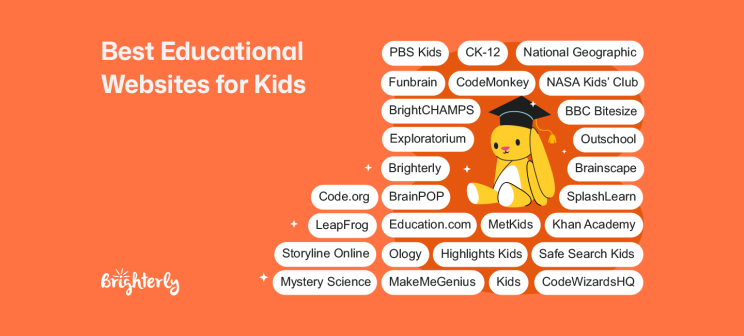
35+ Best Educational Websites for Kids
reviewed by Jo-ann Caballes
Updated on September 9, 2026
Key Points:
- Brighterly is the top educational website for kids to achieve math and reading excellence via 1:1, tailor-made tutoring.
- Platforms such as Brainscape, Outschool, and BrainPOP offer learning support across various subjects, while CodeWizardsHQ, BrainCHAMPS, and Mystery Science focus on coding and science.
- JetLearn, CodeMonkey, Tynker, and Code.org specialize in coding for kids, help them develop programming skills and computational thinking, and teach computer science concepts.
- Sumdog and DreamBox Learning focus on game-based math and spelling practice, applying adaptiveness to strengthen core skills.
- The emphasis of Brilliant and Generation Genius is on STEM problem-solving via visual experiments and practical scientific thinking.
- SplashLearn specializes in math and reading, and LeapFrog provides early childhood educational resources.
- Khan Academy, PBS Kids, BBC Bitesize, CK-12, and Education.com are some free educational websites for kids for parents on a tight budget with subject-rich coverage, and National Geographic Kids, Exploratorium, and NASA Kids’ Club are free science-focused subjects.
- Some specialized free educational websites for kids include Highlights Kids for extracurricular activities, MetKids for art and cultures, Storyline Online for reading, and MakeMeGenius for English and science.
- Other non-paid sites include Funbrain for math and reading and OLogy for biology, human cultures, and Space.
- Safe Search Kids is a standout among other 20 educational websites for kids as it offers a Google-powered, kids-safe search engine.
You can consider educational websites the best if they’re effective and affordable. The following 35+ most popular and widely used edu platforms for kids compare in subject focus, learning formats, instruction methods, pricing plans and commitment periods, and how they ultimately boost (or not) your child’s academic outcomes.
Best Online Learning Sites for Kids – Paid: Comparison
|
|
Cost (as of September 2026) |
Subjects |
Curriculum |
Instruction Model |
Personalized Learning |
|
Brighterly |
From $17.70/lesson Free first lesson Free resources |
Math, reading, ELA |
K-12 |
1:1 virtual classes with interactive learning |
✅ |
|
CodeWizardsHQ |
$499-$799/course $199-$499/summer camp |
Computer science |
2-12 |
Interactive classes in small groups |
✅ |
|
Brainscape |
From $7.99/month |
All subjects |
K-12 |
Readily available & self-made flashcards |
✅ |
|
BrightCHAMPS |
From $7/class |
Coding, robotics, financial literacy, math, communications, Gen AI, science |
K-12 |
Personalized, small-group, interactive project-based learning |
✅ |
|
Outschool |
$70-$600/month for group classes |
Core academics, coding, technology, foreign languages, etc. |
K-12 |
Small-group or private, interactive classes |
✅ |
|
Mystery Science |
$129/household $2,099/school or district |
Science field |
K-5 |
Pre-recorded online classes |
✅ |
|
LeapFrog |
Monthly plan: $7.99 12-month plan: $39.99 |
Reading, writing, math, science, social studies, music |
Pre-K-3 |
Interactive, gamified exercises |
✅ |
|
BrainPOP |
Family plan: From $199/year Homeschool plan: From $350/year
|
Science, math, English, social studies, arts, music |
Pre-K-8 |
Educational pre-recorded movies, engaging activities |
✅ |
|
SplashLearn |
Monthly plan: From $7.99 Yearly plan: From $59.99
|
Math, English |
Pre-K-5 |
Games, playsheets, books, videos |
✅ |
|
JetLearn |
From €149/month |
Math, coding |
1-11 |
1:1 sessions with a tutor |
✅ |
|
Adventure Academy |
From $12.99/month |
ELA, math, science, social studies |
3-8 |
Game-based learning |
❌ |
|
Sumdog |
From $8.99/month |
Math, spelling |
K-8 |
Adaptable game-based learning |
✅ |
|
DreamBox Learning |
From $12.95/month |
Math, reading |
PreK-12 |
Personalized curricula |
✅ |
|
MindPlay Education |
From $15/month |
Reading, math |
K-12 |
Adaptive video training for kids with special needs |
✅ |
|
Starfall Education |
From $35/year |
Math, ELA |
PreK-5 |
Interactive games and skill-based activities |
❌ |
|
Tynker |
From $54 quarterly |
Programming |
K-12 |
Projects, pre-recorded lessons, digital tutor |
✅ |
|
Generation Genius |
From $19/month |
Math, science |
K-8 |
Video lessons, teacher guides, interactive quizzes |
❌ |
|
Brilliant |
From $27.99/month |
Math, computer science, science |
Grade 5+ |
Guided video explanations, interactive exercises, puzzles |
✅ |
|
Renaissance |
Custom pricing; quote required |
Math, ELA, reading, science, social studies/history |
Standards-aligned, supplemental curriculum and practice; integrates with core curricula |
Assessment-driven learning with teacher-led instruction, adaptive practice, digital lessons, and independent practice |
✅ |
* Brighterly’s price reflects 2 lessons per week within a 12-month plan and a 20% discount.
Explore Brighterly Learning Experience
Learn exactly how Brighterly helps students thrive through expert sessions, online tools, and proven feedback from thousands of satisfied parents
Good Educational Websites for Kids – Free: Comparison
|
|
Subjects |
Curriculum |
Instruction Model |
Personalized Learning |
|
Khan Academy |
Core academics & enrichment courses |
K-12 |
Pre-recorded online classes |
✅ |
|
National Geographic Kids |
Science |
Pre-K-8 |
Videos, games, quizzes, puzzles, etc. |
❌ |
|
Funbrain |
Math, reading, enrichment classes |
Pre-K-8 |
Pre-recorded online classes, games, etc. |
✅ |
|
PBS Kids |
Multiple subjects |
Pre-K-5 |
Videos, games |
❌ |
|
Highlights Kids |
Science and non-school subjects |
K-5 |
Pre-recorded online classes, games, etc. |
✅ |
|
Exploratorium |
STEM |
Pre-K-12 |
Pre-recorded classes and games |
✅ |
|
MetKids |
Art, history, geography, culture |
1-8 |
Pre-recorded classes, interactive maps, games, etc. |
✅ |
|
NASA Kids’ Club |
STEM subjects |
K-12 |
Pre-recorded videos, hands-on activities, games |
❌ |
|
Storyline Online |
Reading, ELA |
K-5 |
Library of books & audiobooks |
❌ |
|
BBC Bitesize |
Math, English, history, science, geography, computer science |
K-12 |
Pre-recorded videos, games |
❌ |
|
CK-12 |
Math, English, science, social studies, etc. |
K-12 |
Pre-recorded online classes |
✅ |
|
OLogy |
Biology, human cultures, Earth, and space |
3-8 |
Videos, readings, games |
❌ |
|
Education.com |
Math, ELA, science, social studies, foreign languages |
Pre-K-8 |
Guided lessons, worksheets, games |
✅ |
|
MakeMeGenius |
Science, English |
K-7 |
Pre-recorded videos, games, tests, quizzes |
❌ |
|
Safe Search Kids |
Core academics, enrichment classes |
K-8 |
Safe multimedia, educational resources, etc. |
❌ |
|
Code.org |
Computer science, coding |
K-12 |
Project-based and interactive tasks |
❌ |
|
CodeMonkey |
Computer science and coding, digital literacy, integrated math |
K-8 |
Gamified and challenge-based learning, self-paced practice |
✅ |
Exploring alternatives?

Brighterly
Best for: Students in grades K-12 for excelling at math, writing and reading, and building confidence.
Type of website: Online 1:1 math and reading educational platform connecting students with highly qualified tutors.
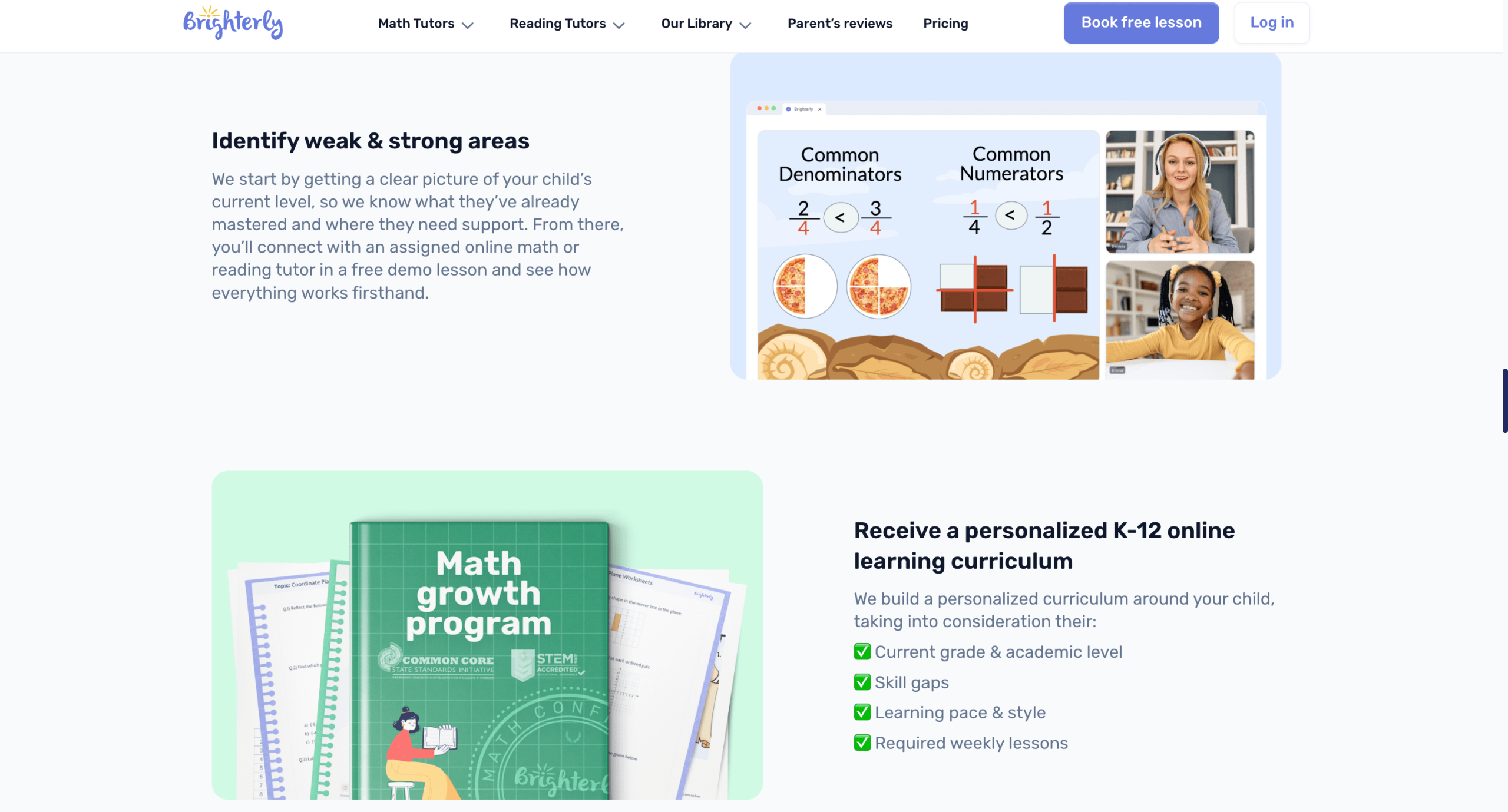
We specialize in individualized 1:1 lessons for students in grades K-12 that blend US state standards with interactive lessons, game-based learning, and hands-on activities. When your child needs a reading or math class or both, we emphasize unique learning paths, individual support, and practical exercises delivered via fun teaching methods.
Brighterly Features
- Personalized approach with hands-on experiences
Your child’s journey at Brighterly starts with a free diagnostic test to discover strengths, weaknesses, gaps, and interests so our private math tutor or reading tutor can create a personalized plan. During instruction, our teaching professionals continuously take note of where a student advances quickly and where they need extra help to adjust teaching in real time. They also focus on explaining the why behind concepts instead of making your child memorize things without understanding the logic behind them.
- Exceptional tutors
Our tutors have a necessary set of skills, as well as a Bachelor’s or Master’s degree in math or reading, plus from 5 to 15 years of experience in teaching. Moreover, they are trained in pedagogy and in working with students with special needs. This helps them customize their teaching methodology to diverse children’s requirements for maximum efficiency. They also love what they are doing.
- Free educational resources
We provide free downloadable math worksheets and reading worksheets that we specifically developed for drilling on particular skills through real-life examples. All worksheets are organized by grade and concept so that your child can work on newly acquired knowledge to solidify it via visual, enjoyable examples.
Note: If you want to evaluate your child’s level before starting tutoring, assign them a free math test or reading test designed to identify key areas for improvement.
Brighterly Price
Our pricing plans start at $17.70/lesson, with an annual subscription for 2 lessons/week, currently 20% off. Just compare this to the standard US tutoring rates per hour of $25-$80. Monthly memberships are also available.
Brighterly Pros & Cons
Check out parent reviews of our platform – they predominantly focus on instant academic improvements and increasing confidence, in particular. Here are the most often shared experiences on TrustPilot in 2026:
|
Brighterly advantages |
Brighterly disadvantages |

1:1, personalized tutoring can improve test scores!
Brighterly tutors have the skillset & mindset to help your child excel at school.
CodeWizardsHQ
Best for: Students in grades 2-12 for improving skills in STEM.
Type of website: Online small-group interactive classes.
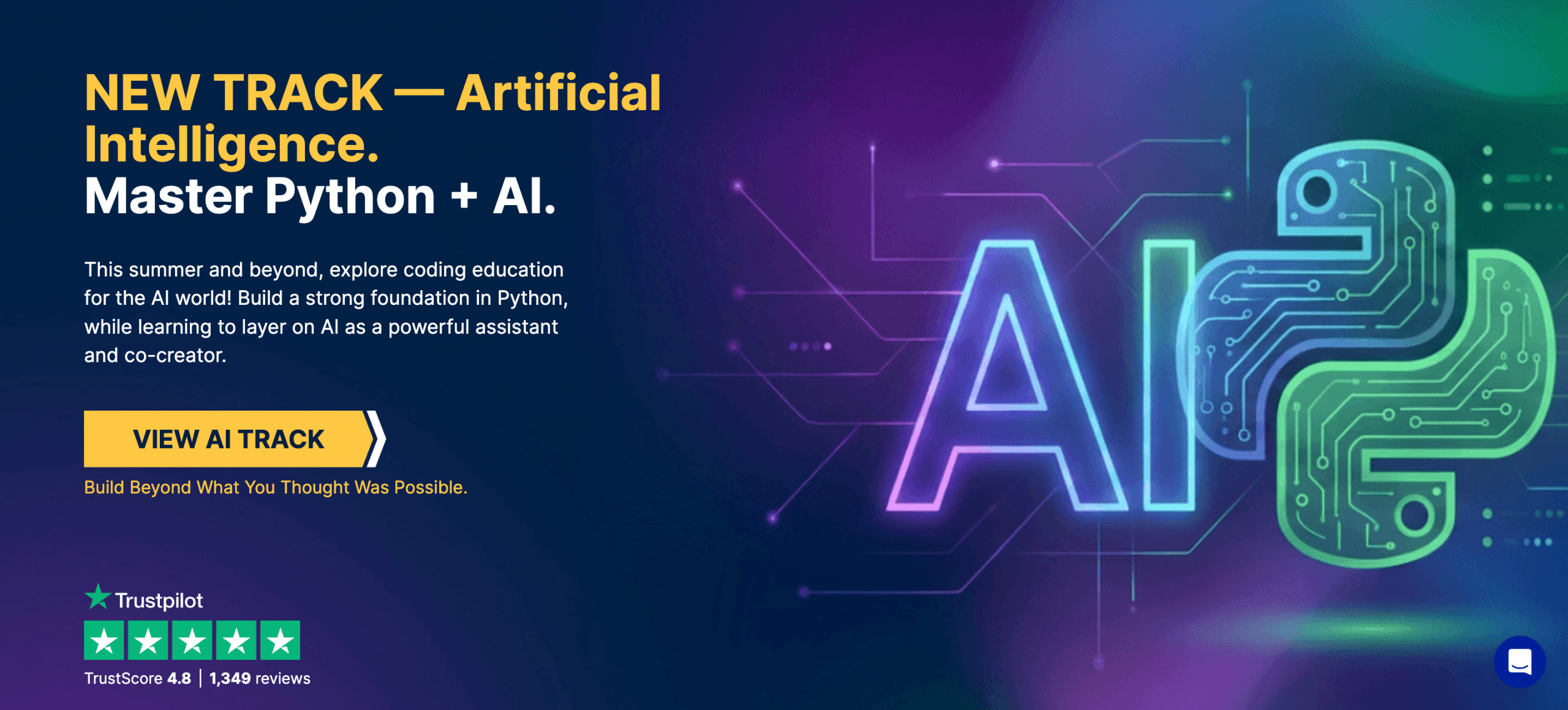
If you’re looking for interactive educational websites to teach your child coding skills, CodeWizardsHQ is the one to go with.
CodeWizardsHQ Features
- 12-week live coding programs in Scratch, Python, and Java.
- Kids can take accelerated 3-week classes, 1-week camps, and 2-day camps in AI during the summer.
- One of the educational websites for elementary students offering coding for younger kids.
CodeWizardsHQ Price
As per CodeWizardsHQ’s official website as of September 2026, CodeWizardsHQ pricing is based on the program and group size, with individual programs starting at $499 per course and group pricing at $119 per student per month.
CodeWizardsHQ Pros & Cons
|
CodeWizardsHQ advantages |
CodeWizardsHQ disadvantages |
|
|
|
|
|
|
Brainscape
Best for: K-12 students to improve knowledge through flashcards.
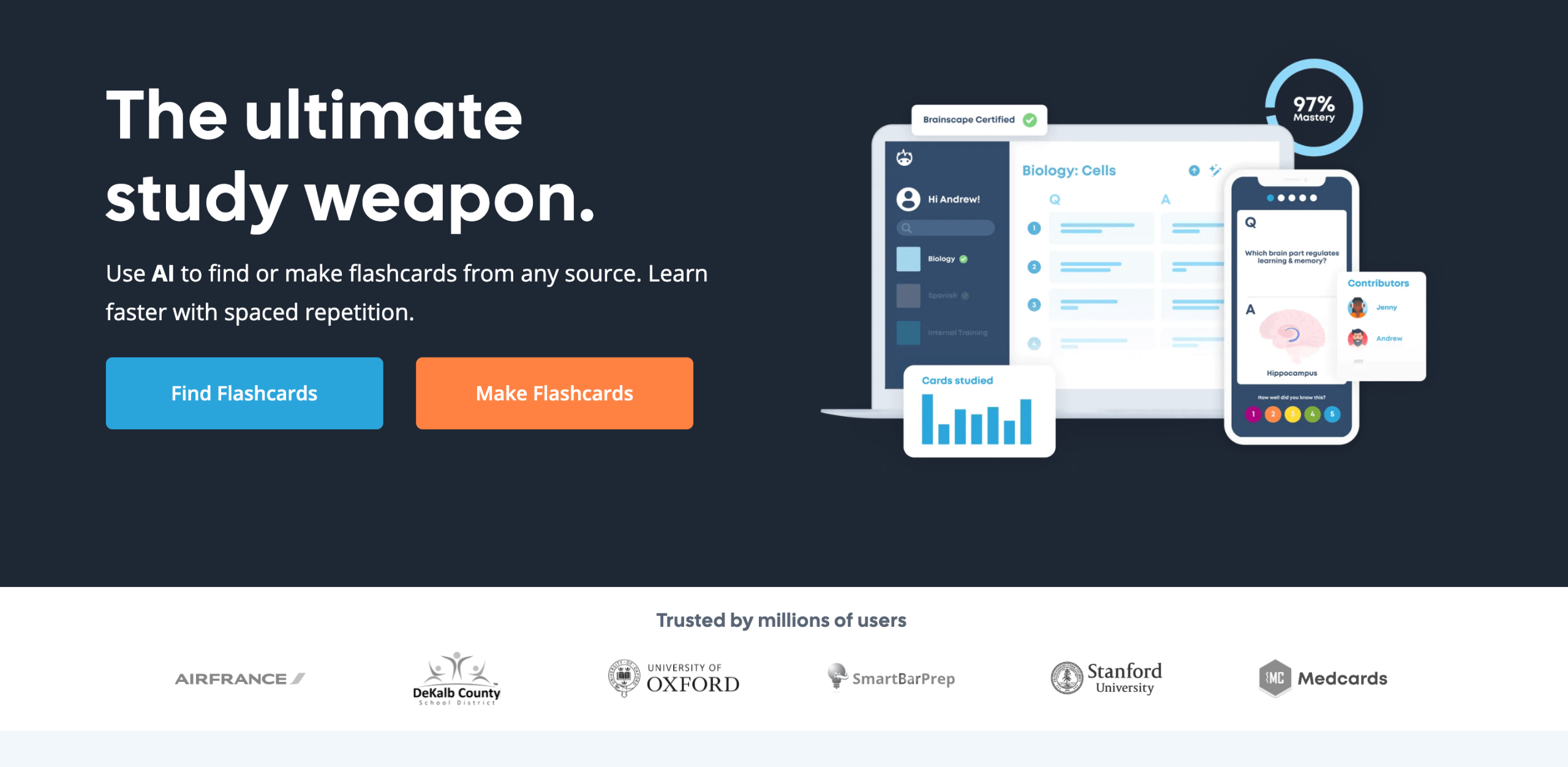
Type of website: Brainscape is a learning tool with adaptive flashcards.
Brainscape Features
- Users can make their own flashcards, which are 100% free.
- Massive library of flashcards.
- Offers certified collections of flashcards for younger students.
Brainscape Price
If you’re looking for free educational websites for elementary students, Brainscape is one of the websites for you. Brainscape is 100% free to use if you’re making your own flashcards for your kids or students. However, if you want to access their library of flashcards, that’s where the subscription of $7.99/month comes into play (verified as of September 2026).
Brainscape Pros & Cons
|
Brainscape advantages |
Brainscape disadvantages |
|
|
|
|
|
|
BrightCHAMPS
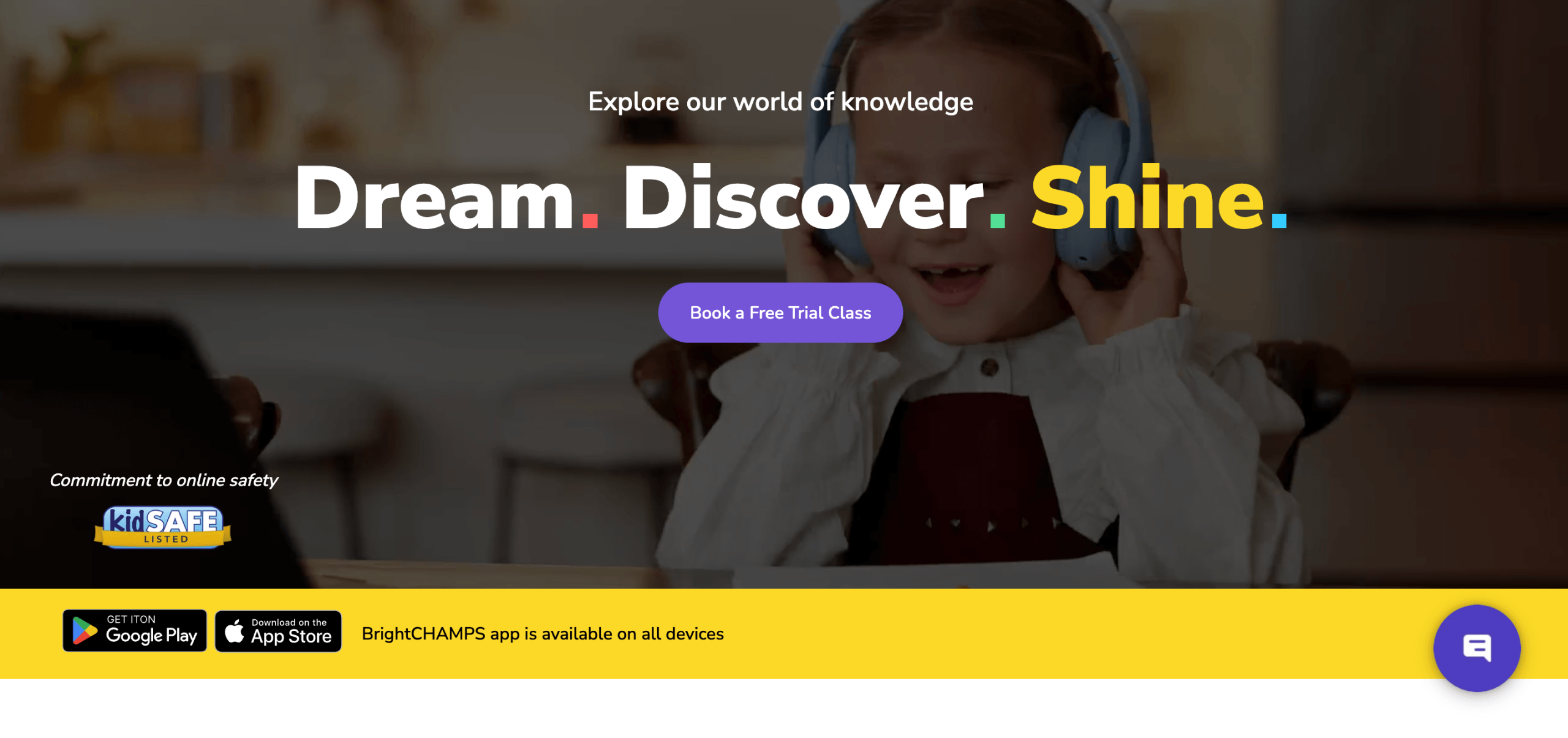
Best for: BrightCHAMPS helps kids learning future-ready skills like coding, robotics, AI, math, finance and communication in a safe and engaging way.
Type of website: A global edtech platform offering personalized online learning for kids through 1:1 sessions, small group classes, and self-paced courses, supported by dashboards for parents and a phygital hub in Vietnam.
BrightCHAMPS Features
- Personalized learning (1:1, group, self-paced).
- COPPA compliant and KidSAFE certified.
- Parent dashboards for progress tracking.
- Affordable classes from $7.
- Collaborations with STEM.org, Harvard Business Publishing, HAND, and AICRA.
- Trusted by 1M+ students across 30+ countries.
BrightCHAMPS Price
Starting at $7 per class (as of September 2026).
BrightCHAMPS Pros & Cons
User experience: Interactive, project-based, and kid-friendly with transparent progress updates for parents and strong safety standards.
|
BrightCHAMPS advantages |
BrightCHAMPS disadvantages |
|
|
|
|
Outschool
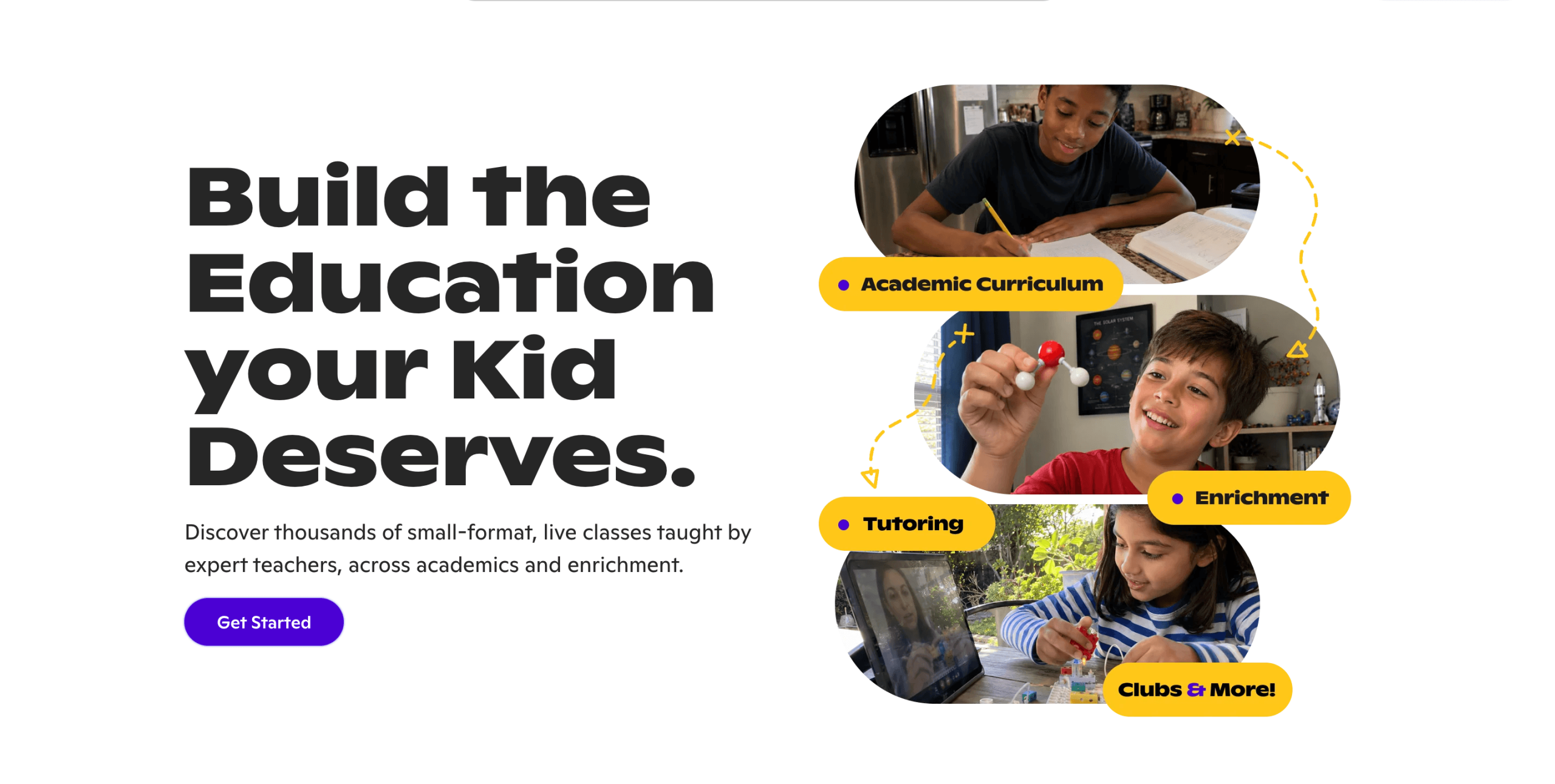
Best for: Pre-K-12 students to improve skills in core subjects and enrichment programs.
Type of website: Online private and small-group interactive classes.
Outschool Features
- Outschool ranks among the top preschool educational websites, working well for older children too, as it tailors sessions to kids’ interests and academic needs.
- Fun and engaging activities and games boost children’s learning experience, keeping them motivated.
Outschool Price
As of September 2026, the cheapest plan starts at $70/month for 145 credits, which is enough for 2 group classes/week. The plan with 1,440 credits, covering 10 group classes/week, costs $600/month. There is a free trial with 80 credits.
Outschool Pros & Cons
|
Outschool advantages |
Outschool disadvantages |
|
|
|
|
|
|
Mystery Science
Best for: Students in K-5 for improving skills in science.
Type of website: Pre-recorded online classes.
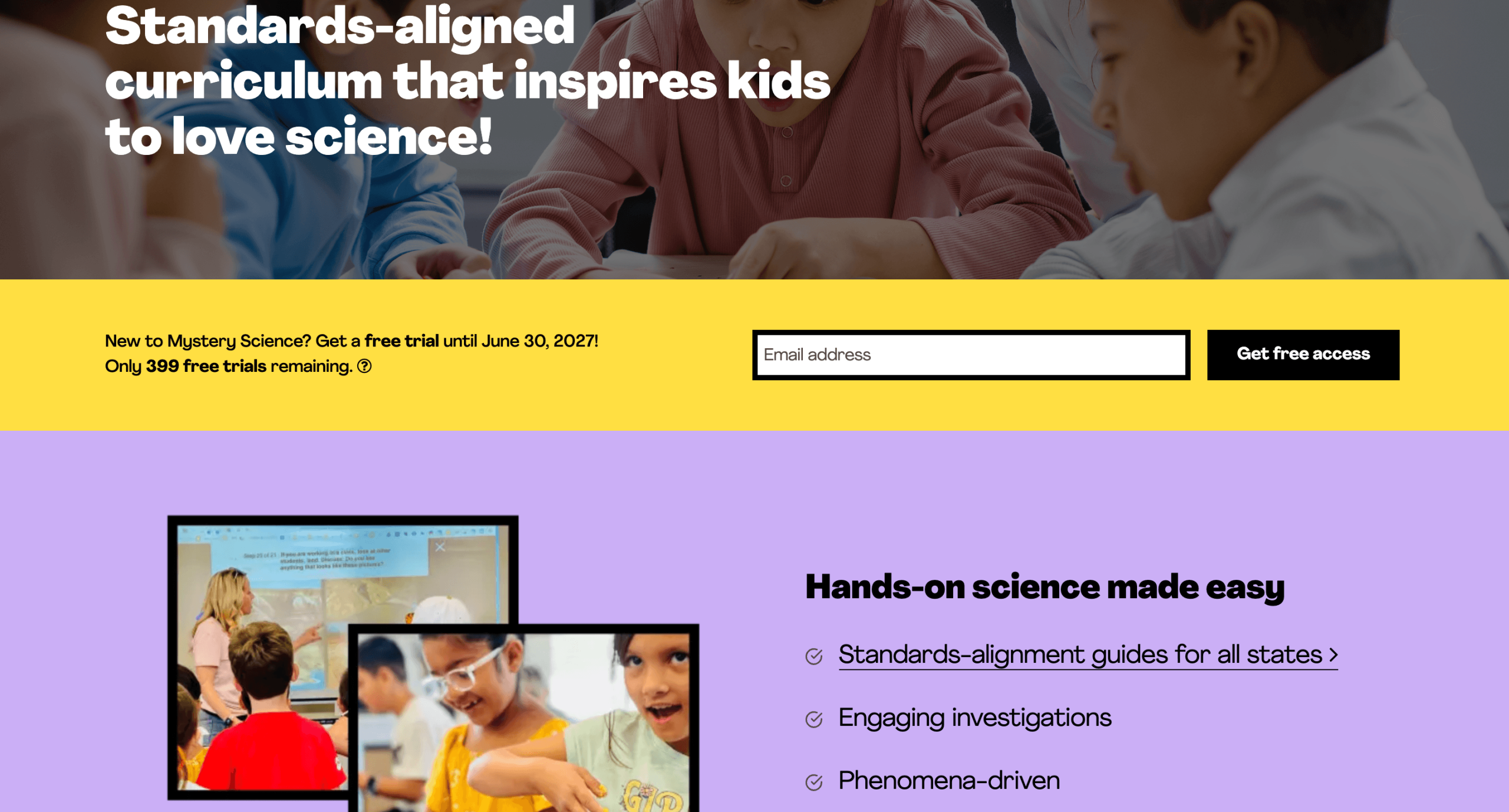
Mystery Science is one of the fun educational websites for elementary students with a step-by-step approach to learning science, including phenomena-driven instruction and hands-on practice.
Mystery Science Features
- NGSS-aligned curriculum.
- Focused on elementary-level science topics.
- Easy-to-use digital platform.
Mystery Science Price
Mystery Science offers homeschool memberships that cost $129/household in September 2026. Institutional accounts are available for $2,099 per school or district.
Mystery Science Pros & Cons
|
Mystery Science advantages |
Mystery Science disadvantages |
|
|
|
|
|
|
LeapFrog
Best for: Students from preschool through grade 3.
Type of website: Interactive educational platform.
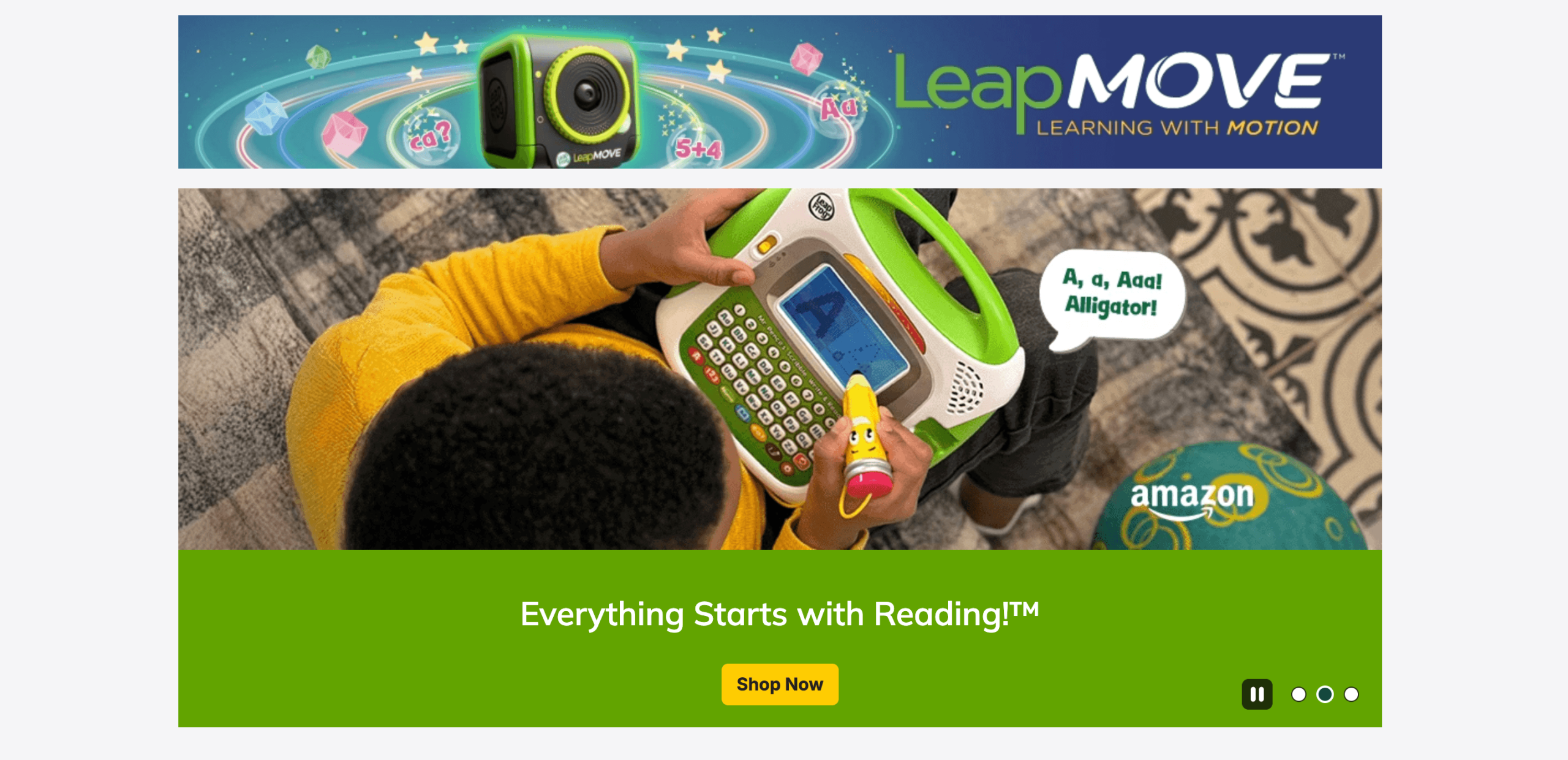
LeapFrog is an online educational website focusing on hands-on and game-based learning through digital products, apps, and physical learning devices.
LeapFrog Academy Features
- Early childhood focus.
- Provides interactive learning devices.
- Progress tracking and parental control.
LeapFrog Academy Price
LeapFrog is one of the top educational websites for preschoolers, with a variety of educational products and toys you can buy. LeapFrog Academy subscription costs $7.99/month or $39.99/year (as of September 2026), with a 1-month free trial. The prices of LeapFrog educational products vary widely.
LeapFrog Academy Pros & Cons
|
LeapFrog advantages |
LeapFrog disadvantages |
|
|
|
|
|
|
BrainPOP
Best for: Elementary and middle school students looking for game-based learning.
Type of website: Interactive educational platform.
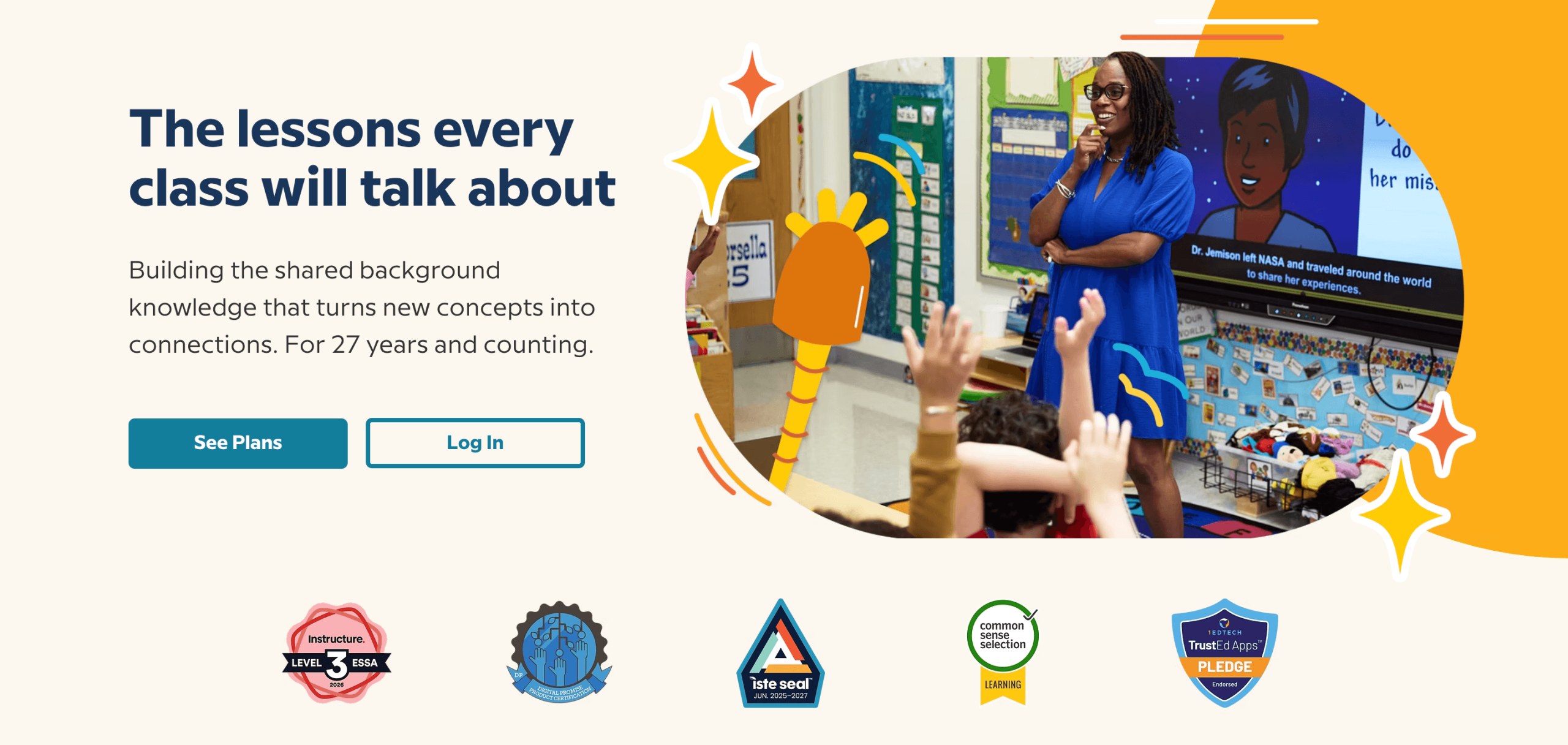
This educational website can teach subjects like science, math, English, social studies, arts, and music.
BrainPOP Features
- Lesson planning feature.
- Extension for English learners.
- Personalized learning.
BrainPOP Price
As of September 2026, BrainPOP – one of the top educational websites for kids – offers two pricing options, with a 2-week free trial:
- Family access starts at $119/year.
- Homeschool access (extended curriculum) starts at $350/year.
BrainPOP Pros & Cons
|
BrainPOP advantages |
BrainPOP disadvantages |
|
|
|
|
|
|
SplashLearn
Best for: Students in Pre-K-5, focusing on math and English.
Type of website: Interactive educational platform.
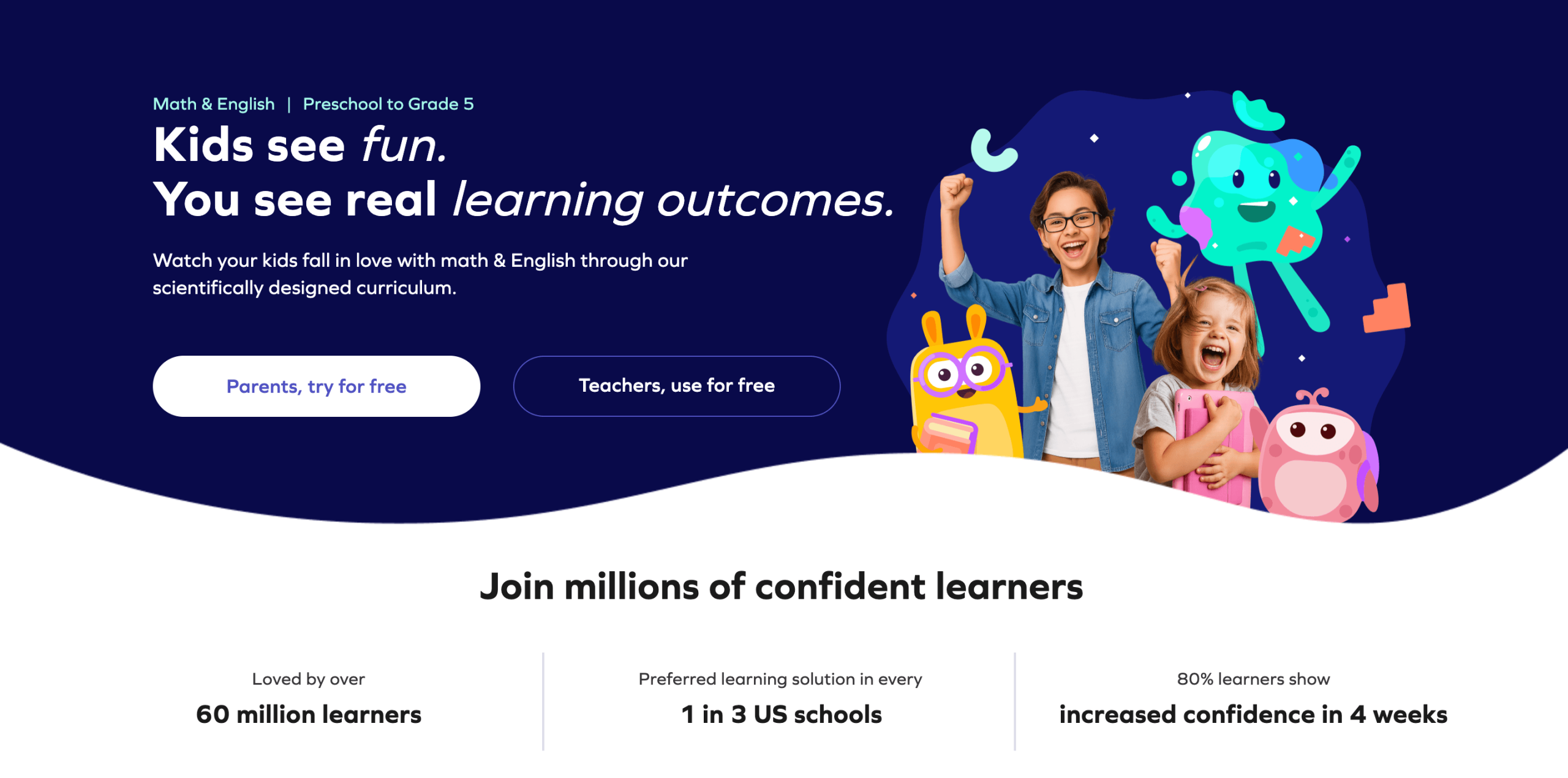
If you’re looking for the best educational websites for elementary students to learn both math and English, SplashLearn is for you.
SplashLearn Features
- US curriculum-aligned content.
- Dashboards for parents and teachers.
- Rewards system.
SplashLearn Price
Although the app is free to download, you can’t use the material unless you pay. Here’s the pricing plan (verified for September 2026):
- Monthly plan: Starts at $7.99
- Annual plan: Starts at $59.99
SplashLearn Pros & Cons
|
SplashLearn advantages |
SpalshLearn disadvantages |
|
|
|
|
|
|
Private tutoring starting at only $17.70/lesson!
Brighterly offers affordable rates for 1:1, real-time tutoring with proven educational outcomes.
JetLearn
Best for: Parents looking to introduce their children to coding and computer science.
Age group: Grades 1-11
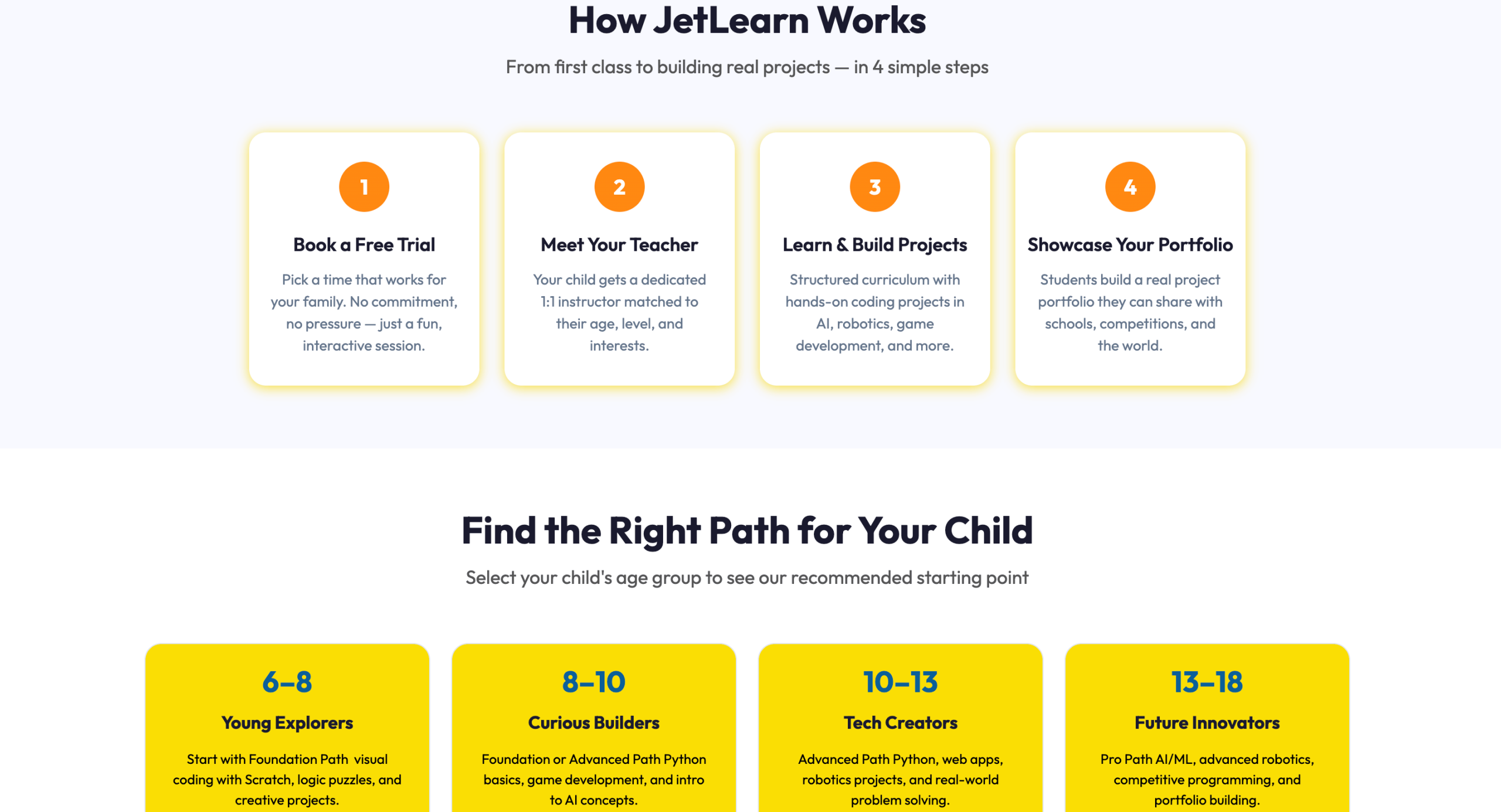
JetLearn is among the best websites for kids learning coding tools like Python and Scratch and subjects like robotics and AI.
JetLearn Features
- Live one-on-one classes guided by expert tutors
- Project-based learning to apply skills by building platforms, games, or robots
JetLearn Price
From €149/month (4 sessions per month within a minimum 6-month commitment) – valid for September 2026.
JetLearn Pros & Cons
According to 2025-2026 Trustpilot reviews, JetLearn is generally a great platform to learn coding, although some users find their marketing tactics a bit irritating sometimes.
|
JetLearn advantages |
JetLearn disadvantages |
|
Practice with real projects and websites |
High price and long commitment needed |
|
Wide choice of programming subjects |
Refund and cancellation processes may take long |
CodeMonkey
Best for: Game-based coding practice to help kids learn text-based programming.
Age group: 5 to 14 years old
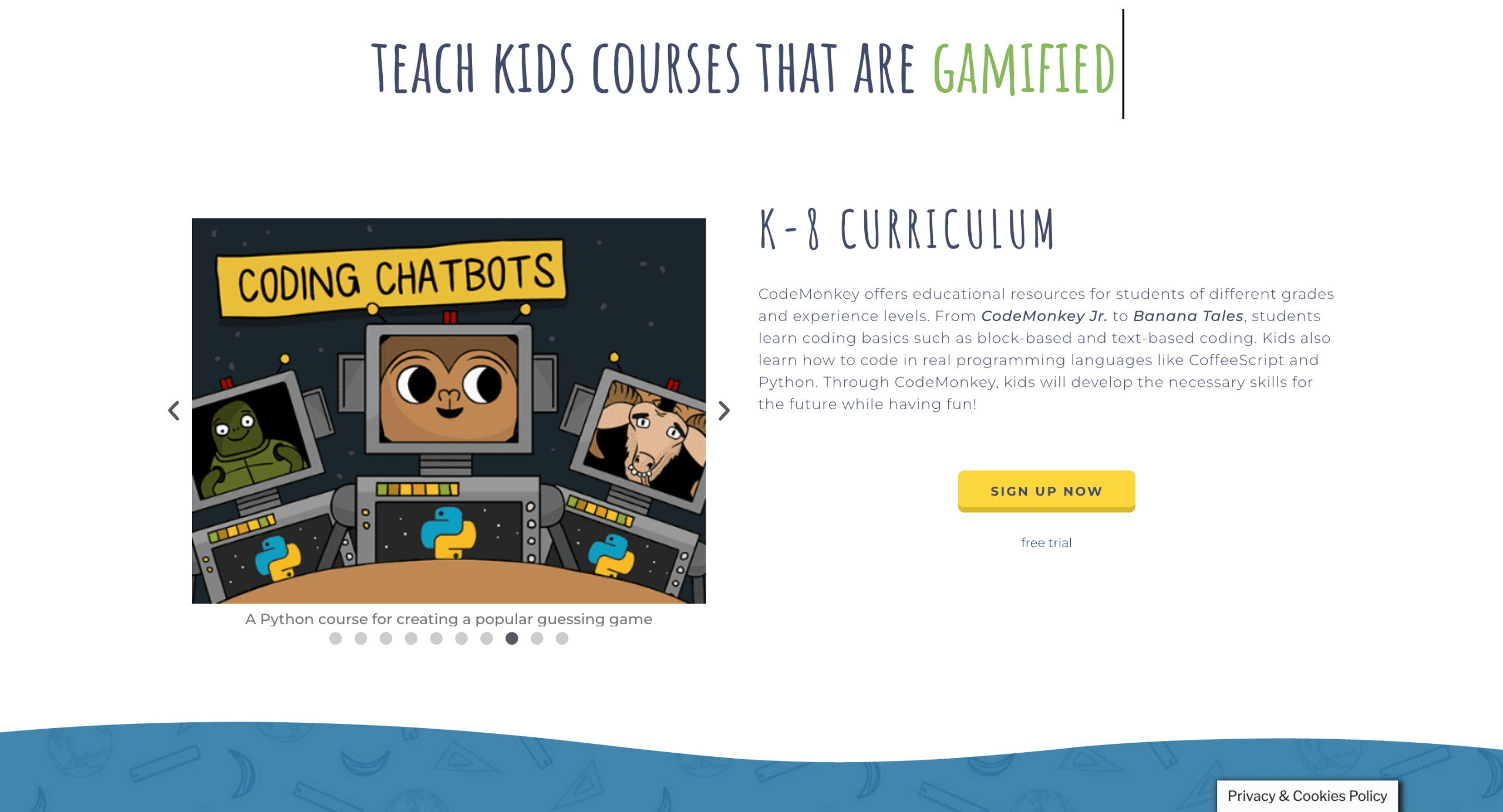
CodeMonkey is an award-winning online platform that teaches kids real coding languages through an engaging game-like environment. Kids from 5-14 years old can learn block-coding, text-coding, CoffeeScript and Python all while playing!
CodeMonkey Features
- Game-based learning: CodeMonkey courses combine coding education with engaging, gamified experiences.
- Global reach: Available in multiple languages, CodeMonkey is accessible to a wide audience, making it a go-to choice for schools and learners worldwide.
CodeMonkey Price
Home plans offer Individual, Family and Homeschool plan options starting at $7/month, as of September 2026.
Teacher plans include school and district options.
Offers free trial for all plan options
CodeMonkey Pros & Cons
Based on 2025-2026 Trustpilot reviews, CodeMonkey is a user-friendly and engaging platform with a game-like approach to learning coding.
|
CodeMonkey advantages |
CodeMonkey disadvantages |
|
Structured, scaffolded curriculum that progresses from basic to advanced coding concepts, accommodating learners of different skill levels and ages. |
Some students may prefer a more traditional or less playful approach |
|
Available in multiple languages, CodeMonkey is accessible to a wide audience, making it a go-to choice for schools and learners worldwide. |
Advanced students may find some challenges move too slowly. |
Adventure Academy
Best for: Families looking for engaging eLearning educational websites for elementary students with a gamified approach.
Age group: 8-13 years
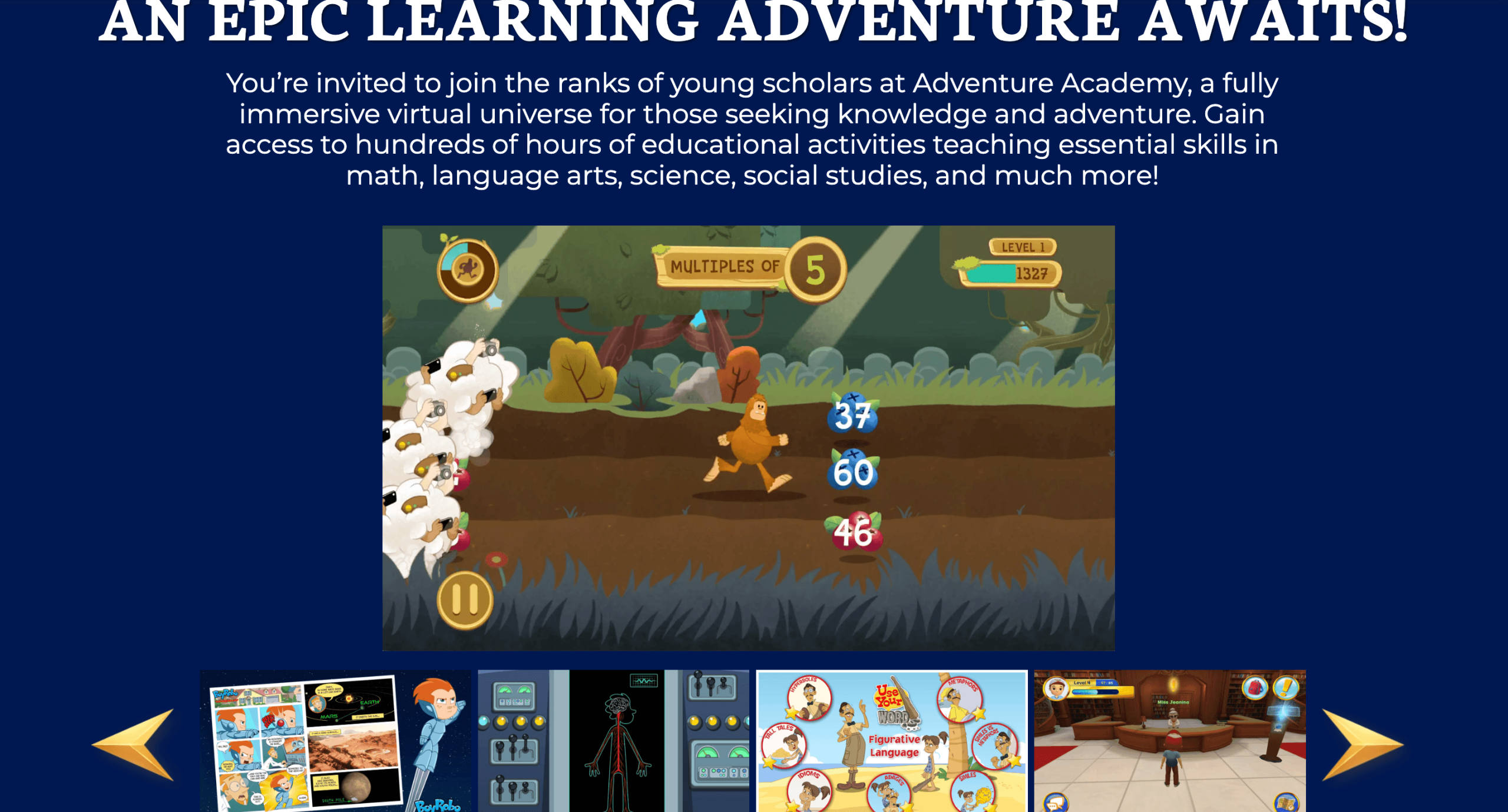
Adventure Academy is an educational game for supplementary learning. Being a huge educational playground for kids to create avatars, it encourages them to go on quests and explore virtual zones.
Adventure Academy Features
- Lessons in math, reading, science, and social studies
- Individual settings and progress tracking in the system
Adventure Academy Price
- $12.99/month billed monthly
- $29.99 for 6 months
- $45/year billed annually
(Verified for September 2026)
Adventure Academy Pros & Cons
|
Adventure Academy advantages |
Adventure Academy disadvantages |
|
Game-like engaging LMS design with avatars and rewards |
Some users had problems with cancellation |
|
Parental control for social |
No live tutoring |
Sumdog
Best for: Fun, bite-sized practice in math and spelling
Age group: 5-14 years
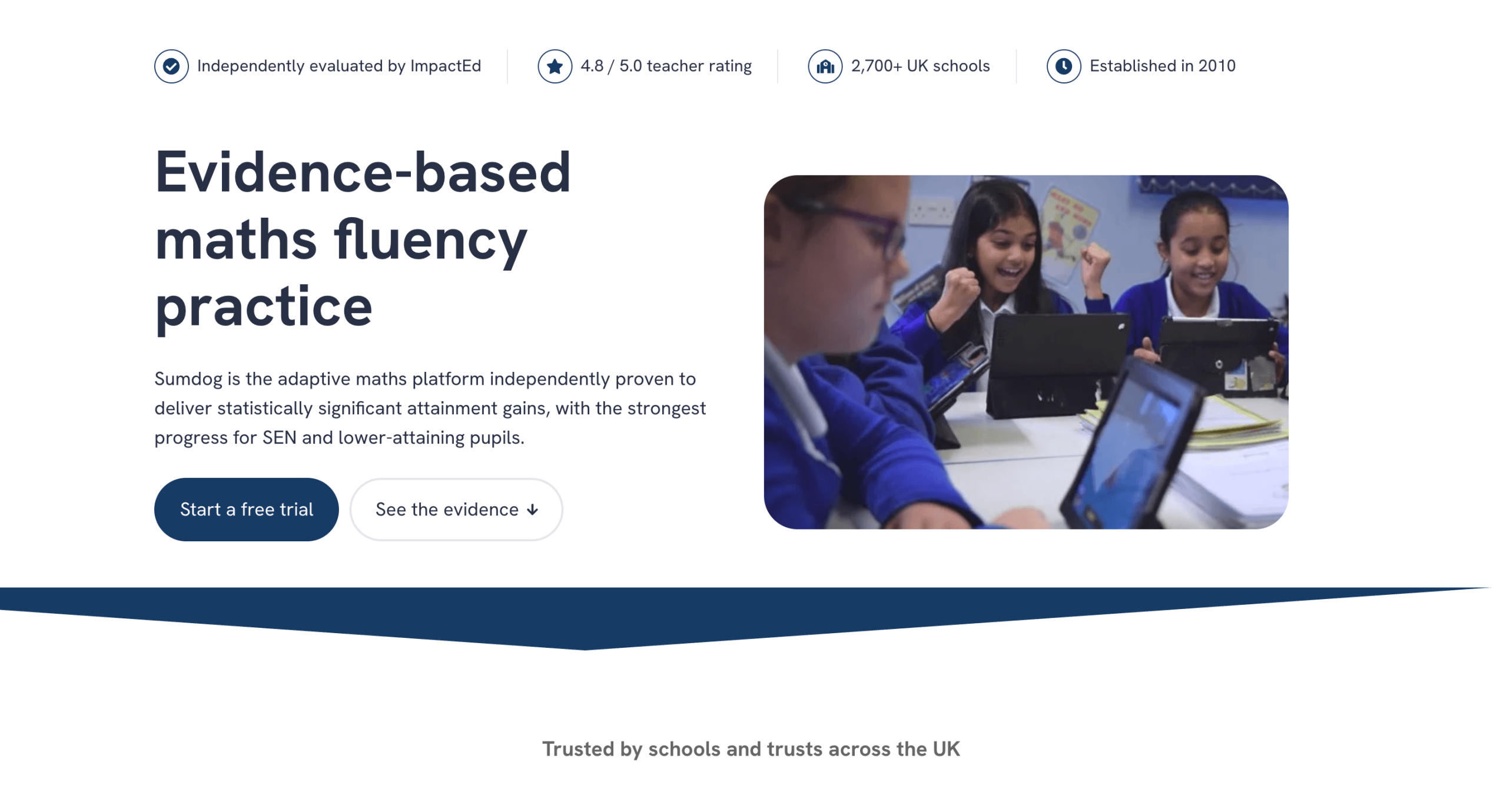
Sumdog is one of the best middle school and elementary learning websites, offering math and spelling practice through interactive games.
Sumdog Features
- Adaptive practice
- 30+ interactive games for math and spelling
- Diagnostic tools and reports
Sumdog Price
$8.99/month for up to 3 children, with a 30-day trial period – valid for September 2026.
Sumdog Pros & Cons
Sumdog’s 2025-2026 Trustpilot reviews are mixed: Most users remain satisfied, yet some inaccurate scoring may occur.
|
Sumdog advantages |
Sumdog disadvantages |
|
Adaptive practice |
No live tutoring sessions or pre-recorded lectures available |
|
Detailed reports on children’s performance |
Scores may be counted inaccurately |
DreamBox
Best for: Families and students looking for adaptive math practice.
Age group: Grades 1-8
DreamBox Learning is among kid websites for learning math and reading. On this adaptive, math-focused platform, courses change in real time based on your child’s progress.
DreamBox Features
- Real-time adaptive learning to your kid’s current grade
- K-8 math and K-5 reading curricula are aligned with the U.S. state standards
DreamBox Price
As of September 2026, DreamBox individual pricing starts from $8.50/month (if billed for 12 months), and prices rise with shorter time commitments (6- and 1-month options are available). Family plans cost $12.50/month at the lowest (annual subscription), and become higher if you opt for fewer months. Lifetime plans start at $250.
DreamBox Pros & Cons
On Trustpilot, positive reviews about DreamBox (although in 2024 and earlier) acknowledge it’s good for learning, yet some parents note that the exercises lack proper instructions.
|
DreamBox advantages |
DreamBox disadvantages |
|
Real-time, student-based course adaptivity |
No live tutoring and instruction clarifications available |
|
Detailed progress reports for parents |
Reading curriculum is limited by K-5 level |
MindPlay Education
Best for: Students and families that need structured support in math and reading.
Age group: Grades 1-12
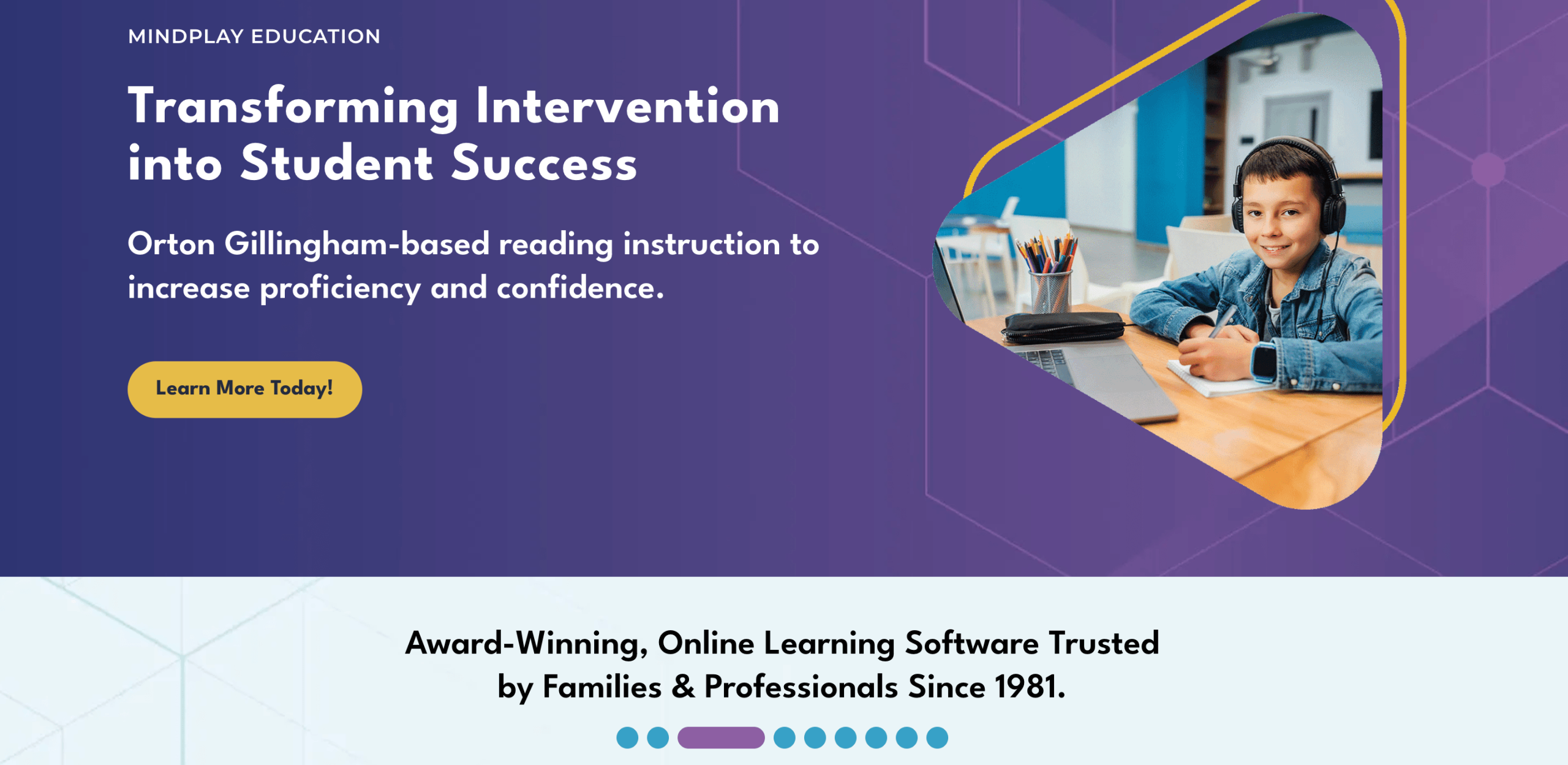
MindPlay is a good online eLearning platform for live math and reading practice. The core platform offering is highly adaptive lessons.
MindPlay Education Features
- Real-time, adaptive reading and math instructions based on students’ level
- Strong diagnostic tools for reading and math knowledge, skills, and gaps
MindPlay Education Price
- $25/month for reading courses
- $15.month for math courses
- $35 for reading+math
*In case of an annual subscription, a 20% discount applies as of September 2026.
MindPlay Education Pros & Cons
|
Mindplay advantages |
Mindplay disadvantages |
|
Highly helpful videos and instructions for kids with disabilities and special needs |
No live lessons available |
|
Diagnostic testing and detailed reporting |
|
Starfall Education
Best for: Families with young kids looking for engaging and gamified support in reading, math, and ELA
Age group: Pre-K through K-5
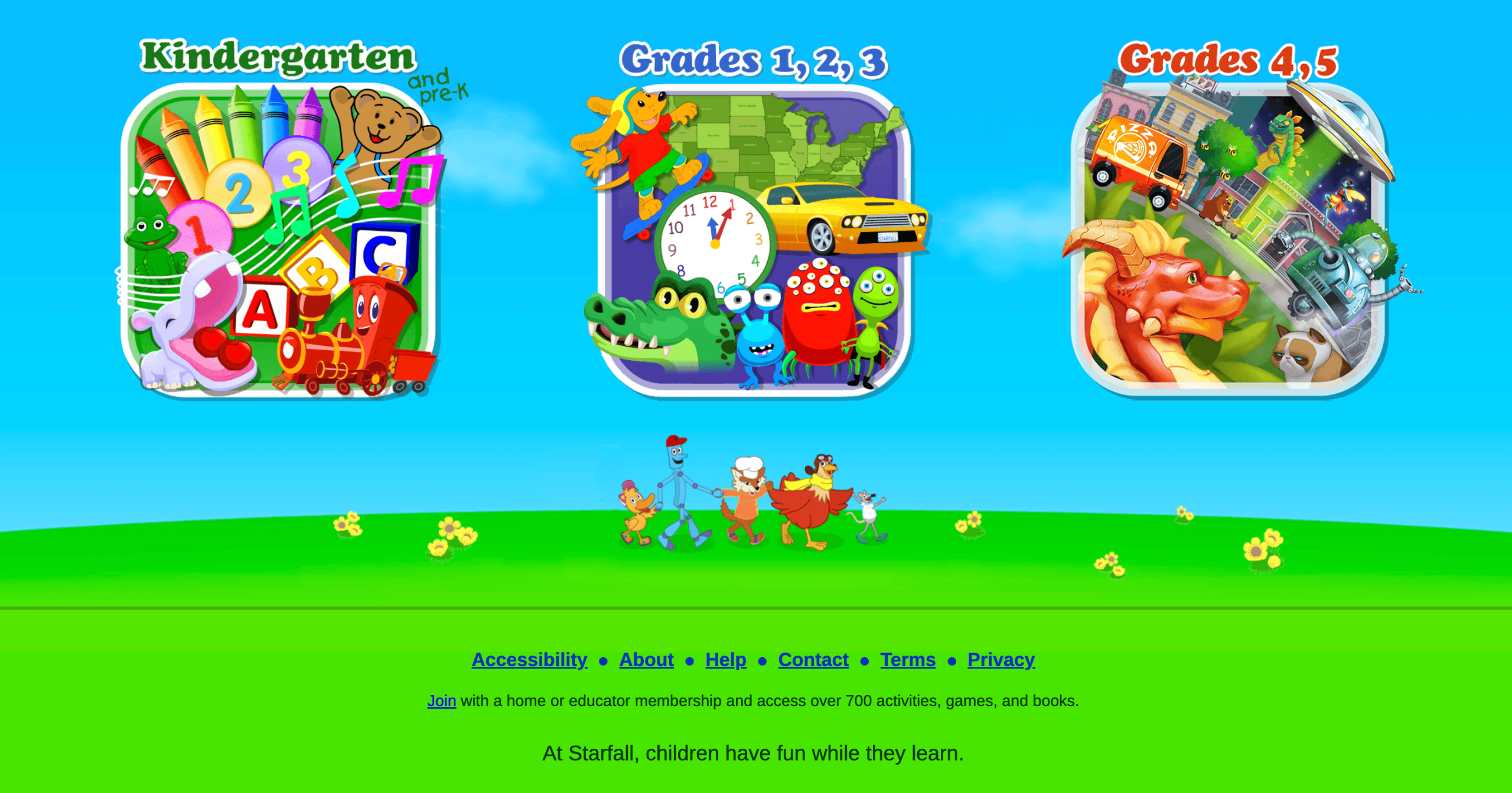
Starfall offers self-paced games, songs, books, and interactive online lessons for kids in math and reading.
Starfall Features
- Interactive games, songs, books, and digital activities
- Focused on early math and reading skills
Starfall Price
In September 2026, home membership is $35/year, with an opportunity to get a $30/year price by getting 20 or more items.
Starfall Pros & Cons
|
Starfall advantages |
Starfall disadvantages |
|
Engaging gamified content with bright design |
Mainly offering only early math and reading materials |
|
Many good resources are available for free |
Content may feel simple for students past grade 3 |
Tynker
Best for: Children who want to start learning and advance in programming
Age group: Grades 1-12
Tynker platform offers online lessons for kids in programming, teaching this subject in a fun way. The course starts from introductory block-based coding sessions through to advanced language concepts.
Tynker Features
- 5,000+ lessons in 300 modules in 6 certification levels
- Courses include game design, data science, Minecraft modding, and more
Tynker Price
- $18/month, billed $54 quarterly
- $15/month, billed $180 annually
- $468 lifetime
Valid for September 2026.
Tynker Pros & Cons
|
Tynker advantages |
Tynker disadvantages |
|
6 levels of gamified elective courses, from beginner to advanced |
No live tutoring help available |
|
Highly-rated mobile app |
Can charge extra on free trial or after cancelling a subscription |
Generation Genius
Best for: Students who want to learn science and math at their own pace.
Age group: Grades 1-8
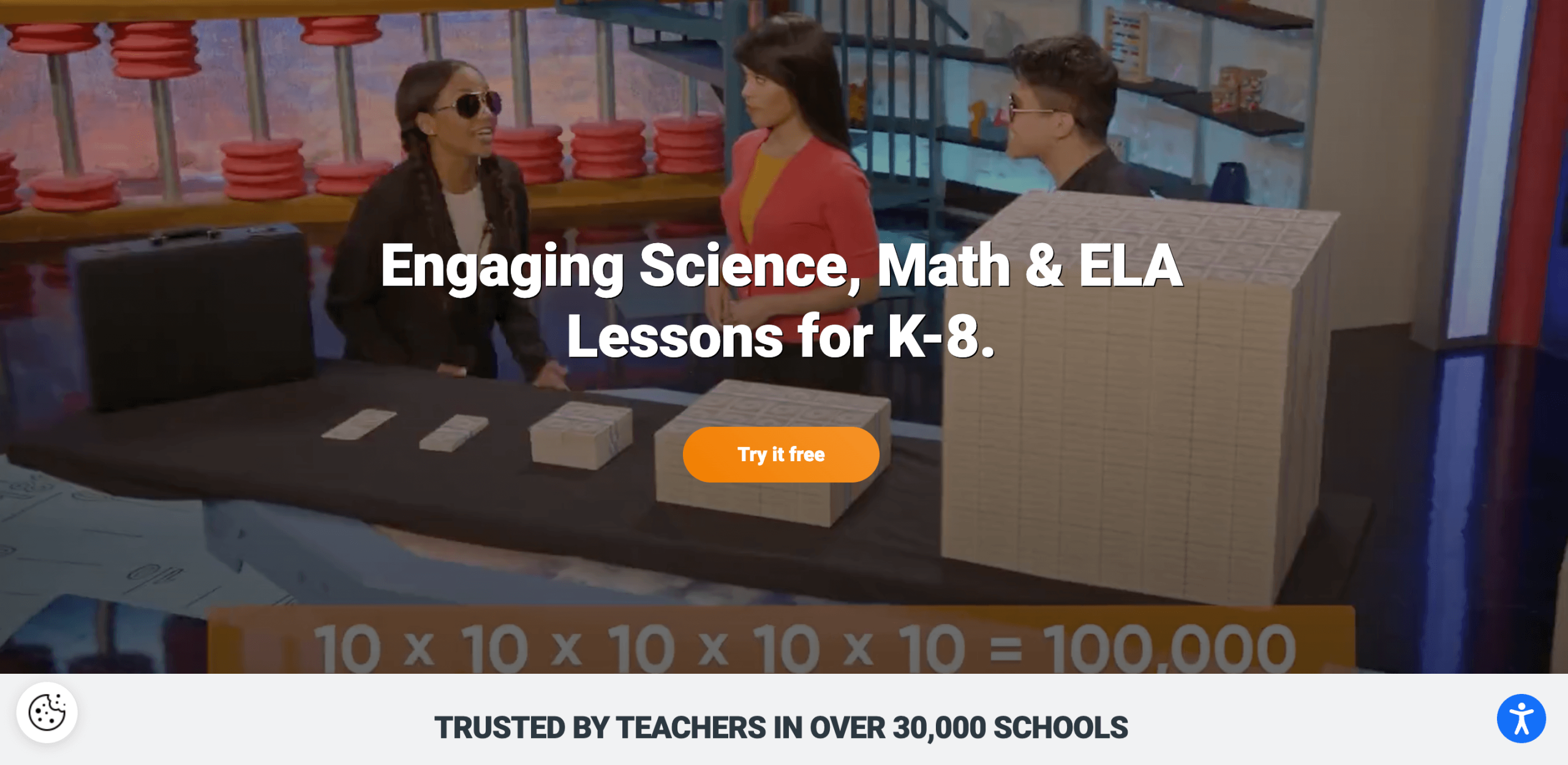
Generation Genius is a great eLearning website that focuses on science and math and comes filled with pre-recorded video courses and experiments. While the platform won’t replace everything in a formal curriculum, it’s a good supplementary learning resource.
Generation Genius Features
- Science and math video courses wth quizzes and supplementary readings, all aligned with state standards.
- Labs and hands-on activities
- Parent guides
Generation Genius Price
- Math only – $19/month
- Science only – $19/month
- Math + Science – $25/month
*All plans are billed annually (verified for September 2026).
Generation Genius Pros & Cons
Based on Generation Genius reviews, the program has great value for money yet lacks real-time tutoring assistance.
|
Generation Genius advantages |
Generation Genius disadvantages |
|
Features videos, experiments, and guides |
No tutor help is available to explain unclear instructions |
|
Lesson plans make organizing study time easier |
|
Brilliant
Best for: Those seeking active problem-solving activities that boost STEM knowledge, logic, and mathematical thinking
Age group: Grade 6-12 (and older)
Other popular e-learning websites include Brilliant, a STEM-dedicated platform with interactive courses (including pre-recorded videos), lots of puzzles, and visual explanations. The courses include math, data analysis, computer science, and more.
Brilliant Features
- Guided interactive lessons in math, data analysis, computer science, and other subjects with visualization
- A wide variety of STEM topics – from algebra and geometry to logic, data analysis, and even introductory AI
Brilliant Price
- $27.99/month if billed monthly
- $13.49/month if billed annually
(Verified for September 2026)
Brilliant Pros & Cons
Is Brilliant.org worth it? According to Reddit users’ reviews (although dated 2024 and earlier), yes — it’s especially good for making STEM materials available in one place.
|
Brilliant advantages |
Brilliant disadvantages |
|
Interactive and engaging lessons filled with puzzles and challenges |
Limited learning in the free plan |
|
Self-paced learning |
No tutor help available |
|
|
Rigorous course material can sometimes seem overwhelming |
Renaissance
Best for: Building a vast personal library and tracking literacy growth with research-backed insights.
Age group: Pre-K – Grade 12
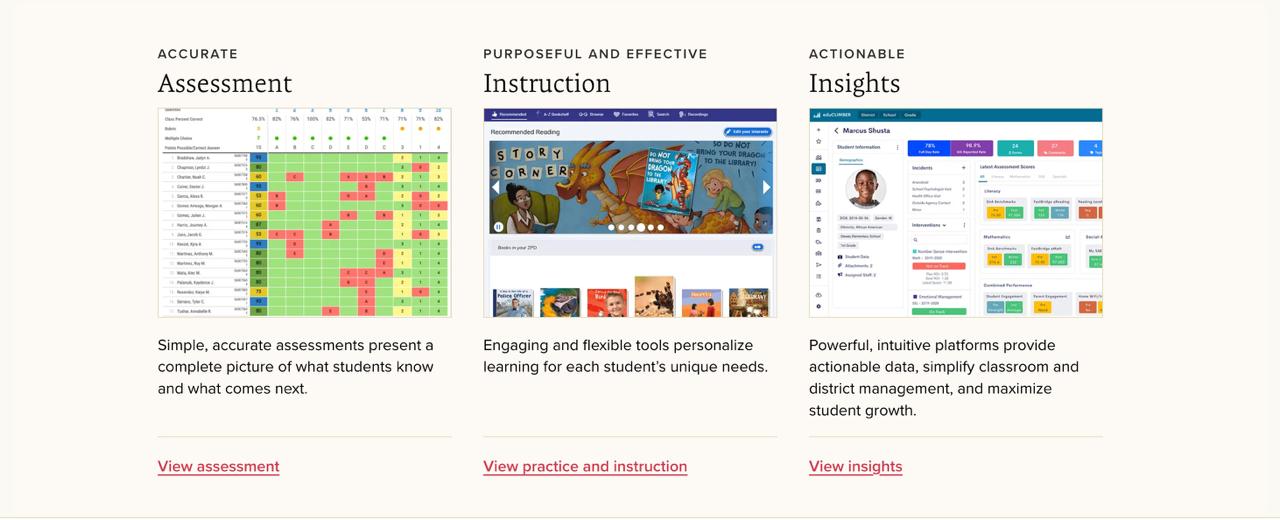
Renaissance provides a comprehensive literacy ecosystem that makes it easy for kids to find books they actually want to read. Through platforms like myON, students gain access to a digital library of thousands of high-interest titles, complete with interactive tools like highlighting and natural-voice audio to support comprehension. Unlike many standalone apps, Renaissance integrates reading practice with goal-setting and progress monitoring, helping parents and teachers provide the right level of challenge to keep young readers motivated and engaged.
Renaissance Features
- Extensive digital library featuring thousands of high-quality fiction and nonfiction books.
- Personalized recommendations tailored to each student’s interests and reading levels.
- Embedded literacy tools including a dictionary, highlighting, and audio support for all learners.
- Goal-setting and tracking that encourages students to take ownership of their reading growth.
Renaissance Pricing
Subscription-based (commonly accessed through school or district licenses).
Renaissance Pros & Cons
|
Renaissance advantages |
Renaissance disadvantages |
|
|
|
|
|
|
Education.com
Best for: Parents search for printable worksheets and interactive games
Age group: Grades 1-8
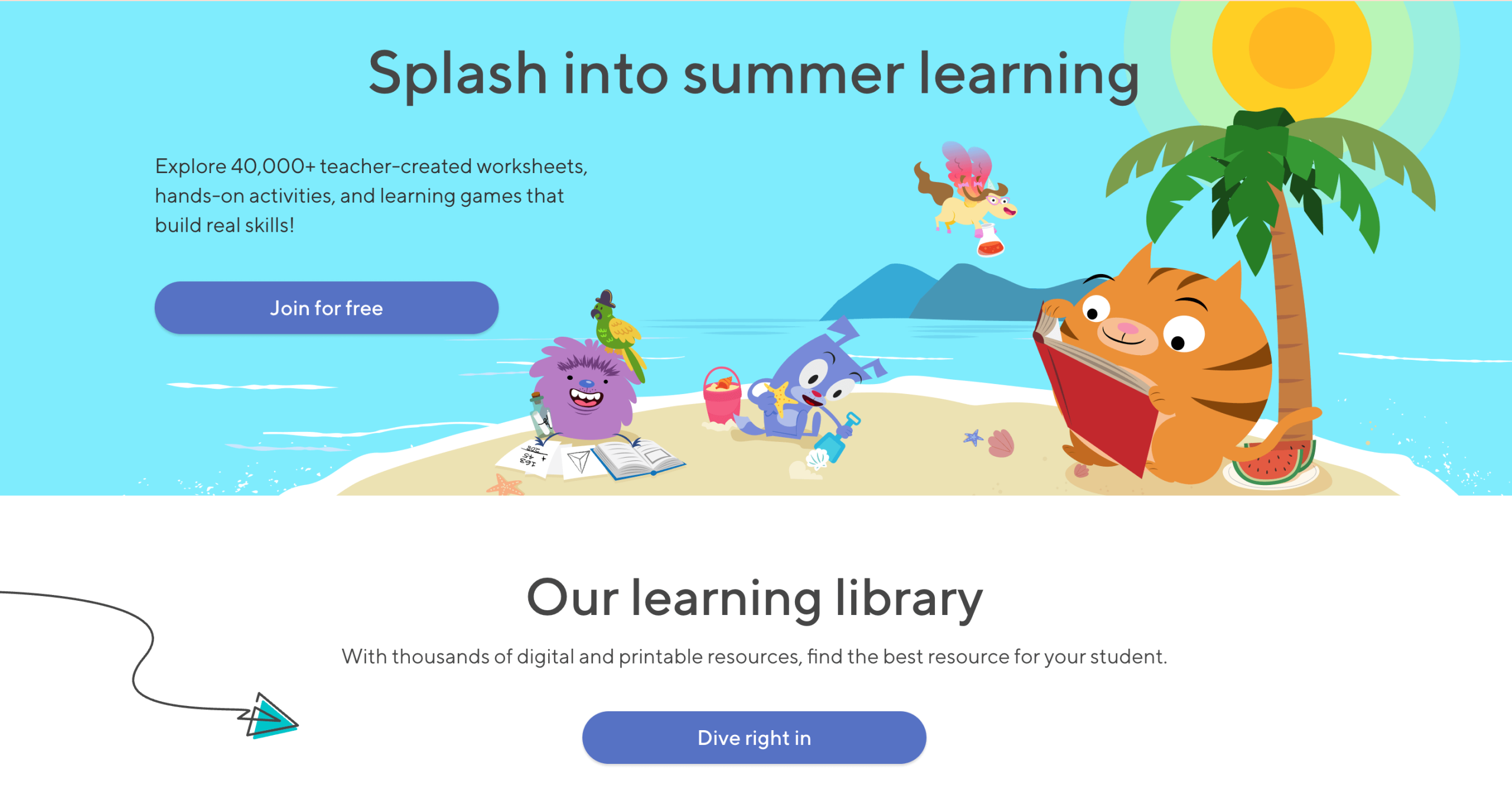
Education.com features a vast library of worksheets and games in five subjects for parents who want or need more learning materials for their kids’ home practice.
Education.com Features
- Over 38,000 learning materials, including games, teacher-made worksheets, and real-world activities
- Guided lesson plans combine studying with play
Education.com Price
- Monthly subscription: $15.99/month + tax ($8 for the first month)
- Annual subscription: $119.88 per year + tax ($5 for the first month)
(Verified for September 2026)
Education.com Pros & Cons
|
Education.com advantages |
Education.com disadvantages |
|
Thousands of lesson plans, games, and worksheets |
No live tutoring |
|
Easy to find grade-appropriate materials |
There were cases when the company kept billing clients after subscription cancellation before support found solutions |
Khan Academy
Best for: K-12 self-paced students.
Type of website: Pre-recorded classes.
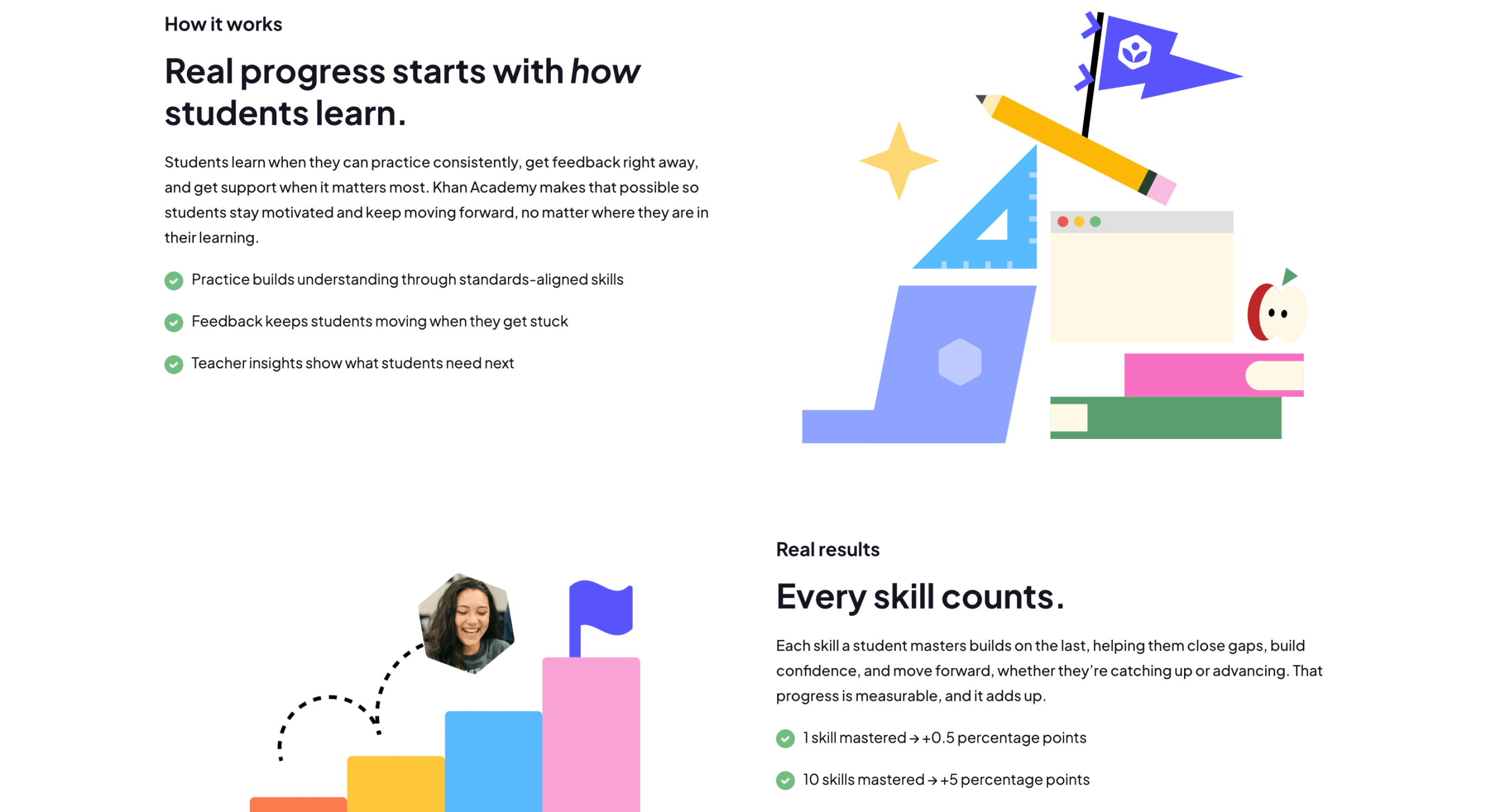
Khan Academy Features
- Khan Academy provides instructor-led video classes across diverse subjects.
- Interactive exercises and quizzes.
- Progress tracking.
Khan Academy Pros & Cons
|
Khan Academy advantages |
Khan Academy disadvantages |
|
|
|
|
|
|
National Geographic Kids
Best for: Kindergarten and elementary students for improving science skills.
Type of website: Interactive platform with pre-recorded classes.
National Geographic Kids Features
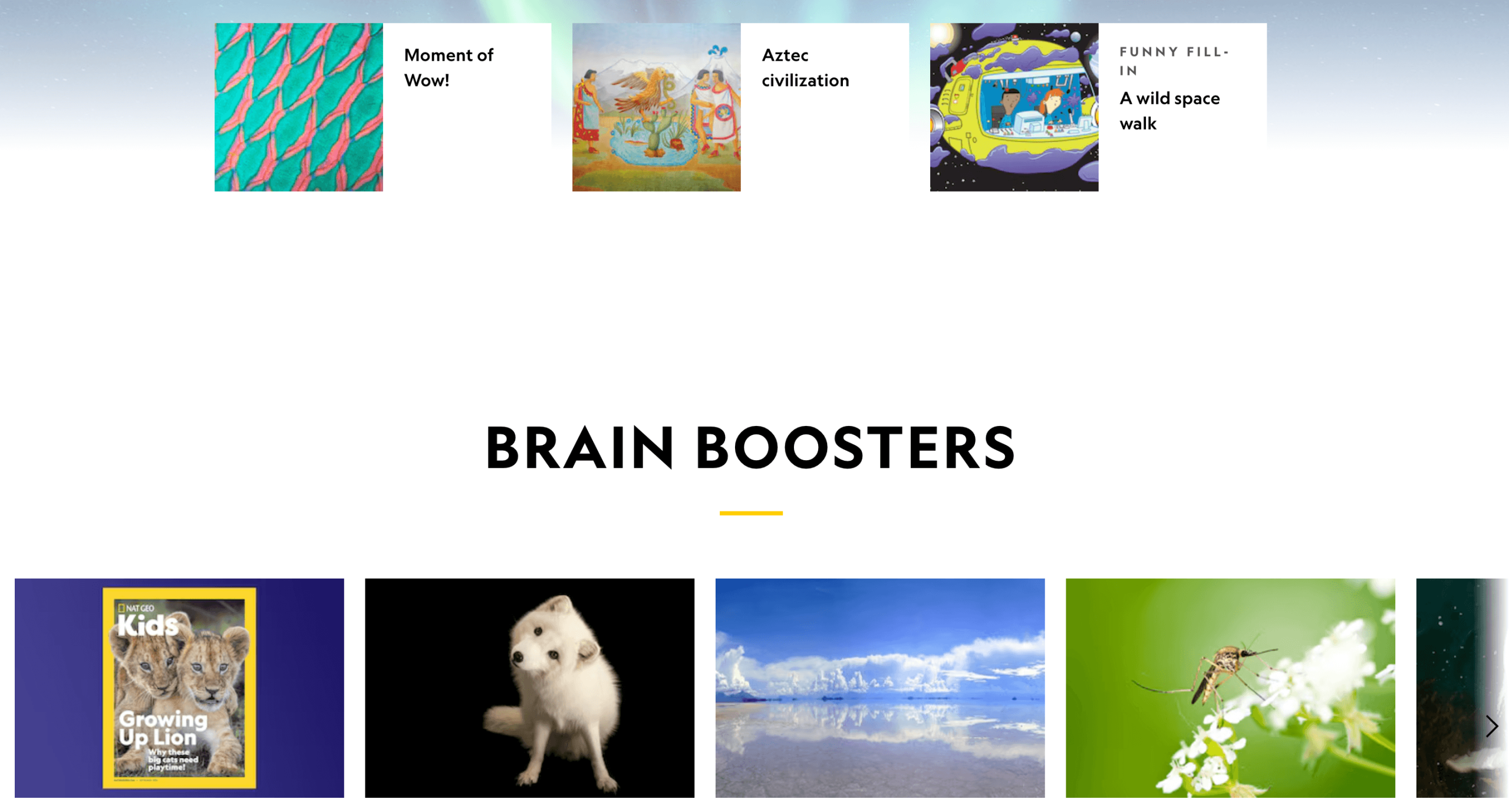
- One of the most fun educational websites for kids, National Geographic Kids covers topics like wildlife, space, oceans, ancient civilizations, etc.
- Interactive quizzes.
National Geographic Kids Pros & Cons
|
National Geographic Kids educational website advantages |
National Geographic вisadvantages |
|
|
|
|
|
|
Code.org
Best for: Students who want to start coding at no additional cost.
Age group: All grades K-12
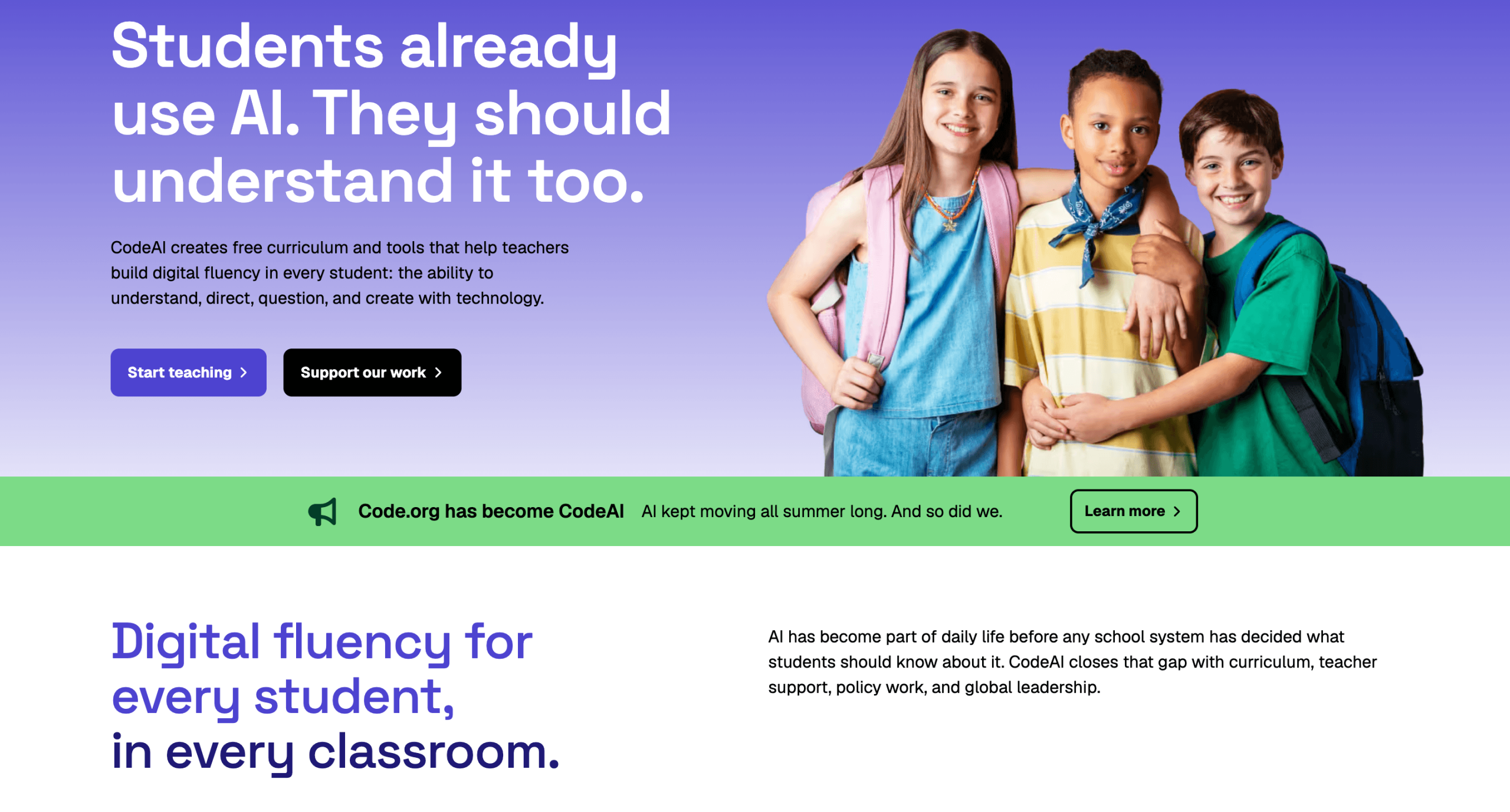
Code.org is a non-profit platform with AI-focused lessons and tools that introduce your child to coding and computer science completely for free. The learning materials are arranged by age groups (for 5-11 and 11+ years old) and include both basic block-based coding and advanced Python and JavaScript topics.
Code.org Features
- Free, AI-powered curriculum and tutorials for K–12, including CS fundamentals, AI, and app development
- Interactive labs/widgets like App Lab, Game Lab, and Sprite Lab to help kids with project creation and experiments.
Code.org Pros & Cons
Based on 2025-2026 Trustpilot reviews, Code.org is good for learning programming, although some students may find its content boring and non-interactive.
|
Code.org advantages |
Code.org disadvantages |
|
|
|
|
Funbrain
Best for: Kindergarten, elementary, and middle school students for improving math and reading.
Type of website: Interactive platform with pre-recorded classes.
Funbrain Features
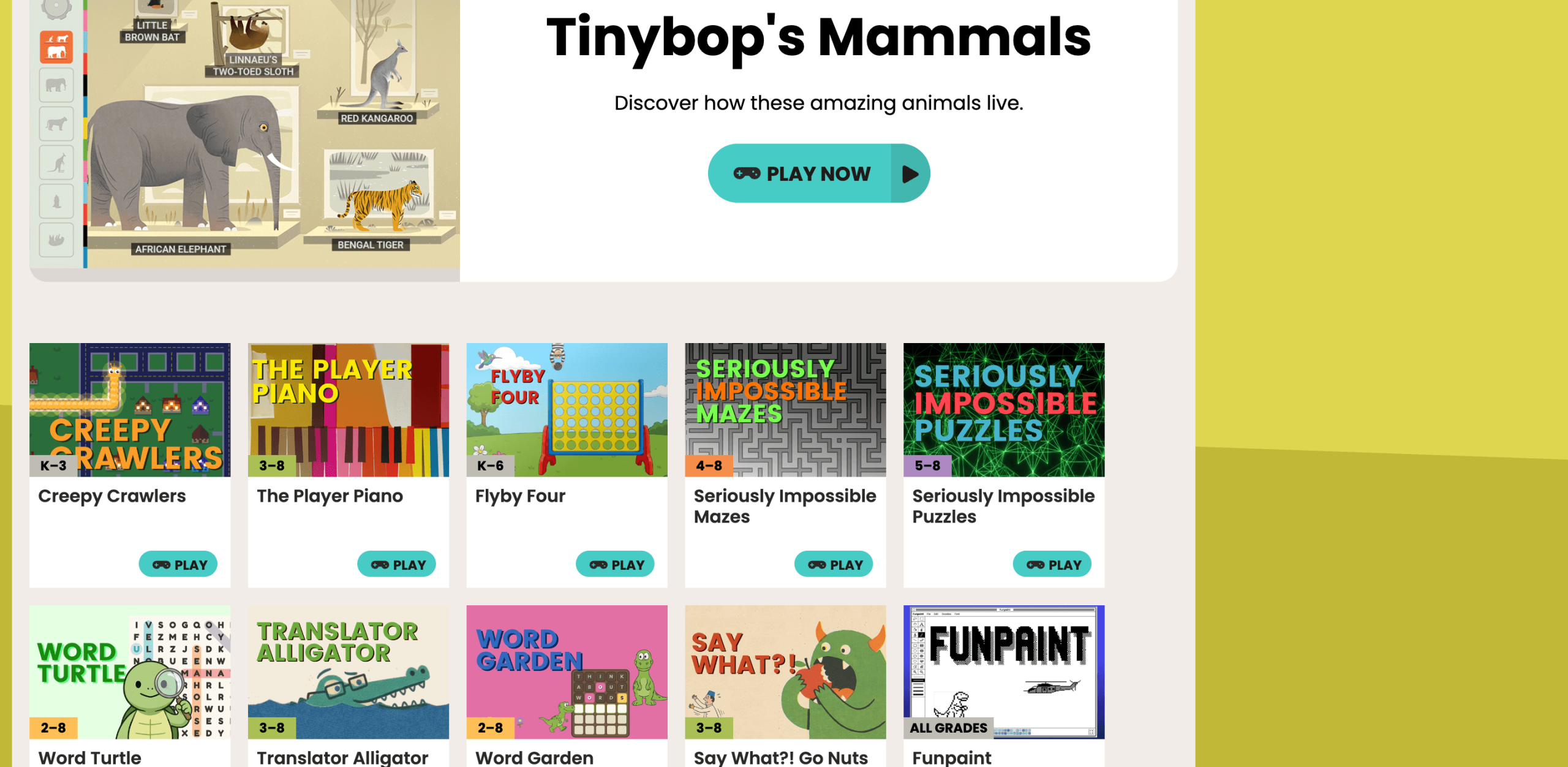
- Free digital books.
- Interactive math games.
Funbrain Pros & Cons
|
Funbrain advantages |
Funbrain disadvantages |
|
|
|
|
|
|
PBS Kids
Best for: Kindergarten and elementary students for improving core subjects.
Type of website: Interactive platform with pre-recorded classes and games.
PBS Kids Features
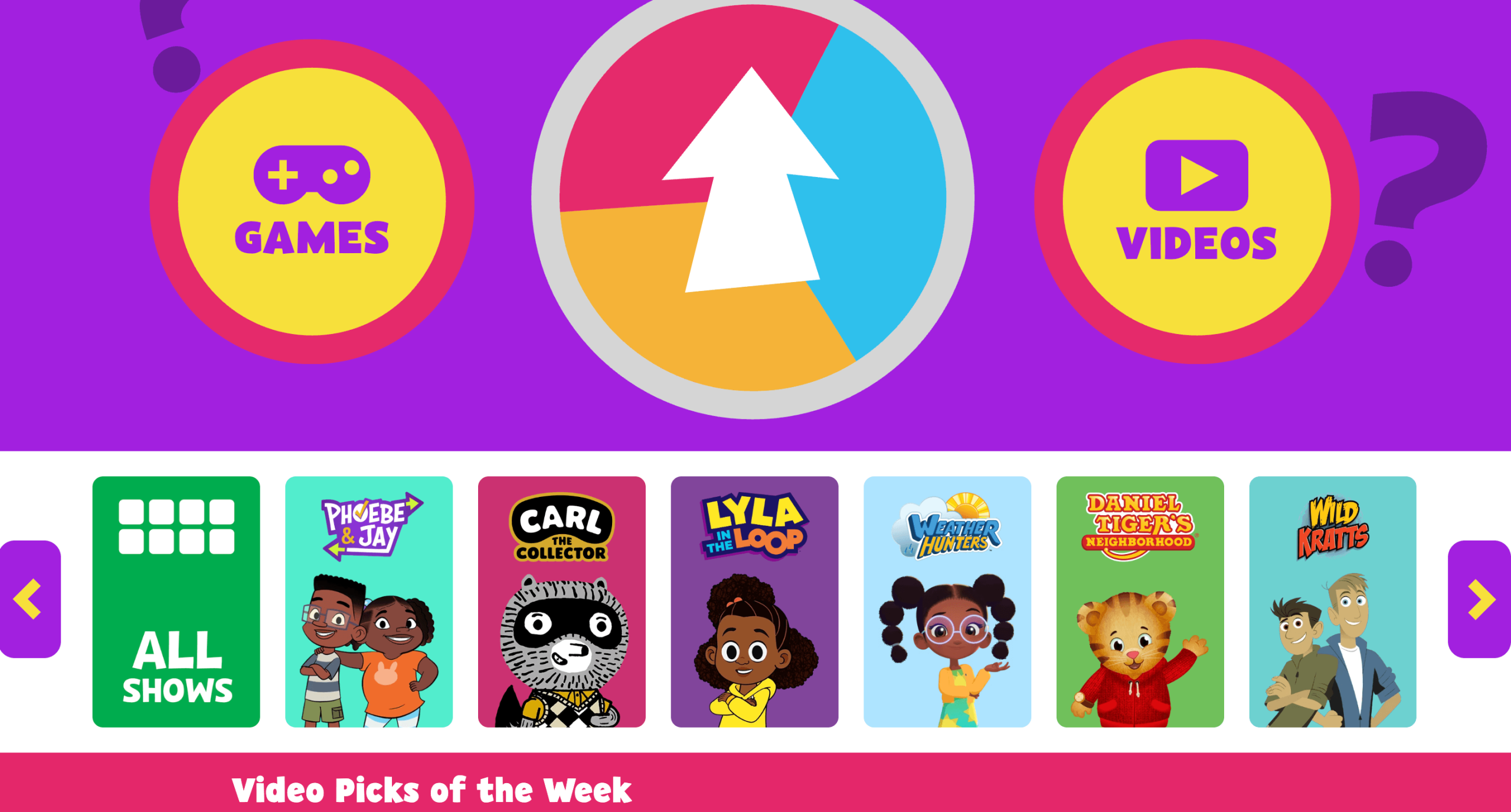
- Educational games.
- Engaging videos.
PBS Kids Pros & Cons
|
PBS Kids advantages |
PBS disadvantages |
|
|
|
|
|
|
Highlights Kids
Best for: Students in K-5 for improving core subjects.
Type of website: Interactive platform with pre-recorded classes and games.
Highlights Kids Features
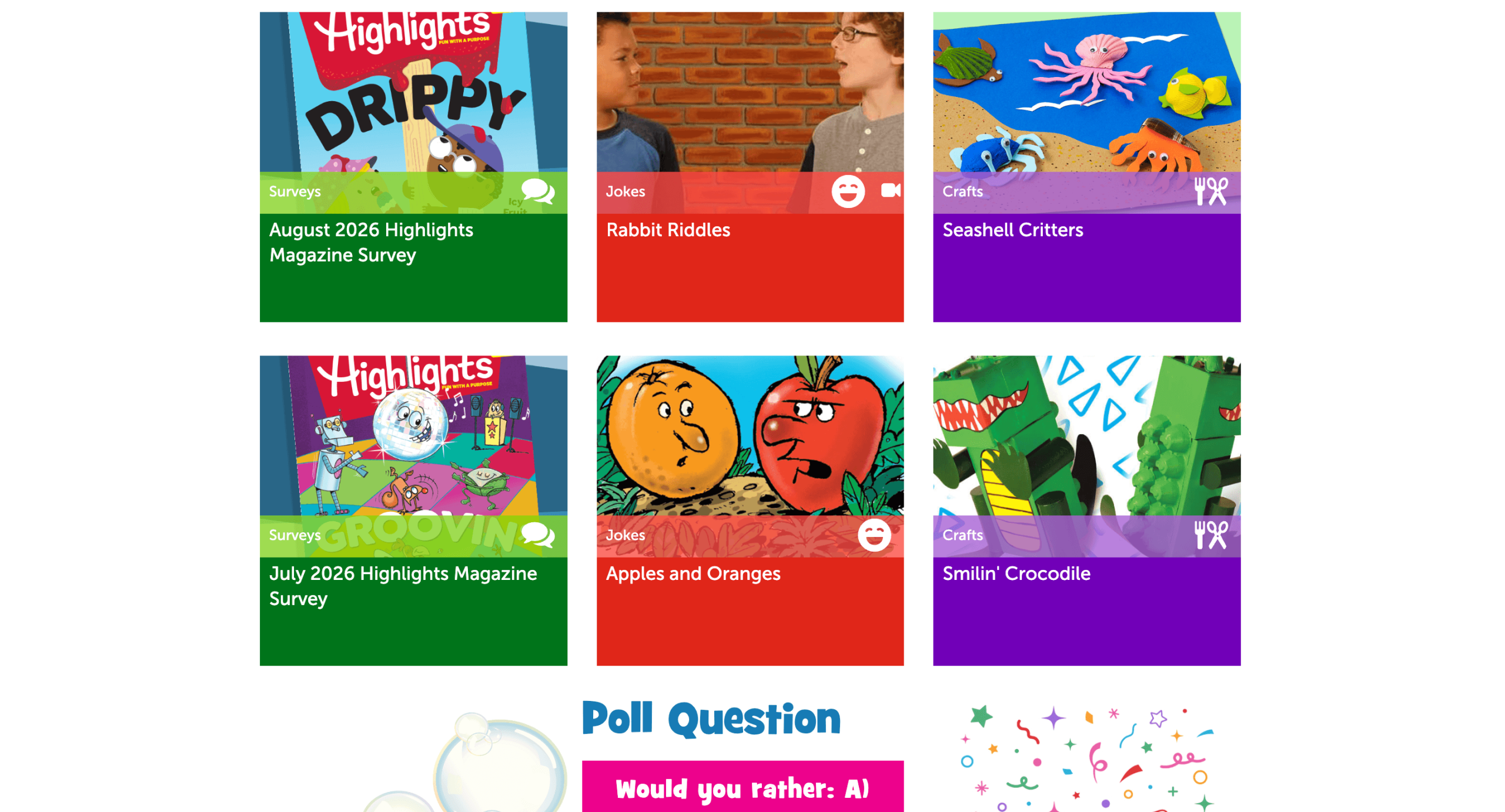
- Kids can do DIY experiments.
- Short stories, jokes, and poems.
Highlights Kids Pros & Cons
|
Highlights Kids advantages |
Highlights Kids disadvantages |
|
|
|
|
|
|
Exploratorium
Best for: Pre-K-grade 12 students for STEM knowledge.
Type of website: Interactive platform with pre-recorded classes and games.

Exploratorium Features
- Interactive science projects.
- Videos feature real scientists.
Exploratorium Pros & Cons
|
Exploratorium advantages |
Exploratorium disadvantages |
|
|
|
|
|
|
Metkids
Best for: Elementary and middle school students for improving art, history (ancient times), geography, and cultural knowledge.
Type of website: Interactive platform with pre-recorded classes and games.
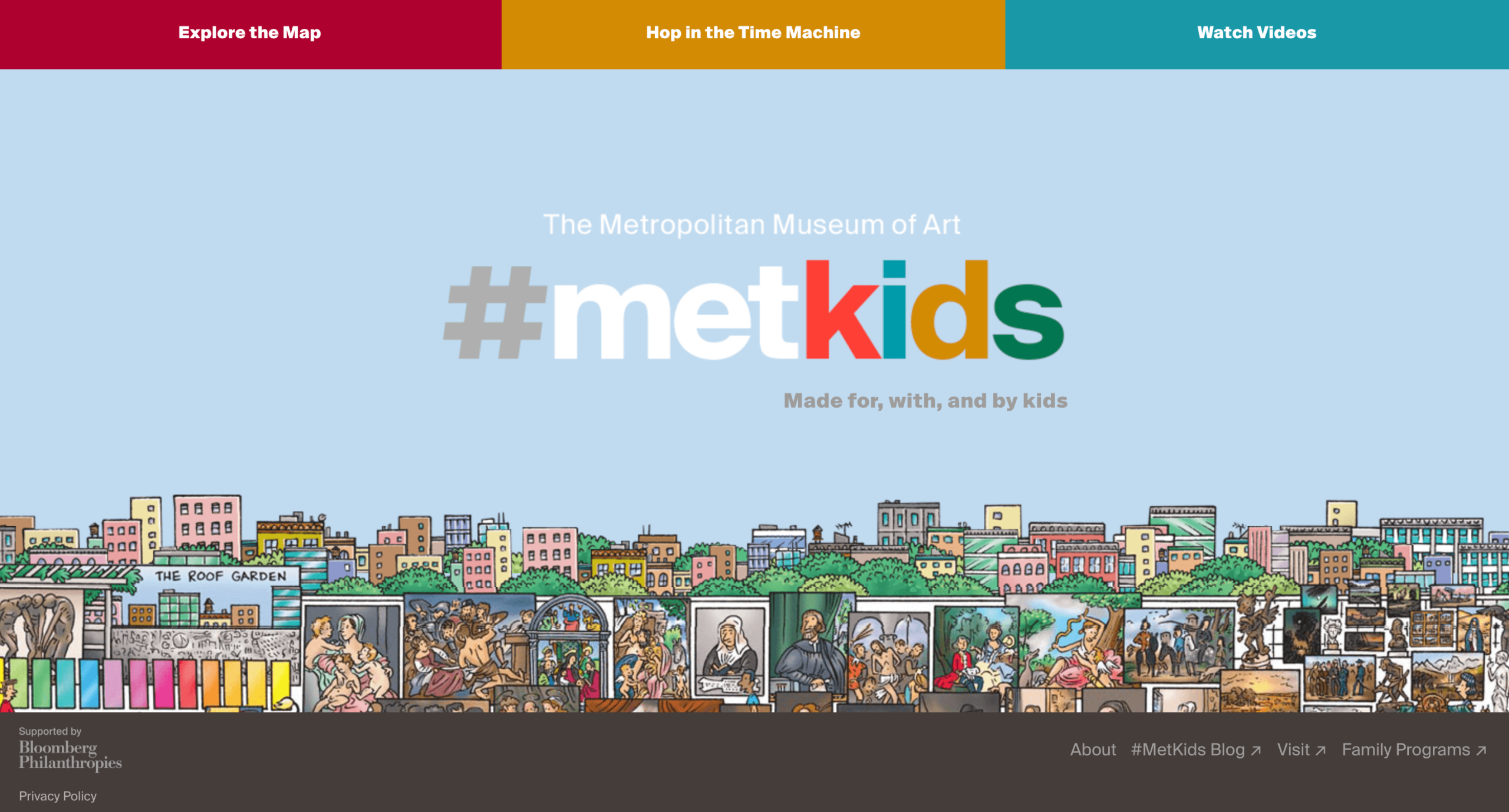
MetKids Features
- With one of the best online educational websites for kids, children can explore interactive maps.
- DIY art challenges.
- A cool time machine feature.
MetKids Pros & Cons
|
Metkids Kids advantages |
Metkids disadvantages |
|
|
|
|
|
|
NASA Kids’ Club
Best for: Elementary, middle, and high school students for improving STEM skills and space, astronomy, and world knowledge.
Type of website: Interactive platform with pre-recorded classes and games developed by the National Aeronautics and Space Administration (NASA).
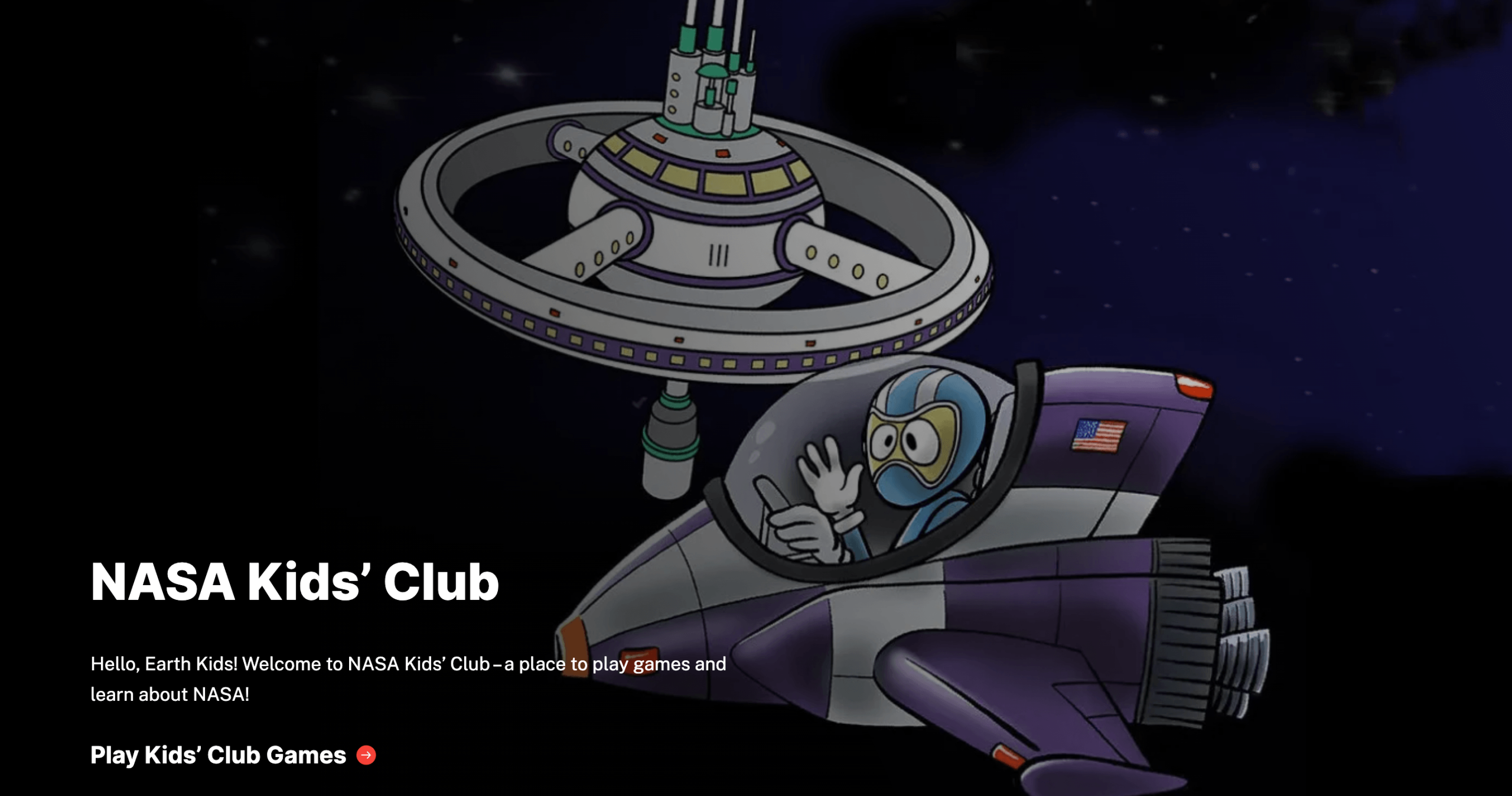
NASA Kids’ Club Features
- Educational games about space.
- Real NASA videos and pictures are included.
- Virtual badges.
NASA Kids’ Club Pros & Cons
|
NASA Kids’ Club advantages |
NASA Kids’ Club disadvantages |
|
|
|
|
|
|
OLogy
Best for: Elementary and middle school for improving STEM skills.
Type of website: Interactive platform with pre-recorded classes and games by the American Museum of Natural History.
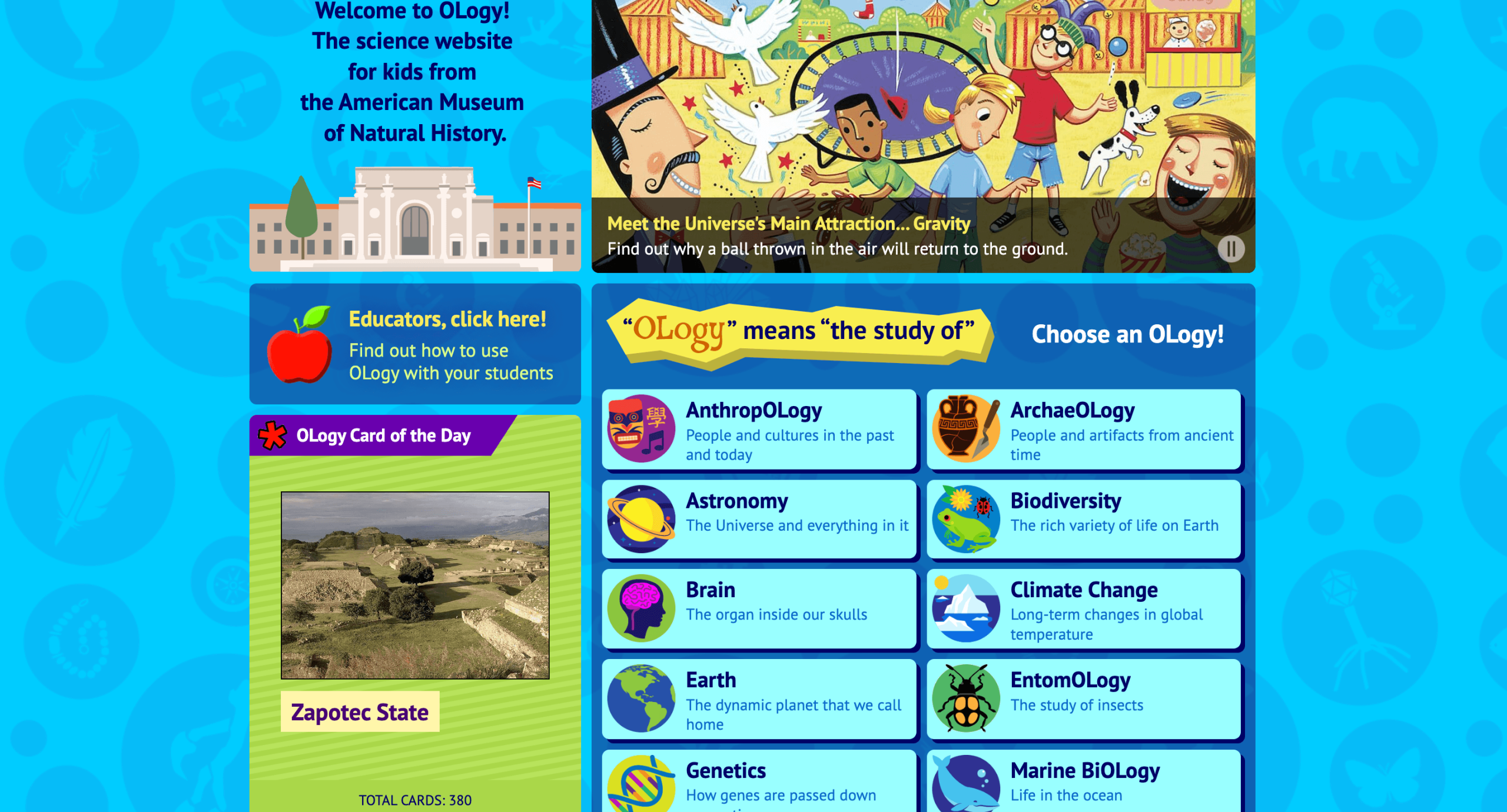
OLogy Features
- Kids can explore archaeology, zoology, antipolitics, archeology, etc.
- DIY science projects.
OLogy Pros & Cons
|
OLogy advantages |
OLogy disadvantages |
|
|
|
|
|
|
MakeMeGenius
Best for: Elementary through middle school for improving STEM skills.
Type of website: Interactive platform with pre-recorded classes and games.
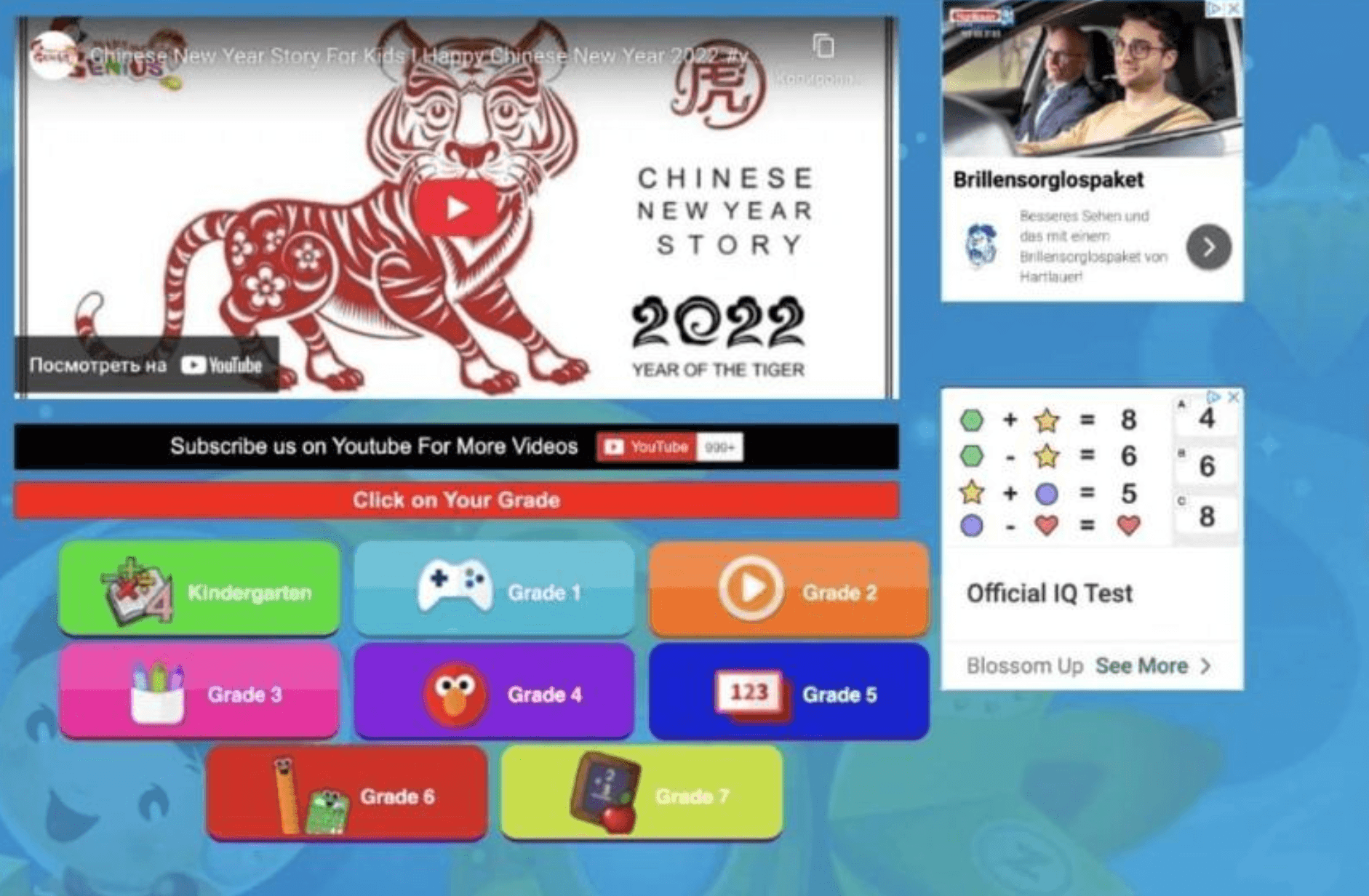
MakeMeGenius Features
- Subject lessons, cool facts, and math jokes for kids.
- Quizzes and tests.
MakeMeGenius Pros & Cons
|
MakeMeGenius advantages |
MakeMeGenius disadvantages |
|
|
|
|
|
|
Safe Search Kids
Best for: Elementary through middle school for improving STEM skills.
Type of website: Google-powered safe search engine for kids.
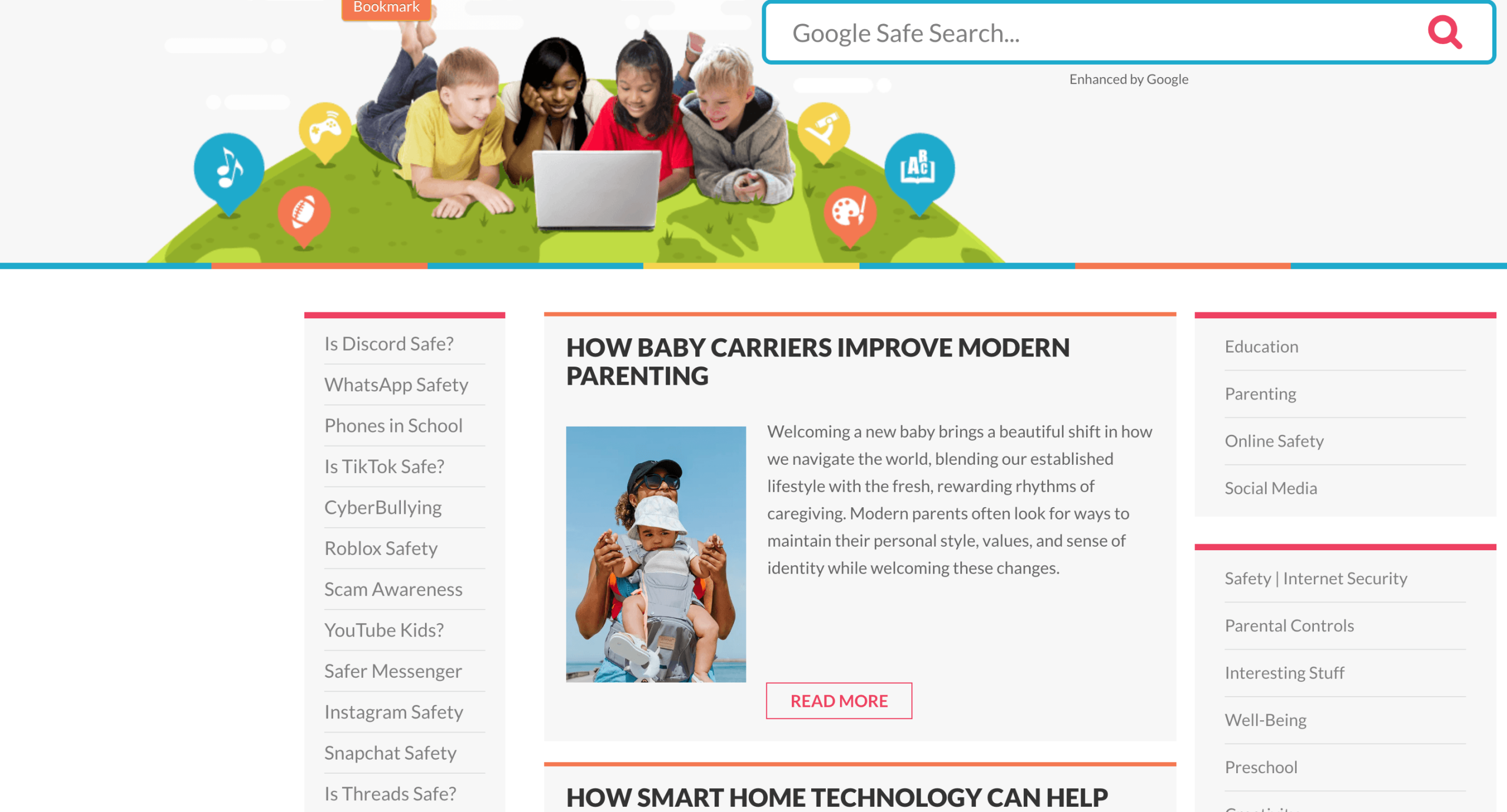
Safe Search Kids Features
- Safe and kid-friendly Google search.
- Parental control.
Safe Search Kids Pros & Cons
|
Safe Search Kids advantages |
Safe Search Kids disadvantages |
|
|
|
|
|
|
Storyline Online
Best for: Kindergarten and middle school for improving reading and listening skills.
Type of website: Library of picture books and audiobooks.
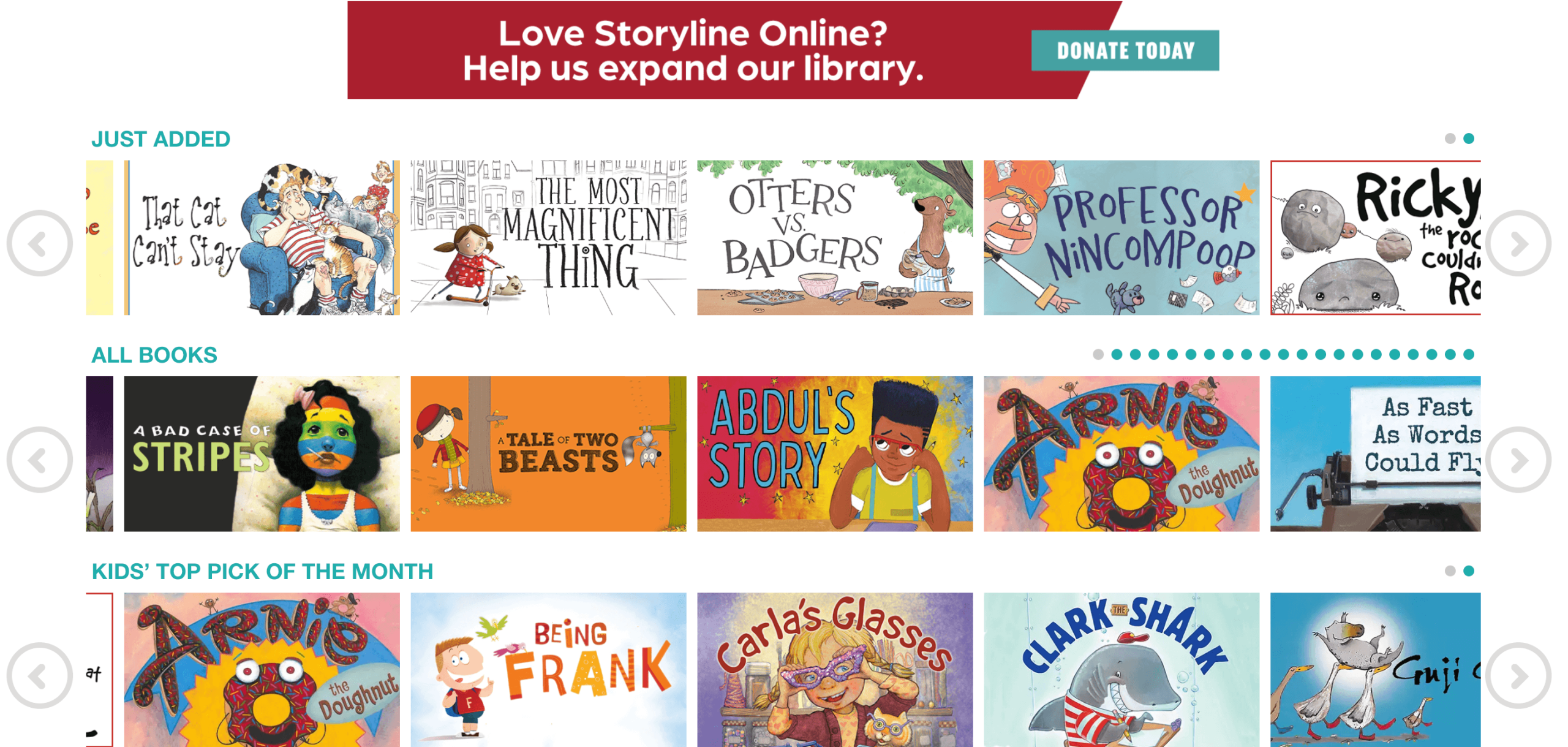
Storyline Online Features
- Audiobooks narrated by acclaimed actors.
- Available lesson plans.
Storyline Online Pros & Cons
|
Storyline Online advantages |
Storyline Online disadvantages |
|
|
|
|
|
|
BBC Bitesize
Best for: Kindergarten to high school students for improving basic math, reading, science, and more.
Type of website: Interactive platform with pre-recorded classes and games.
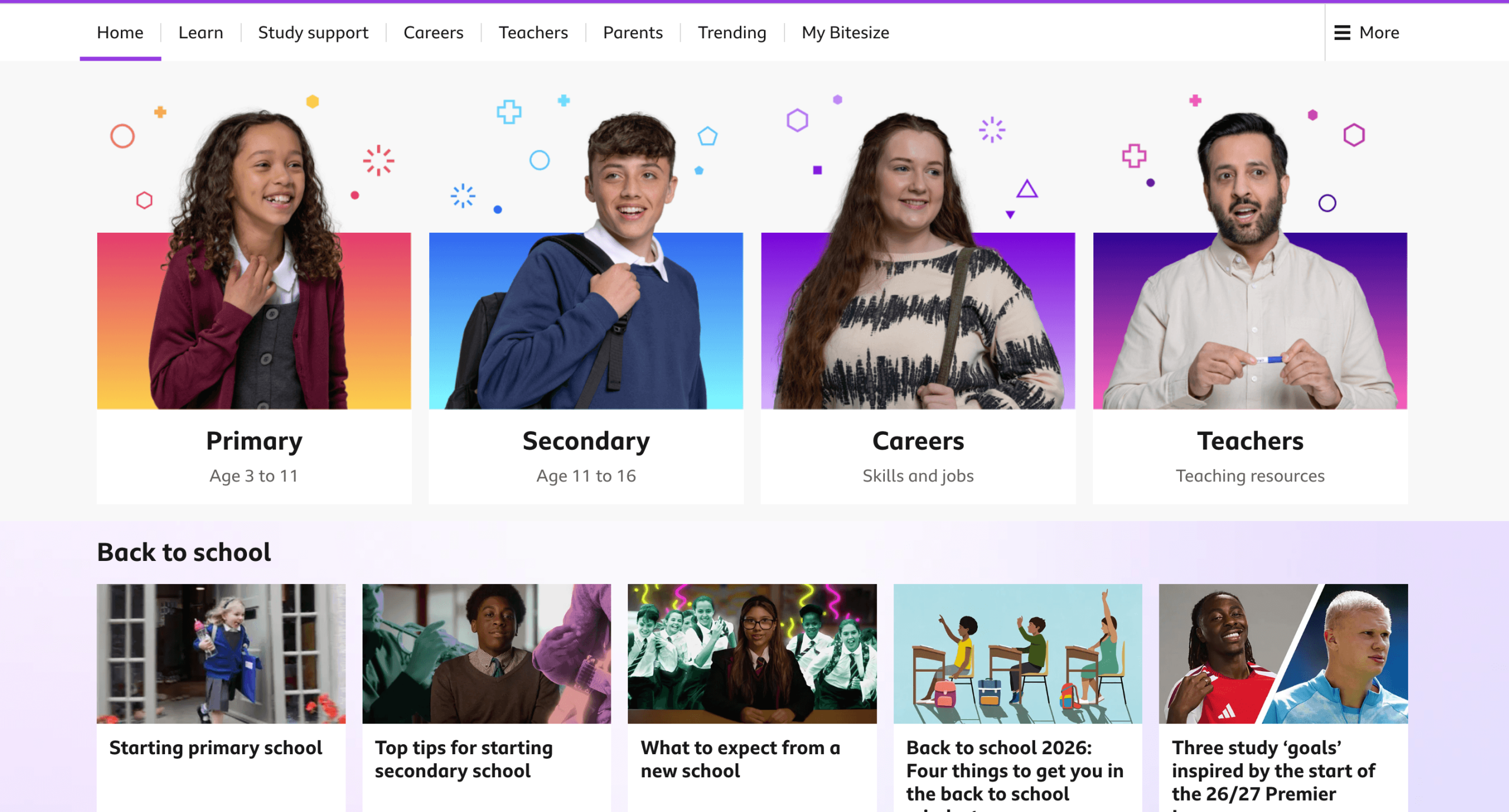
BBC Bitesize Features
- DIY art challenges.
- Covers various basic topics.
BBC Bitesize Pros & Cons
|
BBC Bitesize advantages |
BBC Bitesize disadvantages |
|
|
|
|
|
|
CK-12
Best for: All grade level schoolers for improving math, English, science, social studies, and more.
Type of website: Interactive platform with pre-recorded classes and games featuring an AI-tutor.
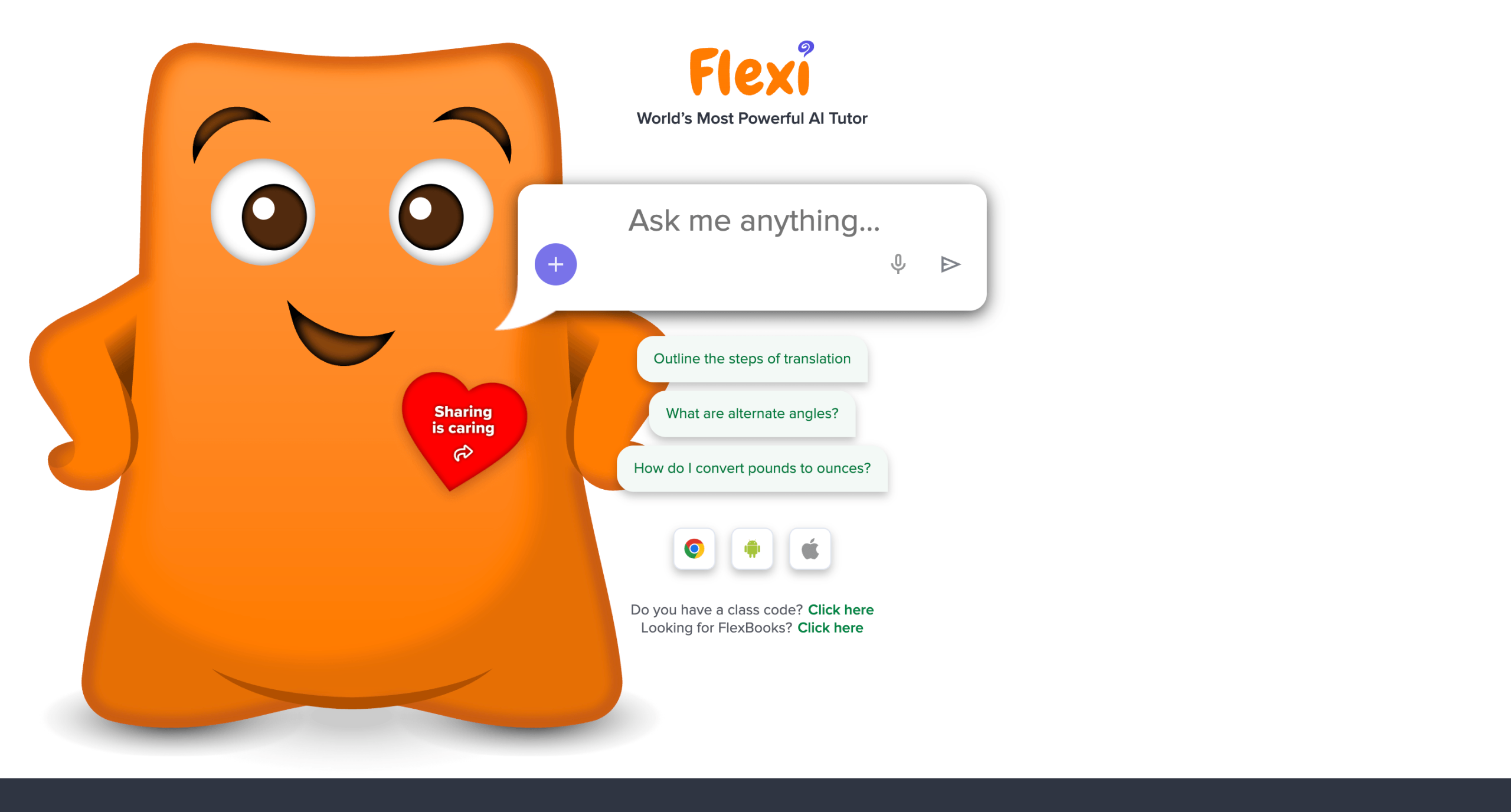
CK-12 Features
- Interactive quizzes.
- AI-tutor for supporting learning.
CK-12 Pros & Cons
|
CK-12 advantages |
Ck-12 disadvantages |
|
|
|
|
|
|
Conclusion: What Is the Best Educational Website for Kids?
The above-covered 35+ kids learning websites can improve your child’s performance at school. However, some have a competitive edge over others.
For instance, learning sites for kids like Khan Academy and Outschool provide lessons on core academic subjects and test prep, NASA Kids’ Club and Exploratorium can teach about science and outer space, while Safe Search Kids helps your child search kid-friendly educational content.
But if you’re looking for a platform that will:
- Provide you with professional tutors
- Deliver STEM-focused US state standards-aligned curriculum
- Have transparent, affordable pricing with no hidden costs
- Give you access to free self-study resources
Then Brighterly math and reading tutoring is the right website for you!
Book free lesson today to see why Brighterly leads the list of the best educational websites for kids.
Similar Articles
If you need more information to decide which digital platform is right for your child, check out the following side-by-side comparisons:
- 12 Best Homework Help Websites (Free and Paid)
- 12 Best Online Math Classes for Kids 2026
- 16 Best Online Learning Resources
Frequently Asked Questions
What Are the Best Educational Websites for Kindergarten?
The best educational websites for kindergartners and preschoolers are PBS Kids, NASA Kids’ Club, and Khan Academy. These three kindergarten educational websites provide a good blend for improving core subject knowledge and skills via games and engaging activities.
What Are the Best Educational Websites for Elementary Students?
The best educational websites for elementary students are Brighterly, Mystery Science, and National Geographic Kids because these sites offer engaging and gamified approaches to enhancing STEM skills. Brighterly also develops reading and ELA knowledge.
What Are the Educational Websites for Middle and High School Students?
The best educational websites for middle and high school students are Outschool, Khan Academy, Brighterly, and Safe Search Kids. They have advanced lessons in core and enrichment subjects. Brighterly provides highly customized learning to fit the requirements of any student.
What Educational Websites Are Safe for Kids?
Safe educational websites for kids should be ad-free or moderated, feature strict privacy practices, and have a zero chance to open text-chat with strangers. On parents’ part, use ad-blockers and privacy-focused browser extensions, set up web filters or parental control software. Yet as for the websites, consider:
- PBS Kids, Khan Academy, and Starfall for kids aged from 2 to 7 years old;
- National Geographic Kids and NASA Kids’ Club – for students between 8 and 13 yo;
- Brighterly and Safe Search Kids will be a good fit for kids of all ages (and any level of curiosity).




Second grade math introduces a lifelong journey of counting and drawing math figures. And as a parent, you probably can’t keep yourself from googling: how to help your 2nd grader with math? I’m an experienced math tutor, and today I’m going to walk you through 2nd grade math skills, learning goals, and practical tips every […]
Apr 04, 2024

Your child’s 6th grade was quite challenging, right? For many, tackling those ratios and arithmetic operations required much attention. But now, as they move into 7th class, you both will deal with more challenging topics. In this article, you’ll discover what kind of math your child will learn in 7th grade. Let’s dive in together! […]
Apr 17, 2024
Math & reading from 1st to 12th grade
Exploring alternatives?
Take a short quiz!
Choose kid's grade