Best Math Apps for 3rd Graders to Boost Skills and Confidence
reviewed by Jo-ann Caballes
Updated on October 16, 2026
Key Points:
- Brighterly is the top web-based option for 3rd graders who need personalized math support. It combines live 1:1 tutoring with interactive lessons, individualized learning plans, progress reports, and AI-generated lesson summaries, currently available in beta.
- Prodigy Math is the top choice for game-based practice, with adaptive math questions built into an adventure game.
- Zearn is best for students who benefit from combining digital lessons with handwritten problem-solving.
- Khan Academy, Khan Academy Kids, and individual Zearn accounts offer free access, while IXL, SplashLearn, Prodigy Math, and DreamBox provide paid plans or optional subscriptions.
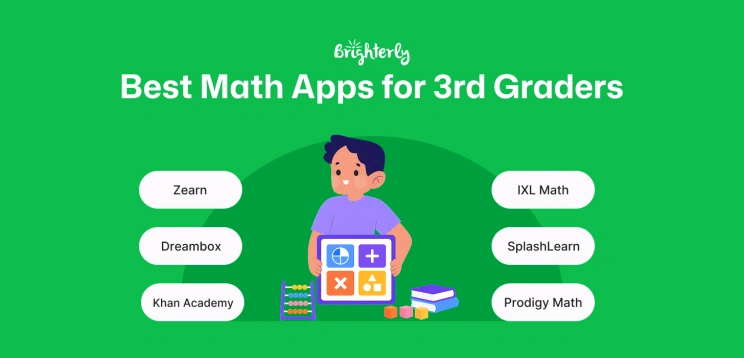
The best math apps for 3rd graders include Brighterly, Prodigy Math, SplashLearn, IXL Math, Khan Academy, Khan Academy Kids, Zearn, and DreamBox. While Brighterly provides live 1:1 instruction for kids in grades 1-10 (including a 3rd grade math program), other tools focus on self-paced practice, educational games, adaptive learning, video lessons, or a combination of digital and paper-based activities.
Exploring alternatives?

Best Math Apps for 3rd Graders at a Glance
|
Platform |
Best for |
Live Tutor |
Learning Format |
Progress Reports |
Free Access |
Starting Price |
Platforms |
|
Brighterly |
Personalized math support and closing learning gaps |
✅ Live 1:1 tutor |
✅ Interactive virtual classroom and practice activities |
✅ Parent reports and AI lesson summaries (beta) |
🟡 Free demo lesson |
from $17.70 per lesson (12-month plan, 2 lessons/week, with a 20% discount applied) |
Web |
|
Game-based math practice |
❌ |
✅ Adventure-based math game |
🟡 Parent and teacher reports; some features require membership |
✅ Free core math content |
Optional membership from $4.91 per month (billed annually) |
Web, iOS, Android, and Amazon Appstore |
|
|
Games, activities, and worksheets for elementary math |
🟡 |
✅ Games, lessons, and worksheets |
✅ Parent and teacher progress reports |
🟡 7-day trial; free teacher access |
From $7.49 per month (billed annually) |
Web, iOS, and Android |
|
|
Comprehensive skill practice and diagnostics |
❌ |
✅ Interactive questions, videos, and activities |
✅ Real-time analytics and reports |
🟡 Limited free practice |
From $9.95 per month for one subject |
Web, iOS, Android, and Kindle |
|
|
Free self-paced lessons, videos, and practice exercises |
❌ |
✅ Videos, exercises, and quizzes |
✅ Parent and teacher dashboards |
✅ Full learning platform |
Free |
Web, iOS, and Android |
|
|
Khan Academy Kids |
Reviewing foundational skills through games and stories (ages 2–8) |
❌ |
✅ Games, books, videos, and creative activities |
✅ Parent and teacher progress views |
✅ Full app |
Free |
iOS and Android |
|
Zearn |
Combining digital lessons with handwritten problem-solving |
❌ |
✅ Digital lessons and paper-based activities |
🟡 Teacher reports; advanced reporting requires a School Account |
✅ Individual account for 1 teacher and up to 35 students |
Free Individual Account; School Account pricing available upon request |
Web browser only |
|
Adaptive and personalized K–8 math practice |
❌ |
✅ Interactive lessons and math games |
✅ Family and educator dashboards |
🟡 Free trial |
Individual plans from $12.95 per month |
Web and iPad app |
How to Read This Table: ✅ Included; 🟡 Limited or plan-dependent; ❌ Not included.
The table compares the top math apps and browser-based learning platforms for 3rd graders by learning format, personalization, human support, progress tracking, cost, and device access. Together, these tools support skills covered in a 3rd grade math assessment, including multiplication, division, fractions, place value, measurement, and geometry.
Explore Brighterly Learning Experience
Learn exactly how Brighterly helps students thrive through expert sessions, online tools, and proven feedback from thousands of satisfied parents
Brighterly
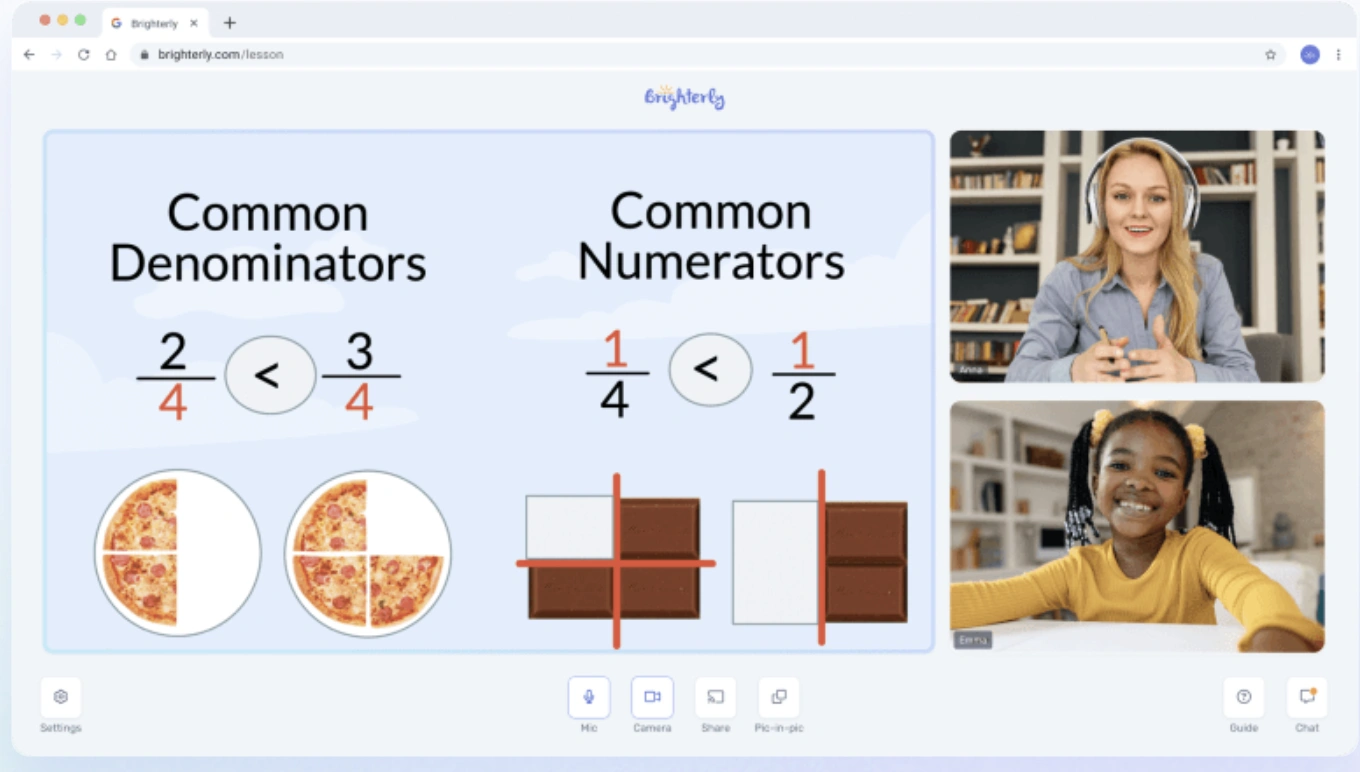
Brighterly is a web-based math learning platform that combines personalized 1:1 tutoring with interactive online tools. Unlike self-paced apps that mainly provide automated exercises or games, Brighterly gives each student real-time guidance from a live tutor and an individualized learning plan.
Age group: Students in grades 1-10.
Best for: Closing learning gaps, understanding difficult concepts, keeping up with schoolwork, and progressing beyond current grade level.
Brighterly Features
- Live 1:1 Tutoring in math and reading
- Alignment with U.S. state standards
- Curriculum personalization according to the student’s current level, learning gaps, goals, and pace.
- Math Practice for self-learning in between tutoring sessions
- Homework Helper for AI-based math homework guidance
- Assessments for kids improvement tracking and curriculum customization
- An interactive virtual classroom with guided practice and homework support.
- Progress reports that help parents monitor completed topics, achievements, and areas for improvement.
- AI-generated lesson summaries with key takeaways and recommended at-home activities. This feature is currently available in beta.
Pros and Cons
Pros Cons A live tutor can explain difficult concepts and provide immediate feedback. Scheduled lessons are less flexible than fully on-demand practice apps. Each student receives a personalized learning plan instead of following the same sequence as everyone else. Brighterly costs more than fully self-guided apps. Parents receive regular progress reports and lesson recaps.
Brighterly Cost
- Free demo lesson.
- Prices start at $17.70 per lesson for a 12-month plan with 2 lessons per week.


Want to overcome your child's math anxiety?
Learn about exciting ways to help your child excel in math.
Prodigy Math
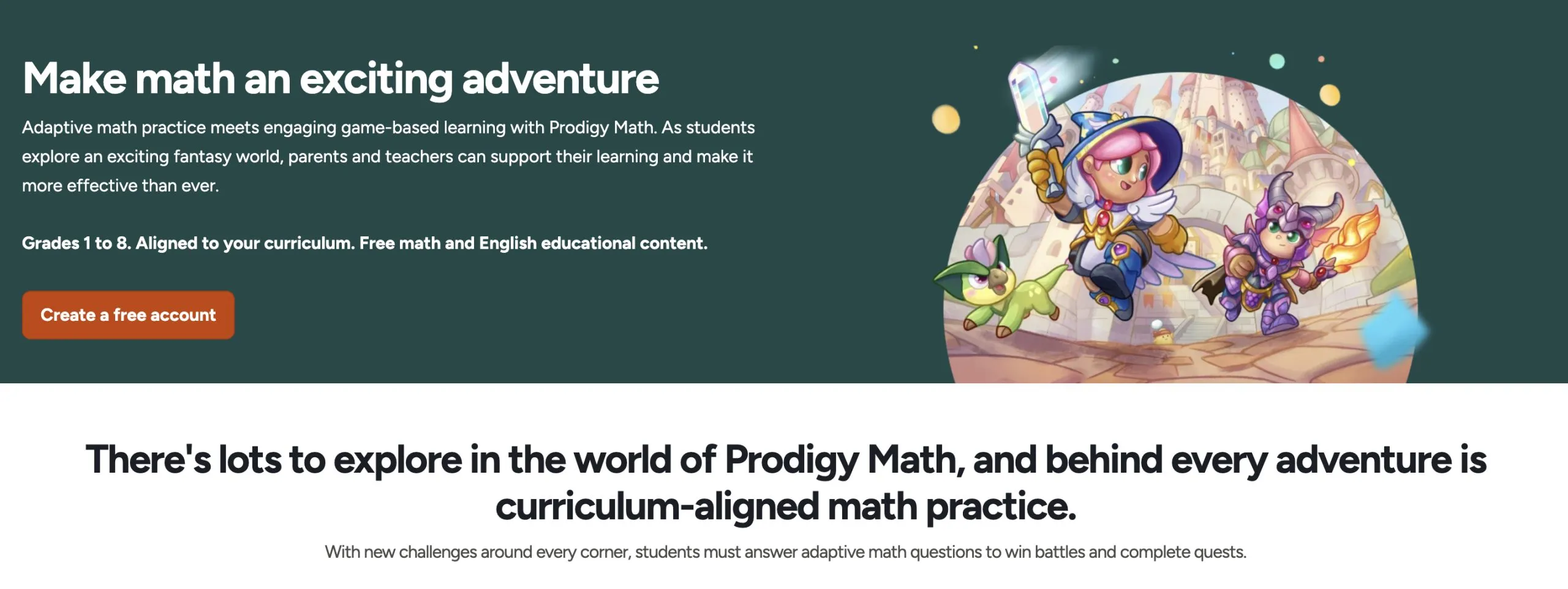
Prodigy Math is a free and paid online learning platform that combines standards-aligned math practice with an adventure game. Students answer math questions to complete challenges, earn rewards, and progress through the game.
Age group: Grades 1–8.
Best for: students who prefer game-based practice for arithmetic, place value, fractions, decimals, word problems, and basic geometry.
Prodigy Math Features
- Prodigy Math combines curriculum-aligned math questions with adventure-based gameplay.
- A placement test identifies the student’s current level before the adaptive algorithm adjusts questions based on their progress and learning needs.
- Parents and teachers can use dashboards and reports to monitor completed skills and learning progress.
- The platform covers more than 1,500 math skills aligned with curricula for Grades 1–8.
Pros and Cons
| Pros | Cons |
|---|---|
| Adventure-based gameplay can make regular math practice more engaging. | The game elements may distract some children from the math questions. |
| Questions adapt to the student’s current level and performance. | The free version regularly promotes paid membership features. |
| Parent and teacher tools help monitor skills and progress. | Prodigy Math offers less handwritten and offline practice than platforms such as Zearn. |
Prodigy Math Cost
- Core math content is free for students.
- Optional Prodigy math memberships start at $4.91 per month when billed annually.
- The starting annual membership costs $58.95 per year.
You can also explore these Prodigy alternatives to compare similar learning options and find the best fit for your child.
SplashLearn
SplashLearn is a grade-level aligned and game-based learning platform that offers over 8000 math activities, learning games, worksheets and live classes from certified teachers. It’s one of the best math apps for kids.
Age group: Pre K to Grade 5 (2 to 11 years)
Best for: Building foundational math skills, learning math through interactive activities and reinforcing topics, like number sense and counting, multiplication and division practice, fractions, decimals and two-step word problems and more.

Features
- SplashLearn features 2000+ math games and activities that help build problem-solving and critical thinking skills in young children.
- It comes with a 7-day free trial.
- SplashLearn enables students to master math skills aligned with the Common Core curriculum.
Pros and Cons
|
Pros |
Cons |
|
It is free to use in school when signed up as a teacher with the school’s email address. |
Features of free access are limited. |
|
Enables students to practice independently at home or in the classroom. |
Games can cause distraction from actual learning. |
|
Teachers and parents can track progress and performance. |
Question format and games can be repetitive at times. |
SplashLearn Cost
- SplashLearn cost: $7.49 per month when billed annually
IXL Math
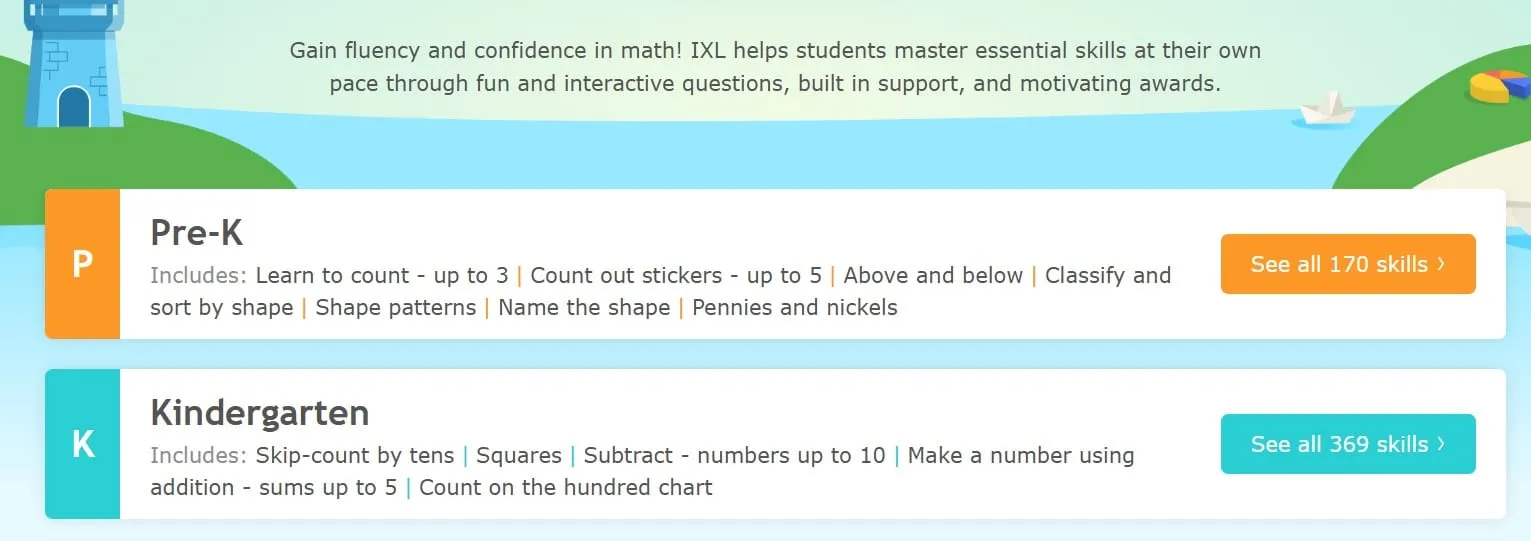
IXL Math is a fun learning math platform that offers learning through 400+ games, 4,500+ video tutorials, math lessons and 15,000 math skills for Pre K to Grade 12 students.
Age group: Pre K to Grade 12 (4 to 18 years)
Best for: Teaching counting, skip counting, arithmetic, decimals, fractions, algebra, geometry, precalculus, calculus and integrations.
Features
- IXL Math offers a combination of math videos, games and lessons to promote interactive and engaging learning.
- IXL math gives a personalized learning plan with the required next steps for each student.
Pros and Cons
|
Pros |
Cons |
|
Fewer game elements in IXL math lessons can help reduce distraction. |
For full access, users may require a paid subscription. |
|
IXL Math assesses a child’s proficiency by pinpointing knowledge levels. |
Fewer offline activities. |
IXL Math Cost
- IXL Math price – $9.95 per month
Khan Academy
Khan Academy is a free online learning platform that assists students in their studies by providing world-class educational content, standards-aligned math, multiple practice exercises and instructional resources.
Age group:
- Khan Academy Kids: Pre-K to Grade 2 (ages 2–8)
- Khan Academy: Grade 2 through college-level math
Best for: Khan Academy is best for self-paced learning, exam preparation and homework support for pre-K to college-level math.
Features
- Khan Academy features practice math exercises, instructional videos, assessments and test preparation tools for students.
- Students get access to a personalized learning dashboard.
Pros and Cons
|
Pros |
Cons |
|
Most exercises, lessons and resources are free of cost. |
Limited games compared to other platforms. |
|
Khan Academy offers learning to young and higher grade students. |
|
|
It is accessible everywhere, including mobile apps and web browsers. |
Khan Academy Cost
- 100% free for independent teachers, parents and learners.
If you’d like to compare other options, you can also check these Khan Academy alternatives to see which learning platform best fits your child’s needs.
Zearn
Zearn Math is an ideal platform for teachers to assign math units to their students, known as’ missions,’ where they can progress through a guided sequence of lessons that remain connected with teacher-led instructions.
Age group: Kindergarten to Grade 8 (5 to 14 years).
Best for: students who benefit from combining on-screen video lessons with handwritten practice, especially for multiplication, division and fractions.
Features
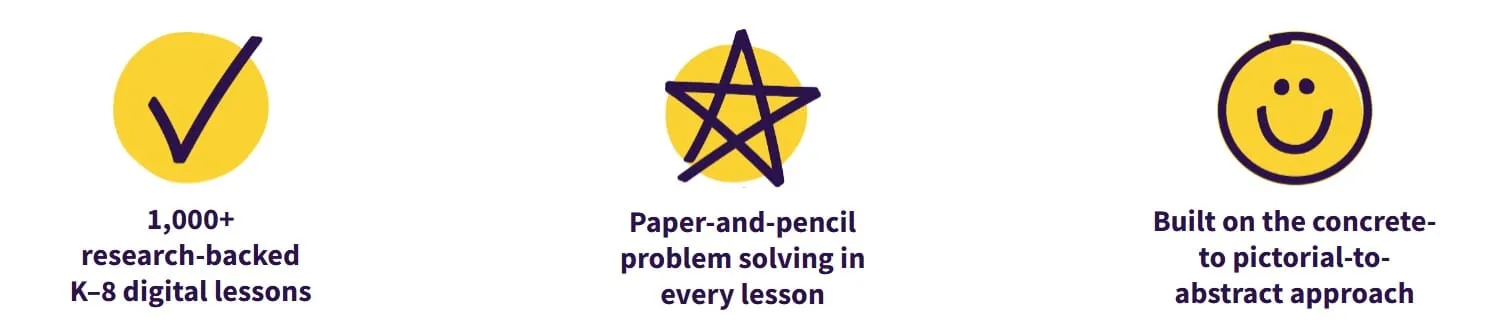
- Zearn Math combines digital learning with hand-written problem-solving, so students apply and reinforce their understanding off-screen.
- In addition, the platform gives 1000+ K-8 research-backed digital lessons.
- Specifically, it uses a concrete-pictorial-abstract approach — studying math with real objects, pictures, and numbers or equations — to teach mathematical concepts.
Pros and Cons
|
Pros |
Cons |
|
Every lesson gives handwritten work and paper/pencil problem-solving questions to students. |
The sequence of practice activities or videos may become repetitive, reducing engagement. |
|
Digital lessons adjust the difficulty level when students struggle with studies while maintaining grade-level standards. |
Zearn Math offers fewer game play and more video instructions compared to other apps. |
|
Every class starts with activities that help students stay engaged. |
Zearn Cost
- Individual Accounts are free for one teacher and up to 35 students.
- Paid School Accounts include additional reporting, rostering, and implementation support.
- Zearn does not publish a fixed current price for School Accounts; schools and districts need to request a quote.
DreamBox
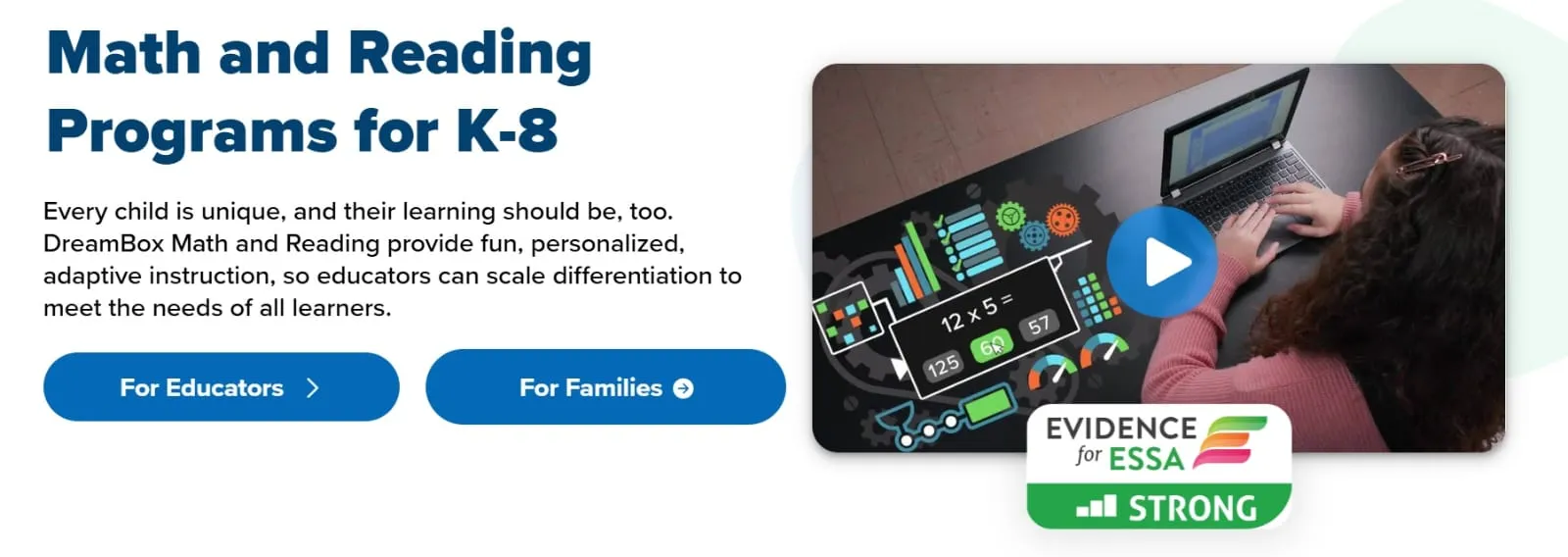
An adaptive math app and learning platform, DreamBox incorporates curriculum-aligned lessons with personalized assessments for educators and families. DreamBox Math helps develop conceptual understanding, improve achievement, and build critical skills.
Age group: Pre K to Grade 8 (5 to 14 years).
Best for: K-8 students who prefer personalized learning and adaptive math instructions.
Features
- The platform is equipped with personalized questions, adaptive learning, and engaging games to make math learning fun for students.
Pros and Cons
|
Pros |
Cons |
|
DreamBox adjusts difficulty level according to the student’s performance and needs. |
Limited to no offline activities. |
|
It gives progress reports to parents and teachers about students’ performance. |
Slow progress of adaptive learning for students who want to move forward quickly. |
DreamBox Cost
- 14-day free trial
Individual plans:
- $12.95 per month
- $59.95 for 6 months
- $99.95 for 12 months
- $250 for a 10-year non-renewing subscription, listed by DreamBox as a “lifetime subscription”
Family plans for up to 4 children:
- $19.95 per month
- $99.95 for 6 months
- $149.95 for 12 months
- $325 for a 10-year non-renewing subscription, listed by DreamBox as a “lifetime subscription”
Need individual math attention for your child?
Learn about personalized 1:1 math tutoring with Brighterly.
Best Math Tutoring App for Kids
Grades / ages How it works Best for Brighterly Grades 1-10 Live private lessons with a dedicated tutor Kids who need personalized 1-on-1 help in a fun, kid-friendly format Cuemath K-12 (ages ~6-17) Live 1-on-1 lessons using visual, hands-on methods Building deep conceptual understanding Thinkster Math K-8 Worksheet-based app where coaches review work and give personalized guidance Kids who like self-practice but want a real person’s feedback Varsity Tutors K-12 and college Live 1-on-1 tutoring + group classes Families who want a wide range of subjects and flexible scheduling Tutor.com K-12 and college Connects students to tutors instantly (24/7 availability) On-demand homework help when a child is stuck Wyzant K-12 and beyond Marketplace of independent tutors who set their own prices Parents who want to choose their own tutor and rate Mathnasium Online K-12 Live tutors following a custom plan built after an assessment Finding and closing specific learning gaps
How to Choose the Right Math App for Your 3rd Grader
Choosing the right math app depends on your budget and your child’s study needs.
- For example, if you are searching for 3rd grade math apps free that focus more on instructional resources and practice exercises rather than game-based or interactive sessions for math learning, Khan Academy can be one of the best options.
- Alternatively, if you want game-based learning, SplashLearn or Prodigy Math can be your right choice.
- Similarly, Zearn can be your go-to choice if you are looking for digital learning and offline handwritten practice.
Ultimately, every child has individual needs and thrives when given the right environment tailored to their mental learning capacity, because each app has its own unique features, pros and cons, so the best app for 3rd grade is the one that best fits your child’s learning style and areas of improvement and your budget.
Conclusion
Choosing the best math apps for 3rd grade depends on multiple factors, like a child’s study needs, loopholes that need to be addressed, study goals, preferred style and the level of support required. Instead of going through multiple apps, choose one app based on your child’s needs and make sure to keep the lessons regular and short. Taking an assessment test before choosing the app can be the best way to help you make a decision if you are not sure where to start.
Frequently Asked Questions
What Math Skills Do 3rd Graders Need to Practice?
Building 3rd grade math skills is crucial to develop foundational learning or else your child may suffer in higher grades. The most important math skills 3rd graders need to practice include:
- Multiplication
- Fraction
- Division
- Measurement
- Geometry, including area and perimeter.
- Two-step word problems
- Rounding and place value
- Scaled bar/picture graphs
Are Free Math Apps as Good as Paid Ones for 3rd Grade?
Yes, many free math apps for 3rd grade, like Khan Academy or Zearn are as good as paid ones for students who require basic math practice. In paid versions, you get some extra features, like adaptive learning, high-level game-based practice and personalized attention which are not that common in free apps.
How Much Time Should a 3rd Grader Spend on a Math App Each Day?
A 3rd grader should spend around 20-30 minutes on a math app each day. If the learning is helpful, they can extend the sessions to two times a day for 20 minutes each lesson. Short and targeted lessons can help enhance engagement, while preventing excessive screentime for a 9-year old.
Which App is Best for a 3rd Grader Struggling with Multiplication?
Some of the top 3rd grade math apps for students struggling with multiplication include Khan Academy, SplashLearn and Dreambox. If the child needs gameplay or a math practice app that keeps them motivated with learning, the best app for practicing multiplication can be Prodigy Math or if they need conceptual learning, additional practice worksheets and interactive sessions, Zearn can be one of the best options. The best app depends on your child’s needs and preferred way of learning.
Do Math Apps Actually Help Kids Learn Math?
Yes, math apps actually help kids learn math as it features interactive sessions, worksheets, assessments and progress reports. Studies show that math apps help improve motivation and support learning, but students can have both positive and negative experiences with them. Its effectiveness depends on how it is used (Swartz, 2026).
Learning math with apps may require parents’ supervision and attention, particularly for younger children to track if their child is following the right direction.
Can a Math App Replace a Teacher or Tutor?
A math app can assist a student in math practice, but it cannot fully replace a teacher or tutor, particularly for students who require extra support. A teacher can give personal attention to students and assess unaddressed gaps and areas requiring more practice or attention.
How Can I Help My 3rd Grader Memorize the Times Tables?
You can help your 3rd grader memorize times tables by starting from easier numbers, like 1s, 2s, 5s and 10s tables and then moving towards the difficult ones. Teach your child times tables tricks like, 2×3 and 3×2 is the same thing and if they know what 6×5 is, they can find 6×6 by simply counting it onwards on fingers. If your child is struggling to learn the table of 7 or any other, let them learn gradually. For example, first focus on learning it up to 5 for a couple of days and then move forward.
What Are Some Fun Math Games for 3rd Graders?
The best apps that offer fun 3rd grade math games for fractions practice, addition, subtraction, multiplication, division, place value and geometry, include:
- Khan Academy Kids: Khan Academy Kids has multiple fun 3rd grade math games, including logic and problem-solving puzzles, shapes and geometry games, time and calendar activities, place value games and number line activities and more.
- MathTango: MathTango gives entertaining challenges and missions to teach multiplication, division, addition and subtraction.
- DragonBox Numbers: DragonBox teaches number sense, addition and subtraction through fun games.
- SplashLearn: SplashLearn is a great app for 3rd graders that offers help with fractions through games, including skip count games, coloring fractions and drawing different fraction circles. Other math games in SplashLearn include multiplication and division games, drag-and-drop puzzles, number lines and shape models.
- Prodigy Math: Prodigy Math includes adventure games for covering math topics, like arithmetic, word problems, geometry, time and money, place value and more.


Your child may have just gotten an ADHD diagnosis. And you wonder how to explain ADHD to a child and not scare them? The main principle is to frame ADHD correctly and avoid using words that imply that something is wrong. This guide underlines that plain words, analogies, and scripts matter and help kids maintain […]

Jul 28, 2026
Boddle and Prodigy are math games for kids that offer standards-aligned curriculum with performance tracking and progress reporting for parents. This guide compares the two games based on their features, pros and cons, and pricing. Boddle vs Prodigy: Quick Comparison Older kids should pay attention to Boddle and Prodigy alternatives, such as Brighterly, which offers […]

Jul 31, 2026
Math & reading from 1st to 12th grade
Looking for homework support for your child?

Choose kid's grade

Math & Reading for Grades 1–12
Build real confidence for your child with a Brighterly math or reading tutor.